













• bitcoinBitcoin(BTC)$75,801.000.03%
  • ethereumEthereum(ETH)$2,235.73-0.22%
  • tetherTether(USDT)$1.00-0.02%
  • binancecoinBNB(BNB)$695.210.30%
  • rippleXRP(XRP)$1.160.18%
  • usd-coinUSDC(USDC)$1.00-0.01%
  • solanaSolana(SOL)$89.19-0.75%
  • tronTRON(TRX)$0.3202530.89%
  • Figure HelocFigure Heloc(FIGR_HELOC)$1.074.25%
  • zcashZcash(ZEC)$1,264.58-4.67%
  • HyperliquidHyperliquid(HYPE)$77.41-2.48%
  • moneroMonero(XMR)$597.65-1.02%
  • dogecoinDogecoin(DOGE)$0.071240-0.89%
  • USDSUSDS(USDS)$1.00-0.01%
  • whitebitWhiteBIT Coin(WBT)$72.84-0.04%
  • leo-tokenLEO Token(LEO)$9.30-0.51%
  • chainlinkChainlink(LINK)$10.760.00%
  • cardanoCardano(ADA)$0.180357-1.84%
  • stellarStellar(XLM)$0.150529-1.02%
  • bitcoin-cashBitcoin Cash(BCH)$248.76-5.01%
  • nearNEAR Protocol(NEAR)$3.70-0.82%
  • Ethena USDeEthena USDe(USDE)$1.000.00%
  • daiDai(DAI)$1.000.00%
  • uniswapUniswap(UNI)$7.111.87%
  • litecoinLitecoin(LTC)$52.11-0.17%
  • RainRain(RAIN)$0.005614-3.04%
  • CantonCanton(CC)$0.092779-1.73%
  • avalanche-2Avalanche(AVAX)$8.19-1.15%
  • suiSui(SUI)$0.85-1.56%
  • USD1USD1(USD1)$1.00-0.03%
  • tether-goldTether Gold(XAUT)$4,055.44-0.05%
  • the-open-networkGram (prev. Toncoin)(GRAM)$1.05-3.38%
  • hedera-hashgraphHedera(HBAR)$0.066693-0.33%
  • quant-networkQuant(QNT)$194.550.69%
  • paypal-usdPayPal USD(PYUSD)$1.00-0.01%
  • Global DollarGlobal Dollar(USDG)$1.000.00%
  • Ripple USDRipple USD(RLUSD)$1.00-0.01%
  • shiba-inuShiba Inu(SHIB)$0.000004-0.52%
  • BittensorBittensor(TAO)$221.52-1.15%
  • crypto-com-chainCronos(CRO)$0.048563-2.37%
  • Ondo US Dollar YieldOndo US Dollar Yield(USDY)$1.15-0.22%
  • okbOKB(OKB)$101.37-3.64%
  • Circle USYCCircle USYC(USYC)$1.140.00%
  • EthenaEthena(ENA)$0.154418-6.01%
  • pepePepe(PEPE)$0.000005-1.79%
  • aaveAave(AAVE)$131.692.04%
  • Spiko Amundi Overnight Swap Fund (EUR)Spiko Amundi Overnight Swap Fund (EUR)(EURSAFO)$1.130.00%
  • MemeCoreMemeCore(M)$0.820.80%
  • BitwayBitway(BTW)$1.24-3.69%
  • Falcon USDFalcon USD(USDF)$0.99-0.01%
TradePoint.io
  • Main
  • AI & Technology
  • Stock Charts
  • Market & News
  • Business
  • Finance Tips
  • Trade Tube
  • Blog
  • Shop
No Result
View All Result
TradePoint.io
No Result
View All Result

What Is The Star Button For On Your Roku Remote?

October 18, 2026
in AI & Technology
Reading Time: 4 mins read
A A
What Is The Star Button For On Your Roku Remote?
ShareShareShareShareShare

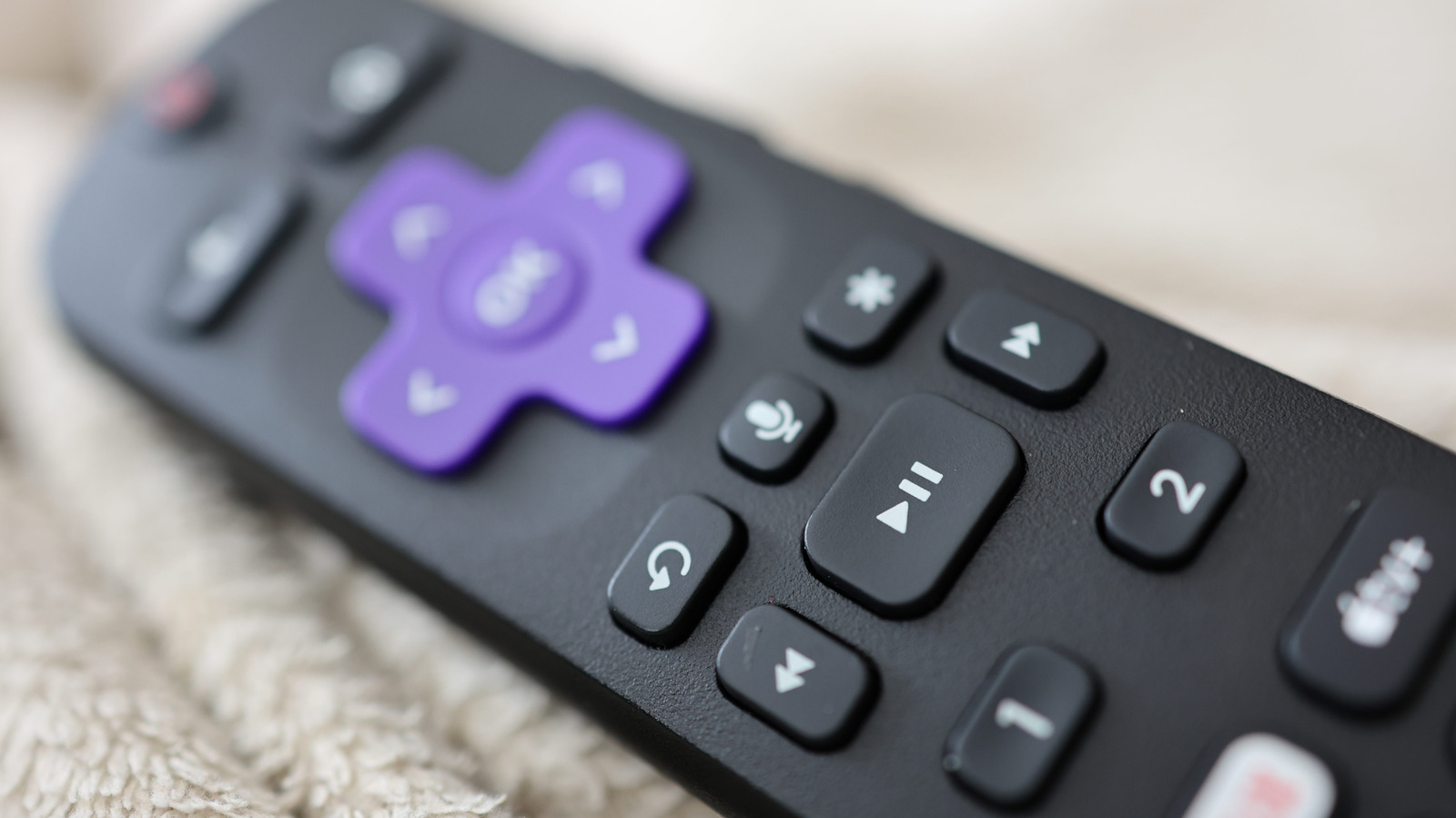
Roku’s remote is straightforward, except for its multi-purpose star button.


Joshua Westbrook/Getty Images

A Roku system’s remote control is one of the most straightforward remote designs you’ll find. The function behind nearly every button is clear from its icon, except for one: the mysterious star button that lurks above the fast forward button. Whether you’re using the physical remote or the remote in the Roku mobile app, you’re going to encounter it — but what is it for?

YOU MAY ALSO LIKE

Syncing Apple Music Across Your Devices Is Easier Than You Think

Here’s How To Sign Up For The Program

Its purpose isn’t as cut and dry as something like the OK or Netflix button, because its usage is contextual depending on when you press it. It’s essentially a mix of an “options” button and accessibility shortcut, with some functionality depending on whether you have a Roku TV or one of the company’s streaming boxes. Once you know all the scenarios where you can utilize it, you’ll be able to improve several facets of your Roku watching experience.

Everything the Roku star button can do
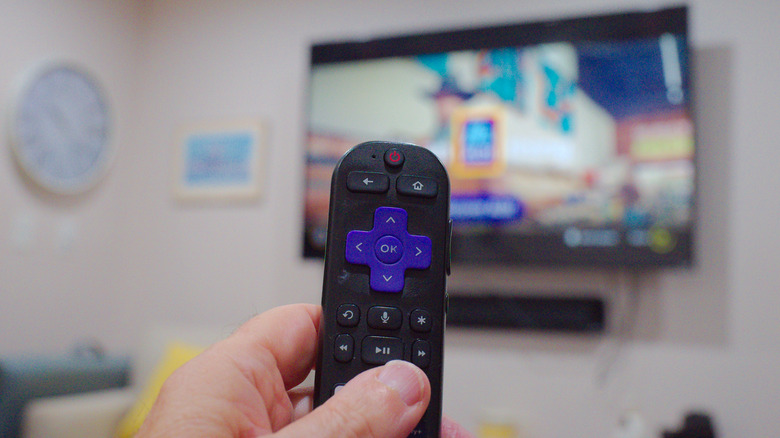

Close-up of a hand holding a Roku remote with a TV in the background.
Delbert Harper/Getty Images

What the star button does is dependent upon where you are on your Roku device. Let’s consider the three major ones.

On the home screen

When you’re on the Roku home screen, the star button’s functionality depends on whether you’re in the Quick Access section or the general app selection screen. In Quick Access, hitting star while an app is highlighted will only give you the option to remove it from the section; in the full apps list you’ll have more options. 

When you have an app highlighted there, pressing the star will show you the app’s version and build number, let you move the channel’s positioning or remove it, rate the app, give feedback or check for app updates. On a Roku TV, if you highlight an external device like a video game console, you’ll be given the option to rename it.

When watching something

If you’re actively streaming video on your Roku TV, the star button opens a host of viewing options in a sidebar. Here, you can improve your Roku’s image quality, set a sleep timer, turn on closed captioning, change the volume mode and much more. The specific options will vary slightly from app to app based on their capabilities, but in general, this is the place to precisely tailor your viewing experience. On a Roku streaming box, this menu won’t hold as many options as a Roku TV does.

As an accessibility shortcut

Some Roku devices support a text-to-speech screen reader (formerly called Audio Guide), an accessibility feature that helps navigation. This feature is currently only available in the United States. Roku devices that support the screen reader include:

  • Roku TV
  • Roku Streambar and Streambar Pro
  • Roku Smart Soundbar
  • Roku Express and Express+
  • Roku Express 4K and 4K+
  • Roku Streaming Stick and Streaming Stick+
  • Roku Streaming Stick 4K and 4K+
  • Roku Premiere and Premiere+
  • Roku Ultra and Ultra LT

Though the screen reader can be activated via the accessibility settings menu, you can also toggle it by quickly pressing the star button four times in a row. To adjust controls like the precise speech rate and volume of the screen reader, you’ll need to go to the Accessibility category of the Settings page, but the star button allows you to activate the feature without venturing into menus.

Credit: Source link

ShareTweetSendSharePin

Related Posts

Syncing Apple Music Across Your Devices Is Easier Than You Think
AI & Technology

Syncing Apple Music Across Your Devices Is Easier Than You Think

November 8, 2026
Here’s How To Sign Up For The Program
AI & Technology

Here’s How To Sign Up For The Program

November 8, 2026
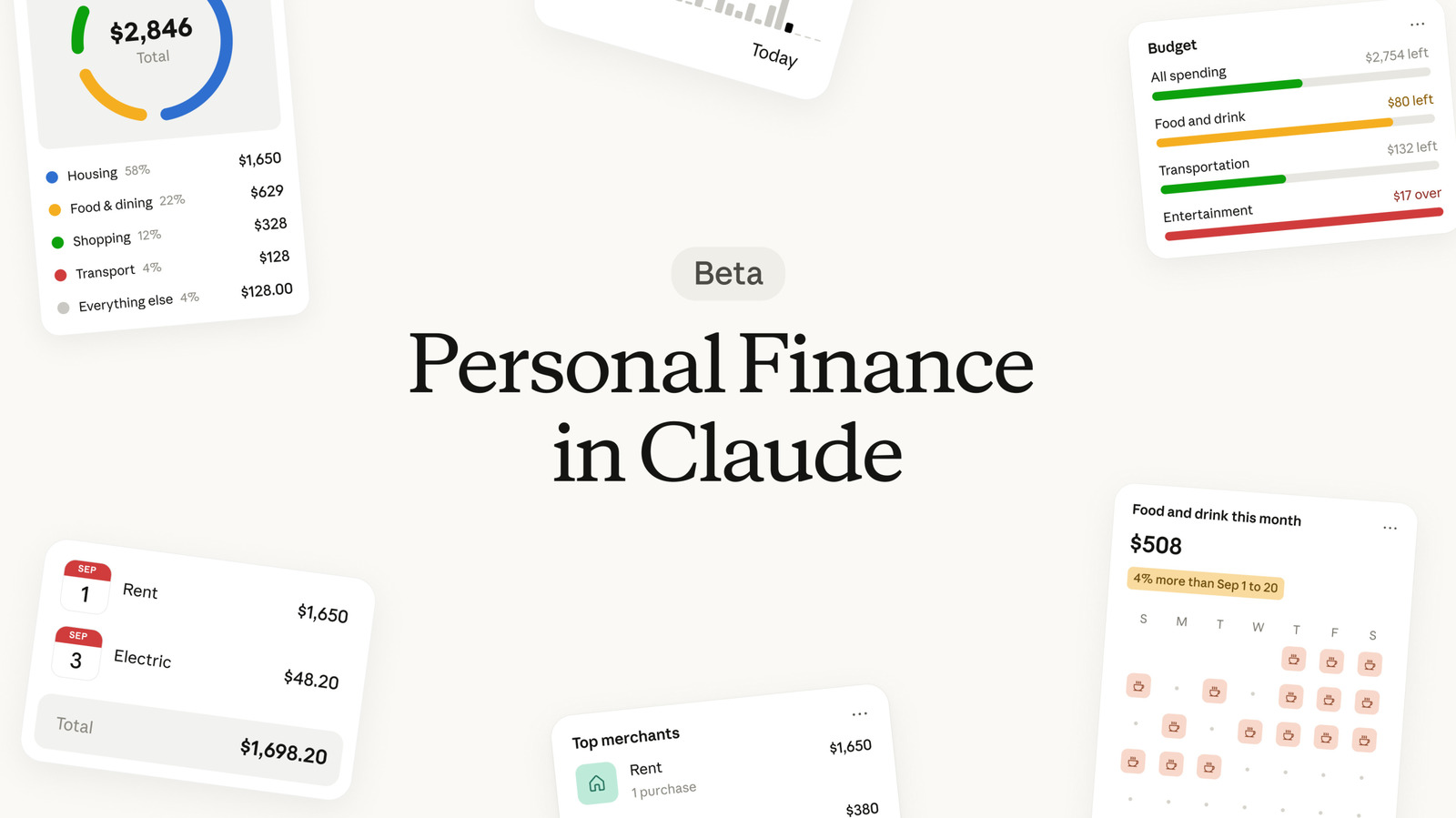
Claude Personal Finance Vs. ChatGPT Finances: What Sets Them Apart?
AI & Technology

Claude Personal Finance Vs. ChatGPT Finances: What Sets Them Apart?

November 7, 2026
There Is No End In Sight For The GPU Supply Problem
AI & Technology

There Is No End In Sight For The GPU Supply Problem

November 7, 2026
Next Post
AI company Databricks doubling footprint at 5 Bryant Park

AI company Databricks doubling footprint at 5 Bryant Park

Leave a Reply Cancel reply

Your email address will not be published. Required fields are marked *

Search

No Result
View All Result
Meet the Press NOW — October 2

Meet the Press NOW — October 2

November 2, 2026
How BAD is AI for Games?

How BAD is AI for Games?

November 5, 2026
Revolution Medicines, Inc. (RVMD) Q3 2026 Earnings Call Transcript

Revolution Medicines, Inc. (RVMD) Q3 2026 Earnings Call Transcript

November 5, 2026

About

Learn more

Our Services

Legal

Privacy Policy

Terms of Use

Bloggers

Learn more

Article Links

Contact

Advertise

Ask us anything

©2020- TradePoint.io - All rights reserved!

Tradepoint.io, being just a publishing and technology platform, is not a registered broker-dealer or investment adviser. So we do not provide investment advice. Rather, brokerage services are provided to clients of Tradepoint.io by independent SEC-registered broker-dealers and members of FINRA/SIPC. Every form of investing carries some risk and past performance is not a guarantee of future results. “Tradepoint.io“, “Instant Investing” and “My Trading Tools” are registered trademarks of Apperbuild, LLC.

This website is operated by Apperbuild, LLC. We have no link to any brokerage firm and we do not provide investment advice. Every information and resource we provide is solely for the education of our readers. © 2020 Apperbuild, LLC. All rights reserved.

No Result
View All Result
  • Main
  • AI & Technology
  • Stock Charts
  • Market & News
  • Business
  • Finance Tips
  • Trade Tube
  • Blog
  • Shop

© 2023 - TradePoint.io - All Rights Reserved!