


• bitcoinBitcoin(BTC)$77,791.00-1.14%
  • ethereumEthereum(ETH)$2,439.39-1.13%
  • tetherTether(USDT)$1.000.00%
  • binancecoinBNB(BNB)$685.70-0.57%
  • rippleXRP(XRP)$1.370.05%
  • usd-coinUSDC(USDC)$1.000.00%
  • solanaSolana(SOL)$101.69-1.01%
  • tronTRON(TRX)$0.324537-2.59%
  • Figure HelocFigure Heloc(FIGR_HELOC)$1.01-4.07%
  • HyperliquidHyperliquid(HYPE)$82.870.62%
  • zcashZcash(ZEC)$851.980.87%
  • dogecoinDogecoin(DOGE)$0.082374-0.62%
  • RainRain(RAIN)$0.016542-3.13%
  • USDSUSDS(USDS)$1.00-0.01%
  • moneroMonero(XMR)$509.45-2.66%
  • leo-tokenLEO Token(LEO)$9.38-2.71%
  • chainlinkChainlink(LINK)$11.400.16%
  • whitebitWhiteBIT Coin(WBT)$71.68-1.16%
  • cardanoCardano(ADA)$0.1983651.25%
  • stellarStellar(XLM)$0.1777050.73%
  • bitcoin-cashBitcoin Cash(BCH)$247.801.00%
  • CantonCanton(CC)$0.116575-0.65%
  • daiDai(DAI)$1.000.03%
  • USD1USD1(USD1)$1.00-0.02%
  • Ethena USDeEthena USDe(USDE)$1.00-0.01%
  • litecoinLitecoin(LTC)$49.572.07%
  • the-open-networkGram (prev. Toncoin)(GRAM)$1.340.28%
  • uniswapUniswap(UNI)$5.6910.45%
  • Global DollarGlobal Dollar(USDG)$1.00-0.03%
  • hedera-hashgraphHedera(HBAR)$0.0745081.49%
  • avalanche-2Avalanche(AVAX)$7.281.19%
  • shiba-inuShiba Inu(SHIB)$0.0000052.84%
  • suiSui(SUI)$0.731.26%
  • paypal-usdPayPal USD(PYUSD)$1.000.00%
  • BlackRock USD Institutional Digital Liquidity FundBlackRock USD Institutional Digital Liquidity Fund(BUIDL)$1.000.00%
  • Circle USYCCircle USYC(USYC)$1.140.01%
  • crypto-com-chainCronos(CRO)$0.055648-0.02%
  • tether-goldTether Gold(XAUT)$4,363.47-1.40%
  • nearNEAR Protocol(NEAR)$2.018.13%
  • MemeCoreMemeCore(M)$1.06-2.16%
  • okbOKB(OKB)$110.91-0.87%
  • Ripple USDRipple USD(RLUSD)$1.00-0.01%
  • Ondo US Dollar YieldOndo US Dollar Yield(USDY)$1.140.10%
  • BittensorBittensor(TAO)$224.99-0.97%
  • aaveAave(AAVE)$126.292.32%
  • pax-goldPAX Gold(PAXG)$4,373.47-1.38%
  • AsterAster(ASTER)$0.70-0.40%
  • World Liberty FinancialWorld Liberty Financial(WLFI)$0.057240-0.95%
  • mantleMantle(MNT)$0.54-5.28%
  • Pump.funPump.fun(PUMP)$0.0044653.34%
TradePoint.io
  • Main
  • AI & Technology
  • Stock Charts
  • Market & News
  • Business
  • Finance Tips
  • Trade Tube
  • Blog
  • Shop
No Result
View All Result
TradePoint.io
No Result
View All Result

The Pros And Cons Of Using A TV As Your Computer Monitor

September 1, 2026
in AI & Technology
Reading Time: 5 mins read
A A
The Pros And Cons Of Using A TV As Your Computer Monitor
ShareShareShareShareShare

There are plenty of reasons to consider switching your primary display, but do so for the right reasons.

Bymuratdeniz/Getty Images

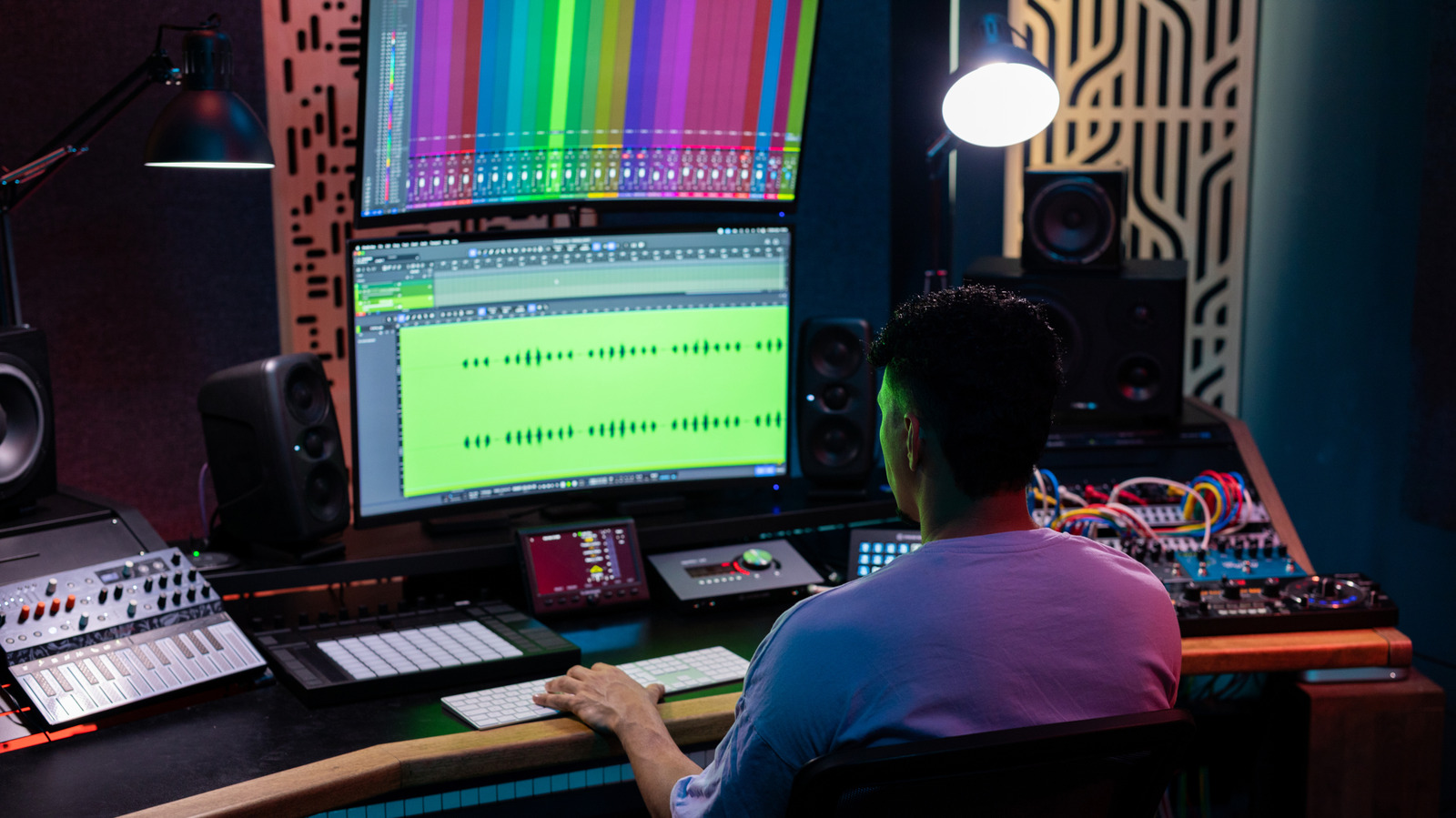
One of the most important parts of a desktop setup is its monitor. They can make games feel more immersive or help boost productivity if you fill a large display with multiple windows. But monitors aren’t the only option. TVs, with their larger screens and low prices, can also be a viable alternative. Yes, you can use a TV as a computer monitor, but no two TVs are built the same, and there are a range of positives and negatives around bringing in a larger screen for work or gaming. Really, it all depends on how you use your computer.

YOU MAY ALSO LIKE

Researchers from Princeton, Ant Group and Stanford Introduce AQuA: A Two-Part Agentic Framework for Autonomous Factor Discovery and Model Development in Quantitative Finance

AI is redefining the workforce — and most planning models aren’t ready

A TV isn’t just a giant monitor. There are some major differences between the two that you should be aware of. TVs are big and primarily built for your living room — that’s what makes them ideal for watching your favorite movies and TV shows. Monitors, on the other hand, focus on specifications like responsiveness and pixel density. These things matter more when it comes to work or gaming.

Size and resolution matter
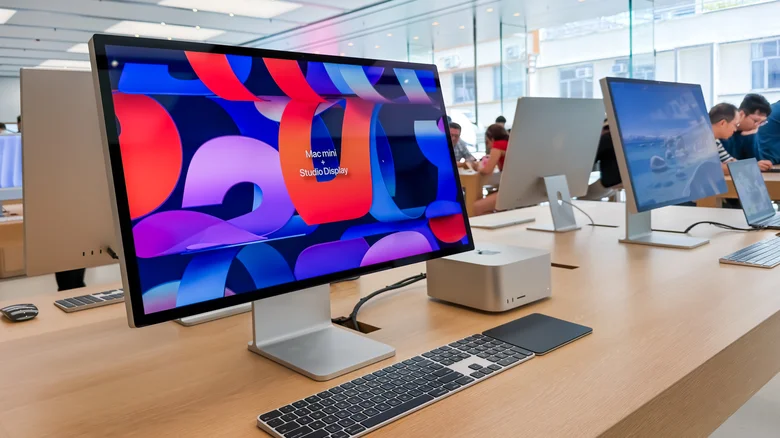
Apple's Studio Display. Cheng Xin/Getty Images

The first thing most people think about when choosing a new TV, especially for their computer setup, is probably the size. Want something big, but not too big? A 32-inch TV is probably a solid option. Of course, you could also use a 75-inch TV as a giant monitor. Computer monitors are generally smaller and range from 24 to 32 inches. They go bigger, but there are fewer of them and will likely cost you more.

However, size isn’t everything. Resolution and pixel density matter a lot. Depending on how far away you are from the screen, 4K pictures can look sharp or may not look so great. For instance, a 32-inch 4K monitor generates 137 pixels per inch (PPI). Compare that with a 55-inch TV with the same resolution, and you’ll end up with only 80 PPI. Even a 27-inch 1440p monitor offers 108 PPI — way more than the 55-inch TV. With a lower pixel density, smaller elements like text and buttons end up looking blurry — especially when you sit close to the screen. This isn’t a problem for a TV that you watch from your couch, but it can be a dealbreaker for a display that sits just inches from your face.

Latency and colors

Playing games on a big screen. Georgijevic/Getty Images

You should also consider refresh rates, which affect the fluidity of movements on your screen. Typical monitors and TVs are locked at 60Hz. That’s fine for spreadsheets and more static content, but if you like fast-moving video games, you’ll benefit from a display with higher refresh rates like 120Hz. It’s much easier to find a cheaper monitor with a higher refresh rate than a TV.

Then, there’s latency. That’s the delay between moving your mouse or hitting a button and seeing that action on screen. Monitors are built for this. TVs generally aren’t, so the image can noticeably lag behind your input. On a monitor, you’re looking at a 1 to 4 millisecond (ms) delay. On a TV, that jumps up to 9ms to 12ms. Doesn’t seem like much, right? But in an online game, that lag could make all the difference. Low-latency TVs do exist, but you’ll pay considerably more than for a monitor with comparable specs.

Color space can be a problem as well. TVs with HDMI 2.0 inputs are limited to 8-bit color at 4K 120Hz. That’s usually the case with older TVs, or really cheap ones. Someone looking for greater color depth — including 10-bit or full Dynamic HDR — will only find it on TVs and monitors with HDMI 2.1 support. If you’re a photo or video editor, this will matter most. If your display can produce more shades of red, green and blue in each pixel, that will mean greater color accuracy for your content. Even if you’re not a pro, those extra colors will make those home videos look all the more vibrant.

Where TVs still have the edge
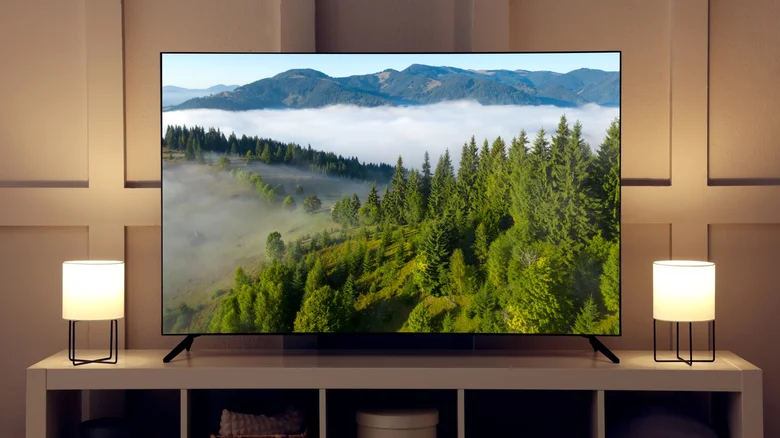
A TV in a living room. New Africa/Shutterstock

By now, you might be leaning toward a monitor. However, TVs can win in a few key areas. Upscaling is a big one. TVs come with a dedicated processor built just for image enhancement, while monitors are designed to stay faithful to whatever’s fed into them. That distinction won’t matter much for reading text, but it makes a real difference with older HD content. A TV can make it look noticeably sharper.

It’s also easier to find TVs that support more advanced HDR formats. This includes HDR10+ and Dolby Vision. Yes, there are monitors that support these formats for a wider dynamic range, but they’re not as common as they are on TVs. And they can make your movie-watching experience much better. HDR support on regular monitors isn’t that great. Plus, most entry-level monitors have very low brightness compared to TVs.

Do you use your computer mostly to watch 4K movies on Netflix? Then a TV is definitely your best choice. If you’re into gaming, a good monitor will make a big difference — especially if you’re sat at a desk hitting headshots in Fortnite. You can find good TVs that will check the boxes for a good monitor, but it’s a tough ask, and you can usually find a high-spec monitor for a similar price. Not to mention that monitors are available in a wider variety of aspect ratios. Maybe you prefer an ultra-wide or curved screen — you’re not going to get that with a standard TV.

Credit: Source link

ShareTweetSendSharePin

Related Posts

Researchers from Princeton, Ant Group and Stanford Introduce AQuA: A Two-Part Agentic Framework for Autonomous Factor Discovery and Model Development in Quantitative Finance
AI & Technology

Researchers from Princeton, Ant Group and Stanford Introduce AQuA: A Two-Part Agentic Framework for Autonomous Factor Discovery and Model Development in Quantitative Finance

September 1, 2026
AI is redefining the workforce — and most planning models aren’t ready
AI & Technology

AI is redefining the workforce — and most planning models aren’t ready

September 1, 2026
Enovis Makes Binding Offer to Acquire eCential Robotics – Unite.AI
AI & Technology

Enovis Makes Binding Offer to Acquire eCential Robotics – Unite.AI

September 1, 2026
Mech-Mind Robotics Lists on Hong Kong Exchange in Embodied AI IPO – Unite.AI
AI & Technology

Mech-Mind Robotics Lists on Hong Kong Exchange in Embodied AI IPO – Unite.AI

September 1, 2026
Next Post
Six Flags And United Parks: Two Different Answers To The Same Demand Problem

Six Flags And United Parks: Two Different Answers To The Same Demand Problem

Leave a Reply Cancel reply

Your email address will not be published. Required fields are marked *

Search

No Result
View All Result
American rescued in daring evacuation from Antarctica

American rescued in daring evacuation from Antarctica

August 27, 2026
Wisconsin’s primary a critical test for Democratic Socialists

Wisconsin’s primary a critical test for Democratic Socialists

August 25, 2026
Video shows fatal shooting at Idaho In-N-Out Burger

Video shows fatal shooting at Idaho In-N-Out Burger

August 27, 2026

About

Learn more

Our Services

Legal

Privacy Policy

Terms of Use

Bloggers

Learn more

Article Links

Contact

Advertise

Ask us anything

©2020- TradePoint.io - All rights reserved!

Tradepoint.io, being just a publishing and technology platform, is not a registered broker-dealer or investment adviser. So we do not provide investment advice. Rather, brokerage services are provided to clients of Tradepoint.io by independent SEC-registered broker-dealers and members of FINRA/SIPC. Every form of investing carries some risk and past performance is not a guarantee of future results. “Tradepoint.io“, “Instant Investing” and “My Trading Tools” are registered trademarks of Apperbuild, LLC.

This website is operated by Apperbuild, LLC. We have no link to any brokerage firm and we do not provide investment advice. Every information and resource we provide is solely for the education of our readers. © 2020 Apperbuild, LLC. All rights reserved.

No Result
View All Result
  • Main
  • AI & Technology
  • Stock Charts
  • Market & News
  • Business
  • Finance Tips
  • Trade Tube
  • Blog
  • Shop

© 2023 - TradePoint.io - All Rights Reserved!