















• bitcoinBitcoin(BTC)$74,597.00-0.34%
  • ethereumEthereum(ETH)$2,116.91-0.99%
  • tetherTether(USDT)$1.000.00%
  • binancecoinBNB(BNB)$688.280.11%
  • usd-coinUSDC(USDC)$1.000.00%
  • rippleXRP(XRP)$1.09-1.16%
  • solanaSolana(SOL)$85.76-1.88%
  • tronTRON(TRX)$0.317245-0.19%
  • Figure HelocFigure Heloc(FIGR_HELOC)$1.040.00%
  • zcashZcash(ZEC)$1,146.72-7.07%
  • HyperliquidHyperliquid(HYPE)$73.86-0.90%
  • dogecoinDogecoin(DOGE)$0.069583-0.01%
  • moneroMonero(XMR)$572.86-4.67%
  • USDSUSDS(USDS)$1.000.00%
  • leo-tokenLEO Token(LEO)$9.350.47%
  • whitebitWhiteBIT Coin(WBT)$71.91-0.59%
  • chainlinkChainlink(LINK)$10.57-0.14%
  • cardanoCardano(ADA)$0.1780761.08%
  • stellarStellar(XLM)$0.1472000.00%
  • Ethena USDeEthena USDe(USDE)$1.000.00%
  • bitcoin-cashBitcoin Cash(BCH)$239.23-0.82%
  • nearNEAR Protocol(NEAR)$3.60-0.34%
  • daiDai(DAI)$1.000.00%
  • uniswapUniswap(UNI)$6.92-0.11%
  • litecoinLitecoin(LTC)$51.220.66%
  • avalanche-2Avalanche(AVAX)$8.546.75%
  • CantonCanton(CC)$0.0907710.42%
  • suiSui(SUI)$0.841.18%
  • USD1USD1(USD1)$1.000.03%
  • tether-goldTether Gold(XAUT)$4,098.36-0.25%
  • RainRain(RAIN)$0.004559-7.67%
  • the-open-networkGram (prev. Toncoin)(GRAM)$1.086.60%
  • hedera-hashgraphHedera(HBAR)$0.0670040.28%
  • quant-networkQuant(QNT)$190.91-4.54%
  • paypal-usdPayPal USD(PYUSD)$1.000.02%
  • Global DollarGlobal Dollar(USDG)$1.00-0.01%
  • Ripple USDRipple USD(RLUSD)$1.00-0.01%
  • shiba-inuShiba Inu(SHIB)$0.0000040.43%
  • BittensorBittensor(TAO)$221.021.47%
  • crypto-com-chainCronos(CRO)$0.0481670.51%
  • Ondo US Dollar YieldOndo US Dollar Yield(USDY)$1.150.35%
  • pepePepe(PEPE)$0.0000054.20%
  • Circle USYCCircle USYC(USYC)$1.140.00%
  • EthenaEthena(ENA)$0.152498-0.11%
  • okbOKB(OKB)$96.22-3.30%
  • Spiko Amundi Overnight Swap Fund (EUR)Spiko Amundi Overnight Swap Fund (EUR)(EURSAFO)$1.140.61%
  • aaveAave(AAVE)$126.27-3.20%
  • pax-goldPAX Gold(PAXG)$4,102.14-0.23%
  • Falcon USDFalcon USD(USDF)$0.99-0.04%
  • OndoOndo(ONDO)$0.3690423.43%
TradePoint.io
  • Main
  • AI & Technology
  • Stock Charts
  • Market & News
  • Business
  • Finance Tips
  • Trade Tube
  • Blog
  • Shop
No Result
View All Result
TradePoint.io
No Result
View All Result

How To Turn On Personal Results On Your Google Home

November 10, 2026
in AI & Technology
Reading Time: 3 mins read
A A
How To Turn On Personal Results On Your Google Home
ShareShareShareShareShare

Voice Match lets every member of the family set up Google Home’s personal results.

YOU MAY ALSO LIKE

Australia Releases AI Safety Recommendations After OpenAI Breach – Unite.AI

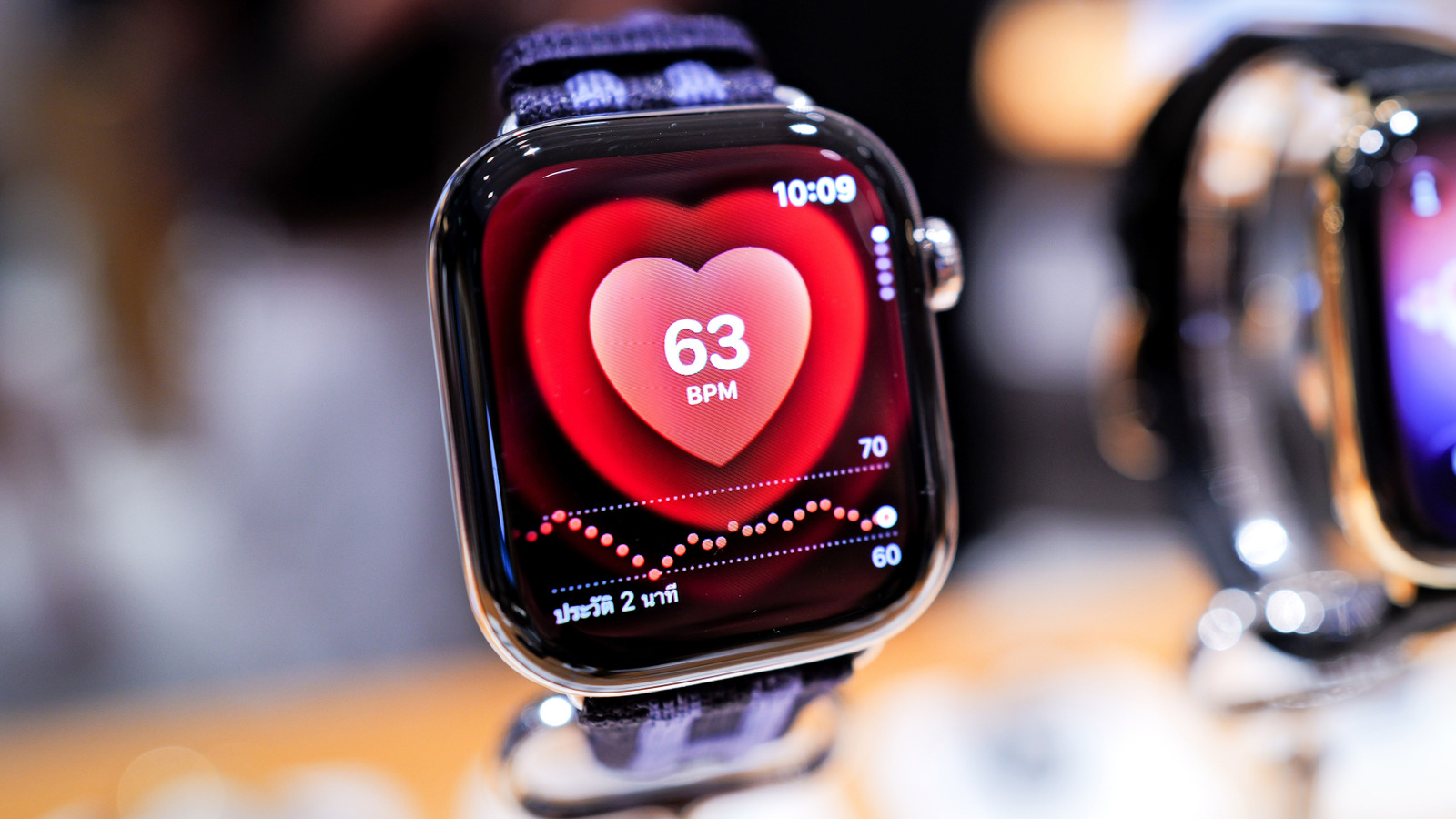
Every Senior With An Apple Watch Should Set Up These 5 Health Alerts

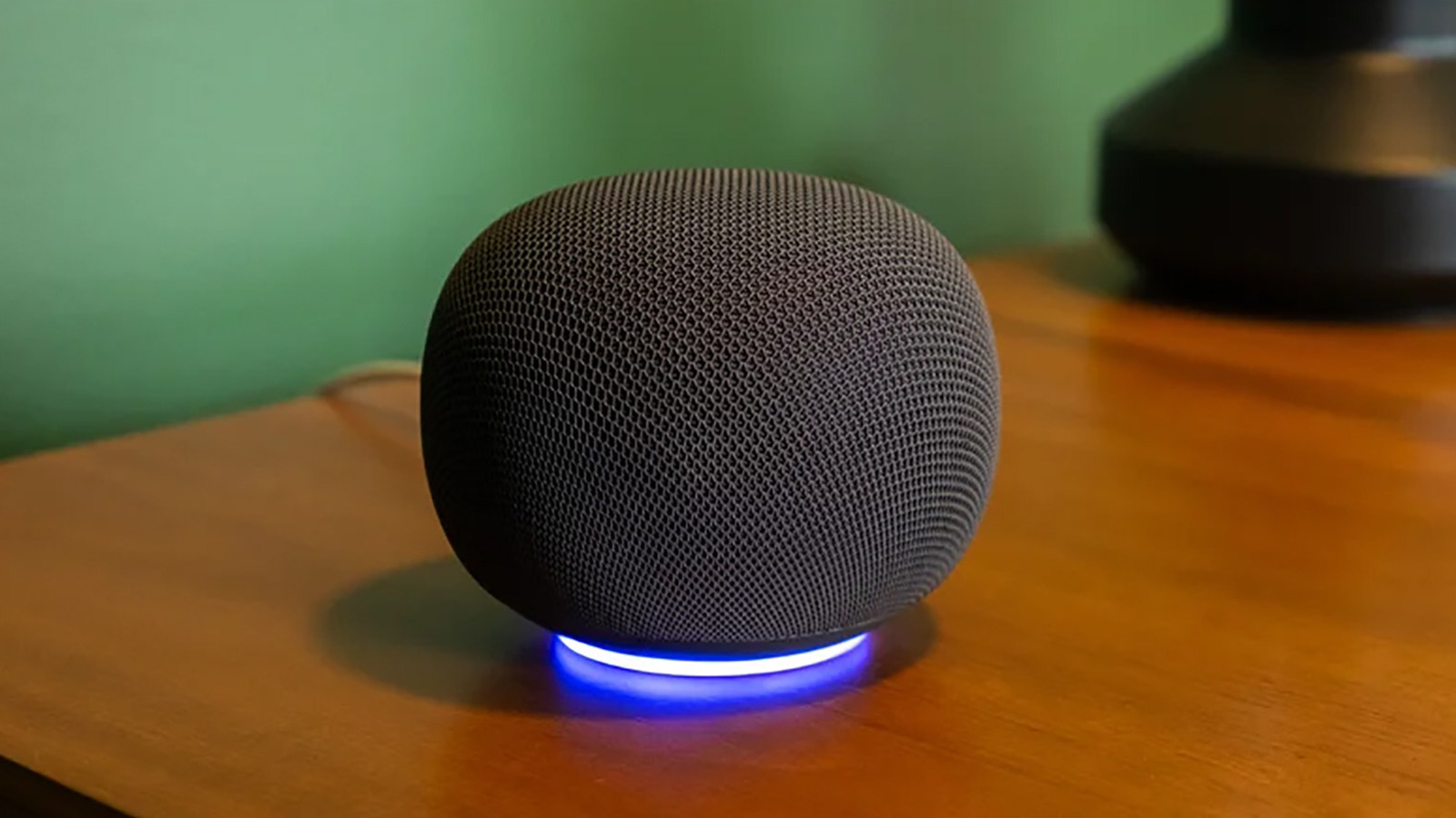
Google announced in August 2025 that Google Home speakers and other compatible devices would be getting a Gemini-driven refresh. This includes a more conversational and contextual experience with the ability to understand natural phrasing. It also includes improvements to Voice Match and personal results. When you ask “What’s on my calendar?” it knows who you are and will curate the responses accordingly.

To set up personal results, open the Google Home app connected to your Google Home speaker and set up Voice Match (select your profile photo, Home settings > Gemini for home assistant > Voice Match). Then select Home > Settings. Under Features, select Google Assistant > Personal results. Select the devices you want this to work with. And that’s it! 

With compatible Google Assistant — now Google Gemini — devices, the smart speaker can tap into your personal calendars, appointments, Google Keep, Notes, Lists, Photos and other pertinent details. You can also share access. This means everyone in the home can sync their own unique profiles.  

The benefits of personal results

With Voice Match on and personal results set up, the speaker will listen for your voice and provide responses relating to you, while these will be blocked from anyone else. Others, like guests or other family members who have not set up their profiles, can still ask questions, set alarms, and more. But they will get generic responses versus personalized ones. You, however, will be able to ask what’s on your calendar, ask what items are left on your to-do list, request for your Google Home to play your favorite music playlist and more. If you find the smart speaker keeps misunderstanding you, look into some quick fixes, like moving it to a quieter room or redoing the Voice Match training.

It’s worth noting that if you were to turn off Voice Match with personal results turned on, anyone speaking to the smart assistant will hear your personal results. This might not matter if the Google Home speaker is in your home office, on your nightstand or another location where you’re the only one using it. But for a household with multiple people and a Google Home speaker in a central location, you need to follow additional steps so it knows who it’s speaking to.

Personal results for everyone

To get personal results to work for everyone in the family, everyone needs to go through setting up Voice Match. It works for up to six people, and each person needs to link their Google account to the device individually and turn on Voice Match using the steps noted above. From here, the Google Home will be able to determine who is speaking and provide personalized responses to their queries by recognizing and distinguishing among voices. 

Personal results combined with Voice Match allows everyone to walk by, ask a question, and get a response that’s unique to them. A teen might be reminded that he has a math test today, while Mom can call up her notes with a reminder to pick up a case of water for the soccer game tonight. Dad might ask for the score for his favorite team while Grandma wants to play her favorite music playlist while making dinner. It’s a useful feature to use whether you’re personalizing results for you and you alone or for everyone to have their own personal assistant.

Credit: Source link

ShareTweetSendSharePin

Related Posts

Australia Releases AI Safety Recommendations After OpenAI Breach – Unite.AI
AI & Technology

Australia Releases AI Safety Recommendations After OpenAI Breach – Unite.AI

November 10, 2026
Every Senior With An Apple Watch Should Set Up These 5 Health Alerts
AI & Technology

Every Senior With An Apple Watch Should Set Up These 5 Health Alerts

November 10, 2026
The Safety Reason TSA Might Ask You To Turn On Your Phone
AI & Technology

The Safety Reason TSA Might Ask You To Turn On Your Phone

November 10, 2026
Nominal Secures 0M Series C at B Valuation for AI Expansion – Unite.AI
AI & Technology

Nominal Secures $240M Series C at $3B Valuation for AI Expansion – Unite.AI

November 9, 2026
Next Post
Charles has ‘sorrow’ for slave trade but doesn’t apologize

Charles has 'sorrow' for slave trade but doesn't apologize

Leave a Reply Cancel reply

Your email address will not be published. Required fields are marked *

Search

No Result
View All Result
Asian Markets at Risk of Pressure on Nvidia Probe: Markets Wrap – Bloomberg.com

Asian Markets at Risk of Pressure on Nvidia Probe: Markets Wrap – Bloomberg.com

November 9, 2026
How to Manage Risk in a Portfolio

How to Manage Risk in a Portfolio

November 10, 2026
McDonald’s says US sales are improving amid tensions with franchisees

McDonald’s says US sales are improving amid tensions with franchisees

November 4, 2026

About

Learn more

Our Services

Legal

Privacy Policy

Terms of Use

Bloggers

Learn more

Article Links

Contact

Advertise

Ask us anything

©2020- TradePoint.io - All rights reserved!

Tradepoint.io, being just a publishing and technology platform, is not a registered broker-dealer or investment adviser. So we do not provide investment advice. Rather, brokerage services are provided to clients of Tradepoint.io by independent SEC-registered broker-dealers and members of FINRA/SIPC. Every form of investing carries some risk and past performance is not a guarantee of future results. “Tradepoint.io“, “Instant Investing” and “My Trading Tools” are registered trademarks of Apperbuild, LLC.

This website is operated by Apperbuild, LLC. We have no link to any brokerage firm and we do not provide investment advice. Every information and resource we provide is solely for the education of our readers. © 2020 Apperbuild, LLC. All rights reserved.

No Result
View All Result
  • Main
  • AI & Technology
  • Stock Charts
  • Market & News
  • Business
  • Finance Tips
  • Trade Tube
  • Blog
  • Shop

© 2023 - TradePoint.io - All Rights Reserved!