
• bitcoinBitcoin(BTC)$81,534.005.73%
  • ethereumEthereum(ETH)$2,510.015.31%
  • tetherTether(USDT)$1.000.02%
  • binancecoinBNB(BNB)$724.875.65%
  • rippleXRP(XRP)$1.468.82%
  • usd-coinUSDC(USDC)$1.000.01%
  • solanaSolana(SOL)$105.075.74%
  • tronTRON(TRX)$0.3312752.11%
  • Figure HelocFigure Heloc(FIGR_HELOC)$1.021.16%
  • HyperliquidHyperliquid(HYPE)$85.645.14%
  • zcashZcash(ZEC)$948.7416.97%
  • dogecoinDogecoin(DOGE)$0.0881328.30%
  • RainRain(RAIN)$0.0171372.62%
  • moneroMonero(XMR)$521.964.45%
  • USDSUSDS(USDS)$1.000.00%
  • chainlinkChainlink(LINK)$11.937.81%
  • whitebitWhiteBIT Coin(WBT)$74.405.29%
  • leo-tokenLEO Token(LEO)$9.330.97%
  • cardanoCardano(ADA)$0.22319312.49%
  • stellarStellar(XLM)$0.1859066.70%
  • bitcoin-cashBitcoin Cash(BCH)$259.946.84%
  • daiDai(DAI)$1.00-0.03%
  • CantonCanton(CC)$0.1127292.83%
  • Ethena USDeEthena USDe(USDE)$1.000.04%
  • USD1USD1(USD1)$1.000.02%
  • litecoinLitecoin(LTC)$51.663.92%
  • uniswapUniswap(UNI)$6.409.83%
  • the-open-networkGram (prev. Toncoin)(GRAM)$1.383.59%
  • hedera-hashgraphHedera(HBAR)$0.0793917.38%
  • avalanche-2Avalanche(AVAX)$7.545.41%
  • Global DollarGlobal Dollar(USDG)$1.000.00%
  • suiSui(SUI)$0.796.29%
  • shiba-inuShiba Inu(SHIB)$0.0000055.35%
  • paypal-usdPayPal USD(PYUSD)$1.000.01%
  • crypto-com-chainCronos(CRO)$0.0580197.04%
  • BlackRock USD Institutional Digital Liquidity FundBlackRock USD Institutional Digital Liquidity Fund(BUIDL)$1.000.00%
  • tether-goldTether Gold(XAUT)$4,468.221.82%
  • Circle USYCCircle USYC(USYC)$1.140.01%
  • nearNEAR Protocol(NEAR)$1.975.37%
  • Ripple USDRipple USD(RLUSD)$1.00-0.01%
  • MemeCoreMemeCore(M)$1.05-0.69%
  • okbOKB(OKB)$109.525.58%
  • BittensorBittensor(TAO)$228.505.96%
  • Ondo US Dollar YieldOndo US Dollar Yield(USDY)$1.140.54%
  • aaveAave(AAVE)$134.796.59%
  • pax-goldPAX Gold(PAXG)$4,476.761.76%
  • AsterAster(ASTER)$0.72-2.49%
  • mantleMantle(MNT)$0.572.80%
  • World Liberty FinancialWorld Liberty Financial(WLFI)$0.0577693.10%
  • OndoOndo(ONDO)$0.3647225.94%
TradePoint.io
  • Main
  • AI & Technology
  • Stock Charts
  • Market & News
  • Business
  • Finance Tips
  • Trade Tube
  • Blog
  • Shop
No Result
View All Result
TradePoint.io
No Result
View All Result

How To Set A Custom Alarm Sound On Your iPhone

June 30, 2026
in AI & Technology
Reading Time: 3 mins read
A A
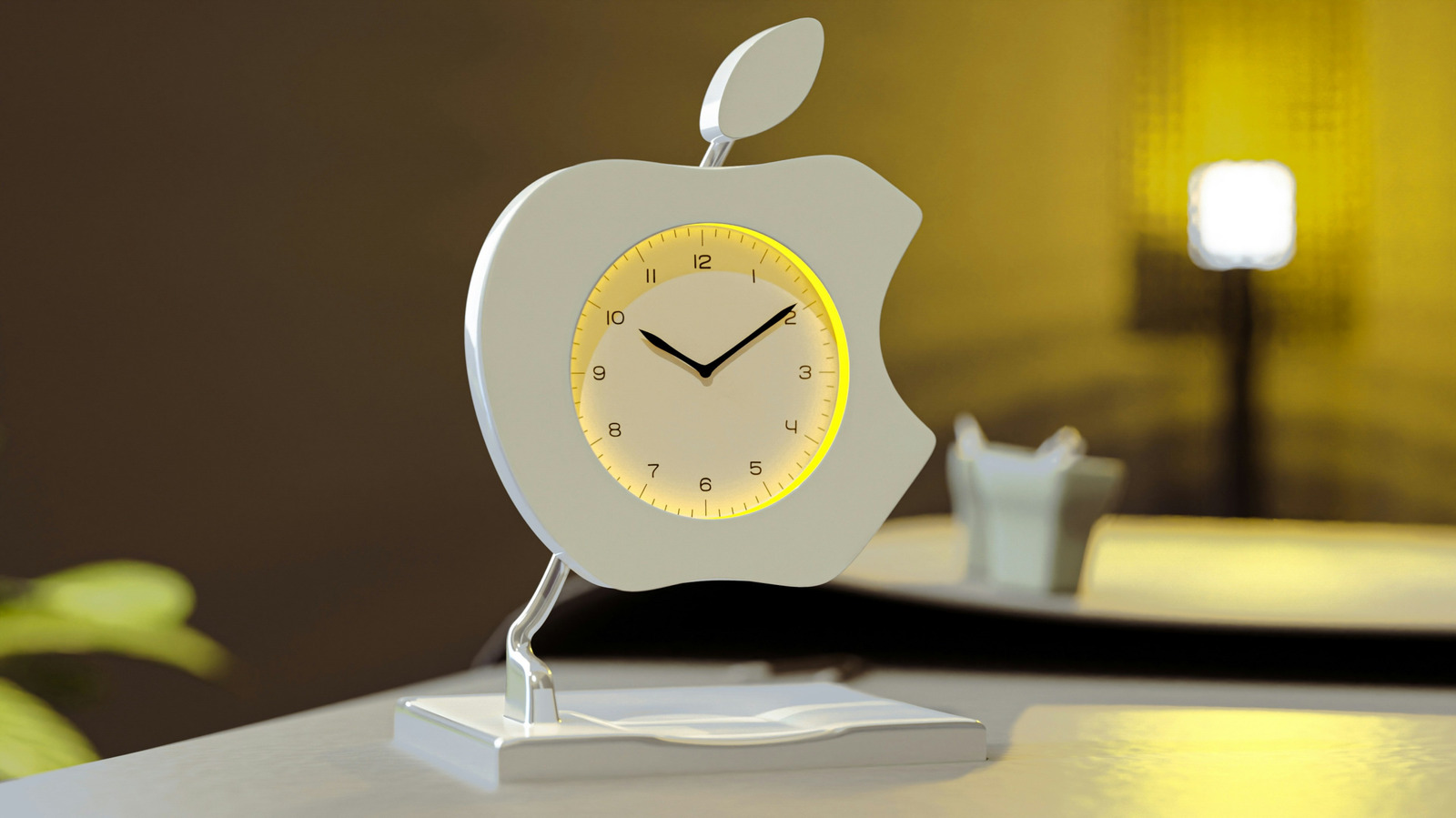
How To Set A Custom Alarm Sound On Your iPhone
ShareShareShareShareShare

You can use any sound you want for an iPhone alarm, and here’s how to set it up.

YOU MAY ALSO LIKE

Can the US AI Boom Survive Data Center Backlash?

Dyson Unveils AI-Powered Toothbrush With Built-In Camera

There’s an art to picking a good alarm sound. It can’t be too pleasant that you happily listen to it for a few minutes instead of doing what you’re supposed to. Nor can it be too annoying, as that can put you in a bad mood as you scramble out of bed to shut it off (you do keep your iPhone out of reach while you’re in bed, right?). Some of the default ringtones and alarm sounds on iOS can veer in the latter direction, unfortunately. Thankfully, it’s relatively easy to set up a custom alarm sound on an iPhone.

If you’d like to use a certain song, the easiest way to do that is to be an Apple Music subscriber. The service has more than 100 million songs and you can set one as an alarm sound. First, you’ll need to add the song to your library. To do that, open the Apple Music app, search for the song you want to use as an alarm and tap the plus (+) icon next to the relevant result to add it to your library.

Then, all you have to do is open the Clock app on your iPhone and tap the Alarm tab at the bottom of the screen. You can either tap the plus icon to create a new alarm, or select an existing one. From here, select Sound > Pick a song. Search for the song you’d like to use as an alarm, tap the plus button next to it, then tap the back button, and finally Save or the check mark in the top right corner. That’s all there is to it.

If you’d prefer to have an entirely custom alarm sound on your iPhone, though, you’ll need to take a different approach.

How to use any sound as a custom alarm on iPhone

Before anything else, you’ll need to obtain the sound that you want to use for your custom alert. You can, for instance, grab an audio file from the internet or create one in an app such as GarageBand. It’s up to you to procure the audio. The important thing is that you’ll have to save this sound in Files. 

Starting in iOS 26, Apple has made it really straightforward to use an audio file you’ve saved as a custom alarm sound on your iPhone. Simply locate the sound you want to use in Files, and long press it. Then tap Share > Use as Ringtone (if the sound is over 30 seconds long, your iPhone will ask you to trim it to that length first). Shockingly enough, this will set your custom sound as your ringtone. You can always change this back.

At this point, it’s time to open the Clock app. Create a new alarm or tap on an existing one. Tap on Sound, and then pick your custom alarm noise. And you’re done! Unless you want to change your ringtone back, that is.

The inclusion of Use as Ringtone in the iOS26 share sheet means that you can also use audio that someone sends to you via, for instance, iMessage or email. So, if you like, you can clip a friend’s voice message and use that as an alarm. If you’re feeling really bold, you can wake up to the sound of your own dulcet tones by recording speech in Voice Memos and going through the same Share > Use as Ringtone procedure.

Credit: Source link

ShareTweetSendSharePin

Related Posts

Can the US AI Boom Survive Data Center Backlash?
AI & Technology

Can the US AI Boom Survive Data Center Backlash?

September 3, 2026
Dyson Unveils AI-Powered Toothbrush With Built-In Camera
AI & Technology

Dyson Unveils AI-Powered Toothbrush With Built-In Camera

September 3, 2026
Apple’s 2,300% Rally Under Tim Cook
AI & Technology

Apple’s 2,300% Rally Under Tim Cook

September 3, 2026
Anthropic’s Compute Bet, Musk on AI, Apple’s New CEO | Bloomberg Tech 9/01/2026
AI & Technology

Anthropic’s Compute Bet, Musk on AI, Apple’s New CEO | Bloomberg Tech 9/01/2026

September 3, 2026
Next Post
Former NYPD detectives speak out about Mangione manhunt

Former NYPD detectives speak out about Mangione manhunt

Leave a Reply Cancel reply

Your email address will not be published. Required fields are marked *

Search

No Result
View All Result
Recent college grads face uphill battle for entry-level jobs amid AI boom

Recent college grads face uphill battle for entry-level jobs amid AI boom

September 1, 2026
Volcano eruption in Guatemala forces villagers to evacuate

Volcano eruption in Guatemala forces villagers to evacuate

August 29, 2026
Meta Settles Federal Social Media Addiction Trial | Bloomberg Tech 8/26/2026

Meta Settles Federal Social Media Addiction Trial | Bloomberg Tech 8/26/2026

August 29, 2026

About

Learn more

Our Services

Legal

Privacy Policy

Terms of Use

Bloggers

Learn more

Article Links

Contact

Advertise

Ask us anything

©2020- TradePoint.io - All rights reserved!

Tradepoint.io, being just a publishing and technology platform, is not a registered broker-dealer or investment adviser. So we do not provide investment advice. Rather, brokerage services are provided to clients of Tradepoint.io by independent SEC-registered broker-dealers and members of FINRA/SIPC. Every form of investing carries some risk and past performance is not a guarantee of future results. “Tradepoint.io“, “Instant Investing” and “My Trading Tools” are registered trademarks of Apperbuild, LLC.

This website is operated by Apperbuild, LLC. We have no link to any brokerage firm and we do not provide investment advice. Every information and resource we provide is solely for the education of our readers. © 2020 Apperbuild, LLC. All rights reserved.

No Result
View All Result
  • Main
  • AI & Technology
  • Stock Charts
  • Market & News
  • Business
  • Finance Tips
  • Trade Tube
  • Blog
  • Shop

© 2023 - TradePoint.io - All Rights Reserved!