

















• bitcoinBitcoin(BTC)$65,074.00-0.26%
  • ethereumEthereum(ETH)$1,821.62-0.22%
  • tetherTether(USDT)$1.000.01%
  • binancecoinBNB(BNB)$593.80-0.50%
  • usd-coinUSDC(USDC)$1.000.00%
  • rippleXRP(XRP)$0.960.00%
  • solanaSolana(SOL)$72.110.34%
  • tronTRON(TRX)$0.303704-1.15%
  • Figure HelocFigure Heloc(FIGR_HELOC)$1.06-0.87%
  • HyperliquidHyperliquid(HYPE)$66.640.16%
  • zcashZcash(ZEC)$897.17-1.80%
  • moneroMonero(XMR)$500.202.40%
  • dogecoinDogecoin(DOGE)$0.0592400.40%
  • USDSUSDS(USDS)$1.000.01%
  • leo-tokenLEO Token(LEO)$9.170.63%
  • whitebitWhiteBIT Coin(WBT)$63.00-0.49%
  • chainlinkChainlink(LINK)$9.220.89%
  • cardanoCardano(ADA)$0.1540791.86%
  • stellarStellar(XLM)$0.1396851.02%
  • Ethena USDeEthena USDe(USDE)$1.000.01%
  • daiDai(DAI)$1.000.04%
  • bitcoin-cashBitcoin Cash(BCH)$209.300.80%
  • nearNEAR Protocol(NEAR)$3.201.87%
  • litecoinLitecoin(LTC)$45.040.12%
  • CantonCanton(CC)$0.0839974.72%
  • avalanche-2Avalanche(AVAX)$7.241.51%
  • uniswapUniswap(UNI)$5.213.40%
  • tether-goldTether Gold(XAUT)$3,855.040.75%
  • USD1USD1(USD1)$1.000.06%
  • the-open-networkGram (prev. Toncoin)(GRAM)$1.06-0.09%
  • suiSui(SUI)$0.731.19%
  • Ripple USDRipple USD(RLUSD)$1.000.02%
  • paypal-usdPayPal USD(PYUSD)$1.000.00%
  • Global DollarGlobal Dollar(USDG)$1.000.01%
  • hedera-hashgraphHedera(HBAR)$0.0590331.53%
  • RainRain(RAIN)$0.003464-4.51%
  • Ondo US Dollar YieldOndo US Dollar Yield(USDY)$1.150.02%
  • shiba-inuShiba Inu(SHIB)$0.000004-0.06%
  • quant-networkQuant(QNT)$156.935.07%
  • BittensorBittensor(TAO)$192.200.59%
  • crypto-com-chainCronos(CRO)$0.043114-2.45%
  • Circle USYCCircle USYC(USYC)$1.140.00%
  • Spiko Amundi Overnight Swap Fund (EUR)Spiko Amundi Overnight Swap Fund (EUR)(EURSAFO)$1.12-0.04%
  • MemeCoreMemeCore(M)$0.831.53%
  • okbOKB(OKB)$87.690.73%
  • pax-goldPAX Gold(PAXG)$3,858.440.81%
  • aaveAave(AAVE)$109.415.45%
  • Falcon USDFalcon USD(USDF)$1.000.13%
  • BlackRock USD Institutional Digital Liquidity FundBlackRock USD Institutional Digital Liquidity Fund(BUIDL)$1.000.00%
  • United StablesUnited Stables(U)$1.000.01%
TradePoint.io
  • Main
  • AI & Technology
  • Stock Charts
  • Market & News
  • Business
  • Finance Tips
  • Trade Tube
  • Blog
  • Shop
No Result
View All Result
TradePoint.io
No Result
View All Result

How To Clear The Application Cache On Your Mac

November 16, 2026
in AI & Technology
Reading Time: 3 mins read
A A
How To Clear The Application Cache On Your Mac
ShareShareShareShareShare

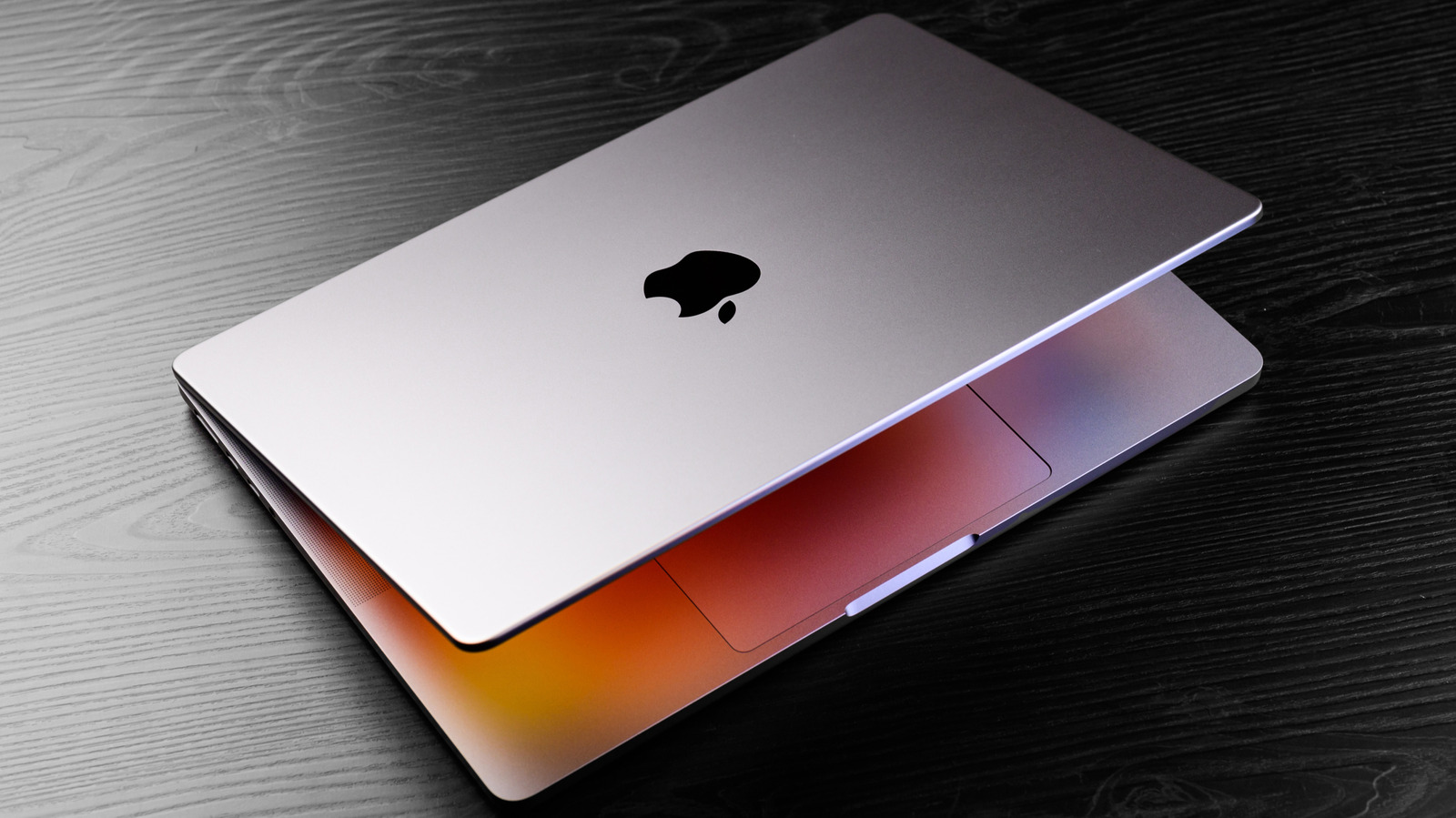
Clearing app caches don’t necessarily make your Mac run faster.


Nguyenducquang/Getty Images

Your Mac applications often store temporary files, called caches, to improve user experience. This is a recommended best practice that most developers follow to prevent apps from creating or redownloading the same files each time you use them. App caches include temporary files like image previews, downloaded content and other data that help apps launch quickly and serve content without additional processing.

YOU MAY ALSO LIKE

The Pros And Cons Of Using Your Phone As A Mobile Hotspot

Bharat Semi Raises $24M Seed to Bring AI Image Sensors to Market – Unite.AI

For example, Google Chrome builds its app cache as you visit different websites. It caches parts of webpages, like images, which helps speed up load times when you visit the same website next time. However, the problem with leaving application caches unchecked is that it could continue taking up storage space even when an application no longer requires the cached files.

Although your Mac may manage these temporary files, there’s no guarantee when this process occurs. Moreover, problematic app caches can contribute to glitches, like displaying outdated or inaccurate content. Knowing how to clear app caches on your Mac can help resolve issues arising from an outdated cache or reclaim storage space wasted on bloating caches.

How to clear app caches on macOS?

Some Mac applications allow clearing app caches from within the app itself. For example, Safari and Apple Music include the options to clear app caches in their settings menu. However, this is not the case for every Mac app out there; you’ll need to manually find their caches to delete them.

Your Mac typically stores application caches in ~/library/caches. Since the library is treated as a hidden directory, your Mac may not readily reveal it in the Finder. To view the library folder: Finder > command + shift + H > command + J > check “show Library Folder.” Once in the library folder, press command + J > check “Calculate all sizes” to display folder sizes alongside folder names.

In the caches folder, look for the application cache you want to clear. You can distinguish third-party apps from first-party Apple apps from the folder names and prefixes. First-party Apple apps use the “com.apple” prefix in their bundle identifier, while third-party apps don’t. Open the application folder in question and delete everything inside to clear its app cache. If an app cache doesn’t exist in the caches folder, you can look for it in ~/library/containers. The containers folder includes apps that run in a sandbox, so their cache is also isolated. Whether your app caches are in caches or containers, you’ll need to apply the same principle for finding and deleting them.

What happens after you clear the application cache?

It’s worth understanding that clearing app caches doesn’t necessarily improve application performance unless your Mac is already running short on storage space. However, deleting app caches can help reclaim storage space and sometimes even resolve app glitches. When you launch an app after clearing its cache, you might notice the app taking longer to launch, and using it might feel sluggish. This happens because the app has to rebuild its cache all over again. However, once this process is complete, your app should feel smooth and snappy to use.

It is not recommended to indiscriminately clear app caches or build a maintenance routine that involves one. Your Mac apps rely on caches to ensure a smooth user experience. You should only ever clear app caches if you notice the app not behaving as expected or if an app is taking up too much storage space. Otherwise, it’s best to leave app caches alone and let your Mac manage it at its discretion.

Credit: Source link

ShareTweetSendSharePin

Related Posts

The Pros And Cons Of Using Your Phone As A Mobile Hotspot
AI & Technology

The Pros And Cons Of Using Your Phone As A Mobile Hotspot

November 16, 2026
Bharat Semi Raises M Seed to Bring AI Image Sensors to Market – Unite.AI
AI & Technology

Bharat Semi Raises $24M Seed to Bring AI Image Sensors to Market – Unite.AI

November 15, 2026
Samsung Is Discontinuing These Useful Mobile Apps In December
AI & Technology

Samsung Is Discontinuing These Useful Mobile Apps In December

November 15, 2026
What’s The Meaning Of The “A” On Your USB-A Ports?
AI & Technology

What’s The Meaning Of The “A” On Your USB-A Ports?

November 15, 2026
Next Post
Ohio governor criticizes ad using Acton’s estranged mother

Ohio governor criticizes ad using Acton's estranged mother

Leave a Reply Cancel reply

Your email address will not be published. Required fields are marked *

Search

No Result
View All Result
Alice Huang and her husband knew Nvidia CEO Jensen Huang years before affair

Alice Huang and her husband knew Nvidia CEO Jensen Huang years before affair

November 11, 2026
She’s Getting a 0,000 Inheritance and It’s a Secret

She’s Getting a $400,000 Inheritance and It’s a Secret

November 12, 2026
Moderate Republican voter in Texas says he voted mostly for Democrats down the ballot

Moderate Republican voter in Texas says he voted mostly for Democrats down the ballot

November 11, 2026

About

Learn more

Our Services

Legal

Privacy Policy

Terms of Use

Bloggers

Learn more

Article Links

Contact

Advertise

Ask us anything

©2020- TradePoint.io - All rights reserved!

Tradepoint.io, being just a publishing and technology platform, is not a registered broker-dealer or investment adviser. So we do not provide investment advice. Rather, brokerage services are provided to clients of Tradepoint.io by independent SEC-registered broker-dealers and members of FINRA/SIPC. Every form of investing carries some risk and past performance is not a guarantee of future results. “Tradepoint.io“, “Instant Investing” and “My Trading Tools” are registered trademarks of Apperbuild, LLC.

This website is operated by Apperbuild, LLC. We have no link to any brokerage firm and we do not provide investment advice. Every information and resource we provide is solely for the education of our readers. © 2020 Apperbuild, LLC. All rights reserved.

No Result
View All Result
  • Main
  • AI & Technology
  • Stock Charts
  • Market & News
  • Business
  • Finance Tips
  • Trade Tube
  • Blog
  • Shop

© 2023 - TradePoint.io - All Rights Reserved!