
• bitcoinBitcoin(BTC)$77,702.000.23%
  • ethereumEthereum(ETH)$2,256.450.11%
  • tetherTether(USDT)$1.00-0.05%
  • binancecoinBNB(BNB)$707.730.22%
  • rippleXRP(XRP)$1.24-0.57%
  • usd-coinUSDC(USDC)$1.00-0.04%
  • solanaSolana(SOL)$93.87-2.00%
  • tronTRON(TRX)$0.3126201.98%
  • Figure HelocFigure Heloc(FIGR_HELOC)$1.085.29%
  • HyperliquidHyperliquid(HYPE)$86.97-1.18%
  • zcashZcash(ZEC)$1,216.13-4.59%
  • dogecoinDogecoin(DOGE)$0.075022-1.07%
  • moneroMonero(XMR)$592.58-0.87%
  • USDSUSDS(USDS)$1.00-0.05%
  • whitebitWhiteBIT Coin(WBT)$74.590.22%
  • chainlinkChainlink(LINK)$11.38-4.55%
  • leo-tokenLEO Token(LEO)$9.401.66%
  • cardanoCardano(ADA)$0.191438-0.91%
  • stellarStellar(XLM)$0.167068-1.54%
  • bitcoin-cashBitcoin Cash(BCH)$280.15-2.28%
  • nearNEAR Protocol(NEAR)$4.25-4.24%
  • RainRain(RAIN)$0.0069069.72%
  • daiDai(DAI)$1.00-0.04%
  • Ethena USDeEthena USDe(USDE)$1.00-0.09%
  • uniswapUniswap(UNI)$7.110.03%
  • litecoinLitecoin(LTC)$55.12-1.29%
  • CantonCanton(CC)$0.0975620.66%
  • USD1USD1(USD1)$1.00-0.05%
  • avalanche-2Avalanche(AVAX)$8.640.46%
  • suiSui(SUI)$0.89-0.96%
  • the-open-networkGram (prev. Toncoin)(GRAM)$1.221.09%
  • hedera-hashgraphHedera(HBAR)$0.071317-1.59%
  • tether-goldTether Gold(XAUT)$3,870.17-0.08%
  • Global DollarGlobal Dollar(USDG)$1.00-0.03%
  • quant-networkQuant(QNT)$197.12-2.73%
  • paypal-usdPayPal USD(PYUSD)$1.00-0.08%
  • shiba-inuShiba Inu(SHIB)$0.000005-0.39%
  • BittensorBittensor(TAO)$231.98-2.29%
  • crypto-com-chainCronos(CRO)$0.051333-0.43%
  • Ripple USDRipple USD(RLUSD)$1.00-0.03%
  • EthenaEthena(ENA)$0.180635-4.48%
  • Ondo US Dollar YieldOndo US Dollar Yield(USDY)$1.15-0.13%
  • okbOKB(OKB)$113.632.81%
  • Circle USYCCircle USYC(USYC)$1.140.00%
  • aaveAave(AAVE)$133.84-0.61%
  • pepePepe(PEPE)$0.000005-2.26%
  • BlackRock USD Institutional Digital Liquidity FundBlackRock USD Institutional Digital Liquidity Fund(BUIDL)$1.000.00%
  • OndoOndo(ONDO)$0.400158-2.10%
  • MemeCoreMemeCore(M)$0.84-7.54%
  • Pump.funPump.fun(PUMP)$0.004123-2.32%
TradePoint.io
  • Main
  • AI & Technology
  • Stock Charts
  • Market & News
  • Business
  • Finance Tips
  • Trade Tube
  • Blog
  • Shop
No Result
View All Result
TradePoint.io
No Result
View All Result

This Hidden Windows 11 Menu Can Save You Valuable Time When Troubleshooting

November 1, 2026
in AI & Technology
Reading Time: 4 mins read
A A
This Hidden Windows 11 Menu Can Save You Valuable Time When Troubleshooting
ShareShareShareShareShare

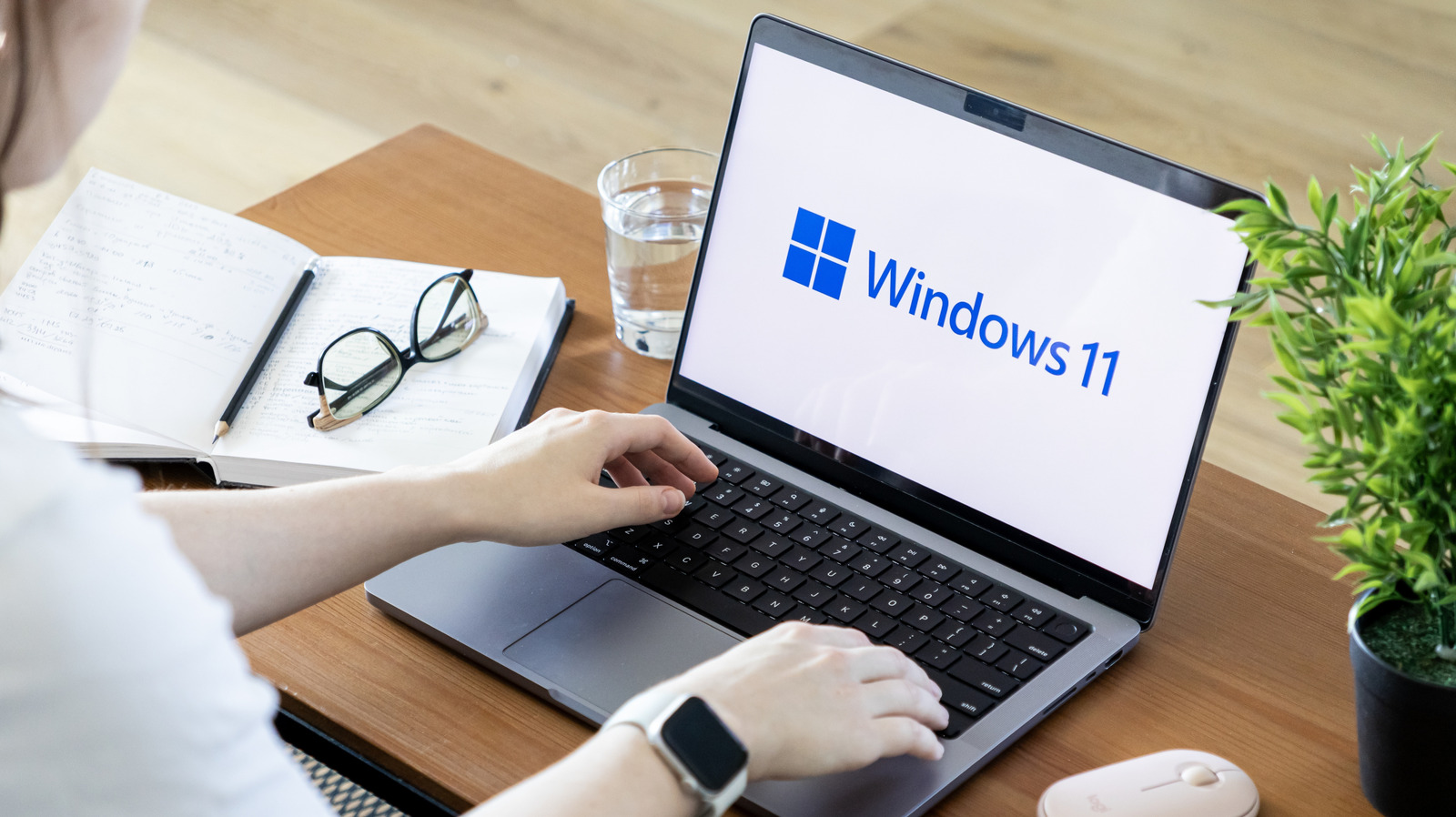
Windows 11 has a sneaky menu that connects you with key tools.


aileenchik/Shutterstock

Windows 11 is full of little menus that allow you to manage your computer’s processes, optimize its systems and troubleshoot any potential errors. However, it can be a nuisance to know all the right hotkeys and where to look for some of the more obscure areas of your device. Luckily, one of the easiest ways to debloat and manage Windows 11 is with a hidden menu you may not have heard of.

YOU MAY ALSO LIKE

Which Is Better for Turning Videos Into Shorts? – Unite.AI

Affle Signs Definitive Agreement to Acquire Ad Tech Company Perion – Unite.AI

This hidden menu goes by a few names, including both the Quick Link Menu and the Windows-X Menu. The latter name is in reference to how you find this secret area, which is by hitting the Win+X keys. Hitting those buttons and opening that menu will allow you to parse a curated selection of other menus and options — granting you access to a myriad of management options in one place.

How to access the Quick Link Menu
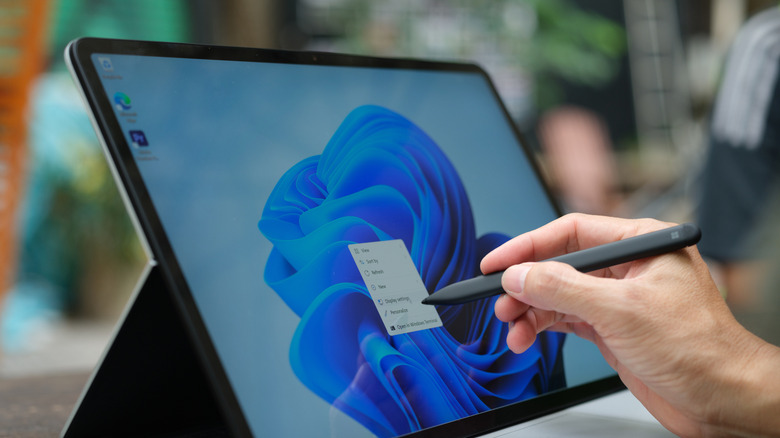

Windows 11 being used with a stylus.
Nguyenducquang/Getty Images

If you want to take a glance at this Quick Link Menu, just hit those aforementioned Win+X keys. The menu will then pop up on the left side of your screen, right above where the Windows logo resides on the taskbar. This will reveal a few of the standard features you’ll usually find in the Start menu or pinned to the taskbar — such as Settings, File Explorer, Search, Shutdown options and so on. However, you’ll also find a number of features usually buried in your Settings (including Installed Apps, System, Power Options and Network Connections) or behind other hotkeys (such as Mobility Center, Event Viewer, Disk Management, Computer Management and Task Manager).

You can also customize this Quick Link layout by heading to File Explorer and type %LOCALAPPDATA%MicrosoftWindowsWinX into the address bar. The three folders kept in this area store the shortcuts found in the menu, and you can move the shortcuts around them. You can also rename the apps by renaming these shortcuts, and can add new shortcuts by dragging apps from elsewhere in the File Explorer and into one of these folders.

The best troubleshooting tools in the Quick Link Menu
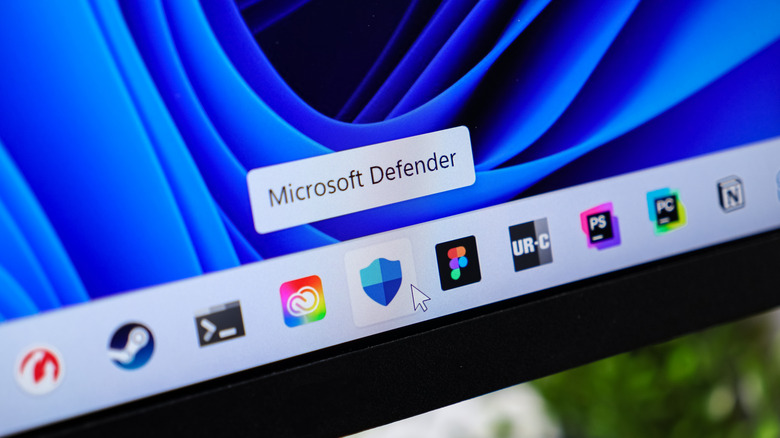

Windows 11 taskbar displayed on a monitor, with the cursor hovering over Microsoft Defender.
aileenchik/Shutterstock

Those non-Settings options are especially important, as using Windows-X here allows you to forgo memorizing many hotkeys and access some excellent menu features. Task manager is an obvious one, as it’s an important tool in monitoring Windows’ background processes. Task Manager can close non-responsive programs, use its Processes tab to monitor activity, the Startup tab to review processes and disable any inessential resource hogs, and much more.

Similarly, Event Viewer can also help you troubleshoot elusive PC issues, chiefly by running its aptly-named Windows Memory Diagnostic Tool. If you’re experiencing random crashes, file corruption, or suspect hardware problems, you can open Event Viewer from the Win+X menu and navigate Window Logs > System > Filter Current Log and select MemoryDiagnostics-Results in the Event Sources section, all of which will give you a readout on any extant issues with your system. Disk Management (which lets you read the status of different disk partitions active on your machine) and the Mobility Center (which, for laptop users, allows you to configure display, keyboard and wireless settings) can help you keep tabs on your computer in similar ways.

Credit: Source link

ShareTweetSendSharePin

Related Posts

Which Is Better for Turning Videos Into Shorts? – Unite.AI
AI & Technology

Which Is Better for Turning Videos Into Shorts? – Unite.AI

November 1, 2026
Affle Signs Definitive Agreement to Acquire Ad Tech Company Perion – Unite.AI
AI & Technology

Affle Signs Definitive Agreement to Acquire Ad Tech Company Perion – Unite.AI

November 1, 2026
Here’s What Your Fitbit Heart Rate Variability Actually Tells You
AI & Technology

Here’s What Your Fitbit Heart Rate Variability Actually Tells You

November 1, 2026
How To Check If Your Upcoming Flight Has Starlink Wi-Fi
AI & Technology

How To Check If Your Upcoming Flight Has Starlink Wi-Fi

November 1, 2026
Next Post
Taylor Swift makes surprise appearance during ‘SNL’

Taylor Swift makes surprise appearance during 'SNL'

Leave a Reply Cancel reply

Your email address will not be published. Required fields are marked *

Search

No Result
View All Result
Bandwidth Inc. (BAND) Q3 2026 Earnings Call Transcript

Bandwidth Inc. (BAND) Q3 2026 Earnings Call Transcript

October 29, 2026
I Filed Chapter 13 Now I Can’t Pay My Bills

I Filed Chapter 13 Now I Can’t Pay My Bills

October 27, 2026
CDC scientists sought urgent alert on measles in pregnancy. It wasn’t approved. – The Washington Post

CDC scientists sought urgent alert on measles in pregnancy. It wasn’t approved. – The Washington Post

October 30, 2026

About

Learn more

Our Services

Legal

Privacy Policy

Terms of Use

Bloggers

Learn more

Article Links

Contact

Advertise

Ask us anything

©2020- TradePoint.io - All rights reserved!

Tradepoint.io, being just a publishing and technology platform, is not a registered broker-dealer or investment adviser. So we do not provide investment advice. Rather, brokerage services are provided to clients of Tradepoint.io by independent SEC-registered broker-dealers and members of FINRA/SIPC. Every form of investing carries some risk and past performance is not a guarantee of future results. “Tradepoint.io“, “Instant Investing” and “My Trading Tools” are registered trademarks of Apperbuild, LLC.

This website is operated by Apperbuild, LLC. We have no link to any brokerage firm and we do not provide investment advice. Every information and resource we provide is solely for the education of our readers. © 2020 Apperbuild, LLC. All rights reserved.

No Result
View All Result
  • Main
  • AI & Technology
  • Stock Charts
  • Market & News
  • Business
  • Finance Tips
  • Trade Tube
  • Blog
  • Shop

© 2023 - TradePoint.io - All Rights Reserved!