
• bitcoinBitcoin(BTC)$81,156.00-0.06%
  • ethereumEthereum(ETH)$2,638.030.35%
  • tetherTether(USDT)$1.000.02%
  • binancecoinBNB(BNB)$774.051.69%
  • rippleXRP(XRP)$1.41-0.50%
  • usd-coinUSDC(USDC)$1.000.01%
  • solanaSolana(SOL)$110.42-0.23%
  • tronTRON(TRX)$0.3426610.82%
  • zcashZcash(ZEC)$1,514.162.37%
  • Figure HelocFigure Heloc(FIGR_HELOC)$1.020.00%
  • HyperliquidHyperliquid(HYPE)$93.291.91%
  • dogecoinDogecoin(DOGE)$0.087404-0.35%
  • moneroMonero(XMR)$561.923.37%
  • RainRain(RAIN)$0.0141152.66%
  • whitebitWhiteBIT Coin(WBT)$82.840.06%
  • USDSUSDS(USDS)$1.000.01%
  • chainlinkChainlink(LINK)$12.510.88%
  • cardanoCardano(ADA)$0.2280290.19%
  • leo-tokenLEO Token(LEO)$8.930.25%
  • stellarStellar(XLM)$0.1982941.03%
  • uniswapUniswap(UNI)$8.791.95%
  • nearNEAR Protocol(NEAR)$4.0914.43%
  • bitcoin-cashBitcoin Cash(BCH)$250.66-0.98%
  • avalanche-2Avalanche(AVAX)$11.2515.53%
  • Ethena USDeEthena USDe(USDE)$1.000.02%
  • daiDai(DAI)$1.000.01%
  • litecoinLitecoin(LTC)$58.892.78%
  • USD1USD1(USD1)$1.000.02%
  • CantonCanton(CC)$0.108797-0.25%
  • the-open-networkGram (prev. Toncoin)(GRAM)$1.380.60%
  • hedera-hashgraphHedera(HBAR)$0.0866296.62%
  • suiSui(SUI)$0.904.51%
  • MemeCoreMemeCore(M)$1.48-0.38%
  • Global DollarGlobal Dollar(USDG)$1.000.02%
  • shiba-inuShiba Inu(SHIB)$0.0000060.08%
  • BittensorBittensor(TAO)$262.76-0.64%
  • crypto-com-chainCronos(CRO)$0.0596090.64%
  • paypal-usdPayPal USD(PYUSD)$1.000.02%
  • tether-goldTether Gold(XAUT)$4,373.670.01%
  • Circle USYCCircle USYC(USYC)$1.140.00%
  • okbOKB(OKB)$118.140.42%
  • Ripple USDRipple USD(RLUSD)$1.000.01%
  • BlackRock USD Institutional Digital Liquidity FundBlackRock USD Institutional Digital Liquidity Fund(BUIDL)$1.000.00%
  • Ondo US Dollar YieldOndo US Dollar Yield(USDY)$1.15-0.52%
  • EthenaEthena(ENA)$0.2197319.05%
  • aaveAave(AAVE)$137.96-2.26%
  • OndoOndo(ONDO)$0.4349113.36%
  • BitwayBitway(BTW)$0.7627.70%
  • mantleMantle(MNT)$0.61-2.03%
  • AsterAster(ASTER)$0.74-2.72%
TradePoint.io
  • Main
  • AI & Technology
  • Stock Charts
  • Market & News
  • Business
  • Finance Tips
  • Trade Tube
  • Blog
  • Shop
No Result
View All Result
TradePoint.io
No Result
View All Result

Is There Any Benefit To Keeping Your Smart TV In Standby Mode?

September 20, 2026
in AI & Technology
Reading Time: 3 mins read
A A
Is There Any Benefit To Keeping Your Smart TV In Standby Mode?
ShareShareShareShareShare

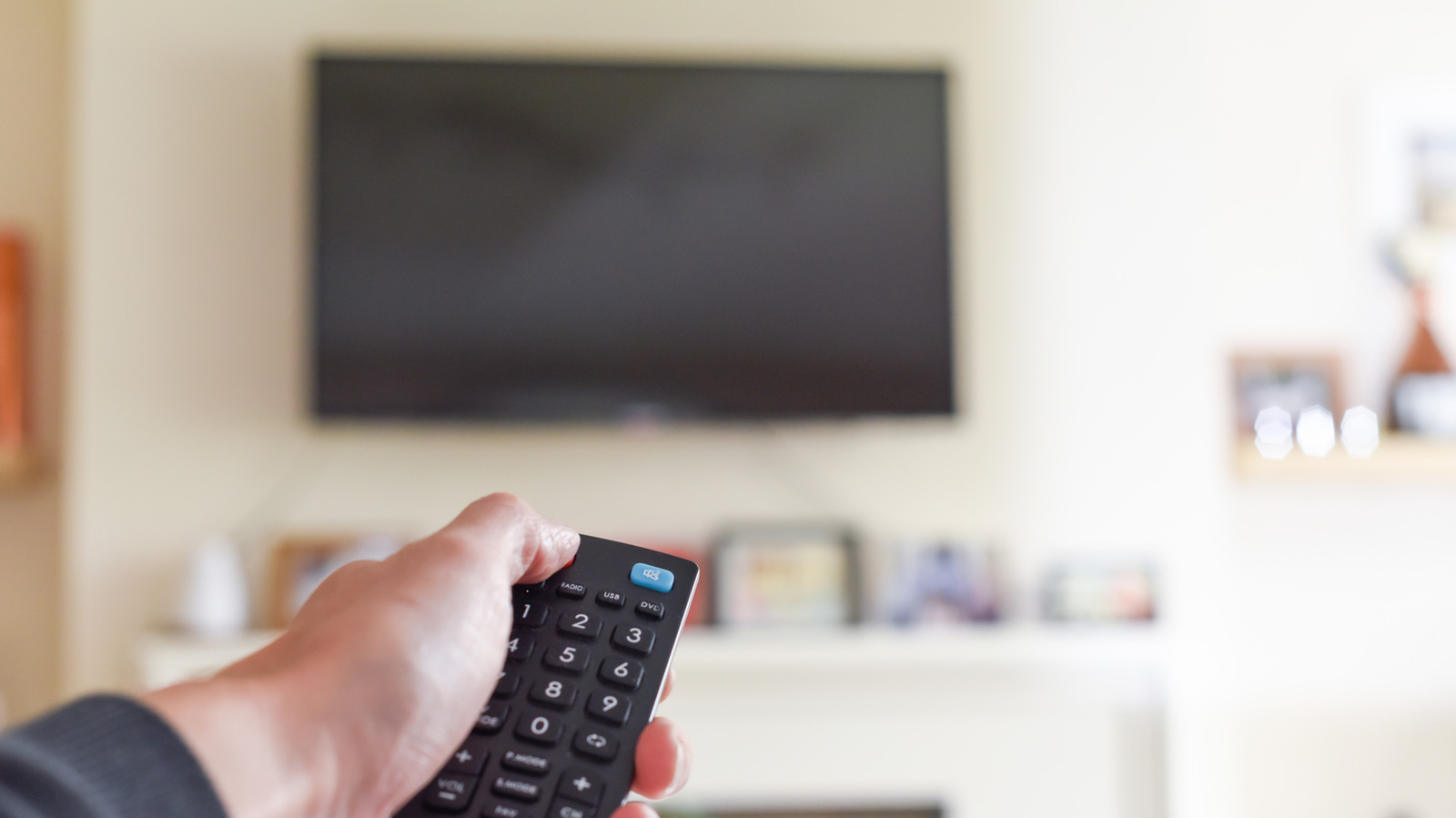
Turns out there’s a lot going on behind that blank screen.


Thomas Holt/Shutterstock

You might have noticed that pressing the power button on your TV’s remote doesn’t fully turn it off. Modern TVs are designed to enter a deep sleep or standby mode rather than shutting down completely. They still sip a tiny bit of power in this state, but the upside is much faster start-up times. Standby mode may seem wasteful, but you’d be surprised to know it can actually be helpful and even a necessary part of display maintenance and long-term reliability.

YOU MAY ALSO LIKE

Flet 1.0 Released: Build Production Web, Desktop and Mobile Apps in Python Only

Retroid Pocket Unexpectedly Expands Its Duo Lineup With A Lite Plus Version

Thankfully, smart TVs barely consume any electricity in standby mode and are just one of many other appliances you may also leave plugged in. So, should you specifically unplug your TV when you’re done watching or should you continue to place it in standby? There are good reasons for both approaches, but your TV’s standby mode does have a few big advantages.

Should I keep my TV in standby mode?

The biggest downside to shutting down or switching off your TV is that you’ll have to wait a couple of minutes or even longer the next time you turn it back on. Newer TVs now ship with full-fledged operating systems like LG’s WebOS, Google TV, Amazon’s Fire TV OS and Roku OS. Booting them can take about as long as powering on your smartphone. In fact, many TVs take longer to boot because they often ship with lower-end processors and storage chips than your typical flagship phone.

Boot times aside, smart TVs can also take advantage of standby mode to update their software in the background. While that may not sound like a big deal, imagine needing to wait a few minutes for your TV’s operating system to update before you can watch content. Likewise, streaming apps like Netflix and YouTube receive frequent updates that can be completed in standby mode.

Finally, OLED TVs rely on standby mode for a critical function: panel maintenance. When you press the power button on an OLED TV remote, it enters standby and a feature known as automatic compensation cycle, or pixel-refresh often kicks in to reduce the risk of image retention or burn-in. 

The latter is one of the biggest downsides to OLED displays, so manufacturers design these panel care features to run in standby mode. Shutting down or unplugging your TV immediately after a viewing session prevents this process from running. And if you repeatedly interrupt it, you could eventually notice uneven display wear or burn-in.

When should I restart or shut down my TV?

The good news is that most TVs consume relatively little power in standby mode. In the United States, ENERGY STAR-certified TVs must use no more than one watt while in standby, even if they’re connected to a network. Several jurisdictions around the world have moved to make this one watt standby threshold a requirement under the One Watt Initiative.

One watt of power drawn throughout a year translates to about 9 KWh of energy, which in turn increases your power bill by about $1.50. That said, electricity is more expensive in some parts of the world. The average household in California pays twice as much per unit of energy as the national average, for instance.

If you’re going away for an extended period, though, unplugging the TV is probably the easiest way to avoid wasting even a small amount of standby power.

There are also legitimate reasons why you might want to reboot your TV from time to time. A reboot allows your TV to clear background processes stored in memory, which can make a big difference to the overall responsiveness. If you’ve noticed persistent lag or sluggishness, a reboot may indeed be the solution. 

Check the manual for reboot instructions since abruptly pulling the cord can interrupt maintenance tasks. On some TVs, for example, holding down the power button on the remote brings up a menu with options to shut down and restart.

Credit: Source link

ShareTweetSendSharePin

Related Posts

Flet 1.0 Released: Build Production Web, Desktop and Mobile Apps in Python Only
AI & Technology

Flet 1.0 Released: Build Production Web, Desktop and Mobile Apps in Python Only

September 20, 2026
Retroid Pocket Unexpectedly Expands Its Duo Lineup With A Lite Plus Version
AI & Technology

Retroid Pocket Unexpectedly Expands Its Duo Lineup With A Lite Plus Version

September 20, 2026
TikTok Billionaire Becomes Asia’s Richest Person
AI & Technology

TikTok Billionaire Becomes Asia’s Richest Person

September 20, 2026
Nvidia CEO Puts Trump on Phone While Downplaying AI Risk
AI & Technology

Nvidia CEO Puts Trump on Phone While Downplaying AI Risk

September 20, 2026
Next Post
Trump Needs To Accept Iran Deal Soon?!

Trump Needs To Accept Iran Deal Soon?!

Leave a Reply Cancel reply

Your email address will not be published. Required fields are marked *

Search

No Result
View All Result
Fake NFL athlete accused of .3M romance fraud scam

Fake NFL athlete accused of $1.3M romance fraud scam

September 20, 2026
Morning News NOW Full Episode – Sept. 7

Morning News NOW Full Episode – Sept. 7

September 16, 2026
LIVE: Vice President JD Vance holds White House press briefing | NBC News

LIVE: Vice President JD Vance holds White House press briefing | NBC News

September 18, 2026

About

Learn more

Our Services

Legal

Privacy Policy

Terms of Use

Bloggers

Learn more

Article Links

Contact

Advertise

Ask us anything

©2020- TradePoint.io - All rights reserved!

Tradepoint.io, being just a publishing and technology platform, is not a registered broker-dealer or investment adviser. So we do not provide investment advice. Rather, brokerage services are provided to clients of Tradepoint.io by independent SEC-registered broker-dealers and members of FINRA/SIPC. Every form of investing carries some risk and past performance is not a guarantee of future results. “Tradepoint.io“, “Instant Investing” and “My Trading Tools” are registered trademarks of Apperbuild, LLC.

This website is operated by Apperbuild, LLC. We have no link to any brokerage firm and we do not provide investment advice. Every information and resource we provide is solely for the education of our readers. © 2020 Apperbuild, LLC. All rights reserved.

No Result
View All Result
  • Main
  • AI & Technology
  • Stock Charts
  • Market & News
  • Business
  • Finance Tips
  • Trade Tube
  • Blog
  • Shop

© 2023 - TradePoint.io - All Rights Reserved!