















• bitcoinBitcoin(BTC)$76,392.00-0.56%
  • ethereumEthereum(ETH)$2,245.56-0.06%
  • tetherTether(USDT)$1.000.02%
  • binancecoinBNB(BNB)$687.45-1.12%
  • rippleXRP(XRP)$1.260.62%
  • usd-coinUSDC(USDC)$1.000.02%
  • solanaSolana(SOL)$91.09-0.79%
  • tronTRON(TRX)$0.3214510.15%
  • Figure HelocFigure Heloc(FIGR_HELOC)$1.03-0.21%
  • zcashZcash(ZEC)$1,180.744.10%
  • HyperliquidHyperliquid(HYPE)$82.78-0.12%
  • moneroMonero(XMR)$625.793.21%
  • dogecoinDogecoin(DOGE)$0.073350-0.80%
  • USDSUSDS(USDS)$1.000.00%
  • whitebitWhiteBIT Coin(WBT)$73.41-0.52%
  • leo-tokenLEO Token(LEO)$9.30-0.32%
  • chainlinkChainlink(LINK)$10.76-2.83%
  • cardanoCardano(ADA)$0.185591-1.19%
  • stellarStellar(XLM)$0.159016-1.76%
  • bitcoin-cashBitcoin Cash(BCH)$269.11-1.78%
  • nearNEAR Protocol(NEAR)$3.74-1.85%
  • RainRain(RAIN)$0.006421-2.61%
  • daiDai(DAI)$1.000.03%
  • Ethena USDeEthena USDe(USDE)$1.000.09%
  • uniswapUniswap(UNI)$7.103.39%
  • litecoinLitecoin(LTC)$52.92-1.61%
  • CantonCanton(CC)$0.0957232.47%
  • USD1USD1(USD1)$1.000.12%
  • avalanche-2Avalanche(AVAX)$8.381.01%
  • suiSui(SUI)$0.870.89%
  • the-open-networkGram (prev. Toncoin)(GRAM)$1.15-2.21%
  • tether-goldTether Gold(XAUT)$3,930.810.34%
  • hedera-hashgraphHedera(HBAR)$0.068297-1.28%
  • Global DollarGlobal Dollar(USDG)$1.000.01%
  • quant-networkQuant(QNT)$188.90-1.05%
  • paypal-usdPayPal USD(PYUSD)$1.000.00%
  • shiba-inuShiba Inu(SHIB)$0.000005-0.06%
  • Ripple USDRipple USD(RLUSD)$1.00-0.01%
  • BittensorBittensor(TAO)$221.00-0.68%
  • crypto-com-chainCronos(CRO)$0.049472-1.13%
  • Ondo US Dollar YieldOndo US Dollar Yield(USDY)$1.150.08%
  • EthenaEthena(ENA)$0.1694910.27%
  • Circle USYCCircle USYC(USYC)$1.140.01%
  • okbOKB(OKB)$106.59-1.82%
  • pepePepe(PEPE)$0.0000052.54%
  • BlackRock USD Institutional Digital Liquidity FundBlackRock USD Institutional Digital Liquidity Fund(BUIDL)$1.000.00%
  • aaveAave(AAVE)$125.451.15%
  • MemeCoreMemeCore(M)$0.83-1.75%
  • Pump.funPump.fun(PUMP)$0.0041475.62%
  • Spiko Amundi Overnight Swap Fund (EUR)Spiko Amundi Overnight Swap Fund (EUR)(EURSAFO)$1.140.49%
TradePoint.io
  • Main
  • AI & Technology
  • Stock Charts
  • Market & News
  • Business
  • Finance Tips
  • Trade Tube
  • Blog
  • Shop
No Result
View All Result
TradePoint.io
No Result
View All Result

How To Use Google Gemini To Automate Tasks

October 12, 2026
in AI & Technology
Reading Time: 4 mins read
A A
How To Use Google Gemini To Automate Tasks
ShareShareShareShareShare

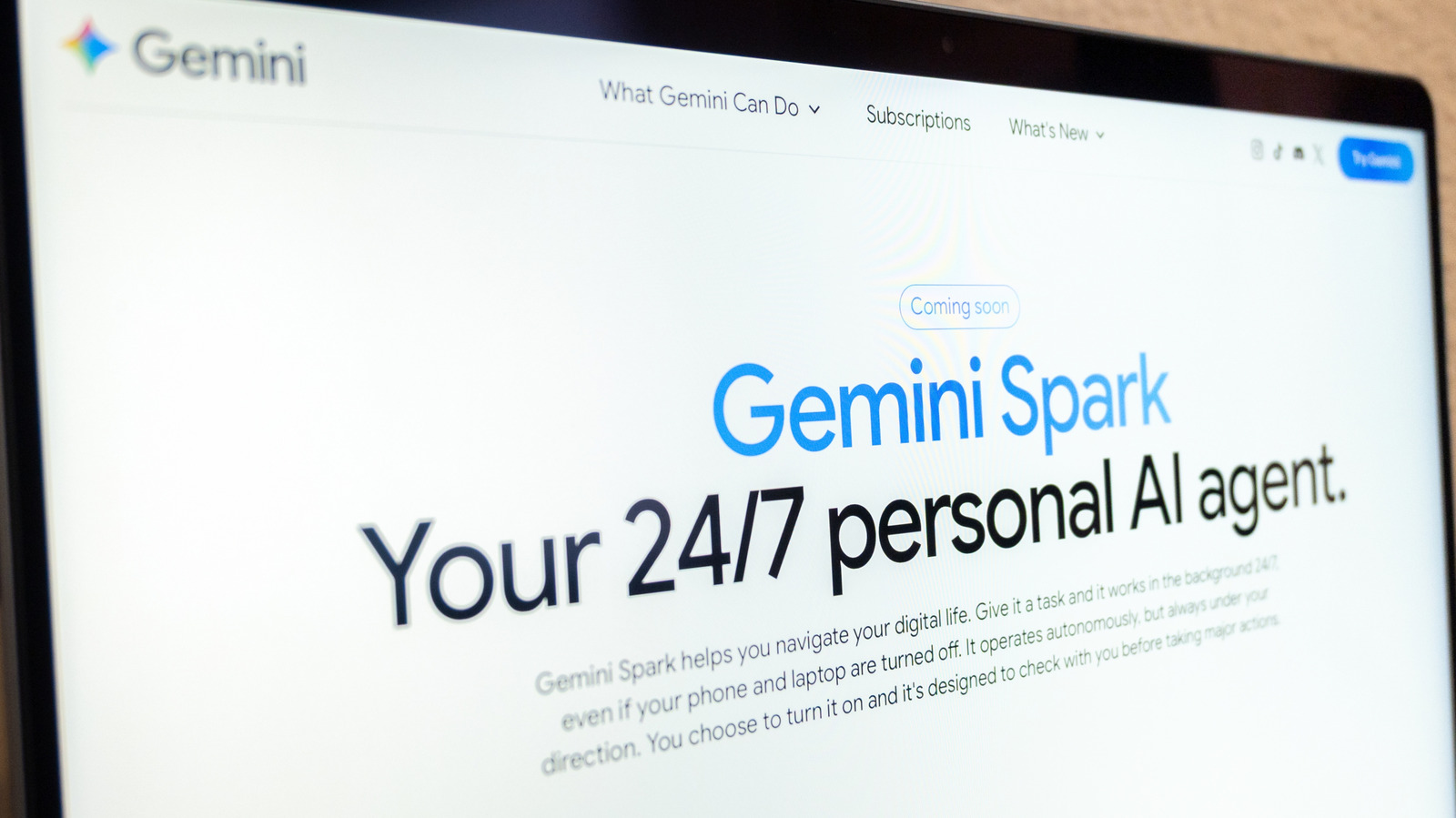
Spark is Google’s AI tool that can perform tasks on your behalf.


agustin.photo/Shutterstock

One of AI’s promises, on the less “humanity-destroying” end of the spectrum, is to make everyday life a little smoother. Instead of tackling each item on your to-do list by yourself, perhaps a reliable AI tool could cross a few entries off for you, leaving you to attend to the more important bits. Getting a recap of the last 20 emails in your inbox might let you dive into your work faster in the mornings, or at least give you a couple of extra minutes to stare into the middle distance while sipping your coffee.

YOU MAY ALSO LIKE

Cat Wu Steps Down as Claude Code Product Chief After Two Years – Unite.AI

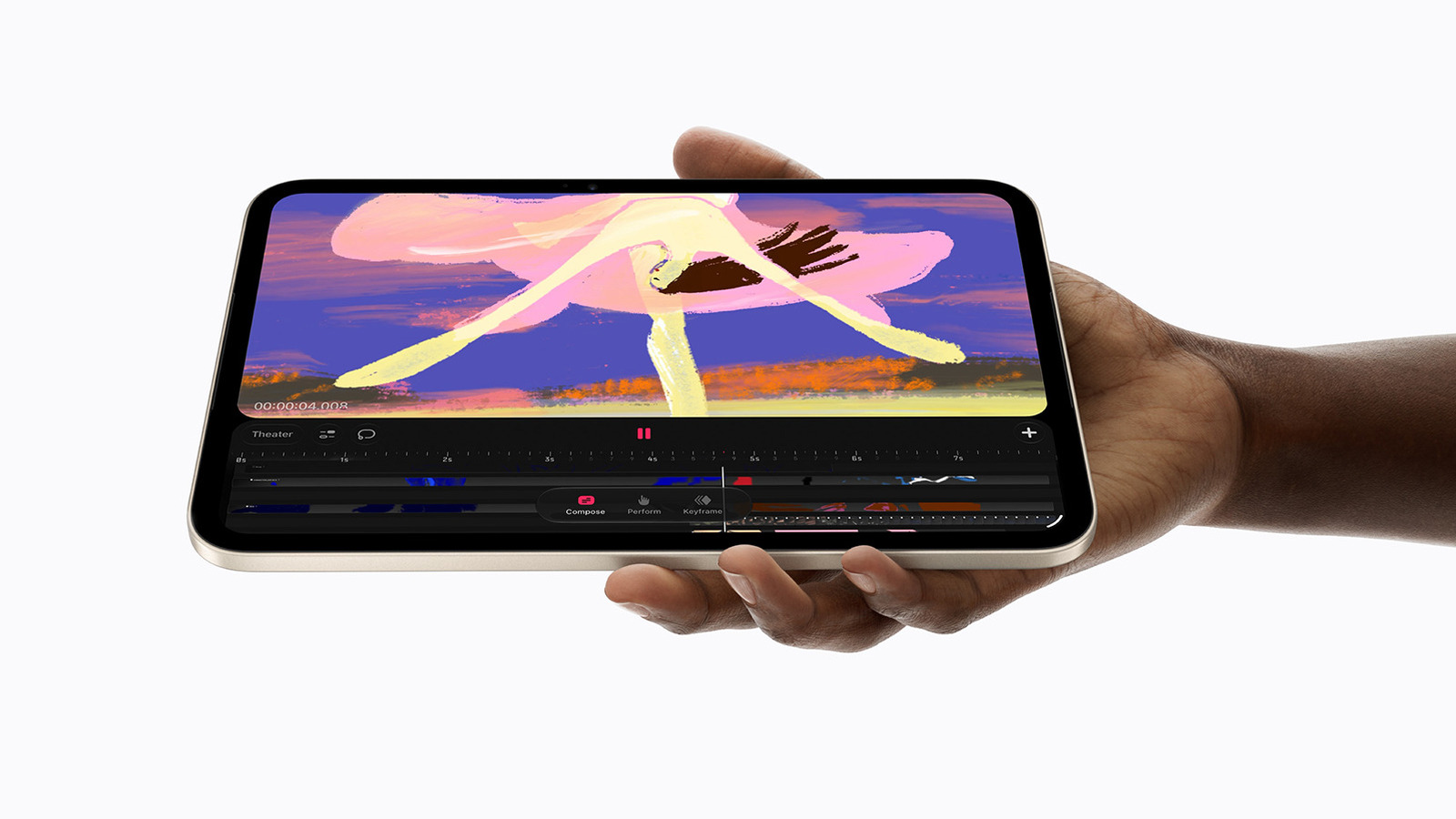
iPad Mini OLED Vs. iPad Mini: What’s New?

If you’re committed to the Google ecosystem, Gemini Spark might offer a way to automate the tasks you’d rather farm out. Spark is an agentic personal assistant announced in May at Google’s annual I/O developer conference. You can give it a task, and it can run in the background, taking what Google describes as “proactive action,” while still adhering to your instructions.

The Gemini Spark website gives a few examples of what you can do with it, like turning your last 50 email responses into a style guide covering how you answer emails, or setting up a tracker for internships. It’s integrated into Google Workspace apps like Docs, Calendar, Slides and Gmail, as well as Personal Intelligence, a feature Gemini uses to customize suggestions based on information from your Google apps.

Here’s how to use Gemini Spark to automate tasks.

Before you start

To access Gemini Spark, you’ll need to be a Google AI Pro or Ultra subscriber. Certain business subscribers might also have access. (You also can’t be located in the European Economic Area, Switzerland, the UK or Nigeria.) You’ll also need “Keep activity” switched on, which the company says “lets you pick up chats where you left off.” Spark is available through the Gemini mobile app, the Gemini Mac app and the web app. Spark also works with Gemini in Chrome using auto browse to do tasks like book restaurant reservations, travel and the like.

Aside from the basics of getting set up, Google also has some words of caution. As glorious as it would be to just set it and forget it, it’s worth the reminder that AI can still make mistakes, so keep an eye on whatever tasks you’ve set up. Google itself also warns not to put sensitive information into the task thread. That means you shouldn’t be giving Gemini login or payment information. Instead, Google recommends entering that type of info yourself directly on the relevant website. Google also cautions against scheduling tasks that are too sensitive, particularly if the task is set to run while you’re offline. Consider whether a mistake like a hallucination could cause actual harm.

How to create a task

Whether you’re on the mobile or web app, select Menu, and then select Spark. Then, you can type into the textbox whatever task you want Spark to accomplish. The Spark website gives this prompt, for example: “When I receive an email inquiring about my photography services, automatically extract the client’s name, requested date, and log the lead in my ‘Client Tracker’ Sheet. Then create a new Google Drive folder named after the client.” If needed, it’s at this point that you can also upload a relevant file, or something from your Drive or a Notebook. Then, tap or click Submit.

Google emphasizes monitoring your tasks in case Gemini needs something from you, like taking over a task in the browser. To keep an eye on your tasks, once again go to Menu > Spark and then Tasks. That will let you see the thread associated with the task, and if you need to make updates, you can do it right there. You can also look at the work panel, which shows you information like the completed, current and planned steps, by tapping the progress chip at the top of the thread.

At the end of September, Google said it would replace Gemini Gems with skills as the method for dictating instructions for tasks. In a blog post, the company described how you can use skills to automate repetitive tasks. A skill might be instructions for preparing for presentations or adopting a specific writing style. Google said that once you’ve created a skill, if you want to use it again on a task, you’ll be able to type a forward slash and the skill’s name when you’re writing your prompt.

Credit: Source link

ShareTweetSendSharePin

Related Posts

Cat Wu Steps Down as Claude Code Product Chief After Two Years – Unite.AI
AI & Technology

Cat Wu Steps Down as Claude Code Product Chief After Two Years – Unite.AI

November 4, 2026
iPad Mini OLED Vs. iPad Mini: What’s New?
AI & Technology

iPad Mini OLED Vs. iPad Mini: What’s New?

November 4, 2026
Your Phone’s Apps Could Have More Permissions Than They Need – Here’s How To Check
AI & Technology

Your Phone’s Apps Could Have More Permissions Than They Need – Here’s How To Check

November 4, 2026
Ouster Revenue Rises 50% as Physical AI Sensor Shipments Set Record – Unite.AI
AI & Technology

Ouster Revenue Rises 50% as Physical AI Sensor Shipments Set Record – Unite.AI

November 3, 2026
Next Post
NYSE’s opening bell honors Italian Americans who beat stereotypes to reach pinnacle of finance

NYSE's opening bell honors Italian Americans who beat stereotypes to reach pinnacle of finance

Leave a Reply Cancel reply

Your email address will not be published. Required fields are marked *

Search

No Result
View All Result
Protests erupt in Barcelona over Spain’s housing crisis

Protests erupt in Barcelona over Spain’s housing crisis

October 31, 2026
Paris students face intense police response while demanding better school conditions

Paris students face intense police response while demanding better school conditions

October 31, 2026
Massachusetts man charged in drowning attempt

Massachusetts man charged in drowning attempt

October 30, 2026

About

Learn more

Our Services

Legal

Privacy Policy

Terms of Use

Bloggers

Learn more

Article Links

Contact

Advertise

Ask us anything

©2020- TradePoint.io - All rights reserved!

Tradepoint.io, being just a publishing and technology platform, is not a registered broker-dealer or investment adviser. So we do not provide investment advice. Rather, brokerage services are provided to clients of Tradepoint.io by independent SEC-registered broker-dealers and members of FINRA/SIPC. Every form of investing carries some risk and past performance is not a guarantee of future results. “Tradepoint.io“, “Instant Investing” and “My Trading Tools” are registered trademarks of Apperbuild, LLC.

This website is operated by Apperbuild, LLC. We have no link to any brokerage firm and we do not provide investment advice. Every information and resource we provide is solely for the education of our readers. © 2020 Apperbuild, LLC. All rights reserved.

No Result
View All Result
  • Main
  • AI & Technology
  • Stock Charts
  • Market & News
  • Business
  • Finance Tips
  • Trade Tube
  • Blog
  • Shop

© 2023 - TradePoint.io - All Rights Reserved!