• bitcoinBitcoin(BTC)$81,308.004.20%
  • ethereumEthereum(ETH)$2,640.215.58%
  • tetherTether(USDT)$1.000.05%
  • binancecoinBNB(BNB)$765.772.19%
  • rippleXRP(XRP)$1.427.89%
  • usd-coinUSDC(USDC)$1.000.02%
  • solanaSolana(SOL)$111.785.90%
  • tronTRON(TRX)$0.3377570.14%
  • zcashZcash(ZEC)$1,539.804.60%
  • Figure HelocFigure Heloc(FIGR_HELOC)$1.030.00%
  • HyperliquidHyperliquid(HYPE)$91.972.03%
  • dogecoinDogecoin(DOGE)$0.0881153.58%
  • moneroMonero(XMR)$585.439.24%
  • whitebitWhiteBIT Coin(WBT)$83.153.50%
  • RainRain(RAIN)$0.0139428.45%
  • USDSUSDS(USDS)$1.000.02%
  • chainlinkChainlink(LINK)$12.516.55%
  • cardanoCardano(ADA)$0.2255035.71%
  • leo-tokenLEO Token(LEO)$8.89-0.29%
  • stellarStellar(XLM)$0.1936784.72%
  • uniswapUniswap(UNI)$9.084.48%
  • bitcoin-cashBitcoin Cash(BCH)$250.541.49%
  • Ethena USDeEthena USDe(USDE)$1.000.03%
  • nearNEAR Protocol(NEAR)$3.665.56%
  • daiDai(DAI)$1.00-0.01%
  • litecoinLitecoin(LTC)$57.223.87%
  • CantonCanton(CC)$0.1103803.53%
  • USD1USD1(USD1)$1.000.06%
  • avalanche-2Avalanche(AVAX)$9.1815.97%
  • the-open-networkGram (prev. Toncoin)(GRAM)$1.370.55%
  • suiSui(SUI)$0.869.74%
  • hedera-hashgraphHedera(HBAR)$0.0805465.07%
  • Global DollarGlobal Dollar(USDG)$1.000.00%
  • shiba-inuShiba Inu(SHIB)$0.0000052.05%
  • BittensorBittensor(TAO)$270.3210.61%
  • crypto-com-chainCronos(CRO)$0.0597080.98%
  • MemeCoreMemeCore(M)$1.290.73%
  • paypal-usdPayPal USD(PYUSD)$1.000.02%
  • tether-goldTether Gold(XAUT)$4,373.08-0.21%
  • okbOKB(OKB)$119.524.71%
  • Circle USYCCircle USYC(USYC)$1.140.03%
  • Ripple USDRipple USD(RLUSD)$1.000.00%
  • BlackRock USD Institutional Digital Liquidity FundBlackRock USD Institutional Digital Liquidity Fund(BUIDL)$1.000.00%
  • Ondo US Dollar YieldOndo US Dollar Yield(USDY)$1.15-0.21%
  • aaveAave(AAVE)$143.467.57%
  • AsterAster(ASTER)$0.761.88%
  • mantleMantle(MNT)$0.612.99%
  • OndoOndo(ONDO)$0.4101056.44%
  • Pump.funPump.fun(PUMP)$0.004140-1.25%
  • MorphoMorpho(MORPHO)$2.7718.58%
TradePoint.io
  • Main
  • AI & Technology
  • Stock Charts
  • Market & News
  • Business
  • Finance Tips
  • Trade Tube
  • Blog
  • Shop
No Result
View All Result
TradePoint.io
No Result
View All Result

How to stream video on Fire TV with a VPN

January 28, 2025
in AI & Technology
Reading Time: 3 mins read
A A
How to stream video on Fire TV with a VPN
ShareShareShareShareShare

Amazon

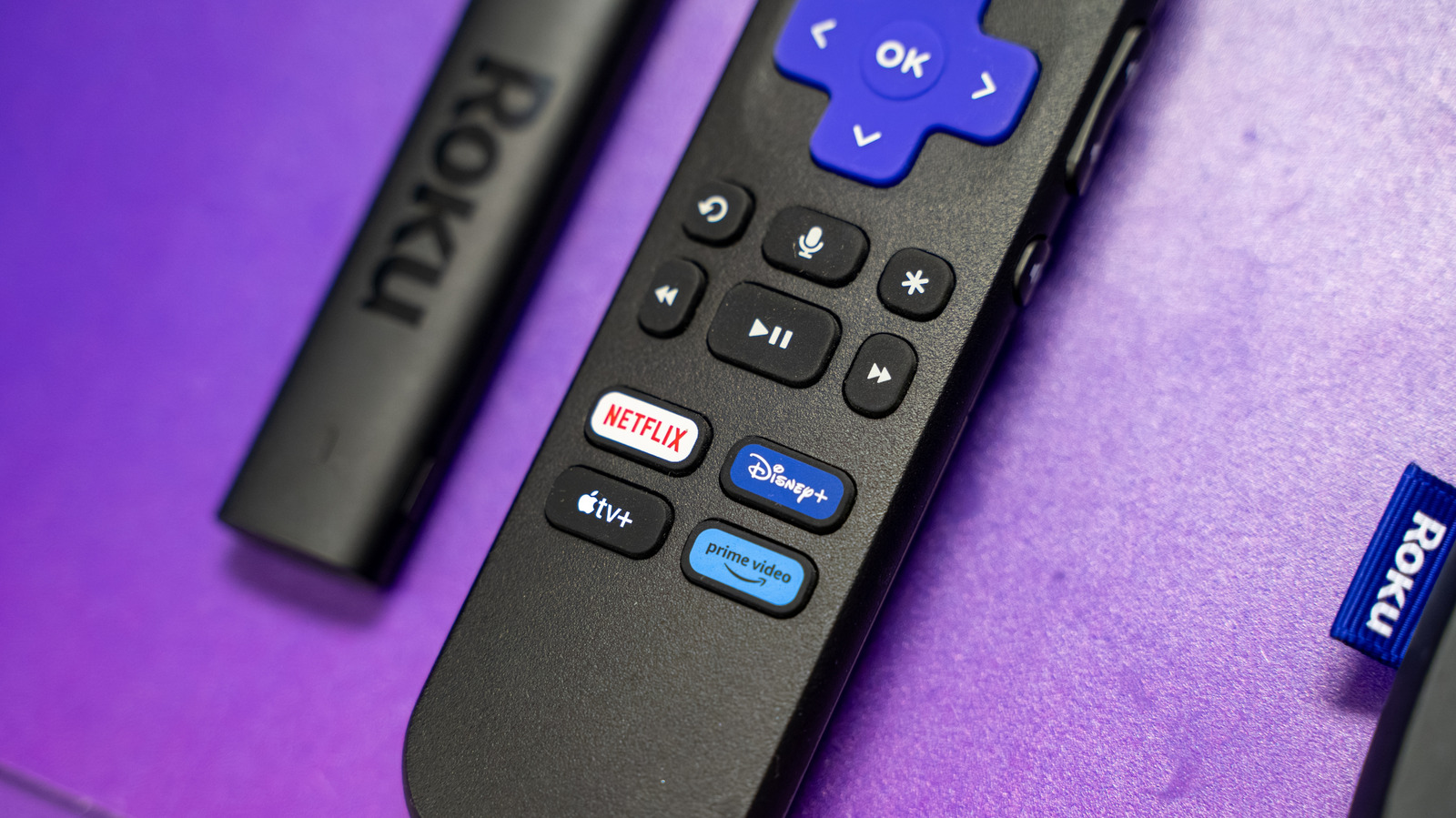
Roku, Apple TV and Google TV (aka Chromecast) are all worthwhile streaming platforms. Each of them lets you view thousands of movies and TV shows on major apps like Disney+ and Netflix. And seeing all your favorites on a big-screen TV is way better than watching it on a smaller laptop or smartphone screen.

YOU MAY ALSO LIKE

Linkup Research Releases SPARSEUP: A 149M-Parameter Open-Source Sparse Embedding Model

GGUF vs GPTQ vs AWQ vs EXL2: LLM Model Formats Explained (2026)

But Amazon’s Fire TV has a leg up on them when it comes to built-in VPN compatibility. Unlike archrival Roku, Amazon’s Fire TV system offers VPN apps straight through its built-in app store. That’s important if you want to watch a show or movie that’s otherwise unavailable in your country. Fire up a VPN, set your virtual location and you’ll likely get a different set of viewing options on many streaming services — or the ability to access ones to which you otherwise didn’t have access. We’ll explain the details and tell you how it works.

Choose the right VPN for your Fire TV

For starters, we’re going to assume you have a Fire TV device. If you don’t, we have good news: If your TV doesn’t already have Fire TV streaming built-in, the add-on devices are frequently on sale at Amazon for as little as $25 or less. Grab the Fire Stick 4K Max if you want a good balance of price versus performance — just make sure it’s on sale for $40 or less. (See how the Fire TV streamers compare to rivals from Roku, Google, Apple and more by checking out our list of best streaming devices.)

Once you have your Fire TV hardware set up, it’s time to choose a VPN — and that’s where the Fire TV operating system shines. A long list of VPNs, including all of our current top picks for the best VPNs, are available on the platform and they’re as easy to download and install as any of the video apps.

The Engadget-approved VPNs currently available on Fire TV include:

We’ll leave it to you to research which VPN offers the best combination of features and value for you, but a word of warning: With the exception of the first two listed above, we don’t recommend using a free VPN, as they’re notorious for collecting and selling your data to advertising networks to fund shoddily-protected servers. Note you can install as many VPNs as you’d like on Fire TV, if you’d like to cross-test them at your leisure.

Installing the VPN

Installing it is easy once you know which Fire TV VPN you want to use. Head to Find > on the main menu and simply search the name of your preferred VPN – just type “VPN” if you’d like to scroll through all of the options available. There, you can find the service you want (or are already subscribed to) and start installing. The process shouldn’t take too long. Once it’s completed, you’re ready to start using it.

Using your Fire TV VPN

Once you’ve downloaded the app, navigate to it on your Fire TV dashboard. You’ll have to enter your username and password or sign up to create an account. Some VPNs might require you to create an account on your smartphone or computer beforehand.

Once logged in, you can either click the “Connect” button on your VPN or browse the server list to choose which country you want to tunnel to. Once connected, return to the Fire TV home screen and reload your streaming platform of choice to verify if the content is different. If it is, your VPN is working and you’re ready to stream.

VPN options for other streaming platforms

Don’t have a Fire TV? Good news: Robust VPN options (or alternatives) exist for the other major streaming platforms, too.

Credit: Source link

ShareTweetSendSharePin

Related Posts

Linkup Research Releases SPARSEUP: A 149M-Parameter Open-Source Sparse Embedding Model
AI & Technology

Linkup Research Releases SPARSEUP: A 149M-Parameter Open-Source Sparse Embedding Model

September 19, 2026
GGUF vs GPTQ vs AWQ vs EXL2: LLM Model Formats Explained (2026)
AI & Technology

GGUF vs GPTQ vs AWQ vs EXL2: LLM Model Formats Explained (2026)

September 19, 2026
Consumers Sue Anthropic, OpenAI, SpaceXAI and Google Over Alleged AI Pact – Unite.AI
AI & Technology

Consumers Sue Anthropic, OpenAI, SpaceXAI and Google Over Alleged AI Pact – Unite.AI

September 19, 2026
How Focus Mode Has Changed In iOS 27
AI & Technology

How Focus Mode Has Changed In iOS 27

September 18, 2026
Next Post
‘Kiss of the Spider Woman’ premiere: Jennifer Lopez defends LGBTQ rights – The Washington Post

‘Kiss of the Spider Woman’ premiere: Jennifer Lopez defends LGBTQ rights - The Washington Post

Leave a Reply Cancel reply

Your email address will not be published. Required fields are marked *

Search

No Result
View All Result
Ukraine war live: Poland scrambles jets as Putin attacks Kyiv with jet-powered drones – The Independent

Ukraine war live: Poland scrambles jets as Putin attacks Kyiv with jet-powered drones – The Independent

September 15, 2026
USS Lincoln sailors bathe with elephants in Thailand

USS Lincoln sailors bathe with elephants in Thailand

September 17, 2026
Thursday Night Football live updates: Bills vs Lions score, highlights, TV channel – USA Today

Thursday Night Football live updates: Bills vs Lions score, highlights, TV channel – USA Today

September 18, 2026

About

Learn more

Our Services

Legal

Privacy Policy

Terms of Use

Bloggers

Learn more

Article Links

Contact

Advertise

Ask us anything

©2020- TradePoint.io - All rights reserved!

Tradepoint.io, being just a publishing and technology platform, is not a registered broker-dealer or investment adviser. So we do not provide investment advice. Rather, brokerage services are provided to clients of Tradepoint.io by independent SEC-registered broker-dealers and members of FINRA/SIPC. Every form of investing carries some risk and past performance is not a guarantee of future results. “Tradepoint.io“, “Instant Investing” and “My Trading Tools” are registered trademarks of Apperbuild, LLC.

This website is operated by Apperbuild, LLC. We have no link to any brokerage firm and we do not provide investment advice. Every information and resource we provide is solely for the education of our readers. © 2020 Apperbuild, LLC. All rights reserved.

No Result
View All Result
  • Main
  • AI & Technology
  • Stock Charts
  • Market & News
  • Business
  • Finance Tips
  • Trade Tube
  • Blog
  • Shop

© 2023 - TradePoint.io - All Rights Reserved!