
















• bitcoinBitcoin(BTC)$60,514.001.99%
  • ethereumEthereum(ETH)$1,669.071.44%
  • tetherTether(USDT)$1.000.00%
  • binancecoinBNB(BNB)$558.801.42%
  • usd-coinUSDC(USDC)$1.00-0.02%
  • rippleXRP(XRP)$0.951.05%
  • solanaSolana(SOL)$72.432.86%
  • Figure HelocFigure Heloc(FIGR_HELOC)$1.060.46%
  • tronTRON(TRX)$0.298906-0.23%
  • HyperliquidHyperliquid(HYPE)$65.955.44%
  • zcashZcash(ZEC)$755.004.74%
  • dogecoinDogecoin(DOGE)$0.0581353.14%
  • leo-tokenLEO Token(LEO)$9.171.53%
  • moneroMonero(XMR)$408.88-3.73%
  • whitebitWhiteBIT Coin(WBT)$60.942.15%
  • chainlinkChainlink(LINK)$9.292.54%
  • USDSUSDS(USDS)$1.000.01%
  • cardanoCardano(ADA)$0.1460350.97%
  • Ethena USDeEthena USDe(USDE)$1.000.00%
  • stellarStellar(XLM)$0.1239240.80%
  • daiDai(DAI)$1.000.00%
  • bitcoin-cashBitcoin Cash(BCH)$214.112.44%
  • nearNEAR Protocol(NEAR)$3.012.37%
  • litecoinLitecoin(LTC)$44.170.94%
  • CantonCanton(CC)$0.074552-1.18%
  • tether-goldTether Gold(XAUT)$3,662.630.54%
  • avalanche-2Avalanche(AVAX)$6.501.04%
  • uniswapUniswap(UNI)$4.741.74%
  • the-open-networkGram (prev. Toncoin)(GRAM)$0.983.28%
  • Ripple USDRipple USD(RLUSD)$1.000.00%
  • suiSui(SUI)$0.661.27%
  • Global DollarGlobal Dollar(USDG)$1.000.00%
  • USD1USD1(USD1)$1.000.03%
  • Ondo US Dollar YieldOndo US Dollar Yield(USDY)$1.160.14%
  • hedera-hashgraphHedera(HBAR)$0.0527490.98%
  • paypal-usdPayPal USD(PYUSD)$1.000.00%
  • BittensorBittensor(TAO)$186.833.35%
  • Circle USYCCircle USYC(USYC)$1.150.00%
  • BitwayBitway(BTW)$1.4417.33%
  • shiba-inuShiba Inu(SHIB)$0.0000042.50%
  • Spiko Amundi Overnight Swap Fund (EUR)Spiko Amundi Overnight Swap Fund (EUR)(EURSAFO)$1.11-0.08%
  • crypto-com-chainCronos(CRO)$0.0393810.94%
  • quant-networkQuant(QNT)$139.52-1.39%
  • RainRain(RAIN)$0.00269127.40%
  • okbOKB(OKB)$84.111.96%
  • Falcon USDFalcon USD(USDF)$1.000.02%
  • MemeCoreMemeCore(M)$0.721.71%
  • pax-goldPAX Gold(PAXG)$3,663.320.56%
  • United StablesUnited Stables(U)$1.000.03%
  • BlackRock USD Institutional Digital Liquidity FundBlackRock USD Institutional Digital Liquidity Fund(BUIDL)$1.000.00%
TradePoint.io
  • Main
  • AI & Technology
  • Stock Charts
  • Market & News
  • Business
  • Finance Tips
  • Trade Tube
  • Blog
  • Shop
No Result
View All Result
TradePoint.io
No Result
View All Result

How To Set An iPhone Charging Limit To 80% (And Why You Might Want To)

November 29, 2026
in AI & Technology
Reading Time: 4 mins read
A A
How To Set An iPhone Charging Limit To 80% (And Why You Might Want To)
ShareShareShareShareShare

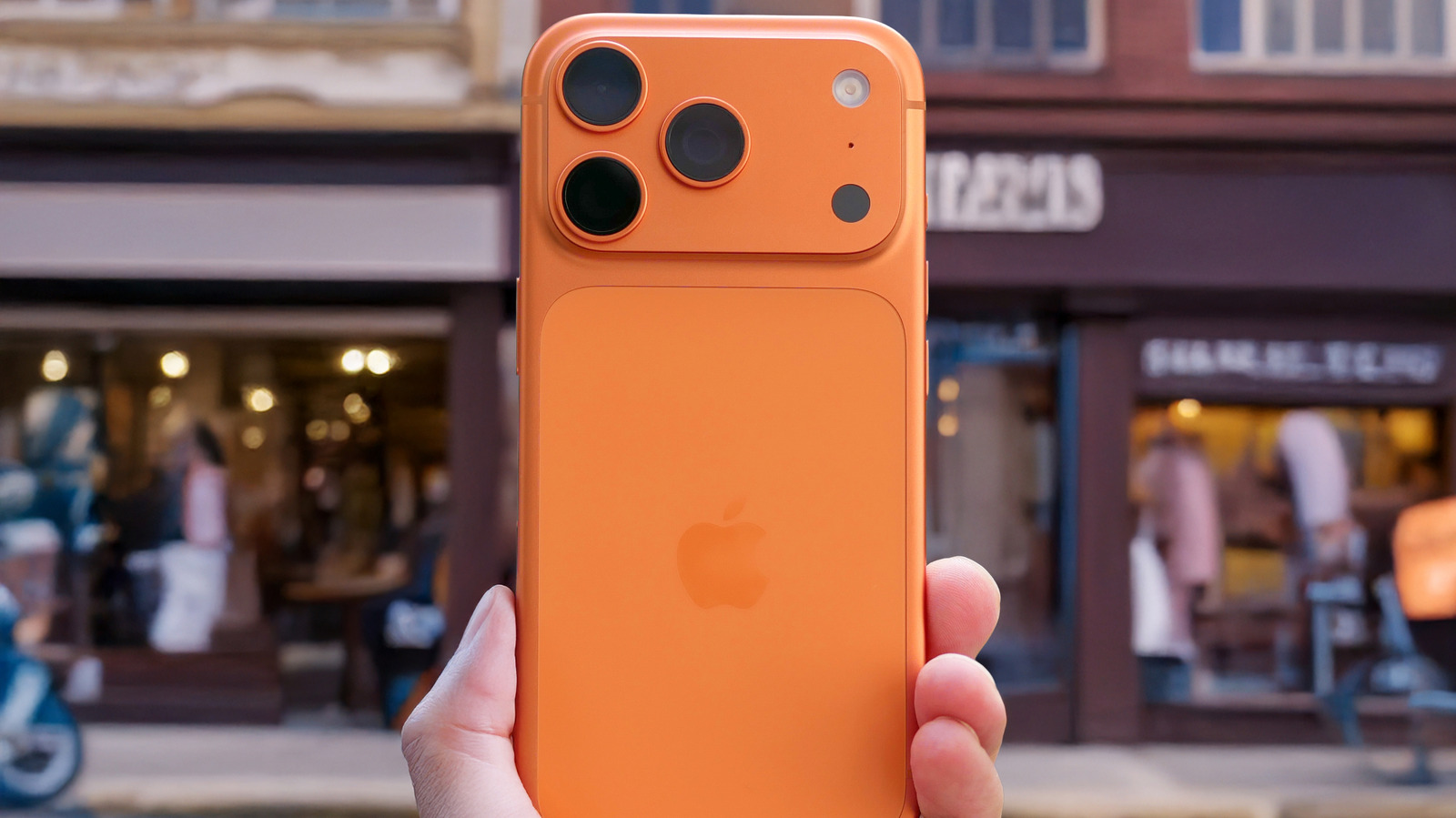
Apple’s Charge Limit setting can slow battery wear on iPhone 15 and later models.


Evolf/Shutterstock

Your iPhone can spend a surprising amount of its life plugged in and doing little. It charges on the nightstand (not under your pillow!) while you sleep, and a lot of people — myself included — will then leave it on a desk charging stand all afternoon. And on top of that, you might stick it to a MagSafe charging mount in the car. For a lot of that time, it’s fully charged, yet the phone remains plugged in, potentially causing unnecessary heat stress and battery damage.

YOU MAY ALSO LIKE

Here’s How Much It Would Cost To Build A PC Similar To The Standard PlayStation 5

ScreenPoint Launches MammoCloud and Unveils TRI5 Breast Cancer Risk AI – Unite.AI

Apple’s answer to this issue is Charge Limit, a setting on iPhone 15 models and later that tells the phone to stop charging the battery at 80, 85, 90 or 95 percent instead of 100. It takes seconds to toggle it on, but at 80 percent, you’re giving up a fifth of your battery every day for one that holds up better over time. Whether that’s worth it ultimately depends on how long your phone spends on the charger.

How to set a charge limit on your iPhone

Setting a charging limit on an iPhone 15 or later is easy. Head over to Settings, tap Battery, then choose Charging and drag the slider to the limit you want. You can choose 80, 85, 90 or 95 percent (or 100 percent, obviously) and your iPhone will charge to within a few points of the limit and stop. Charging won’t resume until the battery falls by 5 percent or more while still plugged in. 

Every now and then, even with these settings, you might wake up to a fully charged battery. That’s completely normal; iOS tops the battery up to 100 occasionally to ensure its percentage readout is accurate. It’s also possible to force a 100-percent charge by sliding the limit to 100 percent and tapping Allow Until Tomorrow — useful when you’ll be away from a charger all day.

If you’ve never touched any of this, then your iPhone will already be using Optimized Battery Charging, which is switched on by default. Instead of capping the battery with a hard limit, it figures out when you usually unplug, holds charge at 80 percent overnight and then finishes the rest shortly before you pick it up. That obviously needs a routine to learn from, though, and Apple says it takes at least 14 days and nine charges of five hours or more in the same place before it kicks in. If you’re somebody who charges in short bursts or works unpredictable shifts, you’re not going to get much out of it.

You can’t run Charge Limit and Optimized Battery Charging side-by-side; the latter only kicks in once the limit is at 100 percent. If you’ve got an iPhone 14 or older, meanwhile, there’s no Charge Limit slider option. Instead, there’s only an on-off switch for Optimized Battery Charging under Battery Health & Charging.

Why 80 percent?
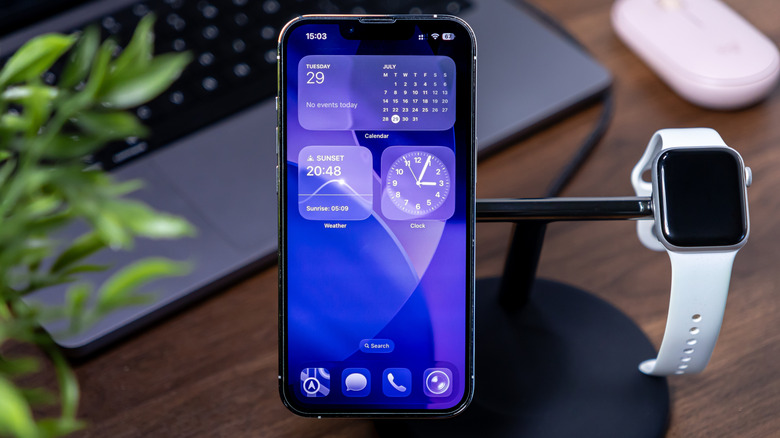

An iPhone and Apple Watch charging side-by-side on a desk mount.
aileenchik/Shutterstock

Lithium-ion batteries age faster when they’re fully charged, and adding heat into the mix makes that degradation happen faster. When researchers at the Karlsruhe Institute of Technology [PDF] stored battery cells at fixed charge levels between 40 and 60 degrees Celsius (104 to 140 Fahrenheit) in a 2021 study, the ones sitting at 100 percent degraded far more than anything kept at or below 80 percent. Two cells that were held at full charge on a constant voltage at 60 degrees Celsius, which is about as close a lab can get to a phone left on charging during a heatwave, were finished within six weeks. Apple, meanwhile, warns that ambient heat above 35 degrees Celsius (95 Fahrenheit) can permanently reduce battery capacity.

Look to MacRumors‘ Juli Clover for an idea of what this looks like in practice. She has kept each new Pro Max phone at an 80 percent limit since 2023, and her devices have aged spectacularly well. Her iPhone 15 Pro Max, for example, read 94 percent maximum capacity after one year and 88 percent after three, while the 16 Pro Max slipped from 94 to 93 percent in its second year and the 17 Pro Max was at 97 percent after 277 charge cycles. Coincidentally, my iPhone 17 has gone through 276 charge cycles since December 2025 and also has 97 percent capacity remaining. Unlike Clover, however, I use Optimized Battery Charging rather than setting a limit.

An 80 percent limit is definitely worth it if your iPhone spends a lot of its life on a charger. If you’re one of those people who plugs it in overnight, docks it on a desk stand with magnetic charging, and then plugs it in during car journeys, you’ve got the most to gain from these settings. If, however, you’re finding yourself scraping into the single digits by day’s end and only charge your phone once per day at the same time, you should let Optimized Battery Charging do its work.

Credit: Source link

ShareTweetSendSharePin

Related Posts

Here’s How Much It Would Cost To Build A PC Similar To The Standard PlayStation 5
AI & Technology

Here’s How Much It Would Cost To Build A PC Similar To The Standard PlayStation 5

November 29, 2026
ScreenPoint Launches MammoCloud and Unveils TRI5 Breast Cancer Risk AI – Unite.AI
AI & Technology

ScreenPoint Launches MammoCloud and Unveils TRI5 Breast Cancer Risk AI – Unite.AI

November 29, 2026
Rocket to Shut Down After Investors Cancel Planned Funding Round – Unite.AI
AI & Technology

Rocket to Shut Down After Investors Cancel Planned Funding Round – Unite.AI

November 29, 2026
Trella Secures M Pre-Series C After Reporting Profitability – Unite.AI
AI & Technology

Trella Secures $22M Pre-Series C After Reporting Profitability – Unite.AI

November 29, 2026
Next Post
New video shows passengers scramble after riverboat hit by tanker

New video shows passengers scramble after riverboat hit by tanker

Leave a Reply Cancel reply

Your email address will not be published. Required fields are marked *

Search

No Result
View All Result
Why Don’t All Drones Do This??

Why Don’t All Drones Do This??

November 25, 2026
Huang Is Worth Up to  Trillion to the Market, Ives Says

Huang Is Worth Up to $10 Trillion to the Market, Ives Says

November 28, 2026
Amazon Resorts To Package Stickers In Its Fight Against NYC’s Proposed Delivery Law

Amazon Resorts To Package Stickers In Its Fight Against NYC’s Proposed Delivery Law

November 23, 2026

About

Learn more

Our Services

Legal

Privacy Policy

Terms of Use

Bloggers

Learn more

Article Links

Contact

Advertise

Ask us anything

©2020- TradePoint.io - All rights reserved!

Tradepoint.io, being just a publishing and technology platform, is not a registered broker-dealer or investment adviser. So we do not provide investment advice. Rather, brokerage services are provided to clients of Tradepoint.io by independent SEC-registered broker-dealers and members of FINRA/SIPC. Every form of investing carries some risk and past performance is not a guarantee of future results. “Tradepoint.io“, “Instant Investing” and “My Trading Tools” are registered trademarks of Apperbuild, LLC.

This website is operated by Apperbuild, LLC. We have no link to any brokerage firm and we do not provide investment advice. Every information and resource we provide is solely for the education of our readers. © 2020 Apperbuild, LLC. All rights reserved.

No Result
View All Result
  • Main
  • AI & Technology
  • Stock Charts
  • Market & News
  • Business
  • Finance Tips
  • Trade Tube
  • Blog
  • Shop

© 2023 - TradePoint.io - All Rights Reserved!