
• bitcoinBitcoin(BTC)$65,211.001.60%
  • ethereumEthereum(ETH)$1,963.694.50%
  • tetherTether(USDT)$1.000.00%
  • binancecoinBNB(BNB)$574.380.70%
  • usd-coinUSDC(USDC)$1.000.00%
  • rippleXRP(XRP)$1.111.10%
  • solanaSolana(SOL)$76.432.30%
  • tronTRON(TRX)$0.3314580.30%
  • Figure HelocFigure Heloc(FIGR_HELOC)$1.032.90%
  • whitebitWhiteBIT Coin(WBT)$57.272.10%
  • HyperliquidHyperliquid(HYPE)$59.952.40%
  • dogecoinDogecoin(DOGE)$0.072824-0.60%
  • USDSUSDS(USDS)$1.000.00%
  • RainRain(RAIN)$0.0140051.60%
  • leo-tokenLEO Token(LEO)$9.73-1.10%
  • zcashZcash(ZEC)$500.833.20%
  • chainlinkChainlink(LINK)$8.814.80%
  • moneroMonero(XMR)$347.63-4.00%
  • stellarStellar(XLM)$0.1821962.60%
  • cardanoCardano(ADA)$0.1653460.40%
  • CantonCanton(CC)$0.1231231.00%
  • daiDai(DAI)$1.000.00%
  • bitcoin-cashBitcoin Cash(BCH)$216.213.30%
  • the-open-networkGram (prev. Toncoin)(GRAM)$1.510.50%
  • USD1USD1(USD1)$1.000.00%
  • Ethena USDeEthena USDe(USDE)$1.000.00%
  • litecoinLitecoin(LTC)$47.251.30%
  • Global DollarGlobal Dollar(USDG)$1.00-0.30%
  • shiba-inuShiba Inu(SHIB)$0.000005-10.80%
  • hedera-hashgraphHedera(HBAR)$0.069435-0.60%
  • Circle USYCCircle USYC(USYC)$1.130.00%
  • suiSui(SUI)$0.72-0.30%
  • avalanche-2Avalanche(AVAX)$6.68-1.30%
  • crypto-com-chainCronos(CRO)$0.0573181.50%
  • paypal-usdPayPal USD(PYUSD)$1.000.00%
  • BlackRock USD Institutional Digital Liquidity FundBlackRock USD Institutional Digital Liquidity Fund(BUIDL)$1.000.00%
  • tether-goldTether Gold(XAUT)$4,085.580.70%
  • uniswapUniswap(UNI)$3.896.30%
  • nearNEAR Protocol(NEAR)$1.843.20%
  • Ondo US Dollar YieldOndo US Dollar Yield(USDY)$1.140.10%
  • OndoOndo(ONDO)$0.4150516.30%
  • BittensorBittensor(TAO)$198.06-0.30%
  • pax-goldPAX Gold(PAXG)$4,090.190.80%
  • okbOKB(OKB)$86.042.90%
  • World Liberty FinancialWorld Liberty Financial(WLFI)$0.054693-1.50%
  • AsterAster(ASTER)$0.630.00%
  • HTX DAOHTX DAO(HTX)$0.000002-0.30%
  • MemeCoreMemeCore(M)$1.22-3.10%
  • Ripple USDRipple USD(RLUSD)$1.000.00%
  • aaveAave(AAVE)$101.7710.00%
TradePoint.io
  • Main
  • AI & Technology
  • Stock Charts
  • Market & News
  • Business
  • Finance Tips
  • Trade Tube
  • Blog
  • Shop
No Result
View All Result
TradePoint.io
No Result
View All Result

How To Safely Clean Your USB Ports

July 26, 2026
in AI & Technology
Reading Time: 5 mins read
A A
How To Safely Clean Your USB Ports
ShareShareShareShareShare

Don’t use WD-40 or Q-tips, for starters.

Brianajackson/Getty Images

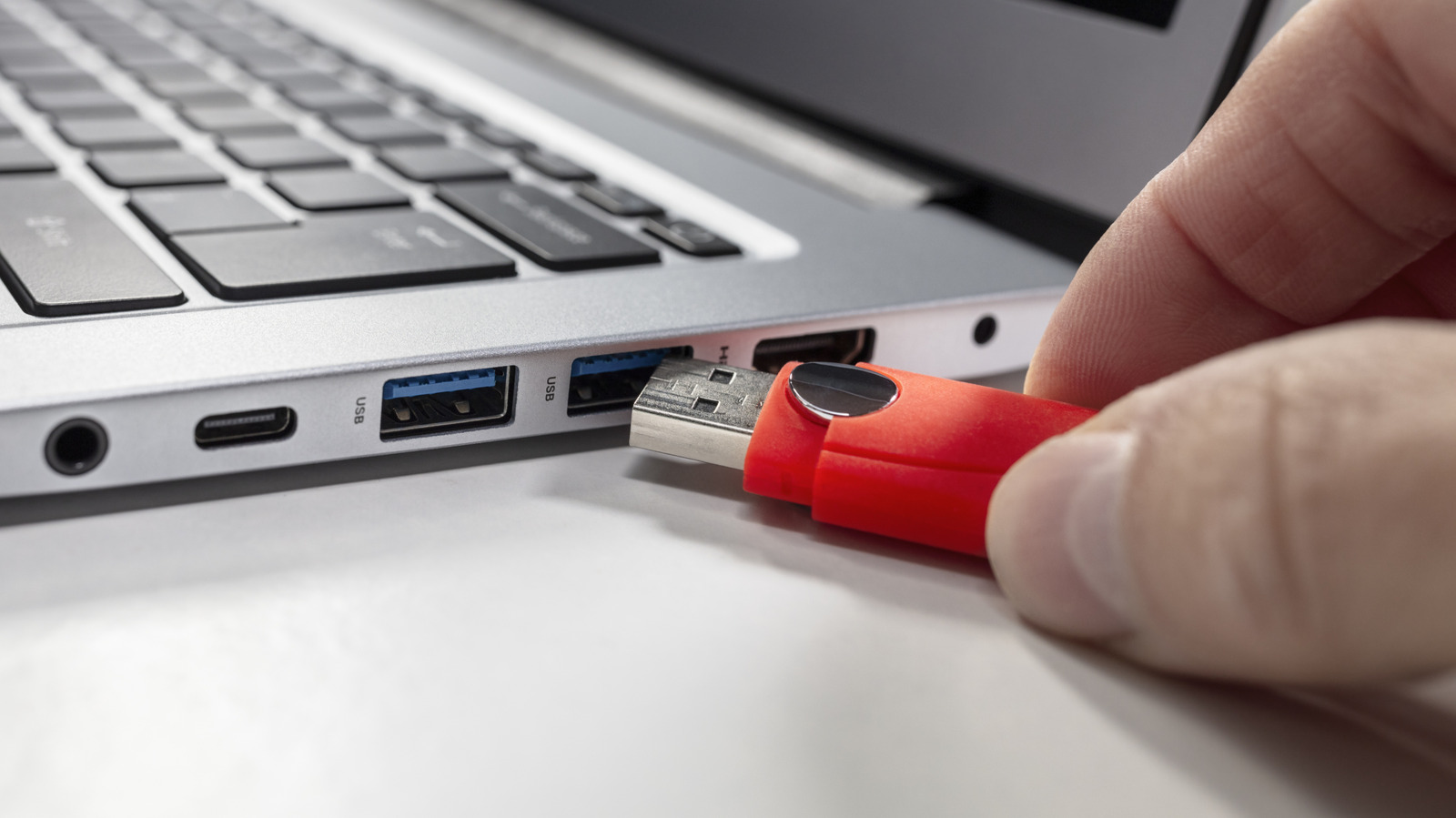
You probably don’t give much thought to cleaning your USB ports, but you really should. If you’re having problems powering or connecting your devices, there’s a decent chance a dirty charging port is to blame. Dirty USB connections that have dust or lint inside them can lead to unstable connections or charges that drop out intermittently. That’s why it’s a good idea to check your devices’ USB ports every now and then to ensure dirt hasn’t built up inside. If it has, there are a few cheap and easy cleaning methods you can deploy, which we’ll guide you through.

YOU MAY ALSO LIKE

Nanoleaf’s Monitor Stand Is An All-In-One Setup That Brightens Up Your Desk Space

How To Get YouTube Music’s Best Audio Quality

How do you clean a dirty USB port?

A can of compressed air hovering over a USB port on a laptop Dave Meikleham for Engadget

The first thing you should do before you clean your device’s USB port(s) is to power it down. When dealing with a desktop PC, make sure you unplug it from the wall. Once you’re confident your device isn’t getting any power, it’s then safe to go to work on its ports.

In terms of what you’re likely to have lying around your home, a plastic or wooden toothpick is your best bet for cleaning a USB port. This simple household item can easily remove lint that may be residing inside a port, though it’s important you use toothpicks delicately when cleaning electronic devices. Don’t apply excessive force when brushing the inside of a port. Instead, use gentle thrusts to weed out any dirt or grime that may have gathered.

If you want to go one step further, a can of compressed air can also be an effective tool for cleaning USB ports. In tandem with a toothpick, short blasts of compressed air can dislodge dirt and dust. Just be sure not to press the can down too long, as continuous blasts of air could potentially damage a port’s connector pins.

When should I clean my USB ports?

USB ports on a laptop Jerome Maurice/Getty Images

As long as you take reasonably good care of your devices, you really shouldn’t need to clean USB ports all that often. Ports should only be cleaned if you can spot visible residue build-up (like dust or lint), or if you experience charging problems with a port. If you find your smartphone not charging properly when it’s plugged in, for example, cleaning its port may resolve the issue.

In the case of laptops, if certain USB accessories aren’t being detected, that’s also a sure-fire sign your ports could do with a little clean. And if you’re still using wired peripherals, like a keyboard and mouse with your PC, should you experience loose-feeling connections, you should consider cleaning your USB ports. Such looseness is a potential sign of excess dust inside your ports. On the off chance you’ve recently been to the beach with your phone or tablet, you should also consider checking and cleaning your device’s charging port to ensure it hasn’t attracted any sand.

What should I not use to clean a charging port?

A can of WD-40 sitting on a workbench Scott Olson/Getty Images

There are a bunch of things you should never use for cleaning a USB/charging port. Chief among them is WD-40. Please resist the urge to use this lubricant with any electronic equipment. WD-40 can cause permanent damage to electronics, while it may also leave a residue that encourages dirt and dust to build up. On a similar note, you should also steer clear of household cleaning sprays or bleach, as these substances can easily cause short circuits.

It’s not just liquids that should be avoided; you also have to be careful with certain tools. Though cotton buds/Q-tips may seem like a cheap and effective item for scrubbing a USB port, in reality they can leave behind fibers in the connection that can negatively impact connector pins. It’s also important that you avoid metallic tools when attempting to clean ports. Avoid paper clips and safety pins as these can also easily damage connector pins.

Credit: Source link

ShareTweetSendSharePin

Related Posts

Nanoleaf’s Monitor Stand Is An All-In-One Setup That Brightens Up Your Desk Space
AI & Technology

Nanoleaf’s Monitor Stand Is An All-In-One Setup That Brightens Up Your Desk Space

July 26, 2026
How To Get YouTube Music’s Best Audio Quality
AI & Technology

How To Get YouTube Music’s Best Audio Quality

July 26, 2026
Here’s Our First Look At Apple TV’s Neuromancer Adaptation
AI & Technology

Here’s Our First Look At Apple TV’s Neuromancer Adaptation

July 26, 2026
Black Forest Labs Releases FLUX 3: A Multimodal Flow Model for Image, Video, Audio and Robot Action Prediction
AI & Technology

Black Forest Labs Releases FLUX 3: A Multimodal Flow Model for Image, Video, Audio and Robot Action Prediction

July 26, 2026
Next Post
U.S. announces more strikes on Iran over Strait of Hormuz

U.S. announces more strikes on Iran over Strait of Hormuz

Leave a Reply Cancel reply

Your email address will not be published. Required fields are marked *

Search

No Result
View All Result
Meta Open-Sources Astryx: An Agent-Ready React Design System With 150+ Accessible Components, Seven Themes, and a CLI

Meta Open-Sources Astryx: An Agent-Ready React Design System With 150+ Accessible Components, Seven Themes, and a CLI

July 21, 2026
Suspect accused of setting fire outside NYC federal building

Suspect accused of setting fire outside NYC federal building

July 22, 2026
How To Get More Storage On Your Android Without Using A microSD Card

How To Get More Storage On Your Android Without Using A microSD Card

July 25, 2026

About

Learn more

Our Services

Legal

Privacy Policy

Terms of Use

Bloggers

Learn more

Article Links

Contact

Advertise

Ask us anything

©2020- TradePoint.io - All rights reserved!

Tradepoint.io, being just a publishing and technology platform, is not a registered broker-dealer or investment adviser. So we do not provide investment advice. Rather, brokerage services are provided to clients of Tradepoint.io by independent SEC-registered broker-dealers and members of FINRA/SIPC. Every form of investing carries some risk and past performance is not a guarantee of future results. “Tradepoint.io“, “Instant Investing” and “My Trading Tools” are registered trademarks of Apperbuild, LLC.

This website is operated by Apperbuild, LLC. We have no link to any brokerage firm and we do not provide investment advice. Every information and resource we provide is solely for the education of our readers. © 2020 Apperbuild, LLC. All rights reserved.

No Result
View All Result
  • Main
  • AI & Technology
  • Stock Charts
  • Market & News
  • Business
  • Finance Tips
  • Trade Tube
  • Blog
  • Shop

© 2023 - TradePoint.io - All Rights Reserved!