
In this tutorial, we aim to understand how LangGraph enables us to manage conversation flows in a structured manner, while also providing the power to “time travel” through checkpoints. By building a chatbot that integrates a free Gemini model and a Wikipedia tool, we can add multiple steps to a dialogue, record each checkpoint, replay the full state history, and even resume from a past state. This hands-on approach enables us to see, in real-time, how LangGraph’s design facilitates the tracking and manipulation of conversation progression with clarity and control. Check out the FULL CODES here.
!pip -q install -U langgraph langchain langchain-google-genai google-generativeai typing_extensions
!pip -q install "requests==2.32.4"


import os
import json
import textwrap
import getpass
import time
from typing import Annotated, List, Dict, Any, Optional


from typing_extensions import TypedDict


from langchain.chat_models import init_chat_model
from langchain_core.messages import BaseMessage
from langchain_core.tools import tool


from langgraph.graph import StateGraph, START, END
from langgraph.graph.message import add_messages
from langgraph.checkpoint.memory import InMemorySaver
from langgraph.prebuilt import ToolNode, tools_condition


import requests
from requests.adapters import HTTPAdapter, Retry


if not os.environ.get("GOOGLE_API_KEY"):
   os.environ["GOOGLE_API_KEY"] = getpass.getpass("🔑 Enter your Google API Key (Gemini): ")


llm = init_chat_model("google_genai:gemini-2.0-flash")
We start by installing the required libraries, setting up our Gemini API key, and importing all the necessary modules. We then initialize the Gemini model using LangChain so that we can use it as the core LLM in our LangGraph workflow. Check out the FULL CODES here.
WIKI_SEARCH_URL = "https://en.wikipedia.org/w/api.php"


_session = requests.Session()
_session.headers.update({
   "User-Agent": "LangGraph-Colab-Demo/1.0 (contact: [email protected])",
   "Accept": "application/json",
})
retry = Retry(
   total=5, connect=5, read=5, backoff_factor=0.5,
   status_forcelist=(429, 500, 502, 503, 504),
   allowed_methods=("GET", "POST")
)
_session.mount("https://", HTTPAdapter(max_retries=retry))
_session.mount("http://", HTTPAdapter(max_retries=retry))


def _wiki_search_raw(query: str, limit: int = 3) -> List[Dict[str, str]]:
   """
   Use MediaWiki search API with:
     - origin='*' (good practice for CORS)
     - Polite UA + retries
   Returns compact list of {title, snippet_html, url}.
   """
   params = {
       "action": "query",
       "list": "search",
       "format": "json",
       "srsearch": query,
       "srlimit": limit,
       "srprop": "snippet",
       "utf8": 1,
       "origin": "*",
   }
   r = _session.get(WIKI_SEARCH_URL, params=params, timeout=15)
   r.raise_for_status()
   data = r.json()
   out = []
   for item in data.get("query", {}).get("search", []):
       title = item.get("title", "")
       page_url = f"https://en.wikipedia.org/wiki/{title.replace(' ', '_')}"
       snippet = item.get("snippet", "")
       out.append({"title": title, "snippet_html": snippet, "url": page_url})
   return out


@tool
def wiki_search(query: str) -> List[Dict[str, str]]:
   """Search Wikipedia and return up to 3 results with title, snippet_html, and url."""
   try:
       results = _wiki_search_raw(query, limit=3)
       return results if results else [{"title": "No results", "snippet_html": "", "url": ""}]
   except Exception as e:
       return [{"title": "Error", "snippet_html": str(e), "url": ""}]


TOOLS = [wiki_search]
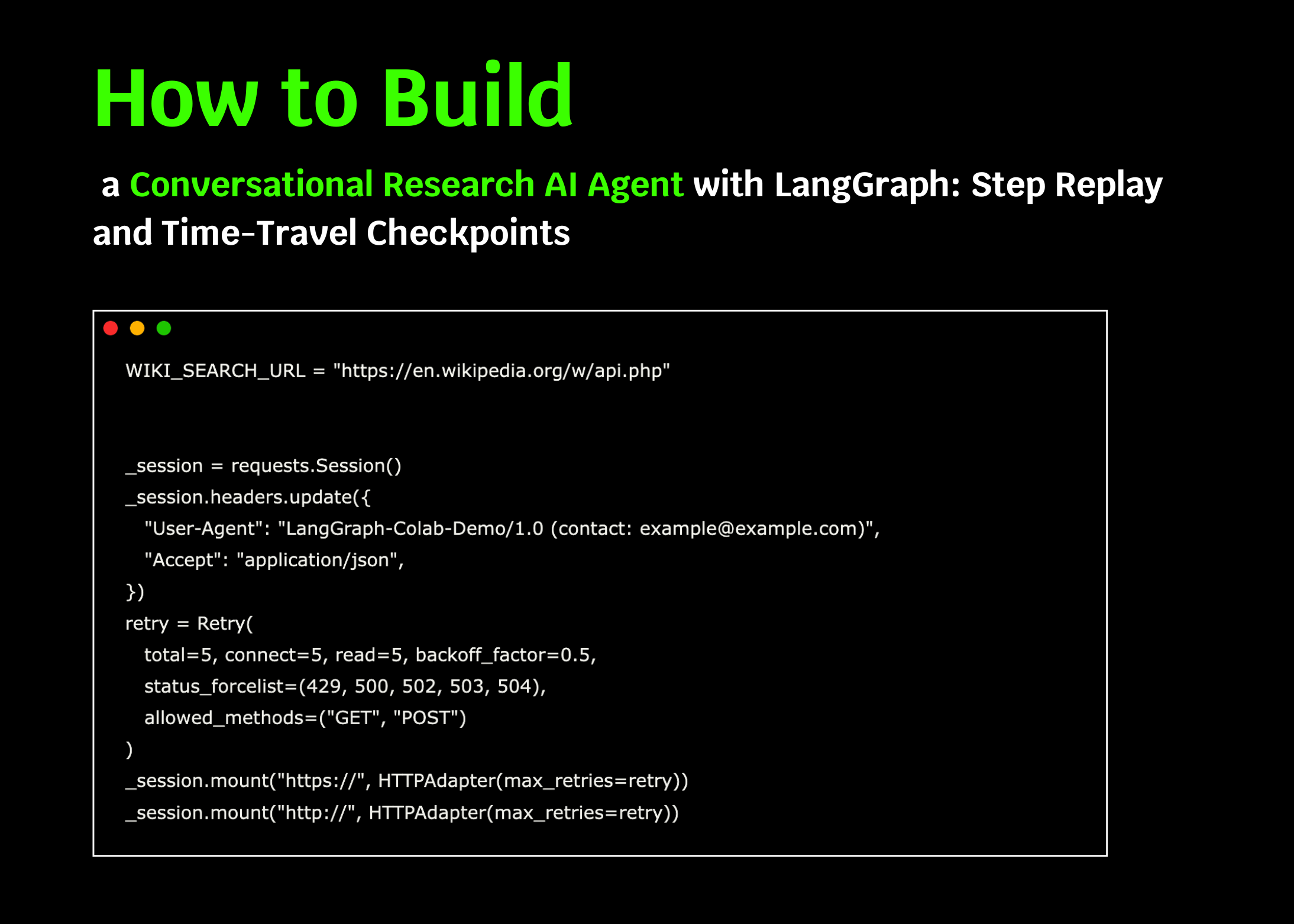
We set up a Wikipedia search tool with a custom session, retries, and a polite user-agent. We define _wiki_search_raw to query the MediaWiki API and then wrap it as a LangChain tool, allowing us to seamlessly call it within our LangGraph workflow. Check out the FULL CODES here.
class State(TypedDict):
   messages: Annotated[list, add_messages]


graph_builder = StateGraph(State)


llm_with_tools = llm.bind_tools(TOOLS)


SYSTEM_INSTRUCTIONS = textwrap.dedent("""
You are ResearchBuddy, a careful research assistant.
- If the user asks you to "research", "find info", "latest", "web", or references a library/framework/product,
 you SHOULD call the `wiki_search` tool at least once before finalizing your answer.
- When you call tools, be concise in the text you produce around the call.
- After receiving tool results, cite at least the page titles you used in your summary.
""").strip()


def chatbot(state: State) -> Dict[str, Any]:
   """Single step: call the LLM (with tools bound) on the current messages."""
   return {"messages": [llm_with_tools.invoke(state["msgs"])]}


graph_builder.add_node("chatbot", chatbot)


memory = InMemorySaver()
graph = graph_builder.compile(checkpointer=memory)
We define our graph state to store the running message thread and bind our Gemini model to the wiki_search tool, allowing it to call it when needed. We add a chatbot node and a tools node, wire them with conditional edges, and enable checkpointing with an in-memory saver. We now compile the graph so we can add steps, replay history, and resume from any checkpoint. Check out the FULL CODES here.
def print_last_message(event: Dict[str, Any]):
   """Pretty-print the last message in an event if available."""
   if "messages" in event and event["messages"]:
       msg = event["messages"][-1]
       try:
           if isinstance(msg, BaseMessage):
               msg.pretty_print()
           else:
               role = msg.get("role", "unknown")
               content = msg.get("content", "")
               print(f"\n[{role.upper()}]\n{content}\n")
       except Exception:
           print(str(msg))


def show_state_history(cfg: Dict[str, Any]) -> List[Any]:
   """Print a concise view of checkpoints; return the list as well."""
   history = list(graph.get_state_history(cfg))
   print("\n=== 📜 State history (most recent first) ===")
   for i, st in enumerate(history):
       n = st.next
       n_txt = f"{n}" if n else "()"
       print(f"{i:02d}) NumMessages={len(st.values.get('messages', []))}  Next={n_txt}")
   print("=== End history ===\n")
   return history


def pick_checkpoint_by_next(history: List[Any], node_name: str = "tools") -> Optional[Any]:
   """Pick the first checkpoint whose `next` includes a given node (e.g., 'tools')."""
   for st in history:
       nxt = tuple(st.next) if st.next else tuple()
       if node_name in nxt:
           return st
   return None
We add utility functions to make our LangGraph workflow easier to inspect and control. We use print_last_message to neatly display the most recent response, show_state_history to list all saved checkpoints, and pick_checkpoint_by_next to locate a checkpoint where the graph is about to run a specific node, such as the tools step. Check out the FULL CODES here.
config = {"configurable": {"thread_id": "demo-thread-1"}}


first_turn = {
   "messages": [
       {"role": "system", "content": SYSTEM_INSTRUCTIONS},
       {"role": "user", "content": "I'm learning LangGraph. Could you do some research on it for me?"},
   ]
}


print("\n==================== 🟢 STEP 1: First user turn ====================")
events = graph.stream(first_turn, config, stream_mode="values")
for ev in events:
   print_last_message(ev)


second_turn = {
   "messages": [
       {"role": "user", "content": "Ya. Maybe I'll build an agent with it!"}
   ]
}


print("\n==================== 🟢 STEP 2: Second user turn ====================")
events = graph.stream(second_turn, config, stream_mode="values")
for ev in events:
   print_last_message(ev)
We simulate two user interactions in the same thread by streaming events through the graph. We first provide system instructions and ask the assistant to research LangGraph, then follow up with a second user message about building an autonomous agent. Each step is checkpointed, allowing us to replay or resume from these states later. Check out the FULL CODES here.
print("\n==================== 🔁 REPLAY: Full state history ====================")
history = show_state_history(config)


to_replay = pick_checkpoint_by_next(history, node_name="tools")
if to_replay is None:
   to_replay = history[min(2, len(history) - 1)]


print("Chosen checkpoint to resume from:")
print("  Next:", to_replay.next)
print("  Config:", to_replay.config)


print("\n==================== ⏪ RESUME from chosen checkpoint ====================")
for ev in graph.stream(None, to_replay.config, stream_mode="vals"):
   print_last_message(ev)


MANUAL_INDEX = None
if MANUAL_INDEX is not None and 0 <= MANUAL_INDEX < len(history):
   chosen = history[MANUAL_INDEX]
   print(f"\n==================== 🧭 MANUAL RESUME @ index {MANUAL_INDEX} ====================")
   print("Next:", chosen.next)
   print("Config:", chosen.config)
   for ev in graph.stream(None, chosen.config, stream_mode="values"):
       print_last_message(ev)


print("\n✅ Done. You added steps, replayed history, and resumed from a prior checkpoint.")
We replay the full checkpoint history to see how our conversation evolves across steps and identify a useful point to resume. We then “time travel” by restarting from a selected checkpoint, and optionally from any manual index, so we continue the dialogue exactly from that saved state.
In conclusion, we have gained a clearer picture of how LangGraph’s checkpointing and time-travel capabilities bring flexibility and transparency to conversation management. By stepping through multiple user turns, replaying state history, and resuming from earlier points, we can experience firsthand the power of this framework in building reliable research agents or autonomous assistants. We recognize that this workflow is not just a demo, but a foundation that we can extend into more complex applications, where reproducibility and traceability are as important as the answers themselves.
Check out the FULL CODES here. Feel free to check out our GitHub Page for Tutorials, Codes and Notebooks. Also, feel free to follow us on Twitter and don’t forget to join our 100k+ ML SubReddit and Subscribe to our Newsletter.
Asif Razzaq is the CEO of Marktechpost Media Inc.. As a visionary entrepreneur and engineer, Asif is committed to harnessing the potential of Artificial Intelligence for social good. His most recent endeavor is the launch of an Artificial Intelligence Media Platform, Marktechpost, which stands out for its in-depth coverage of machine learning and deep learning news that is both technically sound and easily understandable by a wide audience. The platform boasts of over 2 million monthly views, illustrating its popularity among audiences.
Credit: Source link