
• bitcoinBitcoin(BTC)$81,515.000.92%
  • ethereumEthereum(ETH)$2,637.041.94%
  • tetherTether(USDT)$1.000.01%
  • binancecoinBNB(BNB)$765.570.96%
  • rippleXRP(XRP)$1.433.08%
  • usd-coinUSDC(USDC)$1.000.00%
  • solanaSolana(SOL)$111.420.02%
  • tronTRON(TRX)$0.338093-0.43%
  • zcashZcash(ZEC)$1,512.782.08%
  • Figure HelocFigure Heloc(FIGR_HELOC)$1.030.14%
  • HyperliquidHyperliquid(HYPE)$92.811.20%
  • dogecoinDogecoin(DOGE)$0.0886331.23%
  • moneroMonero(XMR)$568.80-1.86%
  • whitebitWhiteBIT Coin(WBT)$83.200.44%
  • RainRain(RAIN)$0.0139367.15%
  • USDSUSDS(USDS)$1.00-0.01%
  • chainlinkChainlink(LINK)$12.522.81%
  • cardanoCardano(ADA)$0.2260492.48%
  • leo-tokenLEO Token(LEO)$8.930.66%
  • stellarStellar(XLM)$0.1968522.45%
  • uniswapUniswap(UNI)$8.850.67%
  • bitcoin-cashBitcoin Cash(BCH)$253.790.77%
  • Ethena USDeEthena USDe(USDE)$1.00-0.01%
  • nearNEAR Protocol(NEAR)$3.620.02%
  • daiDai(DAI)$1.00-0.02%
  • litecoinLitecoin(LTC)$57.843.33%
  • CantonCanton(CC)$0.1110602.05%
  • USD1USD1(USD1)$1.000.01%
  • avalanche-2Avalanche(AVAX)$9.4216.26%
  • the-open-networkGram (prev. Toncoin)(GRAM)$1.390.88%
  • hedera-hashgraphHedera(HBAR)$0.0809302.71%
  • suiSui(SUI)$0.844.17%
  • Global DollarGlobal Dollar(USDG)$1.00-0.02%
  • shiba-inuShiba Inu(SHIB)$0.0000050.17%
  • BittensorBittensor(TAO)$269.367.97%
  • crypto-com-chainCronos(CRO)$0.0598391.23%
  • MemeCoreMemeCore(M)$1.29-3.76%
  • paypal-usdPayPal USD(PYUSD)$1.00-0.01%
  • tether-goldTether Gold(XAUT)$4,373.910.31%
  • okbOKB(OKB)$119.943.72%
  • Circle USYCCircle USYC(USYC)$1.140.00%
  • Ripple USDRipple USD(RLUSD)$1.00-0.02%
  • BlackRock USD Institutional Digital Liquidity FundBlackRock USD Institutional Digital Liquidity Fund(BUIDL)$1.000.00%
  • Ondo US Dollar YieldOndo US Dollar Yield(USDY)$1.150.05%
  • aaveAave(AAVE)$141.882.16%
  • OndoOndo(ONDO)$0.4326238.73%
  • mantleMantle(MNT)$0.645.58%
  • AsterAster(ASTER)$0.760.96%
  • EthenaEthena(ENA)$0.20008219.57%
  • Pump.funPump.fun(PUMP)$0.004104-5.69%
TradePoint.io
  • Main
  • AI & Technology
  • Stock Charts
  • Market & News
  • Business
  • Finance Tips
  • Trade Tube
  • Blog
  • Shop
No Result
View All Result
TradePoint.io
No Result
View All Result

How To Block And Unblock A Number On Your Android Phone

September 19, 2026
in AI & Technology
Reading Time: 5 mins read
A A
How To Block And Unblock A Number On Your Android Phone
ShareShareShareShareShare

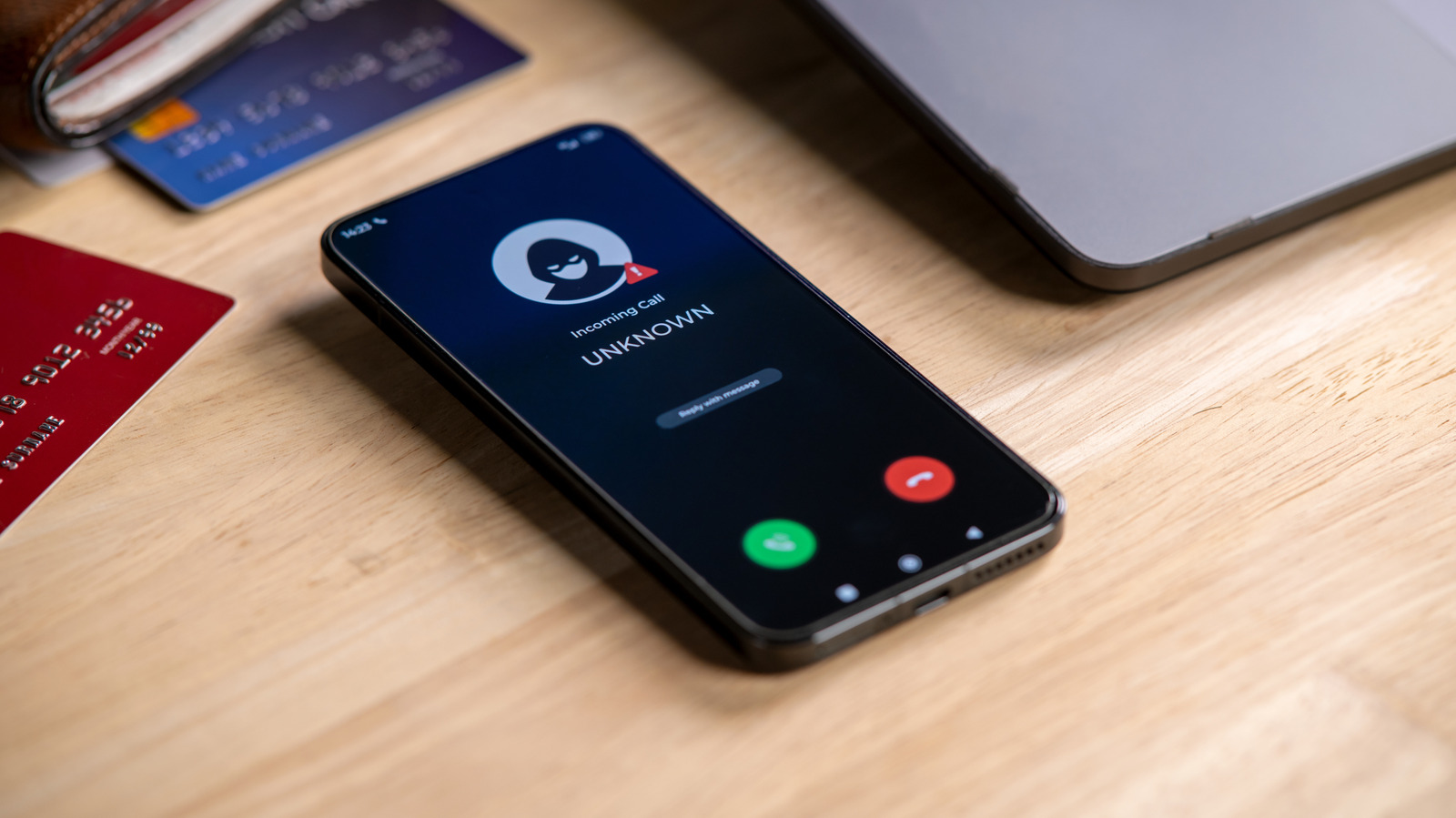
Has someone been trying to reach you about your car’s extended warranty?


amenic181/Shutterstock

It’s not a stretch to say that the modern smartphone is one of humanity’s greatest inventions; there’s so much packed into that pocket-friendly supercomputer. But even the greatest of inventions has its cons. For smartphones, one of those bitter cons is unwanted calls.

YOU MAY ALSO LIKE

Google Gemini Also Escaped Its Testing Environment And Hacked Three Companies

What Is AI Agent Memory? Short-Term, Long-Term, Episodic, and Semantic Memory Explained – Unite.AI

With all the benefits, convenience and interconnectedness smartphones allow you to enjoy, unfortunately, they also allow scammers, spammers and all sorts of annoying people to conveniently connect with you either through texts or, worse, constant calls. Thankfully, you can easily block unwanted callers on your Android phone. Android is a vast ecosystem, so the exact process for blocking numbers may differ based on your Android device. But for the majority of Android phones, the Phone or Contacts app is the first step in blocking those annoying scam texts. And if you ever change your mind about a number you banished to the block list, you can also unblock it right from the Phone or Contacts app.

How to block a number on your Android phone

If you’re using a Samsung phone, there are two ways you can block calls from unwanted people: with the Contacts app and with the Phone app for numbers that aren’t saved.

Using the Contacts app:

  1. Open the Contacts app

  2. Select the contact you want to block

  3. Tap More

  4. Tap Block contact

  5. Confirm the block

Using the Phone app:

  1. Open the Phone app

  2. Find and copy the number you want to block

  3. Tap More (three dots) at the top corner

  4. Select Settings

  5. Tap Block numbers

  6. Tap Add phone number and paste or type the number you want to block

  7. Tap the plus sign

If the number called you recently, then you can easily block it from the Recents section in the Phone app. Navigate to the number you want to block and tap Details > More Options > Block number.

Blocking a number on a Pixel phone or a device running stock Android is just as straightforward:

  1. Open your Phone app

  2. Select More (three dots)

  3. Tap Call history

  4. Tap a call from the number you want to block

  5. Tap Block/report spam

Once you do this, anytime the number tries to call you, your Android phone will automatically decline it before it even rings or pops up on your screen, and texts will usually be filtered into a blocked or spam folder. Do note that blocking a number is handled by your device, not your carrier. So, if you move your SIM to a different device, you’ll likely have to block the number again. 

How to unblock a number on your Android phone
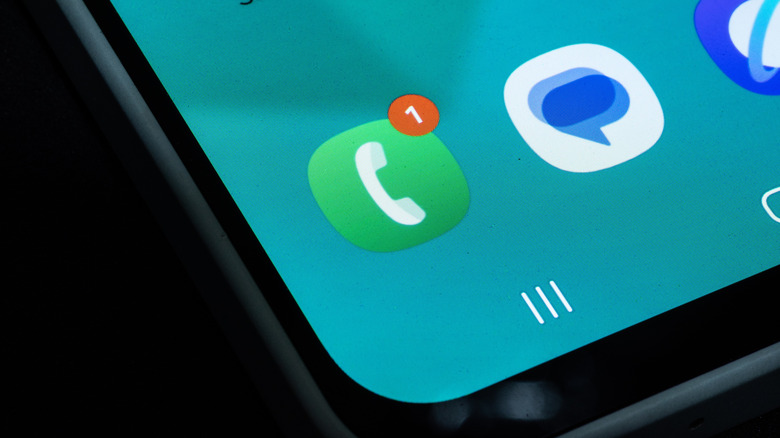

A smartphone's phone app with a missed call notification.
Parinussa Revy/Shutterstock

Unblocking a number follows a similar process. To unblock a contact on the Samsung Contacts app, simply:

  1. Open the Contacts app

  2. Select the contact you want to unblock

  3. Tap More options (three dots)

  4. Select Unblock contact

If you’re using the Phone app:

  1. Open the Phone app

  2. Select More (three dots)

  3. Tap Settings

  4. Select Block numbers

  5. Then tap the (-) beside the number you want to unblock

For the Google Pixel and stock Android users:

  1. Open the Phone app

  2. Tap More (three dots)

  3. Select Settings

  4. Then Blocked numbers

  5. Tap Clear (x) next to the number to unblock it

As soon as you unblock the number, it’ll be able to call and text you like normal. Do note that any calls sent from the number during the block period won’t get added to your call logs, so that stays forever lost.

Credit: Source link

ShareTweetSendSharePin

Related Posts

Google Gemini Also Escaped Its Testing Environment And Hacked Three Companies
AI & Technology

Google Gemini Also Escaped Its Testing Environment And Hacked Three Companies

September 19, 2026
What Is AI Agent Memory? Short-Term, Long-Term, Episodic, and Semantic Memory Explained – Unite.AI
AI & Technology

What Is AI Agent Memory? Short-Term, Long-Term, Episodic, and Semantic Memory Explained – Unite.AI

September 19, 2026
Linkup Research Releases SPARSEUP: A 149M-Parameter Open-Source Sparse Embedding Model
AI & Technology

Linkup Research Releases SPARSEUP: A 149M-Parameter Open-Source Sparse Embedding Model

September 19, 2026
Meta Launches Muse for Mac: A Personal AI Agent That Works Across Your Files, Mail, Messages, Calendar and Notes
AI & Technology

Meta Launches Muse for Mac: A Personal AI Agent That Works Across Your Files, Mail, Messages, Calendar and Notes

September 19, 2026
Next Post
Steve Kornacki analyzes Massachusetts primary election results | Kornacki Cam | NBC News

Steve Kornacki analyzes Massachusetts primary election results | Kornacki Cam | NBC News

Leave a Reply Cancel reply

Your email address will not be published. Required fields are marked *

Search

No Result
View All Result
Family blames son’s suicide on immigration crackdown

Family blames son’s suicide on immigration crackdown

September 19, 2026
Reddington calls for removal of juror in Lindsay Clancy trial

Reddington calls for removal of juror in Lindsay Clancy trial

September 18, 2026
Roblox Pushes Deeper Into AI-Powered Gaming

Roblox Pushes Deeper Into AI-Powered Gaming

September 16, 2026

About

Learn more

Our Services

Legal

Privacy Policy

Terms of Use

Bloggers

Learn more

Article Links

Contact

Advertise

Ask us anything

©2020- TradePoint.io - All rights reserved!

Tradepoint.io, being just a publishing and technology platform, is not a registered broker-dealer or investment adviser. So we do not provide investment advice. Rather, brokerage services are provided to clients of Tradepoint.io by independent SEC-registered broker-dealers and members of FINRA/SIPC. Every form of investing carries some risk and past performance is not a guarantee of future results. “Tradepoint.io“, “Instant Investing” and “My Trading Tools” are registered trademarks of Apperbuild, LLC.

This website is operated by Apperbuild, LLC. We have no link to any brokerage firm and we do not provide investment advice. Every information and resource we provide is solely for the education of our readers. © 2020 Apperbuild, LLC. All rights reserved.

No Result
View All Result
  • Main
  • AI & Technology
  • Stock Charts
  • Market & News
  • Business
  • Finance Tips
  • Trade Tube
  • Blog
  • Shop

© 2023 - TradePoint.io - All Rights Reserved!