
If you’re familiar with ChromeOS and looked at the Googlebook interface, it wouldn’t be immediately obvious that the platforms are completely different. You’ll find the same app dock at the bottom of the screen; the Chrome browser should work just as well here as elsewhere, and you can install Android apps from the Play Store to augment your computer’s capabilities. The difference is what’s running underneath. Android powers the system, though Google points out that, for developers, an isolated Linux environment with a full Terminal is part of the OS as well. The platform still includes the same Titan hardware security chip and built-in malware protection you’ll find on Chromebooks.
You may be asking yourself why it matters that Google’s now using Android as the basis for Googlebooks. It all goes back to the proposition Samat put forth: a laptop closely connected to your Android phone. While Chrome OS has a number of features for connecting your phone and laptop, Googlebooks take it a good bit further (and make these connections faster). Google and its developer community also share a codebase, which should make developing for both Googlebooks and Android phones simpler.
Google showed off plenty of examples of this tighter integration, starting with the process of logging into a new Googlebook. You’ve always used a Google account to log in to a Chromebook, but now logging in can pull in data like saved passwords, Wi-Fi networks, message history and more.
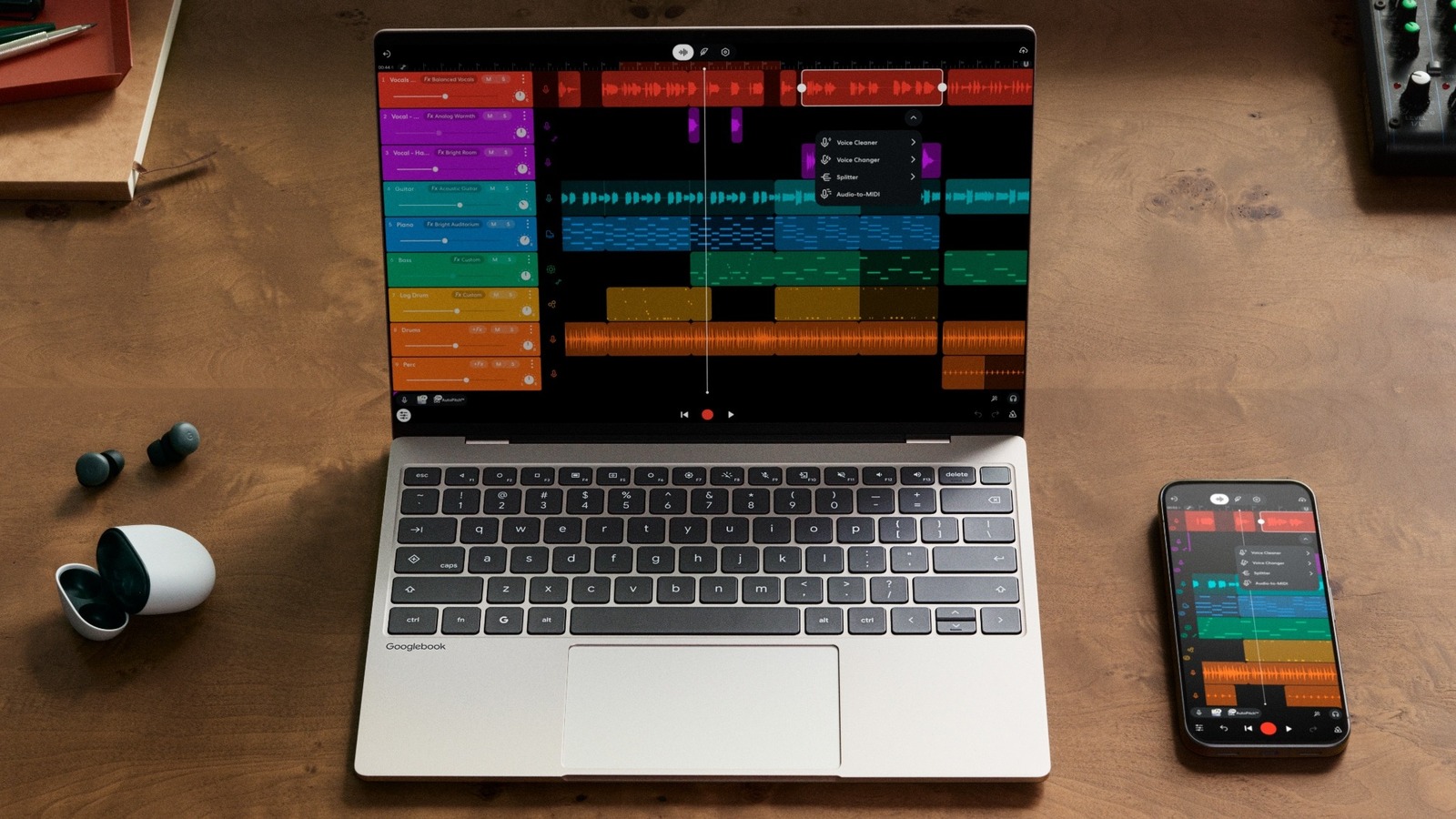
Things get more interesting after you’re logged in. The “continue on” feature hands off apps easily from your phone to a Googlebook, keeping everything as it was. Google showed this feature off with the cloud-based music-making app BandLab — a project with multiple tracks running on an Android phone was nearly instantly handed over to a nearby Googlebook with the same tracks intact. If you bring your Android phone near a Googlebook that you’re logged in to, a little app suggestion just appears in the dock; clicking that launches the app.
Google also showed this with Gmail, which was smart enough to open the web interface on the Googlebook even though it came from the Android app on the phone. For starters, Google says that its own apps will know when to hand off from an Android app to the web, and third-party apps should be able to do so in the future.
 Google
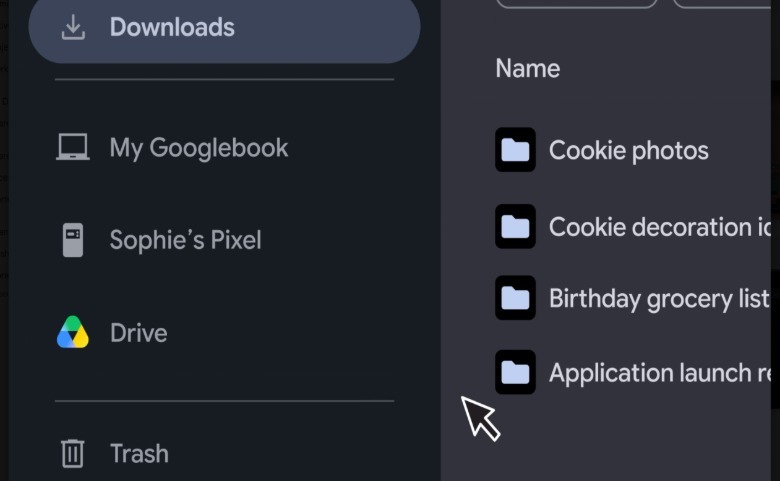
Your phone will also show up in the new Files app on Googlebooks. On the left side of the file browser, you’ll find a familiar interface showing your laptop, your Google Drive and other folders you might pin. Your Android phone shows up there, as well, so you can easily access anything on its internal storage and move it over to your laptop.
Another point of integration is casting apps from your Android phone to a Googlebook. There’s an icon in the dock that simply pulls up your app drawer from your phone so you can then pick and launch whatever you want on your Googlebook. The Mac and iPhone have something similar with full mirroring of your phone, but in this case your phone “streams” the app to your Googlebook. I can’t say which way is “better” yet, but this sounds like the tightest integration between an Android phone and laptop we’ve seen so far.
That said, Microsoft has long made a “Link to Windows” app that offers a bunch of phone-mirroring features — and with over a billion downloads from the Play Store, it’s not exactly a niche tool. I don’t doubt that Google’s integration will be more robust and functional, but will that be enough to convince someone to leave a perfectly fine Windows computer behind?
App streaming from Android to Chromebooks already exists, too, and works perfectly fine, so I can’t call that feature a differentiator from what’s already available. Of course, it should be easier for Google to iterate and implement features like that since both Googlebooks and Android phones will be running on a much closer codebase, but what really matters are improvements for the end user.
Credit: Source link