
We build an advanced LangGraph multi-agent system that leverages Google’s free-tier Gemini model for end-to-end research workflows. In this tutorial, we start by installing the necessary libraries, LangGraph, LangChain-Google-GenAI, and LangChain-Core, then walk through defining a structured state, simulating research and analysis tools, and wiring up three specialized agents: Research, Analysis, and Report. Along the way, we show how to simulate web searches, perform data analysis, and orchestrate messages between agents to produce a polished executive report. Check out the Full Codes here.
!pip install -q langgraph langchain-google-genai langchain-core


import os
from typing import TypedDict, Annotated, List, Dict, Any
from langgraph.graph import StateGraph, END
from langchain_google_genai import ChatGoogleGenerativeAI
from langchain_core.messages import BaseMessage, HumanMessage, AIMessage
import operator
import json


os.environ["GOOGLE_API_KEY"] = "Use Your Own API Key"


class AgentState(TypedDict):
   messages: Annotated[List[BaseMessage], operator.add]
   current_agent: str
   research_data: dict
   analysis_complete: bool
   final_report: str


llm = ChatGoogleGenerativeAI(model="gemini-1.5-flash", temperature=0.7)
We install the LangGraph and LangChain-Google-GenAI packages and import the core modules we need to orchestrate our multi-agent workflow. We set our Google API key, define the AgentState TypedDict to structure messages and workflow state, and initialize the Gemini-1.5-Flash model with a 0.7 temperature for balanced responses. Check out the Full Codes here.
def simulate_web_search(query: str) -> str:
   """Simulated web search - replace with real API in production"""
   return f"Search results for '{query}': Found relevant information about {query} including recent developments, expert opinions, and statistical data."


def simulate_data_analysis(data: str) -> str:
   """Simulated data analysis tool"""
   return f"Analysis complete: Key insights from the data include emerging trends, statistical patterns, and actionable recommendations."


def research_agent(state: AgentState) -> AgentState:
   """Agent that researches a given topic"""
   messages = state["messages"]
   last_message = messages[-1].content

   search_results = simulate_web_search(last_message)

   prompt = f"""You are a research agent. Based on the query: "{last_message}"

   Here are the search results: {search_results}

   Conduct thorough research and gather relevant information. Provide structured findings with:
   1. Key facts and data points
   2. Current trends and developments
   3. Expert opinions and insights
   4. Relevant statistics

   Be comprehensive and analytical in your research summary."""

   response = llm.invoke([HumanMessage(content=prompt)])

   research_data = {
       "topic": last_message,
       "findings": response.content,
       "search_results": search_results,
       "sources": ["academic_papers", "industry_reports", "expert_analyses"],
       "confidence": 0.88,
       "timestamp": "2024-research-session"
   }

   return {
       "messages": state["messages"] + [AIMessage(content=f"Research completed on '{last_message}': {response.content}")],
       "current_agent": "analysis",
       "research_data": research_data,
       "analysis_complete": False,
       "final_report": ""
   }
We define simulate_web_search and simulate_data_analysis as placeholder tools that mock retrieving and analyzing information, then implement research_agent to invoke these simulations, prompt Gemini for a structured research summary, and update our workflow state with the findings. We encapsulate the entire research phase in a single function that advances the agent to the analysis stage once the simulated search and structured LLM output are complete. Check out the Full Codes here.
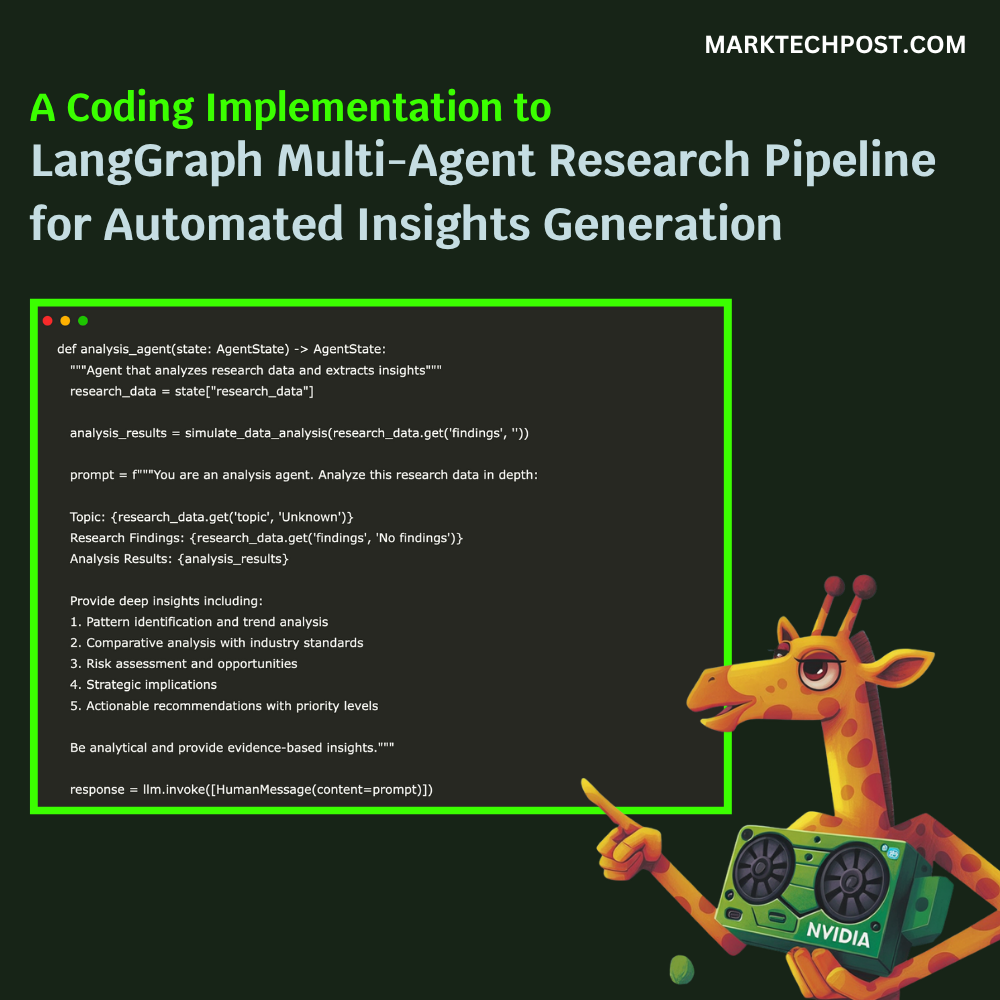
def analysis_agent(state: AgentState) -> AgentState:
   """Agent that analyzes research data and extracts insights"""
   research_data = state["research_data"]

   analysis_results = simulate_data_analysis(research_data.get('findings', ''))

   prompt = f"""You are an analysis agent. Analyze this research data in depth:

   Topic: {research_data.get('topic', 'Unknown')}
   Research Findings: {research_data.get('findings', 'No findings')}
   Analysis Results: {analysis_results}

   Provide deep insights including:
   1. Pattern identification and trend analysis
   2. Comparative analysis with industry standards
   3. Risk assessment and opportunities
   4. Strategic implications
   5. Actionable recommendations with priority levels

   Be analytical and provide evidence-based insights."""

   response = llm.invoke([HumanMessage(content=prompt)])

   return {
       "messages": state["messages"] + [AIMessage(content=f"Analysis completed: {response.content}")],
       "current_agent": "report",
       "research_data": state["research_data"],
       "analysis_complete": True,
       "final_report": ""
   }


def report_agent(state: AgentState) -> AgentState:
   """Agent that generates final comprehensive reports"""
   research_data = state["research_data"]

   analysis_message = None
   for msg in reversed(state["messages"]):
       if isinstance(msg, AIMessage) and "Analysis completed:" in msg.content:
           analysis_message = msg.content.replace("Analysis completed: ", "")
           break

   prompt = f"""You are a professional report generation agent. Create a comprehensive executive report based on:

   🔍 Research Topic: {research_data.get('topic')}
   📊 Research Findings: {research_data.get('findings')}
   🧠 Analysis Results: {analysis_message or 'Analysis pending'}

   Generate a well-structured, professional report with these sections:

   ## EXECUTIVE SUMMARY
   ## KEY RESEARCH FINDINGS
   [Detail the most important discoveries and data points]

   ## ANALYTICAL INSIGHTS
   [Present deep analysis, patterns, and trends identified]

   ## STRATEGIC RECOMMENDATIONS
   [Provide actionable recommendations with priority levels]

   ## RISK ASSESSMENT & OPPORTUNITIES
   [Identify potential risks and opportunities]

   ## CONCLUSION & NEXT STEPS
   [Summarize and suggest follow-up actions]

   Make the report professional, data-driven, and actionable."""

   response = llm.invoke([HumanMessage(content=prompt)])

   return {
       "messages": state["messages"] + [AIMessage(content=f"📄 FINAL REPORT GENERATED:\n\n{response.content}")],
       "current_agent": "complete",
       "research_data": state["research_data"],
       "analysis_complete": True,
       "final_report": response.content
   }
We implement analysis_agent to take the simulated research findings, run them through our mock data analysis tool, prompt Gemini to produce in-depth insights and strategic recommendations, then transition the workflow to the report stage. We built report_agent to extract the latest analysis and craft a structured executive report via Gemini, with sections ranging from summary to next steps. We then mark the workflow as complete by storing the final report in the state. Check out the Full Codes here.
def should_continue(state: AgentState) -> str:
   """Determine which agent should run next based on current state"""
   current_agent = state.get("current_agent", "research")

   if current_agent == "research":
       return "analysis"
   elif current_agent == "analysis":
       return "report"
   elif current_agent == "report":
       return END
   else:
       return END


workflow = StateGraph(AgentState)


workflow.add_node("research", research_agent)
workflow.add_node("analysis", analysis_agent)
workflow.add_node("report", report_agent)


workflow.add_conditional_edges(
   "research",
   should_continue,
   {"analysis": "analysis", END: END}
)


workflow.add_conditional_edges(
   "analysis",
   should_continue,
   {"report": "report", END: END}
)


workflow.add_conditional_edges(
   "report",
   should_continue,
   {END: END}
)


workflow.set_entry_point("research")


app = workflow.compile()


def run_research_assistant(query: str):
   """Run the complete research workflow"""
   initial_state = {
       "messages": [HumanMessage(content=query)],
       "current_agent": "research",
       "research_data": {},
       "analysis_complete": False,
       "final_report": ""
   }

   print(f"🔍 Starting Multi-Agent Research on: '{query}'")
   print("=" * 60)

   current_state = initial_state

   print("🤖 Research Agent: Gathering information...")
   current_state = research_agent(current_state)
   print("✅ Research phase completed!\n")

   print("🧠 Analysis Agent: Analyzing findings...")
   current_state = analysis_agent(current_state)
   print("✅ Analysis phase completed!\n")

   print("📊 Report Agent: Generating comprehensive report...")
   final_state = report_agent(current_state)
   print("✅ Report generation completed!\n")

   print("=" * 60)
   print("🎯 MULTI-AGENT WORKFLOW COMPLETED SUCCESSFULLY!")
   print("=" * 60)

   final_report = final_state['final_report']
   print(f"\n📋 COMPREHENSIVE RESEARCH REPORT:\n")
   print(final_report)

   return final_state
We construct a StateGraph, add our three agents as nodes with conditional edges dictated by should_continue, set the entry point to “research,” and compile the graph into an executable workflow. We then define run_research_assistant() to initialize the state, sequentially invoke each agent, research, analysis, and report, print status updates, and return the final report. Check out the Full Codes here.
if __name__ == "__main__":
   print("🚀 Advanced LangGraph Multi-Agent System Ready!")
   print("🔧 Remember to set your GOOGLE_API_KEY!")

   example_queries = [
       "Impact of renewable energy on global markets",
       "Future of remote work post-pandemic"
   ]

   print(f"\n💡 Example queries you can try:")
   for i, query in enumerate(example_queries, 1):
       print(f"  {i}. {query}")

   print(f"\n🎯 Usage: run_research_assistant('Your research question here')")

   result = run_research_assistant("What are emerging trends in sustainable technology?")
We define the entry point that kicks off our multi-agent system, displaying a readiness message, example queries, and reminding us to set the Google API key. We showcase sample prompts to demonstrate how to interact with the research assistant and then execute a test run on “emerging trends in sustainable technology,” printing the end-to-end workflow output.
In conclusion, we reflect on how this modular setup empowers us to rapidly prototype complex workflows. Each agent encapsulates a distinct phase of intelligence gathering, interpretation, and delivery, allowing us to swap in real APIs or extend the pipeline with new tools as our needs evolve. We encourage you to experiment with custom tools, adjust the state structure, and explore alternate LLMs. This framework is designed to grow with your research and product goals. As we iterate, we continually refine our agents’ prompts and capabilities, ensuring that our multi-agent system remains both robust and adaptable to any domain.
Check out the Full Codes here. Feel free to check out our GitHub Page for Tutorials, Codes and Notebooks. Also, feel free to follow us on Twitter and don’t forget to join our 100k+ ML SubReddit and Subscribe to our Newsletter.
Asif Razzaq is the CEO of Marktechpost Media Inc.. As a visionary entrepreneur and engineer, Asif is committed to harnessing the potential of Artificial Intelligence for social good. His most recent endeavor is the launch of an Artificial Intelligence Media Platform, Marktechpost, which stands out for its in-depth coverage of machine learning and deep learning news that is both technically sound and easily understandable by a wide audience. The platform boasts of over 2 million monthly views, illustrating its popularity among audiences.
Credit: Source link