
• bitcoinBitcoin(BTC)$78,506.00-0.96%
  • ethereumEthereum(ETH)$2,480.15-0.16%
  • tetherTether(USDT)$1.00-0.01%
  • binancecoinBNB(BNB)$754.931.76%
  • rippleXRP(XRP)$1.39-0.59%
  • usd-coinUSDC(USDC)$1.000.00%
  • solanaSolana(SOL)$103.00-1.36%
  • tronTRON(TRX)$0.3385440.64%
  • Figure HelocFigure Heloc(FIGR_HELOC)$1.060.00%
  • zcashZcash(ZEC)$1,128.31-4.42%
  • HyperliquidHyperliquid(HYPE)$84.28-2.37%
  • dogecoinDogecoin(DOGE)$0.0896680.62%
  • RainRain(RAIN)$0.016246-1.84%
  • USDSUSDS(USDS)$1.000.01%
  • moneroMonero(XMR)$518.88-3.19%
  • chainlinkChainlink(LINK)$12.70-3.44%
  • whitebitWhiteBIT Coin(WBT)$76.584.74%
  • leo-tokenLEO Token(LEO)$9.23-0.33%
  • cardanoCardano(ADA)$0.2178050.46%
  • stellarStellar(XLM)$0.1901150.99%
  • bitcoin-cashBitcoin Cash(BCH)$258.721.63%
  • daiDai(DAI)$1.000.01%
  • uniswapUniswap(UNI)$7.080.81%
  • Ethena USDeEthena USDe(USDE)$1.00-0.01%
  • litecoinLitecoin(LTC)$55.241.56%
  • USD1USD1(USD1)$1.00-0.02%
  • CantonCanton(CC)$0.104994-3.79%
  • the-open-networkGram (prev. Toncoin)(GRAM)$1.39-1.59%
  • hedera-hashgraphHedera(HBAR)$0.0806310.38%
  • avalanche-2Avalanche(AVAX)$8.073.77%
  • suiSui(SUI)$0.822.74%
  • Global DollarGlobal Dollar(USDG)$1.000.01%
  • shiba-inuShiba Inu(SHIB)$0.000005-0.49%
  • nearNEAR Protocol(NEAR)$2.32-0.97%
  • paypal-usdPayPal USD(PYUSD)$1.00-0.01%
  • BlackRock USD Institutional Digital Liquidity FundBlackRock USD Institutional Digital Liquidity Fund(BUIDL)$1.000.00%
  • crypto-com-chainCronos(CRO)$0.0575780.42%
  • MemeCoreMemeCore(M)$1.205.14%
  • tether-goldTether Gold(XAUT)$4,394.450.06%
  • Circle USYCCircle USYC(USYC)$1.140.00%
  • BittensorBittensor(TAO)$255.49-2.97%
  • Ripple USDRipple USD(RLUSD)$1.000.01%
  • okbOKB(OKB)$115.772.74%
  • Ondo US Dollar YieldOndo US Dollar Yield(USDY)$1.150.33%
  • AsterAster(ASTER)$0.77-0.94%
  • mantleMantle(MNT)$0.62-3.72%
  • aaveAave(AAVE)$131.46-1.18%
  • pax-goldPAX Gold(PAXG)$4,399.710.10%
  • OndoOndo(ONDO)$0.376734-1.41%
  • polkadotPolkadot(DOT)$1.0710.84%
TradePoint.io
  • Main
  • AI & Technology
  • Stock Charts
  • Market & News
  • Business
  • Finance Tips
  • Trade Tube
  • Blog
  • Shop
No Result
View All Result
TradePoint.io
No Result
View All Result

How Long Should A Laptop Battery Last On A Single Charge?

September 7, 2026
in AI & Technology
Reading Time: 4 mins read
A A
How Long Should A Laptop Battery Last On A Single Charge?
ShareShareShareShareShare

And how you can help it perform at its best.


Milindri/Getty Images

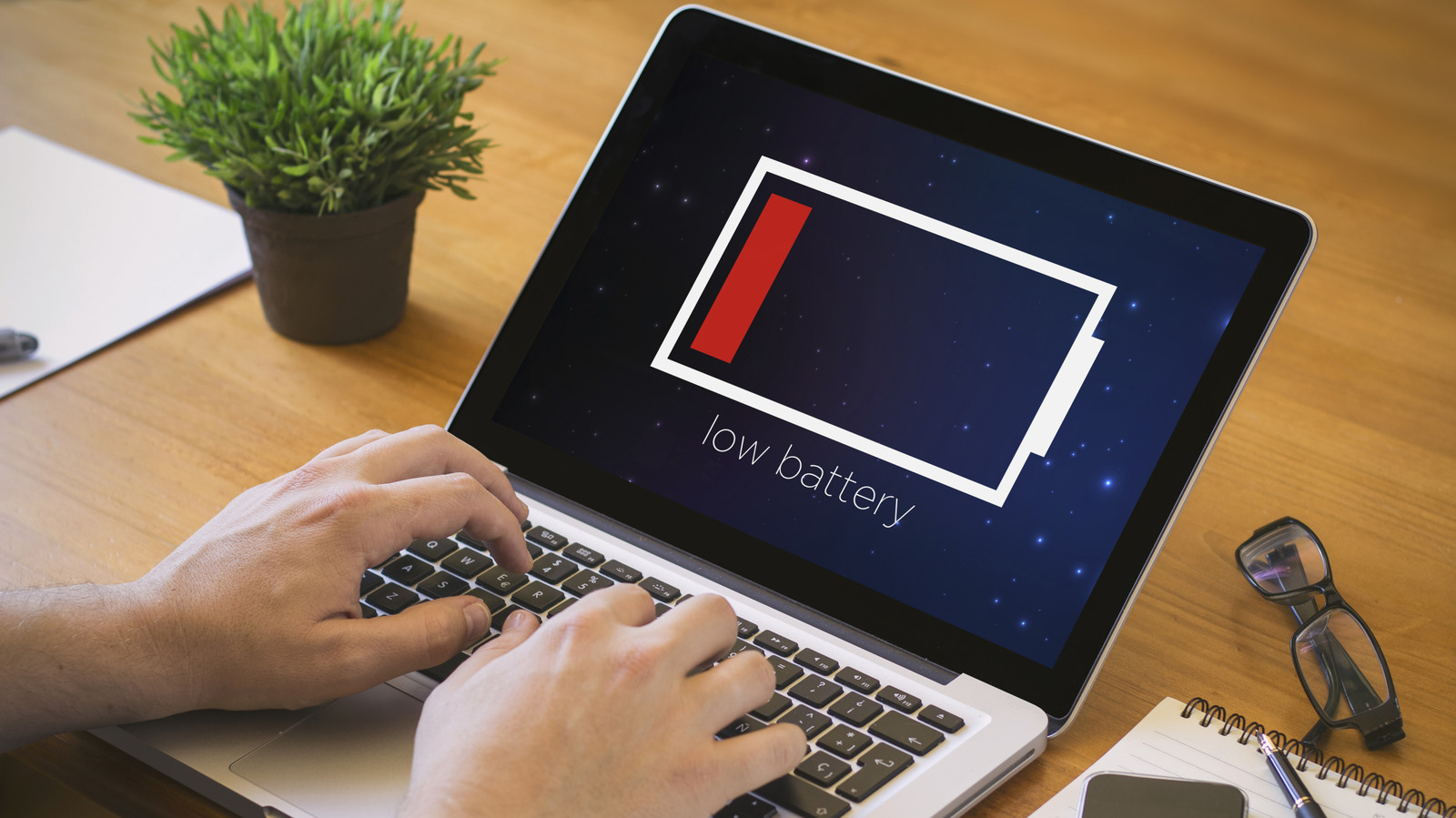
Laptops are at their most convenient when not plugged in — where their portable nature can really shine. To maximize that convenience, you’ll want to make sure your laptop is lasting as long as it should. While there are many different types of laptops, each specialising in its own niche, there are still ways to figure out whether your laptop is receiving the proper mileage.

YOU MAY ALSO LIKE

An Attractive ‘Mid-Size’ Foldable With Powerful Specs

How Long Before a Real Crackdown on AI Model Decensoring? – Unite.AI

You shouldn’t need one of the best laptops on the market to see a decent battery duration. By knowing how long a given laptop’s battery should last on a single charge, you can avoid having to replace a battery early in your laptop’s life. While most laptop batteries can be replaced without being brought into a repair shop, and warranties can sometimes cover premature battery death, generally replacing batteries is an expensive process that can often require niche tools (such as niche, specialized screwdriver heads). It’s best to know ahead of time if you’re getting your money’s worth, as well as how to optimize battery life by changing settings and knowing which activities will drain power the fastest.

How to tell how long your laptop should last


Image of woman using laptop.
Igor Suka/Getty Images

To start, it’s important to look at the type of laptop you have. The general range for modern laptops will lie somewhere between four and 12 hours from a single charge, but that’s a pretty wide net. Premium-thin and Ultrabook laptops will last near the upper end of that tier (at eight to 12 hours, with some even reaching 15 under optimal conditions), whereas more standard laptops will last about six to 10 hours — or four to seven hours if it’s a budget-friendly machine. Gaming laptops will drain significantly faster, and you should only expect about two to four hours from them.

A laptop’s niche is only part of the equation, though, as the type of charger you’re using can also subtly affect battery life. Aftermarket chargers in particular may not deliver the precise voltage you need and could end up stressing your battery. Though an aftermarket charger isn’t a complete recipe for disaster, it’s ill-advised if you want your battery to reach its full potential.

To reach that full potential for each of these bounds, you’ll need to optimize things. There are some key settings to change for extended laptop battery life, such as turning down display brightness, closing background apps and tabs, and lowering your display’s refresh rate. You could also switch to a power-saving mode in your laptop’s power management settings, though you may need to switch out of this mode to carry out a demanding task. 

How to keep your laptop battery healthy


Image of laptop in use.
nampix/Shutterstock

On the subject of demanding tasks, it’s not only important to keep an eye on your laptop battery through settings, but also through how you use your laptop. Gaming’s the obvious one, as even laptops explicitly designed for it run out of power quickly — but video editing, video streaming and 3D rendering are all quite intensive. If you know you’ll need to engage with one of these activities, it’s important to plan ahead — whether that’s by getting a solid power bank or by making sure you can reach a socket.

You’ll also want to keep your laptop in the right conditions. Chiefly, you’ll want to maintain an ideal moderate temperature of 68 to 77 degrees Fahrenheit. Extreme heat (temperatures of 95 degrees Fahrenheit and above) could cause permanent damage to lithium-ion batteries, while cooler temperatures (about 32 degrees Fahrenheit and below) will make those batteries temporarily less efficient.

Furthermore, you should avoid using all of that battery up at once. Letting your battery run out multiple times could cause permanent damage to your laptop battery due to continued cell drain. Similarly, try not to keep your laptop plugged in too long when fully charged, as this could also lead to degradation of the battery. For this reason, it can be good practice to follow the 40-80 rule, where you start charging at 40% battery and stop at 80%, thereby avoiding either extreme — though this is certainly not strictly necessary and not always achievable.

Credit: Source link

ShareTweetSendSharePin

Related Posts

An Attractive ‘Mid-Size’ Foldable With Powerful Specs
AI & Technology

An Attractive ‘Mid-Size’ Foldable With Powerful Specs

September 8, 2026
How Long Before a Real Crackdown on AI Model Decensoring? – Unite.AI
AI & Technology

How Long Before a Real Crackdown on AI Model Decensoring? – Unite.AI

September 8, 2026
Reducto Releases r-1: A Single Pass Document Parsing Model That Cuts Errors 20% at 1 Cent Per Page
AI & Technology

Reducto Releases r-1: A Single Pass Document Parsing Model That Cuts Errors 20% at 1 Cent Per Page

September 8, 2026
XPENG Commissions Humanoid Robot Lines as IRON Walks Off Production – Unite.AI
AI & Technology

XPENG Commissions Humanoid Robot Lines as IRON Walks Off Production – Unite.AI

September 8, 2026
Next Post
Anthropic Builds Its War Chest Ahead of IPO | Bloomberg Tech 9/04/2026

Anthropic Builds Its War Chest Ahead of IPO | Bloomberg Tech 9/04/2026

Leave a Reply Cancel reply

Your email address will not be published. Required fields are marked *

Search

No Result
View All Result
Fireworks malfunction at minor league baseball game

Fireworks malfunction at minor league baseball game

September 5, 2026
Father of boy rescued from pounding California surf says he is beyond grateful

Father of boy rescued from pounding California surf says he is beyond grateful

September 2, 2026
A Business Credit Card Separates Expenses and Earns Rewards Automatically

A Business Credit Card Separates Expenses and Earns Rewards Automatically

September 4, 2026

About

Learn more

Our Services

Legal

Privacy Policy

Terms of Use

Bloggers

Learn more

Article Links

Contact

Advertise

Ask us anything

©2020- TradePoint.io - All rights reserved!

Tradepoint.io, being just a publishing and technology platform, is not a registered broker-dealer or investment adviser. So we do not provide investment advice. Rather, brokerage services are provided to clients of Tradepoint.io by independent SEC-registered broker-dealers and members of FINRA/SIPC. Every form of investing carries some risk and past performance is not a guarantee of future results. “Tradepoint.io“, “Instant Investing” and “My Trading Tools” are registered trademarks of Apperbuild, LLC.

This website is operated by Apperbuild, LLC. We have no link to any brokerage firm and we do not provide investment advice. Every information and resource we provide is solely for the education of our readers. © 2020 Apperbuild, LLC. All rights reserved.

No Result
View All Result
  • Main
  • AI & Technology
  • Stock Charts
  • Market & News
  • Business
  • Finance Tips
  • Trade Tube
  • Blog
  • Shop

© 2023 - TradePoint.io - All Rights Reserved!