
With how many paid streaming services there are, you’d be forgiven for thinking you have to pay to watch high-quality movies and TV. But thankfully, this isn’t the case at all. If you look around a bit, you’ll find tons of free streaming options with more than you could ever hope to watch. Most provide two formats: a standard on-demand library to choose from, alongside a channel-surfing experience that mimics the old days of cable.
Each of the below services has an app for most major TV platforms, so you can watch without having to mess around with casting. Their catalogs vary, so give them all a shot to see which ones you enjoy most. Keep in mind that since you’re getting the content for free, most of these services show ads. Everyone’s tolerance for these is different; try doing a few stretches or getting a drink while they run, and they shouldn’t bother you much.
To make these selections, I surveyed the landscape of free streaming apps and chose the ones that offer apps for most smart TVs. I’ll expand on this later.
1. Free channels built into your TV
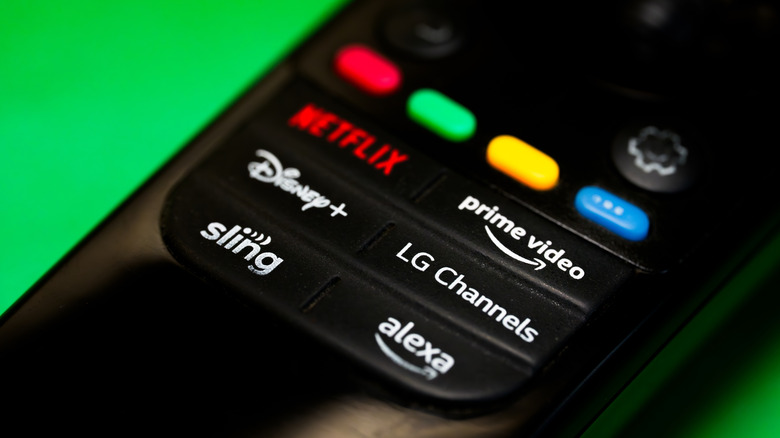
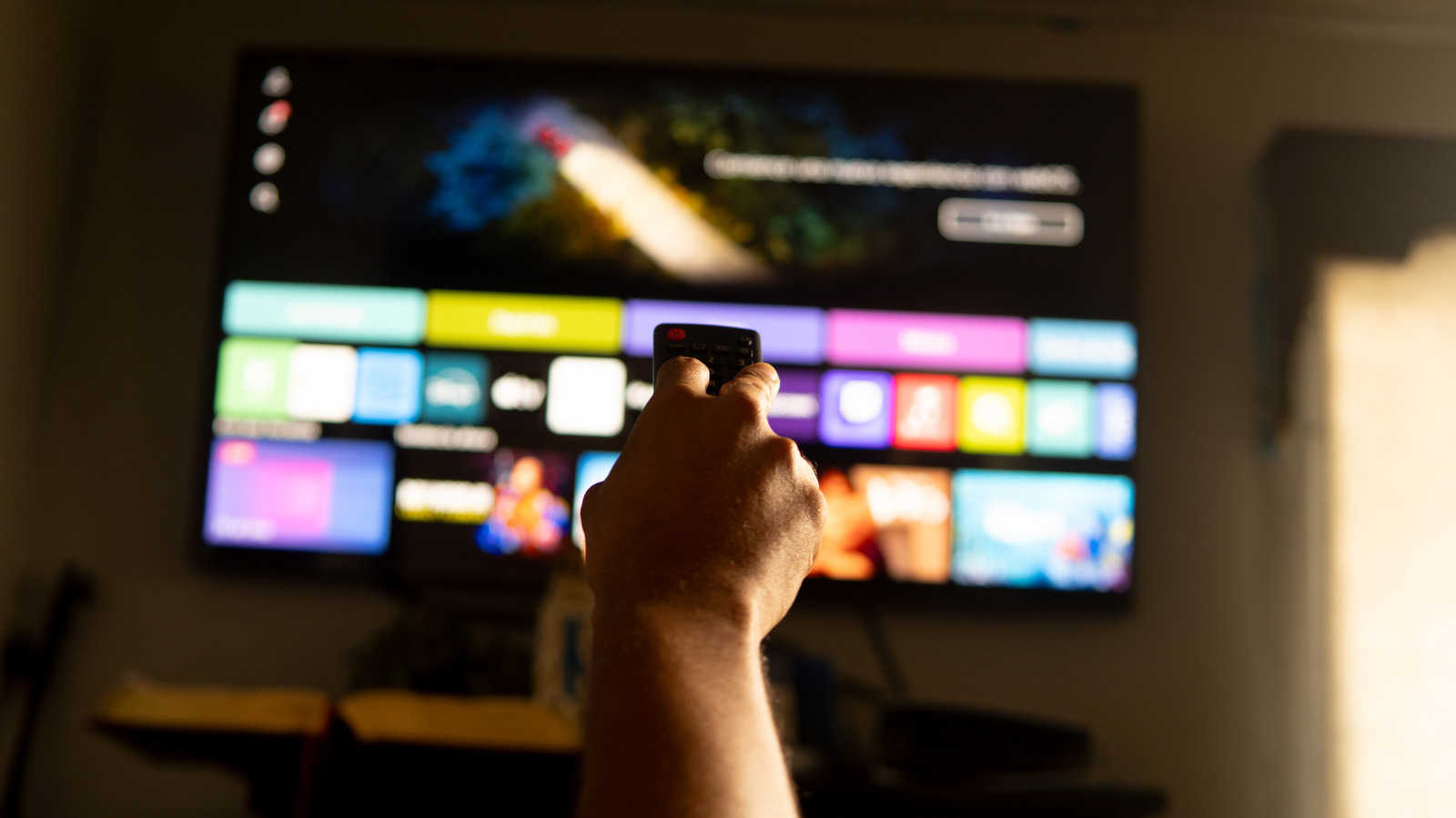
You don’t have to look far to start your journey of getting free TV and movies right on your screen. Chances are that your smart TV has a preinstalled app that falls into a category called FAST (free ad-supported streaming television). These usually combine on-demand streaming with a list of always-on channels, providing their content for free with no paid plans.
Depending on your TV, you’ll find this service under a different name. The most popular are LG Channels, Samsung TV Plus, The Roku Channel, and Google TV Freeplay (all matching their manufacturer names). On Vizio TVs, the app is called WatchFree+. Each uses a similar layout, with on-demand options listed separately from the live channels.
While you may not recognize many of the channels, it won’t be long before you see some shows and films you’re familiar with. These FAST services offer game shows, home renovation programs, news, sports, cooking shows, and movies in every genre imaginable. You won’t see the latest blockbusters or popular live sports, but if you’re not picky, there’s always something to check out.
2. Tubi
If you’re not happy with the pre-installed options, there are many other FAST platforms to try that also work right on your TV; just search for them on your TV’s app store. Tubi is one of the best truly free and legal streaming apps with no subscription options. You don’t even need to make an account (for most content), though it’s recommended so you can track what you want to watch.
In addition to the usual genre breakdowns for TV and movies, you’ll find Collections like Summer of Streaming for movies that fit the season. The Network breakdown is perfect if you’re looking for shows from a particular station. There are even Tubi Originals when you want to try something totally different. Look around further, and you’ll find other groupings like Live TV, Tubi Kids, and Spanish-language content.
Compared to the always-increasing prices of paid services like Disney+, Tubi is refreshing and offers something for everyone. Expect around 4 to 6 minutes of ads per hour, which Tubi says is lower than traditional broadcasting.
3. Pluto
While Pluto is similar to Tubi, its primary focus is on live channels. It still packs an on-demand library when you’re not in the mood for channel-surfing, but this one is best if you want to replicate cable at no cost. Like Tubi, you don’t need an account, but creating one allows you to track your favorite channels and sync your watching across multiple devices.
Pluto offers channels that run the same show 24/7, like Law & Order or CSI: Miami. For channels that aren’t so self-explanatory, selecting one gives you info about it. For example, Pluto TV Reaction focuses on exciting action, thriller, and sci-fi movies. You’ll find channels for daytime TV, local news, anime, and even music videos if you miss the glory days of MTV.
It’s easy to have fun flipping around channels on Pluto, no matter what you’re in the mood for. Even if you don’t discover a new favorite, it’s a good option for having something on in the background.
4. Hoopla and Kanopy
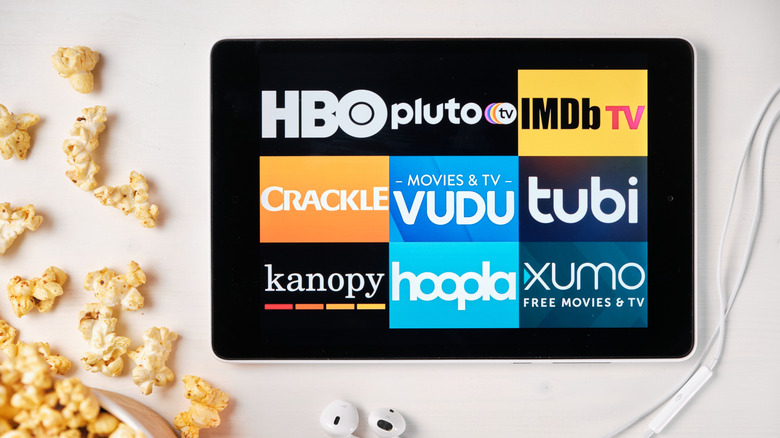
Having a library card entitles you to more than just book and DVD rentals. Hoopla and Kanopy are two services that offer their catalogs for free to anyone with a participating library card.
With Hoopla, you can borrow movies and shows to watch on your TV. Despite the connection to libraries, not everything here is educational. On the TV front, much of what’s available is from British broadcasters like the BBC. If you’re interested in non-TV entertainment, there’s much more, like comics, music, and free ebooks. Hoopla also has a unique option called “BingePasses,” which lets you “check out” temporary access to paid services like Hallmark+.
In contrast, Kanopy has more of a focus on “intellectual” content, featuring lots of documentaries and movies in other languages. It’s a great option if you want to be more mindful of what you’re consuming. With these services, your library covers the costs, so there are no ads to put up with. If you aren’t already a member of your local library, it’s well worth taking the time to sign up.
5. YouTube
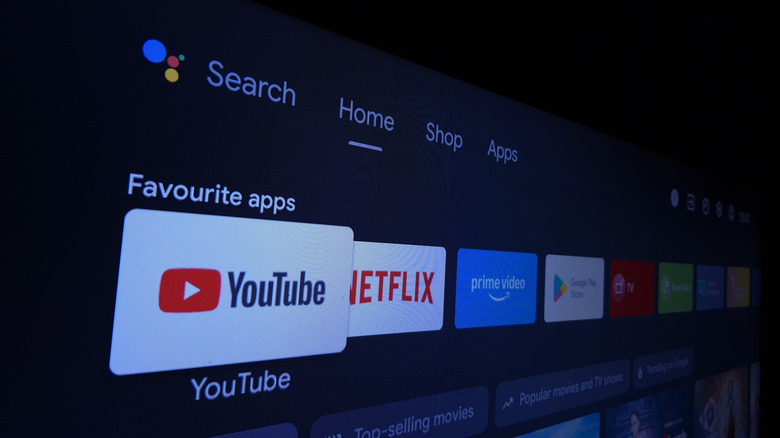
Thinking about movies on YouTube likely conjures up thoughts of illegal uploads, but there are legal free streaming options on the platform if you know where to look. Select Movies & TV from the left sidebar of YouTube, followed by Free at the top, and you’ll have access to YouTube’s official free streaming library with tons of ad-supported free movies and TV shows. These play just like any other video on YouTube, so you’ll feel right at home watching them on your TV.
This isn’t the only resource for legal streaming of copyrighted content on YouTube. Public domain films (those with expired copyrights) are all over the place; David Daniel Ducker’s Public Domain Films playlist serves as a great starting point. Official channels from production studios are worth checking, too, such as Warner Bros. Classics, providing “Tom & Jerry” and “Looney Tunes” episodes. Also consider Shout! Studios, a distributor that focuses on retro movies, cult classics, and other offbeat options.
6. Amazon Prime Video
Even if you don’t have access to Amazon Prime Video through an Amazon Prime subscription or standalone package (both of which charge an extra fee for 4K quality now), there’s still a free section of Prime Video worth checking out. Amazon used to offer this in a standalone FAST app called Freevee, but the company retired that and rolled its free catalog into Prime Video in 2025.
The selection here is similar to those above. In addition to free movies and TV, you’ll find sports highlights, news stations, and live channels across tons of genres. A downside to Prime Video is that these free offerings live alongside paid content, plus movies and TV shows available to rent or buy from Amazon. Be sure to stick closely to the free categories to avoid disappointment.
If you’re trying to cut down on your subscriptions, keeping the Prime Video app is well worth it, given what you get for free.
7. Sling Freestream
Sling is known for being one of the top live TV streaming services, providing the same channels available on cable. But it also has a separate FAST service, called Sling Freestream, that doesn’t require an account or payment.
Freestream’s feature set will sound familiar by now: on-demand movies and TV shows, alongside live channels (available under the Guide heading). There’s a good variety here: local news affiliates from major US cities, 24/7 channels for popular shows like Duck Dynasty, and topical channels like Non-Stop ’90s. You’ll have to step around some Explore More with Sling sections that advertise paid-only options, but that’s minor.
Sling adds a few goodies if you sign up for a free account. There’s a DVR function, allowing you to record up to 10 hours of channel content to watch later at your convenience. Plus, every day that you watch Sling for 30 minutes, you can use Sling’s mobile app to spin a wheel and potentially win prizes.
Methodology
To craft this list, I reviewed the currently available FAST apps, which is not a huge selection. I considered only services that are truly free (not freemium) and that have as little sign-up friction as possible. I chose apps that are readily available for major smart TV manufacturers’ platforms without annoying workarounds. I tried to include as much variety as possible in a category that quickly becomes samey, so you have reason to keep multiple FAST apps installed on your TV.
I have been familiar with these apps for years from trying them and writing about them, giving me a good idea of which ones are worth your time.
Credit: Source link