
• bitcoinBitcoin(BTC)$77,454.000.35%
  • ethereumEthereum(ETH)$2,255.350.53%
  • tetherTether(USDT)$1.000.04%
  • binancecoinBNB(BNB)$702.47-0.14%
  • rippleXRP(XRP)$1.25-0.27%
  • usd-coinUSDC(USDC)$1.000.03%
  • solanaSolana(SOL)$95.38-0.83%
  • tronTRON(TRX)$0.302435-8.40%
  • Figure HelocFigure Heloc(FIGR_HELOC)$1.062.72%
  • zcashZcash(ZEC)$1,255.24-0.53%
  • HyperliquidHyperliquid(HYPE)$87.83-2.20%
  • dogecoinDogecoin(DOGE)$0.075587-0.38%
  • moneroMonero(XMR)$598.261.91%
  • USDSUSDS(USDS)$1.000.00%
  • chainlinkChainlink(LINK)$11.712.41%
  • whitebitWhiteBIT Coin(WBT)$74.400.32%
  • leo-tokenLEO Token(LEO)$9.40-0.12%
  • cardanoCardano(ADA)$0.192911-1.14%
  • stellarStellar(XLM)$0.169864-0.28%
  • nearNEAR Protocol(NEAR)$4.432.88%
  • bitcoin-cashBitcoin Cash(BCH)$285.16-2.62%
  • daiDai(DAI)$1.000.06%
  • Ethena USDeEthena USDe(USDE)$1.000.05%
  • RainRain(RAIN)$0.006322-0.60%
  • uniswapUniswap(UNI)$7.10-0.88%
  • litecoinLitecoin(LTC)$55.69-0.32%
  • CantonCanton(CC)$0.098043-0.69%
  • USD1USD1(USD1)$1.000.01%
  • avalanche-2Avalanche(AVAX)$8.570.30%
  • suiSui(SUI)$0.90-0.79%
  • the-open-networkGram (prev. Toncoin)(GRAM)$1.212.84%
  • hedera-hashgraphHedera(HBAR)$0.071909-0.42%
  • tether-goldTether Gold(XAUT)$3,874.40-0.03%
  • quant-networkQuant(QNT)$201.424.60%
  • Global DollarGlobal Dollar(USDG)$1.000.01%
  • paypal-usdPayPal USD(PYUSD)$1.000.00%
  • BittensorBittensor(TAO)$237.08-0.63%
  • shiba-inuShiba Inu(SHIB)$0.000005-2.87%
  • crypto-com-chainCronos(CRO)$0.051342-0.57%
  • EthenaEthena(ENA)$0.188735-1.02%
  • Ripple USDRipple USD(RLUSD)$1.000.03%
  • Ondo US Dollar YieldOndo US Dollar Yield(USDY)$1.15-0.06%
  • Circle USYCCircle USYC(USYC)$1.140.00%
  • okbOKB(OKB)$110.33-0.49%
  • pepePepe(PEPE)$0.000005-0.13%
  • MemeCoreMemeCore(M)$0.90-5.90%
  • aaveAave(AAVE)$133.993.76%
  • BlackRock USD Institutional Digital Liquidity FundBlackRock USD Institutional Digital Liquidity Fund(BUIDL)$1.000.00%
  • OndoOndo(ONDO)$0.409610-1.76%
  • Pump.funPump.fun(PUMP)$0.0042070.67%
TradePoint.io
  • Main
  • AI & Technology
  • Stock Charts
  • Market & News
  • Business
  • Finance Tips
  • Trade Tube
  • Blog
  • Shop
No Result
View All Result
TradePoint.io
No Result
View All Result

4 Important Features You Should Know If You Use Microsoft Teams

October 31, 2026
in AI & Technology
Reading Time: 4 mins read
A A
4 Important Features You Should Know If You Use Microsoft Teams
ShareShareShareShareShare

There’s much more to the service than just chats and video calls.


Stockinq/Shutterstock

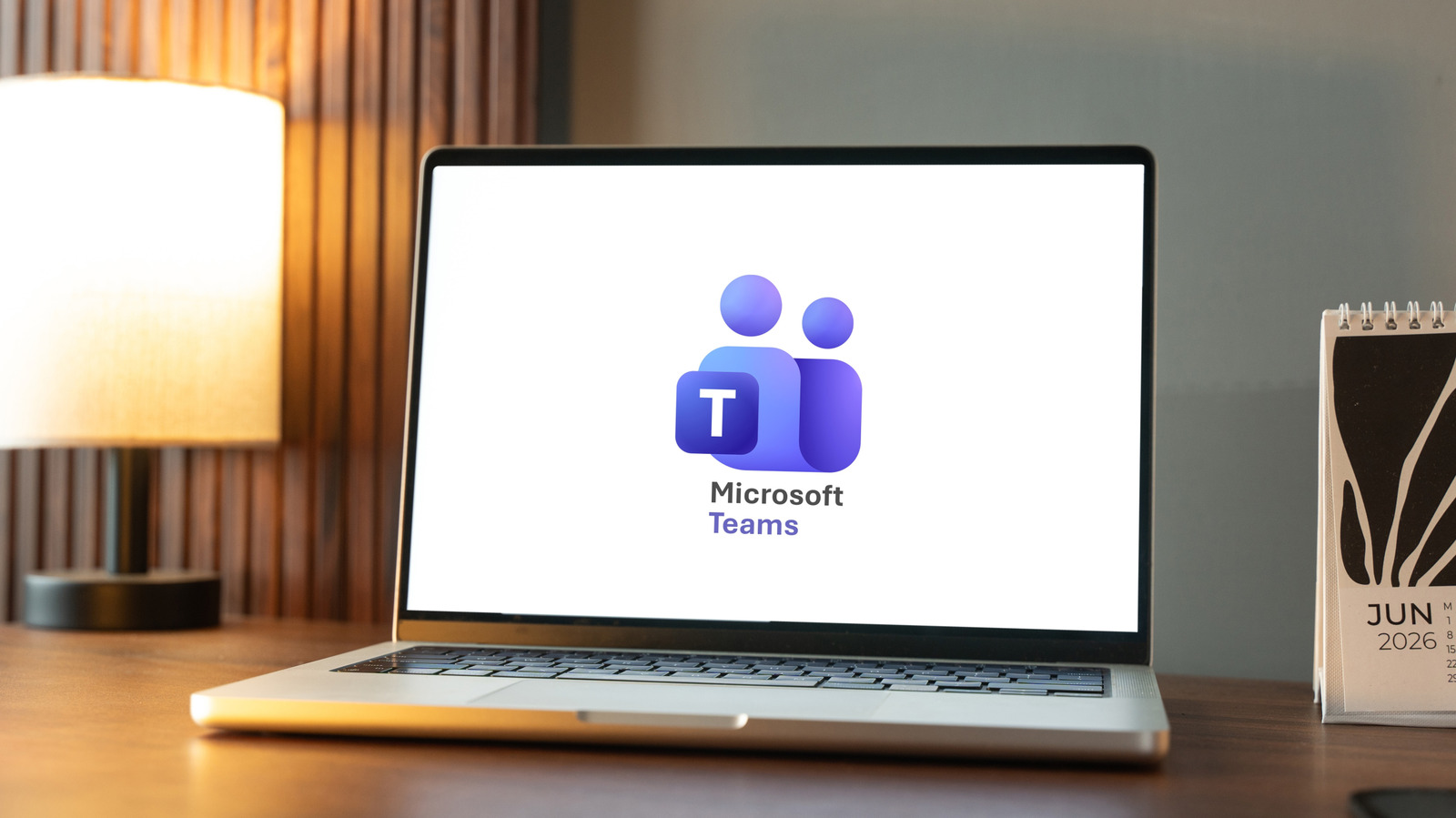
Though Microsoft Teams is the kind of platform you may use every day, especially if you have it for work, it regularly gets updated with new features that you might be unaware of. Some may have even slipped by you despite sitting around for a while. After all, the platform — which Microsoft says has more than 320 million monthly active users – has a variety of functions beyond messaging and video calls.

YOU MAY ALSO LIKE

Xbox Manager Says AI Is Already Being Used In Game Development

4 Drawbacks You Should Know Before Buying A PlayStation 5

As more people adopt remote work and need to communicate with others who aren’t just a cubicle away, there are features that might make the experience easier to deal with. This could be anything from keeping your meetings running on time to locating an unfinished message and getting back on track just a little faster after a disruption. So, in case you haven’t discovered every last trick the platform has to offer, here are four important features you should know if you use Microsoft Teams.

Meeting countdown timer

There’s a particular agony to a meeting that just keeps dragging on, especially if it’s around lunch or the end of the day. It can also be hard to stay on time when there are several speakers scheduled. Someone is bound to run over.

In mid 2025, Microsoft Teams rolled out a countdown timer for meetings. If you select More in the top toolbar and then Timer, it will pull up a timer in the top left corner of the meeting. You can decide how much time you want or need (it can be set for up to 100 minutes) and start your countdown. The rest of the meeting attendees will also see the timer, as long as they have presenter capabilities in the meeting. It even turns red as the end of time approaches, and flashes when time is up.

Once you’ve set the timer, you can always change it or cancel it. However, you may want to note that it only works for scheduled meetings, not live events, webinars, or spontaneous calls.

Voice isolation

If you’ve ever worked in an open-concept office, or remember the chaos of having a full house during the pandemic, you know that you don’t always have the benefit of a quiet space to take a meeting. Luckily, Microsoft Teams offers a voice isolation feature that uses AI to reduce background noise while you’re speaking on a call or in a meeting.

To use the feature, you’ll need to create a voice profile. It’s a quick process. Go to the three dots in the toolbar at the top, and click into your settings. Select Recognition and then Create a voice profile. From there, you will select Start voice capture, read a short paragraph, and then hit End voice capture. If you’re on a call and your dog is having a bit of a moment in the background, select the dropdown next to the microphone button in the top right, and you can toggle the voice isolation feature on or off.

Live transcription

Whether you’re running late from another meeting or just zoned out while someone was talking, at some point you’ve probably wished you could rewind a meeting and catch whatever you missed. The good news is that Microsoft Teams offers a live transcription feature that lets you go back and read what was said.

Live transcription rolled out in 2021. According to Microsoft, it works in “near real time” and is also available when the meeting is over. Much like Meta’s AI transcription model, it can also differentiate between speakers. A blog post from the feature’s launch notes that Microsoft does not store the data or use it to train its own AI models.

As long as your admin has allowed it, the meeting organizer or presenter can turn on live transcription by pressing the button to do so under the three dots in the toolbar. Everyone in the meeting will be notified. As a participant, you can turn off speaker attribution in the accessibility section of your settings if you don’t want to be identified.

Find your drafts easier

You probably get pinged more times in a day than you’d like to count. Emails, texts, messages — they might be important (well, some of them), but that doesn’t mean they’re not also distracting. You could be in the middle of drafting a message to a coworker and get pulled away, only to forget who you were writing to and why.

As of March 2026, Microsoft Teams has made it easier to find your unsent drafts. On the left panel of your Teams chat, you can access your drafts, which will pull up a list of any messages you started typing but didn’t send. That means if you had been writing to someone and clicked away, leaving text in the box, you didn’t lose it and you don’t have to go hunting for it or start penning a brand-new message. Once you’ve found the draft you’re looking for, you can discard it or navigate back to the original conversation to resume what you were doing earlier.

Credit: Source link

ShareTweetSendSharePin

Related Posts

Xbox Manager Says AI Is Already Being Used In Game Development
AI & Technology

Xbox Manager Says AI Is Already Being Used In Game Development

October 31, 2026
4 Drawbacks You Should Know Before Buying A PlayStation 5
AI & Technology

4 Drawbacks You Should Know Before Buying A PlayStation 5

October 31, 2026
Cisco Talos Details VOLTA Infostealer’s LLM Victim-Ranking Stage – Unite.AI
AI & Technology

Cisco Talos Details VOLTA Infostealer’s LLM Victim-Ranking Stage – Unite.AI

October 31, 2026
NASA’s Second Year-Long Mars Simulation Mission Ends Today
AI & Technology

NASA’s Second Year-Long Mars Simulation Mission Ends Today

October 31, 2026
Next Post
D.C. and Virginia sue to block Trump’s proposed triumphal arch – The Washington Post

D.C. and Virginia sue to block Trump’s proposed triumphal arch - The Washington Post

Leave a Reply Cancel reply

Your email address will not be published. Required fields are marked *

Search

No Result
View All Result
Drive to Decision Day: Voters sound off on the economy, war and Washington

Drive to Decision Day: Voters sound off on the economy, war and Washington

October 29, 2026
Apple Adds More Siri AI Tools In Its 27.2 System Updates, Out Today

Apple Adds More Siri AI Tools In Its 27.2 System Updates, Out Today

October 26, 2026
Selma Blair allegedly assaults two flight attendants

Selma Blair allegedly assaults two flight attendants

October 27, 2026

About

Learn more

Our Services

Legal

Privacy Policy

Terms of Use

Bloggers

Learn more

Article Links

Contact

Advertise

Ask us anything

©2020- TradePoint.io - All rights reserved!

Tradepoint.io, being just a publishing and technology platform, is not a registered broker-dealer or investment adviser. So we do not provide investment advice. Rather, brokerage services are provided to clients of Tradepoint.io by independent SEC-registered broker-dealers and members of FINRA/SIPC. Every form of investing carries some risk and past performance is not a guarantee of future results. “Tradepoint.io“, “Instant Investing” and “My Trading Tools” are registered trademarks of Apperbuild, LLC.

This website is operated by Apperbuild, LLC. We have no link to any brokerage firm and we do not provide investment advice. Every information and resource we provide is solely for the education of our readers. © 2020 Apperbuild, LLC. All rights reserved.

No Result
View All Result
  • Main
  • AI & Technology
  • Stock Charts
  • Market & News
  • Business
  • Finance Tips
  • Trade Tube
  • Blog
  • Shop

© 2023 - TradePoint.io - All Rights Reserved!