















• bitcoinBitcoin(BTC)$58,586.00-2.42%
  • ethereumEthereum(ETH)$1,642.53-2.90%
  • tetherTether(USDT)$1.00-0.01%
  • binancecoinBNB(BNB)$538.27-1.88%
  • usd-coinUSDC(USDC)$1.000.00%
  • rippleXRP(XRP)$0.90-1.43%
  • solanaSolana(SOL)$67.62-3.08%
  • tronTRON(TRX)$0.307199-0.28%
  • Figure HelocFigure Heloc(FIGR_HELOC)$1.040.04%
  • HyperliquidHyperliquid(HYPE)$57.82-6.95%
  • zcashZcash(ZEC)$702.87-2.16%
  • moneroMonero(XMR)$503.391.45%
  • dogecoinDogecoin(DOGE)$0.053458-2.81%
  • leo-tokenLEO Token(LEO)$9.00-1.56%
  • chainlinkChainlink(LINK)$8.62-2.45%
  • whitebitWhiteBIT Coin(WBT)$55.61-2.27%
  • USDSUSDS(USDS)$1.000.00%
  • cardanoCardano(ADA)$0.138939-3.57%
  • Ethena USDeEthena USDe(USDE)$1.000.00%
  • daiDai(DAI)$1.00-0.01%
  • stellarStellar(XLM)$0.121769-2.40%
  • bitcoin-cashBitcoin Cash(BCH)$194.64-1.39%
  • nearNEAR Protocol(NEAR)$2.81-1.75%
  • litecoinLitecoin(LTC)$40.08-0.98%
  • CantonCanton(CC)$0.073844-1.58%
  • avalanche-2Avalanche(AVAX)$6.39-2.80%
  • USD1USD1(USD1)$1.000.03%
  • tether-goldTether Gold(XAUT)$3,488.33-3.54%
  • Ripple USDRipple USD(RLUSD)$1.000.01%
  • uniswapUniswap(UNI)$4.49-4.34%
  • the-open-networkGram (prev. Toncoin)(GRAM)$0.92-4.54%
  • Global DollarGlobal Dollar(USDG)$1.000.00%
  • suiSui(SUI)$0.63-3.37%
  • Ondo US Dollar YieldOndo US Dollar Yield(USDY)$1.15-0.09%
  • paypal-usdPayPal USD(PYUSD)$1.00-0.01%
  • hedera-hashgraphHedera(HBAR)$0.049500-2.24%
  • Circle USYCCircle USYC(USYC)$1.140.01%
  • Spiko Amundi Overnight Swap Fund (EUR)Spiko Amundi Overnight Swap Fund (EUR)(EURSAFO)$1.11-0.13%
  • quant-networkQuant(QNT)$140.41-4.80%
  • shiba-inuShiba Inu(SHIB)$0.000003-2.60%
  • BittensorBittensor(TAO)$173.37-4.90%
  • crypto-com-chainCronos(CRO)$0.038908-2.80%
  • RainRain(RAIN)$0.002749-8.09%
  • MemeCoreMemeCore(M)$0.76-1.98%
  • Falcon USDFalcon USD(USDF)$1.000.06%
  • okbOKB(OKB)$79.36-2.42%
  • United StablesUnited Stables(U)$1.00-0.12%
  • pax-goldPAX Gold(PAXG)$3,487.42-3.60%
  • BlackRock USD Institutional Digital Liquidity FundBlackRock USD Institutional Digital Liquidity Fund(BUIDL)$1.000.00%
  • usddUSDD(USDD)$1.00-0.06%
TradePoint.io
  • Main
  • AI & Technology
  • Stock Charts
  • Market & News
  • Business
  • Finance Tips
  • Trade Tube
  • Blog
  • Shop
No Result
View All Result
TradePoint.io
No Result
View All Result

Change This Roku TV Setting To Watch Movies How They Were Filmed

November 25, 2026
in AI & Technology
Reading Time: 3 mins read
A A
Change This Roku TV Setting To Watch Movies How They Were Filmed
ShareShareShareShareShare

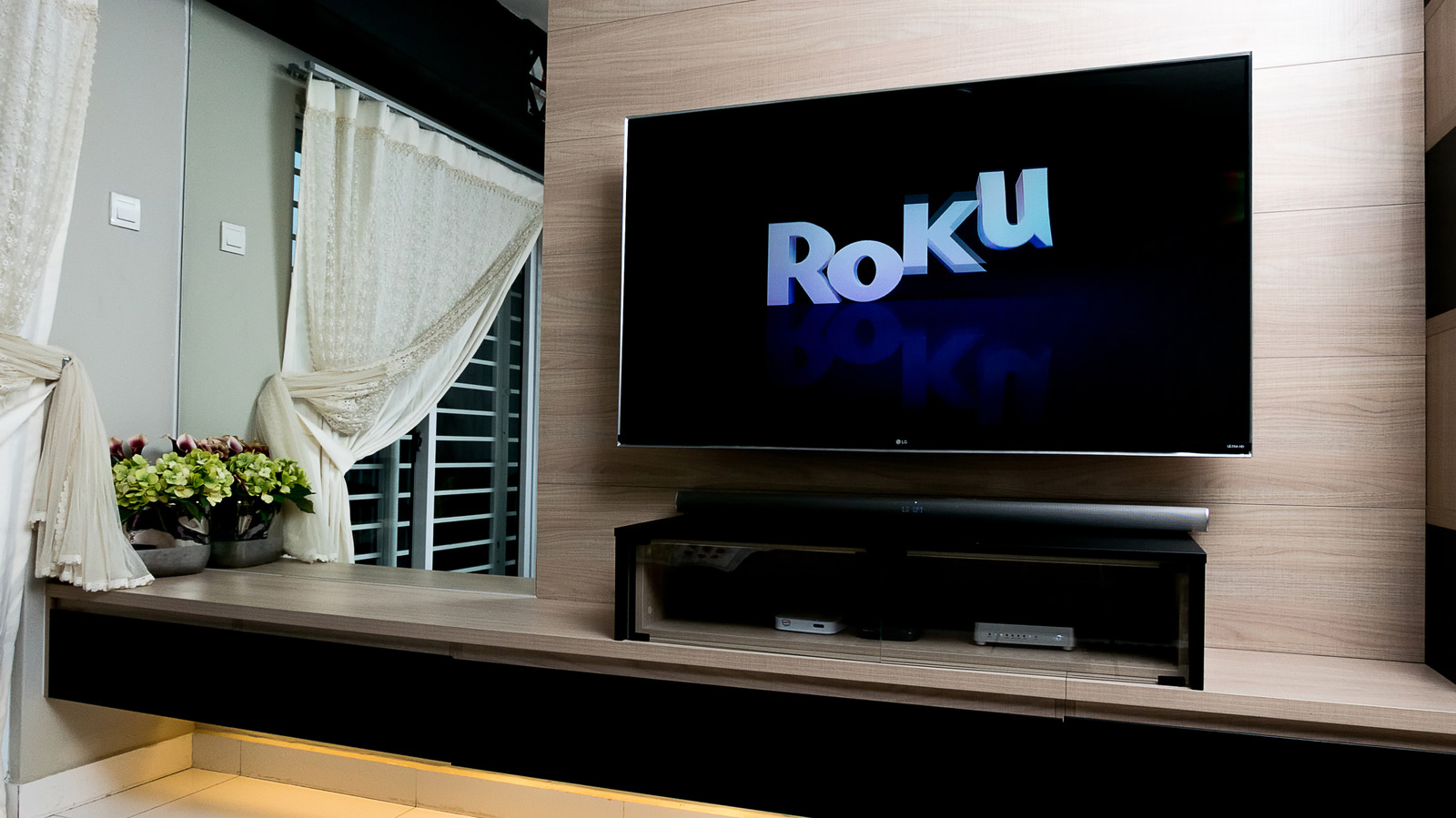
You don’t have to leave your TV’s refresh rate at 60fps.


AhmadDanialZulhilmi/Shutterstock

If you were to travel back in time thirty years and show someone a smart TV from today, their head would likely explode. In addition to the seemingly limitless amount of content one can find and interact with on a modern television, your Roku TV also may have the ability to let you watch movies in a far more compelling way.

YOU MAY ALSO LIKE

Potent Performance At A Slightly Better Price

AI Agents Are Becoming a Commodity. Your Company DNA Can Be Your Competitive Advantage – Unite.AI

Buried deep in your Roku TV’s settings is a way to alter the refresh rate, and there’s a very specific reason that you might want to do that. Most Roku TVs default to a refresh rate of 60fps. While that’s going to be perfectly fine for some situations, it doesn’t make for the most theatrical viewing experience — for the most part, movies are filmed and projected at 24fps. It’s the standard, and it has defined the way movies look and feel for decades. When you go to the movie theater, you’re watching a 24fps output.

Roku allows you to alter your TV’s refresh rate to match that, offering something a bit closer to the original intent of those films.

How to change your TV’s refresh rate to 24fps to achieve a film look
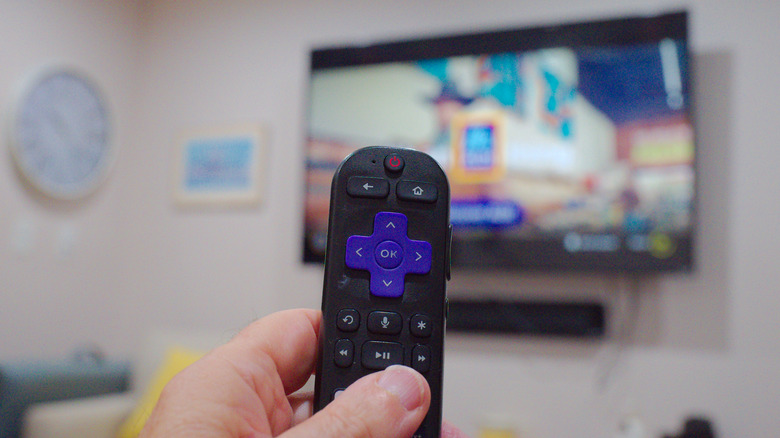

Close up of a hand holding a Roku TV remote.
Delbert Harper/Getty Images

There are a lot of ways to change the overall look and display of your Roku TV, but most of that discourse seems centered around colors and contrast. Those things are important, but if you really want to achieve a “movie look,” then you’ll want to change the refresh rate.

In your Roku TV, to match this unique look, you’ll need to first go to the main menu. From here, select Settings, and then go into System. In this menu, you’ll find something called Advanced System Settings, which will allow you to access Advanced Display Settings. You want to turn Auto-adjust display refresh rate on.

It’s a one-click and done solution, as it will self-adjust itself to match the native refresh rate of any movie or TV show you put on. Because films have a native refresh rate of 24fps, your TV will now run them as such. The same goes for TV shows, which may be filmed at 30 or 60fps. It’s a tiny adjustment, but it’s one that will make your viewing experience even better. 

Credit: Source link

ShareTweetSendSharePin

Related Posts

Potent Performance At A Slightly Better Price
AI & Technology

Potent Performance At A Slightly Better Price

November 25, 2026
AI Agents Are Becoming a Commodity. Your Company DNA Can Be Your Competitive Advantage – Unite.AI
AI & Technology

AI Agents Are Becoming a Commodity. Your Company DNA Can Be Your Competitive Advantage – Unite.AI

November 25, 2026
XPENG WorldGPT Uses Shared Learning Across Cars, Robots and Drones – Unite.AI
AI & Technology

XPENG WorldGPT Uses Shared Learning Across Cars, Robots and Drones – Unite.AI

November 25, 2026
Trump Says He Considered U.S. Government Stake in NVIDIA – Unite.AI
AI & Technology

Trump Says He Considered U.S. Government Stake in NVIDIA – Unite.AI

November 25, 2026
Next Post
18 Online Jobs for Teens – Ones That Don’t Require You to Be 18

18 Online Jobs for Teens – Ones That Don’t Require You to Be 18

Leave a Reply Cancel reply

Your email address will not be published. Required fields are marked *

Search

No Result
View All Result
Jensen Huang thanks Nvidia for the ‘second chance’

Jensen Huang thanks Nvidia for the ‘second chance’

November 24, 2026
BridgeBio Pharma, Inc. (BBIO) Discusses FDA Approval of Welgemda for LGMD2I Prepared Remarks Transcript

BridgeBio Pharma, Inc. (BBIO) Discusses FDA Approval of Welgemda for LGMD2I Prepared Remarks Transcript

November 24, 2026
You May Qualify for Child Care Assistance – Some States Help Middle-Class Families

You May Qualify for Child Care Assistance – Some States Help Middle-Class Families

November 25, 2026

About

Learn more

Our Services

Legal

Privacy Policy

Terms of Use

Bloggers

Learn more

Article Links

Contact

Advertise

Ask us anything

©2020- TradePoint.io - All rights reserved!

Tradepoint.io, being just a publishing and technology platform, is not a registered broker-dealer or investment adviser. So we do not provide investment advice. Rather, brokerage services are provided to clients of Tradepoint.io by independent SEC-registered broker-dealers and members of FINRA/SIPC. Every form of investing carries some risk and past performance is not a guarantee of future results. “Tradepoint.io“, “Instant Investing” and “My Trading Tools” are registered trademarks of Apperbuild, LLC.

This website is operated by Apperbuild, LLC. We have no link to any brokerage firm and we do not provide investment advice. Every information and resource we provide is solely for the education of our readers. © 2020 Apperbuild, LLC. All rights reserved.

No Result
View All Result
  • Main
  • AI & Technology
  • Stock Charts
  • Market & News
  • Business
  • Finance Tips
  • Trade Tube
  • Blog
  • Shop

© 2023 - TradePoint.io - All Rights Reserved!