






























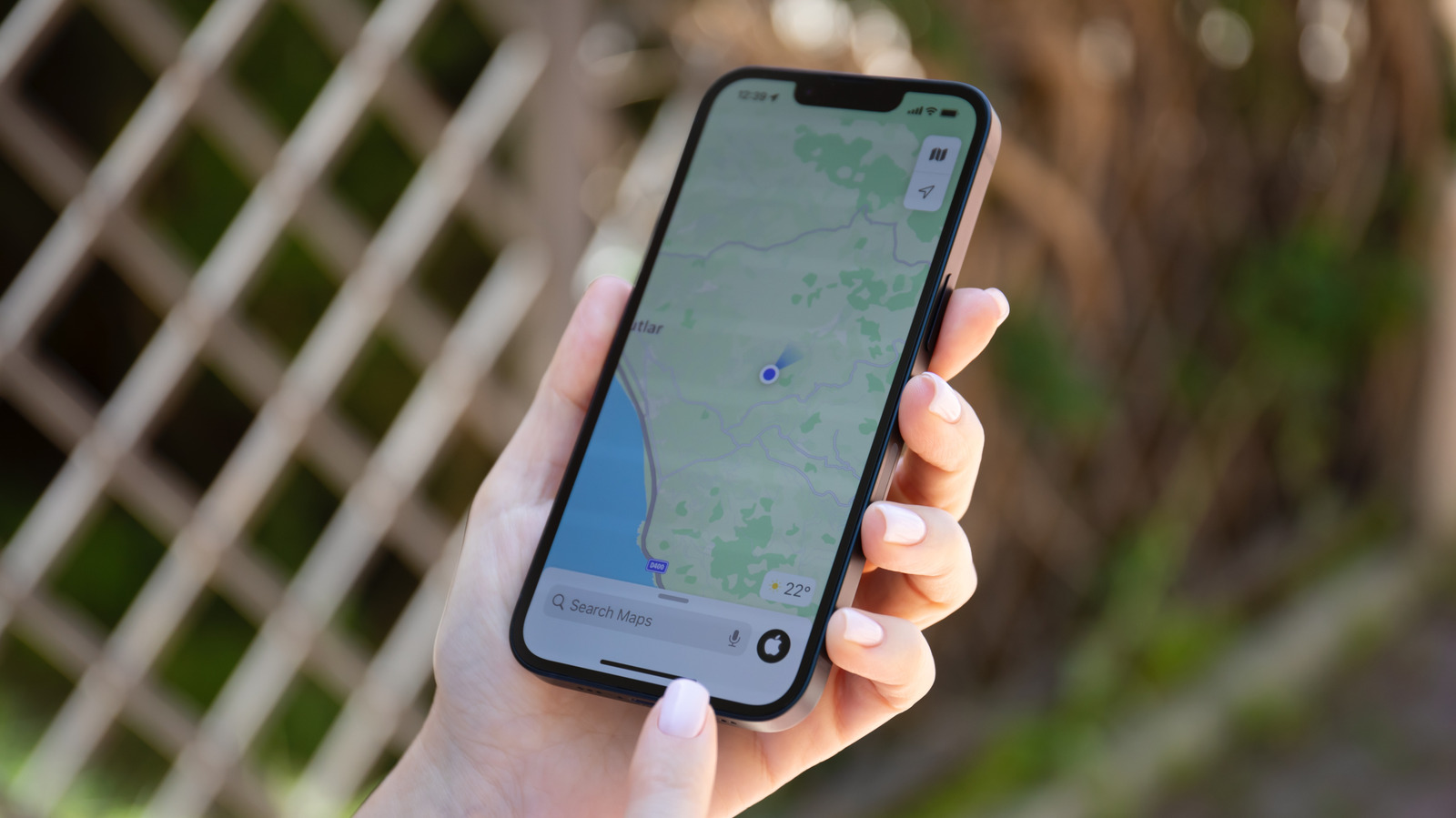

Apple Maps can warn you about traffic before you leave and remember where you parked.
Apple Maps didn’t have a particularly auspicious start, with a notoriously rocky launch in 2012 that put it at an initial disadvantage against Google Maps. But Apple has rebuilt its map data since then and added many useful features such as detailed 3D buildings, cycling routes, curated guides and even a web version. With iOS 27, Apple Maps gained even more features, including AI-enhanced Flyover and Local Lists.
But there’s more to Apple Maps than those headline features. Whether you’re an Apple Maps fan looking to get even more out of the navigation app or need a few more reasons to give it another chance, there are a few lesser-known features you should know about. Now, whether it’s better than Google Maps overall will depend on where you live and how you travel, and many drivers still prefer other navigation apps on CarPlay, but these at least show that Apple Maps has a lot to offer beyond basic navigation.
Offline maps, private notes and a history of where you’ve been
Frequent travelers often end up in areas without Wi-Fi or cell service, which makes navigation trickier. The good news is that Apple Maps lets you download entire regions for offline use, and it’s super easy. Open Apple Maps on your iPhone and tap your profile picture next to the search bar, then select Offline Maps. Choose the area you want to download, and it’ll save the map to your device, including infomation like place ratings, estimated arrival times and turn-by-turn directions. There’s also an Only Use Offline Maps toggle for when you’re on a limited data plan.
You can also easily write notes about places you’ve visited. Open any location in the Apple Maps app and tap the three-dot button. Tap Add a Note in the menu that appears. Apple says that your notes are kept private, so other Apple Maps users won’t see them. You can find your notes every time you open that location on the map again.
Visited Places is also worth trying if you tend to forget the names of places you’ve been to. With this feature on, Apple Maps automatically remembers the places you’ve visited. In Maps, look for Visited Places under the Places section. You can store your visited places for three months, one year or forever. Unfortunately, this feature isn’t available worldwide, but you can check whether you have it by going to Settings > Apps > Maps. Go to Location Services and turn on the Visited Places toggle.
Traffic alerts before you leave and a parked car you can always find
Apple Maps can also learn your preferred routes, so your iPhone can warn you of heavy traffic or suggest alternatives. You can find this feature in Settings > Maps and then Location. Look for the Preferred Routes and Predicted Destinations toggle and turn it on. Like Visited Places, this feature is limited to specific regions, so you might not find it on your iPhone depending on where you live. If you’re worried about privacy, note that Apple states that your route information is not tied to your Apple Account.
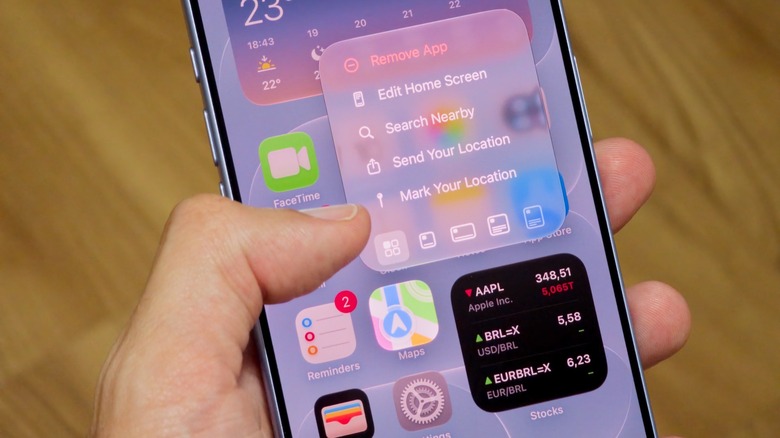
The app also has a simple yet useful feature that helps you remember where you parked by dropping a pin when you disconnect from CarPlay and exit your car. To enable it, go to Settings > Apps > Maps and turn on Show Parked Location. If you don’t use CarPlay, press and hold the Maps icon on the Home Screen and tap Mark Your Location to drop a pin at your current location.
Maps also has a feature that lets you help other drivers without taking your hands of the wheel. While driving, you can say, “Siri, there’s an accident ahead” or “there’s something on the road,” and Siri will report the incident to other drivers. Incidents that Apple Maps supports include accidents, speed checks, heavy traffic and road closures. Like many of these features, though, availability will vary by location.
Credit: Source link