
• bitcoinBitcoin(BTC)$79,850.000.45%
  • Midas Fasanara Global EuroMidas Fasanara Global Euro(MGLOEURO)$111,813.00-0.36%
  • ethereumEthereum(ETH)$2,314.220.50%
  • tetherTether(USDT)$1.00-0.02%
  • binancecoinBNB(BNB)$740.090.59%
  • rippleXRP(XRP)$1.301.19%
  • usd-coinUSDC(USDC)$1.00-0.04%
  • solanaSolana(SOL)$100.30-0.28%
  • tronTRON(TRX)$0.329139-0.24%
  • Figure HelocFigure Heloc(FIGR_HELOC)$1.040.00%
  • zcashZcash(ZEC)$1,224.252.43%
  • HyperliquidHyperliquid(HYPE)$77.842.80%
  • dogecoinDogecoin(DOGE)$0.0774531.53%
  • moneroMonero(XMR)$605.332.54%
  • USDSUSDS(USDS)$1.00-0.01%
  • whitebitWhiteBIT Coin(WBT)$76.710.22%
  • chainlinkChainlink(LINK)$11.32-0.11%
  • leo-tokenLEO Token(LEO)$9.040.01%
  • cardanoCardano(ADA)$0.2041611.33%
  • stellarStellar(XLM)$0.1684370.83%
  • nearNEAR Protocol(NEAR)$4.44-0.77%
  • bitcoin-cashBitcoin Cash(BCH)$280.431.29%
  • BittensorBittensor(TAO)$248.39-0.77%
  • RainRain(RAIN)$0.007234-14.53%
  • Ethena USDeEthena USDe(USDE)$1.00-0.08%
  • daiDai(DAI)$1.00-0.01%
  • uniswapUniswap(UNI)$7.052.86%
  • litecoinLitecoin(LTC)$56.390.10%
  • CantonCanton(CC)$0.098333-1.99%
  • avalanche-2Avalanche(AVAX)$8.840.19%
  • USD1USD1(USD1)$1.00-0.02%
  • suiSui(SUI)$0.910.20%
  • hedera-hashgraphHedera(HBAR)$0.076558-0.06%
  • the-open-networkGram (prev. Toncoin)(GRAM)$1.20-3.44%
  • tether-goldTether Gold(XAUT)$4,010.380.50%
  • Global DollarGlobal Dollar(USDG)$1.00-0.03%
  • paypal-usdPayPal USD(PYUSD)$1.00-0.02%
  • quant-networkQuant(QNT)$202.656.75%
  • shiba-inuShiba Inu(SHIB)$0.0000050.52%
  • EthenaEthena(ENA)$0.2051091.19%
  • crypto-com-chainCronos(CRO)$0.052977-1.57%
  • Ripple USDRipple USD(RLUSD)$1.000.00%
  • Circle USYCCircle USYC(USYC)$1.140.01%
  • Ondo US Dollar YieldOndo US Dollar Yield(USDY)$1.15-0.06%
  • okbOKB(OKB)$108.851.16%
  • BlackRock USD Institutional Digital Liquidity FundBlackRock USD Institutional Digital Liquidity Fund(BUIDL)$1.000.00%
  • MemeCoreMemeCore(M)$0.951.35%
  • aaveAave(AAVE)$132.97-1.04%
  • OndoOndo(ONDO)$0.4076161.09%
  • Pump.funPump.fun(PUMP)$0.0041920.72%
TradePoint.io
  • Main
  • AI & Technology
  • Stock Charts
  • Market & News
  • Business
  • Finance Tips
  • Trade Tube
  • Blog
  • Shop
No Result
View All Result
TradePoint.io
No Result
View All Result

The Pros And Cons Of Enabling Apple’s Security Feature

October 27, 2026
in AI & Technology
Reading Time: 4 mins read
A A
The Pros And Cons Of Enabling Apple’s Security Feature
ShareShareShareShareShare

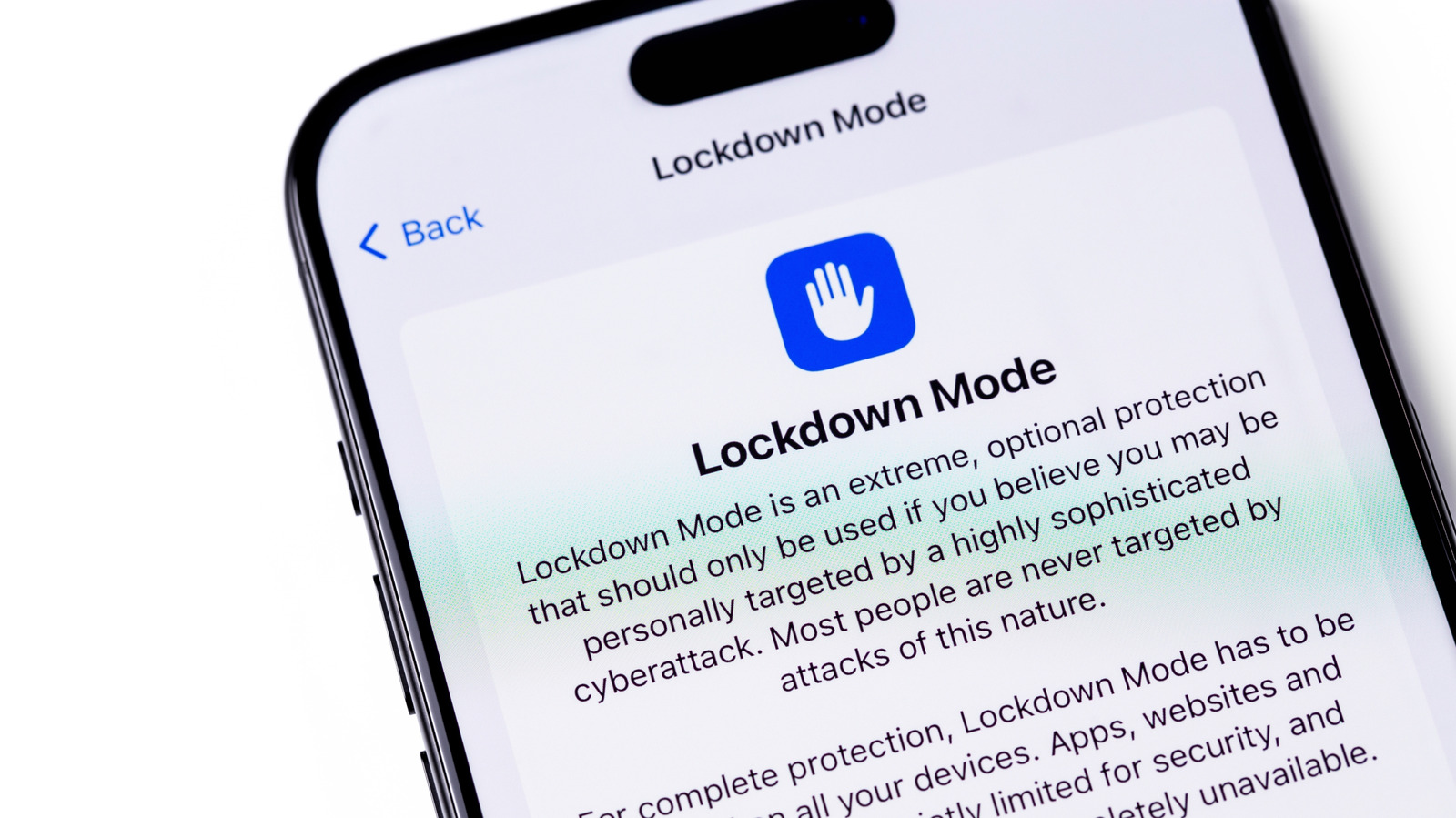
Lockdown Mode makes your iPhone much more secure against spyware, but most people don’t need to use it.


Primakov/Shutterstock

The iPhone’s Lockdown Mode has been around since 2022, but you might not have heard about it, let alone used it. It’s one of those features that’s well-hidden in the Settings app, plus it’s not really meant for the average person. Apple itself calls the tool an “extreme” layer of security for the few people who may be targeted by commercial spyware such as NSO’s Pegasus. Journalists, activists and politicians are among the potential targets of such spyware.

YOU MAY ALSO LIKE

symplr Launches AI Time and Scheduling to Predict Healthcare Staffing Needs – Unite.AI

OpenAI Says Its Models Produced Three Proofs in Math, CS, and Physics – Unite.AI

Anyone with an iPhone running iOS 16 or newer can try out Lockdown Mode. It’s also available on iPadOS 16 and later, watchOS 10 and newer, and macOS 13 Ventura and later. To turn it on, open Settings and go to Privacy & Security. Scroll down until you find Lockdown Mode, then tap Turn On & Restart and confirm with your passcode. It’s simple as that, and you’ll find the option to disable it in the same place.

What Lockdown Mode disables on your iPhone
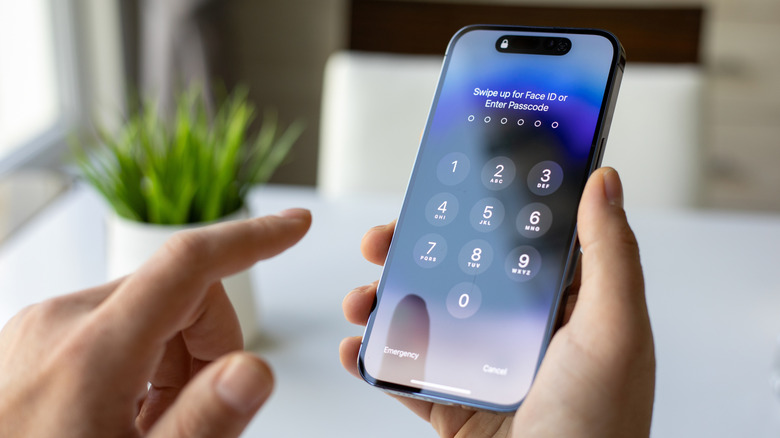

An iPhone asking for the user's passcode.
DenPhotos/Shutterstock

What makes Lockdown Mode strong is how it blocks many of the iPhone’s features when enabled. However, many of those features are ones you likely use every day. In Messages, most kinds of attachments are blocked. Even link previews stop working, since they can serve as a backdoor for spyware. Lockdown Mode also restricts how JavaScript works in browsers, which may cause some websites to load slowly or not work at all. FaceTime calls are also blocked; only people you’ve called recently can reach you.

Your iPhone’s connectivity is also limited when Lockdown Mode is on. For instance, wired connections are disabled when the device is locked — meaning it cannot communicate with a computer or accessory without your passcode. For wireless connectivity, your iPhone will no longer automatically connect to unsecured networks, and support for 2G and 3G networks is completely disabled (though these networks were discontinued in the US years ago). 

You also can’t install configuration profiles, which isn’t ideal if your school or employer requires one. If you have an Apple Watch, phone call notifications from your iPhone won’t show up on it. You’ll see reduced functionality across other Apple services too: Home invitations and Game Center are not available, and photo sharing is restricted.

Who should leave Lockdown Mode on?
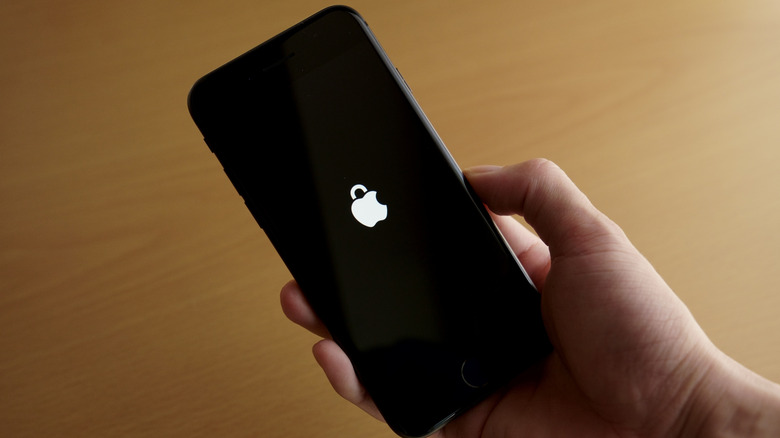

An iPhone displaying an Apple logo that looks like a padlock.
Yasu31/Shutterstock

If Lockdown Mode sounds aggressive, it’s because that’s exactly what it was designed for. Back in 2023, an exploit known as “Blastpass” used iMessage to install the Pegasus spyware on Apple devices. However, researchers found that devices in Lockdown Mode were completely immune to the spyware. Apple offers a 100 percent bonus on top of the regular reward through its Security Bounty program to anyone who finds a way to bypass the feature, which shows how much the company trusts it. By restricting your iPhone to avoid potential attack vectors, you’re given maximum security in exchange for reduced functionality and convenience.

The feature offers some flexibility: you can exclude certain contacts from messaging restrictions so your family can still send you videos or documents. You also have the option to exclude certain websites and apps from the feature. However, loosening these restrictions makes your device a little more vulnerable to attacks. If you think you’re a target, it’s best to keep all the default protections turned on.

For most people, there’s no need to use Lockdown Mode. Apple devices already have many security and privacy features built in. Spyware like Pegasus usually targets public figures and is often deployed by governments that want to spy on opponents or protesters. If that’s the case for you, it’s definitely worth turning on Lockdown Mode — Apple may even send you a notification if it believes you’ve been targeted by spyware. If you’re curious, try using Lockdown Mode for a few days to see what it’s like. Chances are that the inconveniences it creates are not worth the extreme level of protection that few people need.

Credit: Source link

ShareTweetSendSharePin

Related Posts

symplr Launches AI Time and Scheduling to Predict Healthcare Staffing Needs – Unite.AI
AI & Technology

symplr Launches AI Time and Scheduling to Predict Healthcare Staffing Needs – Unite.AI

October 26, 2026
OpenAI Says Its Models Produced Three Proofs in Math, CS, and Physics – Unite.AI
AI & Technology

OpenAI Says Its Models Produced Three Proofs in Math, CS, and Physics – Unite.AI

October 26, 2026
The Mistake iPhone Duo Buyers Can Easily Avoid
AI & Technology

The Mistake iPhone Duo Buyers Can Easily Avoid

October 26, 2026
Apple Adds More Siri AI Tools In Its 27.2 System Updates, Out Today
AI & Technology

Apple Adds More Siri AI Tools In Its 27.2 System Updates, Out Today

October 26, 2026
Next Post
Triple Plays Striking Out?

Triple Plays Striking Out?

Leave a Reply Cancel reply

Your email address will not be published. Required fields are marked *

Search

No Result
View All Result
Parent of Silver Rail student reflects on community’s strength after Oregon school shooting

Parent of Silver Rail student reflects on community’s strength after Oregon school shooting

October 24, 2026
Netflix is heading into earnings. Buy, hold or avoid? Ted Thatcher makes rapid-fire investing calls

Netflix is heading into earnings. Buy, hold or avoid? Ted Thatcher makes rapid-fire investing calls

October 21, 2026
Most Windows Users Are Seriously Underusing This Powerful Desktop Feature

Most Windows Users Are Seriously Underusing This Powerful Desktop Feature

October 25, 2026

About

Learn more

Our Services

Legal

Privacy Policy

Terms of Use

Bloggers

Learn more

Article Links

Contact

Advertise

Ask us anything

©2020- TradePoint.io - All rights reserved!

Tradepoint.io, being just a publishing and technology platform, is not a registered broker-dealer or investment adviser. So we do not provide investment advice. Rather, brokerage services are provided to clients of Tradepoint.io by independent SEC-registered broker-dealers and members of FINRA/SIPC. Every form of investing carries some risk and past performance is not a guarantee of future results. “Tradepoint.io“, “Instant Investing” and “My Trading Tools” are registered trademarks of Apperbuild, LLC.

This website is operated by Apperbuild, LLC. We have no link to any brokerage firm and we do not provide investment advice. Every information and resource we provide is solely for the education of our readers. © 2020 Apperbuild, LLC. All rights reserved.

No Result
View All Result
  • Main
  • AI & Technology
  • Stock Charts
  • Market & News
  • Business
  • Finance Tips
  • Trade Tube
  • Blog
  • Shop

© 2023 - TradePoint.io - All Rights Reserved!