
• bitcoinBitcoin(BTC)$80,191.00-0.19%
  • ethereumEthereum(ETH)$2,322.87-0.35%
  • tetherTether(USDT)$1.000.01%
  • binancecoinBNB(BNB)$737.95-0.34%
  • rippleXRP(XRP)$1.29-0.67%
  • usd-coinUSDC(USDC)$1.000.01%
  • solanaSolana(SOL)$101.090.26%
  • tronTRON(TRX)$0.3305420.47%
  • Figure HelocFigure Heloc(FIGR_HELOC)$1.060.00%
  • zcashZcash(ZEC)$1,222.442.21%
  • HyperliquidHyperliquid(HYPE)$76.841.32%
  • dogecoinDogecoin(DOGE)$0.0767890.35%
  • moneroMonero(XMR)$588.14-2.54%
  • USDSUSDS(USDS)$1.00-0.02%
  • whitebitWhiteBIT Coin(WBT)$77.21-0.22%
  • chainlinkChainlink(LINK)$11.410.45%
  • leo-tokenLEO Token(LEO)$9.03-0.08%
  • cardanoCardano(ADA)$0.2038610.03%
  • stellarStellar(XLM)$0.168473-0.25%
  • nearNEAR Protocol(NEAR)$4.521.97%
  • RainRain(RAIN)$0.008078-1.31%
  • bitcoin-cashBitcoin Cash(BCH)$278.852.28%
  • Ethena USDeEthena USDe(USDE)$1.00-0.03%
  • daiDai(DAI)$1.000.00%
  • litecoinLitecoin(LTC)$56.300.29%
  • uniswapUniswap(UNI)$6.994.51%
  • CantonCanton(CC)$0.1009831.03%
  • avalanche-2Avalanche(AVAX)$8.921.22%
  • USD1USD1(USD1)$1.00-0.01%
  • suiSui(SUI)$0.91-0.25%
  • the-open-networkGram (prev. Toncoin)(GRAM)$1.22-2.41%
  • hedera-hashgraphHedera(HBAR)$0.0772310.91%
  • tether-goldTether Gold(XAUT)$4,010.660.58%
  • Global DollarGlobal Dollar(USDG)$1.000.00%
  • quant-networkQuant(QNT)$210.9815.82%
  • paypal-usdPayPal USD(PYUSD)$1.00-0.02%
  • shiba-inuShiba Inu(SHIB)$0.000005-0.41%
  • BittensorBittensor(TAO)$250.101.11%
  • EthenaEthena(ENA)$0.2057196.76%
  • crypto-com-chainCronos(CRO)$0.053838-1.36%
  • Ripple USDRipple USD(RLUSD)$1.00-0.01%
  • Circle USYCCircle USYC(USYC)$1.140.00%
  • Ondo US Dollar YieldOndo US Dollar Yield(USDY)$1.150.06%
  • BitwayBitway(BTW)$1.55-9.35%
  • MemeCoreMemeCore(M)$1.006.87%
  • okbOKB(OKB)$108.591.94%
  • BlackRock USD Institutional Digital Liquidity FundBlackRock USD Institutional Digital Liquidity Fund(BUIDL)$1.000.00%
  • aaveAave(AAVE)$134.86-0.76%
  • OndoOndo(ONDO)$0.4078531.78%
  • Pump.funPump.fun(PUMP)$0.0042140.42%
TradePoint.io
  • Main
  • AI & Technology
  • Stock Charts
  • Market & News
  • Business
  • Finance Tips
  • Trade Tube
  • Blog
  • Shop
No Result
View All Result
TradePoint.io
No Result
View All Result

Most Windows Users Are Seriously Underusing This Powerful Desktop Feature

October 25, 2026
in AI & Technology
Reading Time: 4 mins read
A A
Most Windows Users Are Seriously Underusing This Powerful Desktop Feature
ShareShareShareShareShare

Gain more effective desktop space for free.


Ekkys/Shutterstock

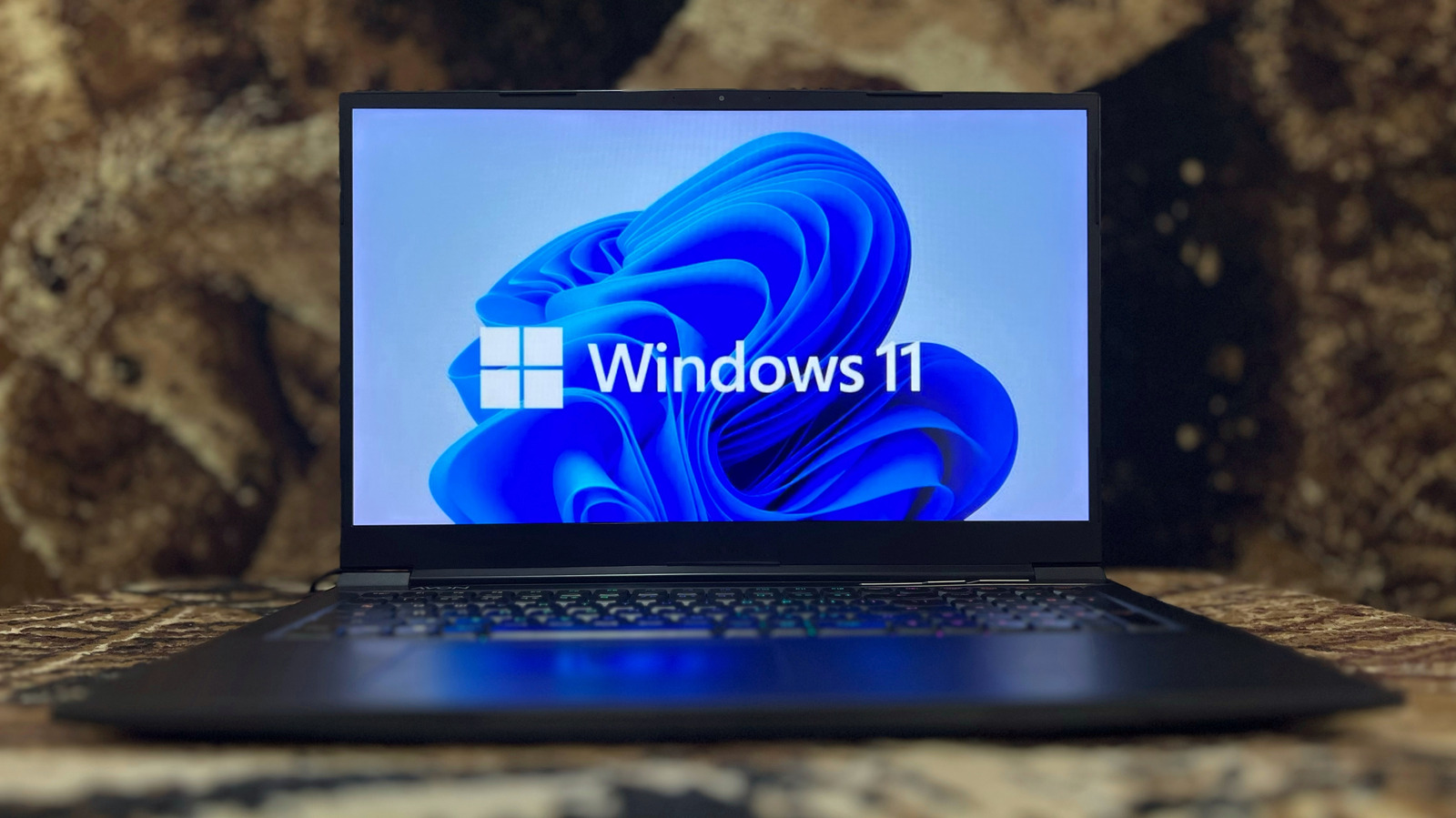
Windows has a lot of useful-yet-hidden features to find, from clipboard history to a bundle of customization options. One of the best that you probably aren’t using is the ability to create multiple desktops. Virtual desktops are a great productivity tool that segment your computer into specialized sections, helping you stay organized and focused.

YOU MAY ALSO LIKE

GXO, Agility Robotics Expand Digit Humanoid Deployments to More U.S. Sites – Unite.AI

iFixit’s Teardown Of The iPhone Duo Shows Potential Causes For Cracked Screens

You can do this broadly, like making separate desktops for work and personal use. Or you can get more granular, with a dedicated desktops for various tasks like editing, spreadsheets and meetings, or for specific clients. All your programs are available across all desktops, but it’s how you choose to segment them that matters. It’s available on both versions of Windows 11 as well as Windows 10, and setting it up is remarkably easy.

How to set up multiple desktops in Windows

Creating new virtual desktops in Windows is simple:

  1. Hover over the Task View icon, or press the Windows + Tab keys together.

  2. Select New desktop.

You can also hit Windows + Ctrl + D to quickly create a new desktop. Once you have your desired number of desktops, you can customize each one to make them easier to distinguish. Hover over the Task View icon or press Windows + Tab, right-click the desktop you want to edit, and then you can Rename it or choose a unique wallpaper (the latter feature is only available in Windows 11).

To switch desktops, use the Task View icon or Windows + Ctrl + Left/Right arrow to cycle through them. For faster switching, change the positioning of each desktop via Task View by right-clicking one and using Move right or Move left, or by dragging them at the bottom of the screen. When you need to move a program from one desktop to another, just drag and drop a window open on your current desktop into a different one via Task View.

When you don’t need a desktop anymore, close it by clicking the X in its top-right corner in Task View, or press Windows + Ctrl + F4.

How to get the most out of multiple desktops


Close-up of hands using the keyboard of a laptop.
Garun .Prdt/Shutterstock

For best results, dedicate each desktop to a particular purpose so you don’t get mixed up. You might keep music, chat and social apps on one desktop, distancing those potential distractions from work in Excel or your email client. Using features of apps like browser profiles can further help with logical separation. If you have a single monitor, virtual desktops are a decent way to effectively get more screen real estate.

You can get even more out of your multi-desktop setup by adjusting some settings in Windows. To better optimize your taskbar and Alt + Tab functionality across multiple desktops, do the following:

  1. Open the Settings app with Windows + I.

  2. Select System, then Multitasking.

  3. Expand the Desktops section.

There, you can choose either Only on the desktop I’m using or On all desktops for both available options: On the taskbar, show all the open windows and Show all open windows when I press Alt+Tab. For more segmentation, limit app switching to the desktop you’re currently using. 

This multi-desktop functionality can be improved with a small free program called Windows Virtual Desktop Helper, available on GitHub. It’s particularly useful if you utilize many different desktops and often have trouble navigating or differentiating them, since it gives the option to show a desktop’s name more prominently when you switch to it, as well as displaying which desktop you’re on in the system tray. You can also use it to navigate through desktops from the system tray, or set custom navigation hotkeys to quickly shift to different desktops.

Credit: Source link

ShareTweetSendSharePin

Related Posts

GXO, Agility Robotics Expand Digit Humanoid Deployments to More U.S. Sites – Unite.AI
AI & Technology

GXO, Agility Robotics Expand Digit Humanoid Deployments to More U.S. Sites – Unite.AI

October 26, 2026
iFixit’s Teardown Of The iPhone Duo Shows Potential Causes For Cracked Screens
AI & Technology

iFixit’s Teardown Of The iPhone Duo Shows Potential Causes For Cracked Screens

October 26, 2026
Tsinghua AI Open-Sources AKV, a Cache Engineering Server for LLM Agents on SGLang
AI & Technology

Tsinghua AI Open-Sources AKV, a Cache Engineering Server for LLM Agents on SGLang

October 26, 2026
Which Screenless Fitness Tracker Is Better For You?
AI & Technology

Which Screenless Fitness Tracker Is Better For You?

October 26, 2026
Next Post
Skechers’s beachside SoCal HQ goes on the market after massive renovation

Skechers's beachside SoCal HQ goes on the market after massive renovation

Leave a Reply Cancel reply

Your email address will not be published. Required fields are marked *

Search

No Result
View All Result
Community mourns Bend school shooting victims

Community mourns Bend school shooting victims

October 23, 2026
String of dramatic plane emergencies 

String of dramatic plane emergencies 

October 22, 2026
Google illegally tore down 250K trees for Finland data center, infuriating locals: report

Google illegally tore down 250K trees for Finland data center, infuriating locals: report

October 24, 2026

About

Learn more

Our Services

Legal

Privacy Policy

Terms of Use

Bloggers

Learn more

Article Links

Contact

Advertise

Ask us anything

©2020- TradePoint.io - All rights reserved!

Tradepoint.io, being just a publishing and technology platform, is not a registered broker-dealer or investment adviser. So we do not provide investment advice. Rather, brokerage services are provided to clients of Tradepoint.io by independent SEC-registered broker-dealers and members of FINRA/SIPC. Every form of investing carries some risk and past performance is not a guarantee of future results. “Tradepoint.io“, “Instant Investing” and “My Trading Tools” are registered trademarks of Apperbuild, LLC.

This website is operated by Apperbuild, LLC. We have no link to any brokerage firm and we do not provide investment advice. Every information and resource we provide is solely for the education of our readers. © 2020 Apperbuild, LLC. All rights reserved.

No Result
View All Result
  • Main
  • AI & Technology
  • Stock Charts
  • Market & News
  • Business
  • Finance Tips
  • Trade Tube
  • Blog
  • Shop

© 2023 - TradePoint.io - All Rights Reserved!