



• bitcoinBitcoin(BTC)$82,037.00-0.79%
  • ethereumEthereum(ETH)$2,411.64-0.64%
  • tetherTether(USDT)$1.00-0.02%
  • binancecoinBNB(BNB)$730.580.39%
  • rippleXRP(XRP)$1.31-0.60%
  • usd-coinUSDC(USDC)$1.000.00%
  • solanaSolana(SOL)$105.19-0.55%
  • tronTRON(TRX)$0.331055-0.03%
  • Figure HelocFigure Heloc(FIGR_HELOC)$1.020.00%
  • zcashZcash(ZEC)$1,150.71-2.06%
  • HyperliquidHyperliquid(HYPE)$79.64-0.04%
  • dogecoinDogecoin(DOGE)$0.079679-0.03%
  • moneroMonero(XMR)$602.691.25%
  • USDSUSDS(USDS)$1.000.00%
  • whitebitWhiteBIT Coin(WBT)$80.20-0.69%
  • chainlinkChainlink(LINK)$12.09-0.57%
  • leo-tokenLEO Token(LEO)$9.02-0.15%
  • cardanoCardano(ADA)$0.218746-0.91%
  • nearNEAR Protocol(NEAR)$4.83-4.84%
  • stellarStellar(XLM)$0.177904-0.65%
  • RainRain(RAIN)$0.008580-8.24%
  • bitcoin-cashBitcoin Cash(BCH)$279.470.64%
  • Ethena USDeEthena USDe(USDE)$1.00-0.01%
  • litecoinLitecoin(LTC)$59.961.04%
  • uniswapUniswap(UNI)$7.30-1.05%
  • daiDai(DAI)$1.00-0.03%
  • avalanche-2Avalanche(AVAX)$9.61-1.56%
  • CantonCanton(CC)$0.1067543.80%
  • suiSui(SUI)$1.00-0.41%
  • USD1USD1(USD1)$1.00-0.06%
  • the-open-networkGram (prev. Toncoin)(GRAM)$1.360.89%
  • hedera-hashgraphHedera(HBAR)$0.083876-0.63%
  • tether-goldTether Gold(XAUT)$4,139.48-0.76%
  • Global DollarGlobal Dollar(USDG)$1.00-0.02%
  • BittensorBittensor(TAO)$267.69-2.24%
  • shiba-inuShiba Inu(SHIB)$0.0000050.06%
  • crypto-com-chainCronos(CRO)$0.0571710.14%
  • paypal-usdPayPal USD(PYUSD)$1.000.03%
  • quant-networkQuant(QNT)$196.11-0.07%
  • BitwayBitway(BTW)$1.86-17.81%
  • EthenaEthena(ENA)$0.189944-0.52%
  • okbOKB(OKB)$114.710.37%
  • Ripple USDRipple USD(RLUSD)$1.00-0.02%
  • Circle USYCCircle USYC(USYC)$1.140.01%
  • Ondo US Dollar YieldOndo US Dollar Yield(USDY)$1.15-0.01%
  • aaveAave(AAVE)$151.78-0.23%
  • BlackRock USD Institutional Digital Liquidity FundBlackRock USD Institutional Digital Liquidity Fund(BUIDL)$1.000.00%
  • OndoOndo(ONDO)$0.4412811.53%
  • worldcoin-wldWorldcoin(WLD)$0.5510.66%
  • Pump.funPump.fun(PUMP)$0.004441-1.54%
TradePoint.io
  • Main
  • AI & Technology
  • Stock Charts
  • Market & News
  • Business
  • Finance Tips
  • Trade Tube
  • Blog
  • Shop
No Result
View All Result
TradePoint.io
No Result
View All Result

How To Stop Audio From Auto-Playing On Android Auto

October 20, 2026
in AI & Technology
Reading Time: 4 mins read
A A
How To Stop Audio From Auto-Playing On Android Auto
ShareShareShareShareShare

Because you probably don’t want your stereo on at full blast the moment you start your car.


Roman Vyshnikov/Shutterstock

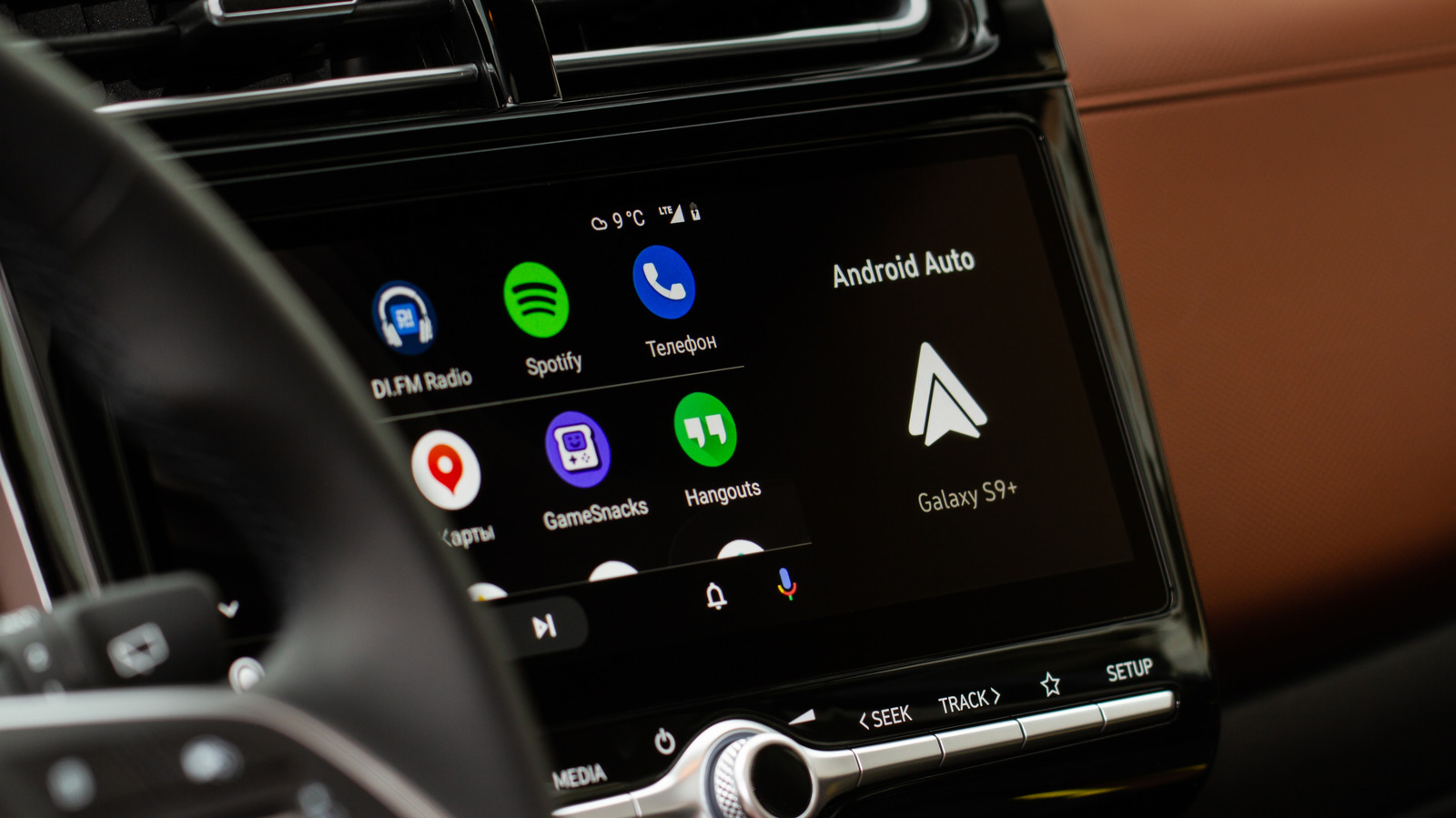
If you’ve ever started your car only to be blasted by music you didn’t ask for, you already know the headache of Android Auto’s autoplay quirk. The moment your phone connects, by USB or wirelessly (even if you use an adapter), your last playlist, podcast or audiobook picks up where it left off at whatever volume you had set the last time you were in the car. It’s an unwelcome surprise during a morning commute and a real distraction if you prefer a few quiet seconds before pulling out of the driveway. Depending on what music or audiobooks you were listening to, it may also not be content you want the kids to hear when you’re driving them to school.

YOU MAY ALSO LIKE

Meet Drex Max: Nace AI’s Multimodal Decision Model for Computer-Use Agents with a Score 67.59

What Can You Use The HDMI Port On Your Ugreen NAS For?

In the past, fixing this problem was quite difficult and required a ton of workarounds, extra apps and jumping through hoops you really shouldn’t have to. Now, it often just requires flipping a toggle.

How do I stop audio from auto-playing on Android Auto?
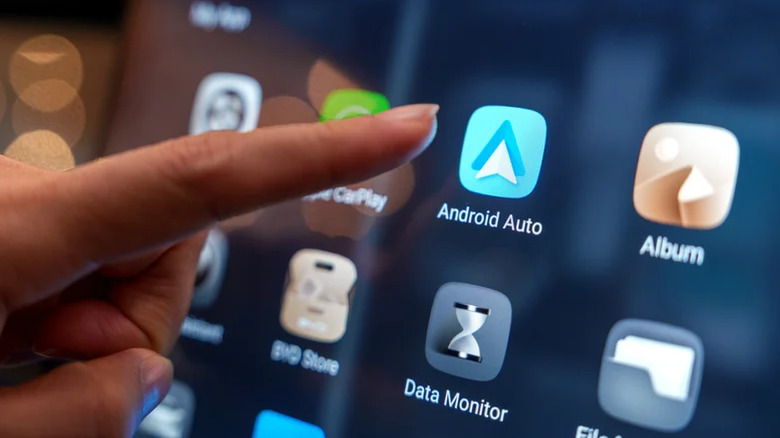

Android Auto app on car display.
TY Lim/Shutterstock

You’ll need to start with Android Auto’s own settings. You’ll need to go to Settings > Connected devices > Android Auto and look under the Startup section. That’s where you’ll find the toggle for the Start music automatically feature. If you have trouble finding it, try searching for Android Auto in your settings. Switching this feature off tells Android Auto not to resume playback the moment it connects to your car. For loads of drivers, this single step solves the problem, and it’s the first fix mentioned on Spotify’s support forums.

If the toggle doesn’t help, the issue may be happening at the Bluetooth level rather than inside Android Auto. Android Auto uses Bluetooth to route phone calls and to create the initial handshake between phone and car. One workaround to test is removing your phone from the car’s Bluetooth memory and reconnecting with USB only, if your setup allows it. In some vehicles, that can reduce unwanted playback triggers, though results vary by car, phone and connection type.

Why does Spotify keep auto-playing in my car?
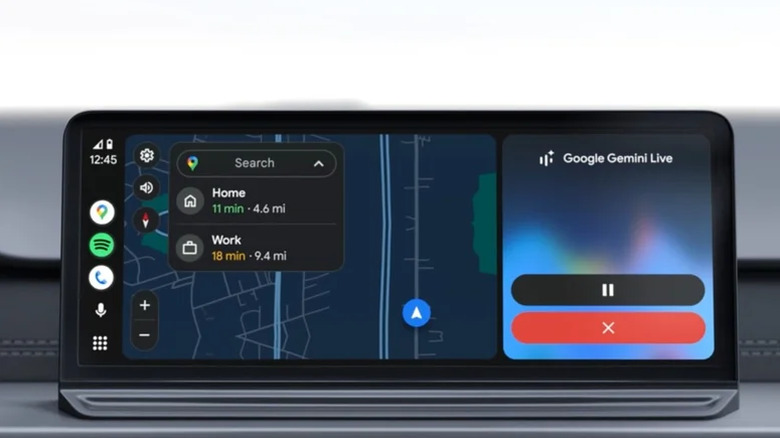

Android Auto on a car's infotainment system.
Google

If you’ve already disabled Start music automatically and Spotify still starts on its own, you’re not imagining things. Spotify users have reported this exact issue across community forums for years, with threads dating back to 2022 that remain active today. But it’s worth noting that sometimes your car may not even be to blame at all. Any Bluetooth device paired with your phone, like headphones and speakers, can affect autoplay. According to Spotify’s support team, the behavior depends on how a given Bluetooth device interacts with Spotify’s API.

That distinction matters because Spotify cannot always prevent a connected device from sending a “play” command when it reconnects, powers on or resumes a media session. Before blaming your phone or reinstalling the app, check whether autoplay happens only with one Bluetooth device and test it with another speaker, headset or vehicle if possible. Keeping Spotify, your phone’s operating system and the device firmware updated may reduce connection glitches, but there is no guaranteed universal fix when the command originates from the Bluetooth accessory.

Since Spotify prioritizes easy connections across thousands of hardware combinations, a universal fix isn’t guaranteed anytime soon. Some drivers find success through Android Auto’s settings, others through Spotify’s app permissions and plenty report that neither option works consistently for their specific car or phone. If nothing pans out, you could just remove Spotify from Android Auto entirely, but that means that you won’t be able to access Spotify from your car’s display.

The bottom line is that you should start with Android Auto’s Start music automatically toggle since it resolves the issue for many drivers. If music still plays uninvited, try the Bluetooth unpairing trick before removing the app from Android Auto entirely. Given how inconsistently Bluetooth behaves across car models, expect some trial and error.

Credit: Source link

ShareTweetSendSharePin

Related Posts

Meet Drex Max: Nace AI’s Multimodal Decision Model for Computer-Use Agents with a Score 67.59
AI & Technology

Meet Drex Max: Nace AI’s Multimodal Decision Model for Computer-Use Agents with a Score 67.59

October 20, 2026
What Can You Use The HDMI Port On Your Ugreen NAS For?
AI & Technology

What Can You Use The HDMI Port On Your Ugreen NAS For?

October 19, 2026
Robot Vacuums Have A Major Privacy Problem You Should Be Aware Of
AI & Technology

Robot Vacuums Have A Major Privacy Problem You Should Be Aware Of

October 19, 2026
Cloudflare Releases Clairic, Its First System One Extraction Model – Unite.AI
AI & Technology

Cloudflare Releases Clairic, Its First System One Extraction Model – Unite.AI

October 19, 2026
Next Post
Warning signs over threats to Australian politicians were rising before MP hit by car – BBC

Warning signs over threats to Australian politicians were rising before MP hit by car - BBC

Leave a Reply Cancel reply

Your email address will not be published. Required fields are marked *

Search

No Result
View All Result
SambaNova CEO: AI’s Next Phase Is About Efficiency

SambaNova CEO: AI’s Next Phase Is About Efficiency

October 16, 2026
INFLATION WARNING: DO NOT GET TRAPPED RIGHT NOW!

INFLATION WARNING: DO NOT GET TRAPPED RIGHT NOW!

October 16, 2026
A ‘Flying’ Tesla Roadster Sounds Impossible, Until You See What Lockheed Martin Built Decades Ago

A ‘Flying’ Tesla Roadster Sounds Impossible, Until You See What Lockheed Martin Built Decades Ago

October 16, 2026

About

Learn more

Our Services

Legal

Privacy Policy

Terms of Use

Bloggers

Learn more

Article Links

Contact

Advertise

Ask us anything

©2020- TradePoint.io - All rights reserved!

Tradepoint.io, being just a publishing and technology platform, is not a registered broker-dealer or investment adviser. So we do not provide investment advice. Rather, brokerage services are provided to clients of Tradepoint.io by independent SEC-registered broker-dealers and members of FINRA/SIPC. Every form of investing carries some risk and past performance is not a guarantee of future results. “Tradepoint.io“, “Instant Investing” and “My Trading Tools” are registered trademarks of Apperbuild, LLC.

This website is operated by Apperbuild, LLC. We have no link to any brokerage firm and we do not provide investment advice. Every information and resource we provide is solely for the education of our readers. © 2020 Apperbuild, LLC. All rights reserved.

No Result
View All Result
  • Main
  • AI & Technology
  • Stock Charts
  • Market & News
  • Business
  • Finance Tips
  • Trade Tube
  • Blog
  • Shop

© 2023 - TradePoint.io - All Rights Reserved!