
• bitcoinBitcoin(BTC)$81,060.00-0.50%
  • ethereumEthereum(ETH)$2,361.02-2.24%
  • tetherTether(USDT)$1.000.01%
  • binancecoinBNB(BNB)$711.21-0.55%
  • rippleXRP(XRP)$1.27-1.84%
  • usd-coinUSDC(USDC)$1.000.01%
  • solanaSolana(SOL)$102.02-1.78%
  • tronTRON(TRX)$0.332435-0.58%
  • Figure HelocFigure Heloc(FIGR_HELOC)$1.084.48%
  • zcashZcash(ZEC)$1,083.59-5.12%
  • HyperliquidHyperliquid(HYPE)$77.32-2.11%
  • dogecoinDogecoin(DOGE)$0.077547-2.69%
  • moneroMonero(XMR)$586.184.72%
  • USDSUSDS(USDS)$1.000.02%
  • whitebitWhiteBIT Coin(WBT)$79.11-0.83%
  • chainlinkChainlink(LINK)$11.76-2.22%
  • leo-tokenLEO Token(LEO)$9.040.00%
  • cardanoCardano(ADA)$0.215221-3.07%
  • RainRain(RAIN)$0.0091704.31%
  • nearNEAR Protocol(NEAR)$4.74-4.08%
  • stellarStellar(XLM)$0.173889-2.56%
  • bitcoin-cashBitcoin Cash(BCH)$269.23-1.96%
  • Ethena USDeEthena USDe(USDE)$1.000.01%
  • daiDai(DAI)$1.000.00%
  • litecoinLitecoin(LTC)$57.93-1.76%
  • uniswapUniswap(UNI)$6.97-2.45%
  • avalanche-2Avalanche(AVAX)$9.51-3.56%
  • USD1USD1(USD1)$1.000.01%
  • suiSui(SUI)$0.96-2.69%
  • CantonCanton(CC)$0.098703-5.37%
  • the-open-networkGram (prev. Toncoin)(GRAM)$1.33-2.35%
  • hedera-hashgraphHedera(HBAR)$0.0841921.02%
  • BitwayBitway(BTW)$2.31-9.94%
  • tether-goldTether Gold(XAUT)$4,148.93-0.11%
  • Global DollarGlobal Dollar(USDG)$1.000.03%
  • BittensorBittensor(TAO)$259.93-3.79%
  • shiba-inuShiba Inu(SHIB)$0.000005-2.15%
  • paypal-usdPayPal USD(PYUSD)$1.000.01%
  • crypto-com-chainCronos(CRO)$0.055629-2.96%
  • quant-networkQuant(QNT)$187.90-6.23%
  • EthenaEthena(ENA)$0.181289-4.94%
  • Ripple USDRipple USD(RLUSD)$1.000.01%
  • Circle USYCCircle USYC(USYC)$1.140.00%
  • Ondo US Dollar YieldOndo US Dollar Yield(USDY)$1.15-0.10%
  • okbOKB(OKB)$111.94-3.72%
  • aaveAave(AAVE)$148.86-2.37%
  • BlackRock USD Institutional Digital Liquidity FundBlackRock USD Institutional Digital Liquidity Fund(BUIDL)$1.000.00%
  • OndoOndo(ONDO)$0.425325-3.82%
  • Pump.funPump.fun(PUMP)$0.004122-7.57%
  • Falcon USDFalcon USD(USDF)$0.99-0.02%
TradePoint.io
  • Main
  • AI & Technology
  • Stock Charts
  • Market & News
  • Business
  • Finance Tips
  • Trade Tube
  • Blog
  • Shop
No Result
View All Result
TradePoint.io
No Result
View All Result

Why Your Wi-Fi Speeds Can Drop In The Evening, And What To Do About It

October 17, 2026
in AI & Technology
Reading Time: 5 mins read
A A
Why Your Wi-Fi Speeds Can Drop In The Evening, And What To Do About It
ShareShareShareShareShare

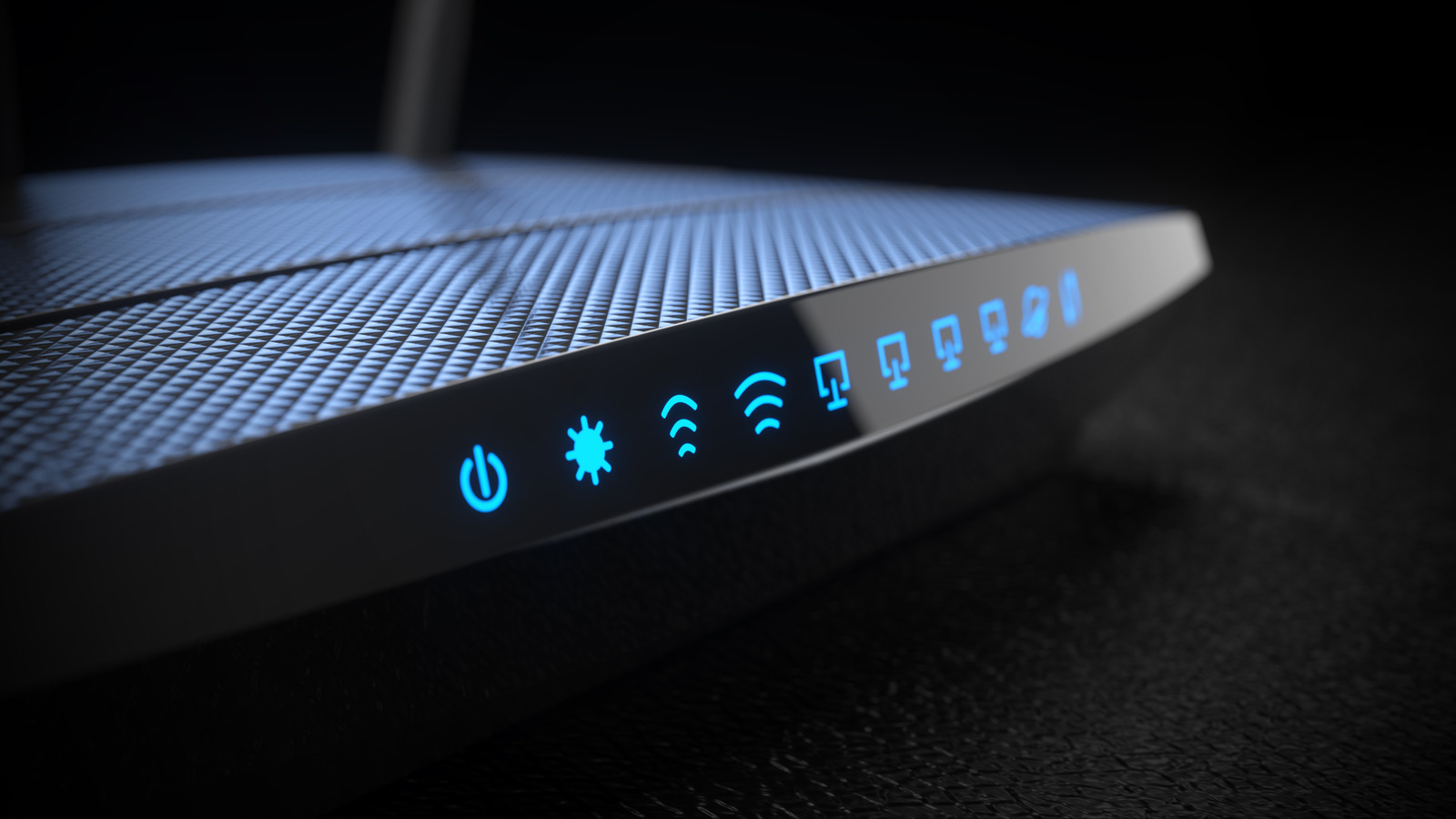
The internet gets slower when everyone is trying to use it, but you have some workarounds.


Grassetto/Getty Images

One of the most frustrating parts of troubleshooting slow Wi-Fi is that almost by nature, network conditions are rarely consistent. Say you’re trying to diagnose issues with poor video quality on Netflix. Router issues could be to blame, but there might also be trouble with your internet service or the infrastructure on Netflix’s end. You might also discover that your spouse is torrenting files en masse, leaving little bandwidth for a 4K HDR stream.

YOU MAY ALSO LIKE

My Father’s Final Weeks Revealed Why Canadian Healthcare Needs AI – Unite.AI

Should You Limit Your FPS In Games? Here’s When It Makes Sense

Some consistency, albeit unwanted, can come in the form of evening slowdowns. It’s a terrible “coincidence:” you just got off work and all you want is to kick back with a movie or game, but your speeds are way slower than usual. Or maybe you work from home in the evenings and suffer from low-quality video calls.

As it turns out, the explanation for these slowdowns is relatively straightforward. Solving them can be harder, possibly dependent on power-cycling equipment or reconfiguring your apps and setup. But ultimately, you may be dependent on the whims of your neighbors.

The causes of evening slowdowns, and how to fix them


A person sitting at a lit-up desktop PC while wearing RGB headphones.
Mixetto/Getty Images

The source of the problem is most likely a traffic jam. Unless you live in a rural area or an especially sparse suburb, there are other like-minded people nearby, probably coming back from work (or school) at roughly the same time and getting online. With cable internet, this increases overall congestion because many houses in the same neighborhood share bandwidth. It’s not as much of a problem with fiber internet, which offers far greater bandwidth. 

Tons of people getting online simultaneously also increases competition for the frequency bands Wi-Fi routers share in common. In a large apartment complex, there may be dozens or hundreds of devices fighting to compete on the same frequencies.

One potential fix is power-cycling your modem and router. Unplug them for at least 30 seconds, then plug them back in again, waiting for the modem to reconnect before restarting your router (assuming it’s a separate piece of equipment). Doing this forces the devices to clear their caches and acquire fresh, potentially more optimal connections. The results aren’t guaranteed to be faster, but they can be, and it’s unlikely that performance will get any worse.

If you haven’t already, you might also consider changing router settings to create separate SSIDs (network names) for each of your router’s bands, then forcing your most data-hungry devices over to 5GHz or 6GHz if they support it. That’s because the 2.4GHz band is not only popular, but long-range, and easily congestible due to the way its channels work. It’s even vulnerable to interference from other electronics like appliances and Bluetooth devices. It’s best to reserve 2.4GHz for smart home accessories, which need range more than raw speed, and can afford to blip out for a second or two.

Changing your network usage habits may be inevitable
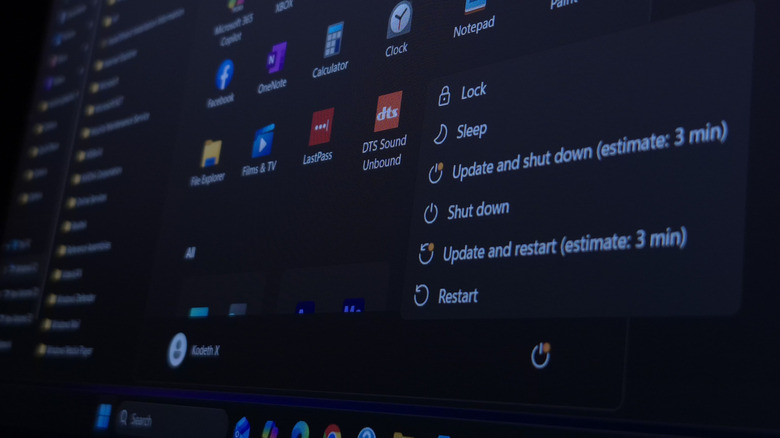

Windows 11 shutdown and restart options in the Start Menu, prompting to install an update.
Nwz/Shutterstock

Realistically, you may sometimes have adapt your lifestyle to network conditions, rather than the other way around. This might be limited to using your own internet bandwidth more wisely when everyone is at home using it, or it could require you working around what your neighborhood is doing.

Have software updates run overnight, rather than downloading them immediately. Configuring updates to be automatic can do the trick, as many platforms rely on your usage habits to pick the ideal window. If this isn’t reliable, either schedule them or make it a habit to manually checking for updates before you go to bed. The same goes for file downloads in general — it can be almost cruel to your neighbors to start torrenting during waking hours. Don’t run huge cloud sync operations when everyone else in your family is online.

Postponing some activities by an hour or two may be enough. Think about what the people around you are probably doing. When a popular show has a new episode, trying to stream it the instant it goes live can be an exercise in futility. Likewise, if you’re trying to play an online game like PUBG or Galactic Racer, consider waiting until most school-aged kids are off to bed.

Lastly, consider switching some devices over to wired Ethernet if they support it and don’t need mobility. While going wired won’t solve issues with general internet traffic, Ethernet is effectively invulnerable to range or band congestion woes, which means more stable connections for gaming and faster download speeds on computers. The biggest concern is running cables to reach your router.

Credit: Source link

ShareTweetSendSharePin

Related Posts

My Father’s Final Weeks Revealed Why Canadian Healthcare Needs AI – Unite.AI
AI & Technology

My Father’s Final Weeks Revealed Why Canadian Healthcare Needs AI – Unite.AI

October 18, 2026
Should You Limit Your FPS In Games? Here’s When It Makes Sense
AI & Technology

Should You Limit Your FPS In Games? Here’s When It Makes Sense

October 18, 2026
The Reason Why Your Drive Shows Less Storage Than You Paid For
AI & Technology

The Reason Why Your Drive Shows Less Storage Than You Paid For

October 18, 2026
How To Use Your Windows PC To Make And Receive Phone Calls
AI & Technology

How To Use Your Windows PC To Make And Receive Phone Calls

October 18, 2026
Next Post
Auburn takes down Georgia: Tigers score massive upset over No. 1 Bulldogs on walk-off FG – CBS Sports

Auburn takes down Georgia: Tigers score massive upset over No. 1 Bulldogs on walk-off FG - CBS Sports

Leave a Reply Cancel reply

Your email address will not be published. Required fields are marked *

Search

No Result
View All Result
White House press secretary Katie Zacharia leaving role days after taking job – BBC

White House press secretary Katie Zacharia leaving role days after taking job – BBC

October 16, 2026
NTSB removes news helicopter from crash scene

NTSB removes news helicopter from crash scene

October 12, 2026
Kentucky Democrat says he’ll ‘repair the damage that Mitch McConnell has caused’

Kentucky Democrat says he’ll ‘repair the damage that Mitch McConnell has caused’

October 13, 2026

About

Learn more

Our Services

Legal

Privacy Policy

Terms of Use

Bloggers

Learn more

Article Links

Contact

Advertise

Ask us anything

©2020- TradePoint.io - All rights reserved!

Tradepoint.io, being just a publishing and technology platform, is not a registered broker-dealer or investment adviser. So we do not provide investment advice. Rather, brokerage services are provided to clients of Tradepoint.io by independent SEC-registered broker-dealers and members of FINRA/SIPC. Every form of investing carries some risk and past performance is not a guarantee of future results. “Tradepoint.io“, “Instant Investing” and “My Trading Tools” are registered trademarks of Apperbuild, LLC.

This website is operated by Apperbuild, LLC. We have no link to any brokerage firm and we do not provide investment advice. Every information and resource we provide is solely for the education of our readers. © 2020 Apperbuild, LLC. All rights reserved.

No Result
View All Result
  • Main
  • AI & Technology
  • Stock Charts
  • Market & News
  • Business
  • Finance Tips
  • Trade Tube
  • Blog
  • Shop

© 2023 - TradePoint.io - All Rights Reserved!