











• bitcoinBitcoin(BTC)$59,782.00-5.15%
  • ethereumEthereum(ETH)$1,678.12-5.61%
  • tetherTether(USDT)$1.000.00%
  • binancecoinBNB(BNB)$546.62-4.17%
  • usd-coinUSDC(USDC)$1.000.00%
  • rippleXRP(XRP)$0.91-8.61%
  • solanaSolana(SOL)$68.87-8.93%
  • tronTRON(TRX)$0.307381-0.91%
  • Figure HelocFigure Heloc(FIGR_HELOC)$1.05-0.24%
  • HyperliquidHyperliquid(HYPE)$61.23-9.63%
  • zcashZcash(ZEC)$710.47-18.32%
  • moneroMonero(XMR)$491.88-3.81%
  • dogecoinDogecoin(DOGE)$0.054734-6.72%
  • leo-tokenLEO Token(LEO)$9.10-0.79%
  • chainlinkChainlink(LINK)$8.79-5.09%
  • whitebitWhiteBIT Coin(WBT)$56.60-5.84%
  • USDSUSDS(USDS)$1.000.01%
  • cardanoCardano(ADA)$0.143498-6.65%
  • Ethena USDeEthena USDe(USDE)$1.000.01%
  • stellarStellar(XLM)$0.123930-7.97%
  • daiDai(DAI)$1.00-0.01%
  • bitcoin-cashBitcoin Cash(BCH)$195.85-5.85%
  • nearNEAR Protocol(NEAR)$2.81-10.63%
  • litecoinLitecoin(LTC)$40.09-6.02%
  • CantonCanton(CC)$0.074289-6.29%
  • avalanche-2Avalanche(AVAX)$6.52-7.07%
  • tether-goldTether Gold(XAUT)$3,572.45-2.52%
  • USD1USD1(USD1)$1.00-0.01%
  • uniswapUniswap(UNI)$4.66-9.22%
  • Ripple USDRipple USD(RLUSD)$1.000.01%
  • the-open-networkGram (prev. Toncoin)(GRAM)$0.96-5.29%
  • suiSui(SUI)$0.64-10.49%
  • Global DollarGlobal Dollar(USDG)$1.00-0.01%
  • Ondo US Dollar YieldOndo US Dollar Yield(USDY)$1.150.04%
  • paypal-usdPayPal USD(PYUSD)$1.000.00%
  • hedera-hashgraphHedera(HBAR)$0.050177-8.97%
  • RainRain(RAIN)$0.002993-11.74%
  • BittensorBittensor(TAO)$180.80-7.87%
  • quant-networkQuant(QNT)$144.99-10.53%
  • shiba-inuShiba Inu(SHIB)$0.000004-6.27%
  • Spiko Amundi Overnight Swap Fund (EUR)Spiko Amundi Overnight Swap Fund (EUR)(EURSAFO)$1.120.49%
  • crypto-com-chainCronos(CRO)$0.039368-6.27%
  • Circle USYCCircle USYC(USYC)$1.140.01%
  • MemeCoreMemeCore(M)$0.78-0.07%
  • Falcon USDFalcon USD(USDF)$0.99-0.15%
  • okbOKB(OKB)$80.62-6.04%
  • pax-goldPAX Gold(PAXG)$3,573.18-2.48%
  • United StablesUnited Stables(U)$1.00-0.01%
  • BlackRock USD Institutional Digital Liquidity FundBlackRock USD Institutional Digital Liquidity Fund(BUIDL)$1.000.00%
  • usddUSDD(USDD)$1.00-0.04%
TradePoint.io
  • Main
  • AI & Technology
  • Stock Charts
  • Market & News
  • Business
  • Finance Tips
  • Trade Tube
  • Blog
  • Shop
No Result
View All Result
TradePoint.io
No Result
View All Result

What Are The Benefits Of Having A Second Monitor?

October 5, 2026
in AI & Technology
Reading Time: 4 mins read
A A
What Are The Benefits Of Having A Second Monitor?
ShareShareShareShareShare

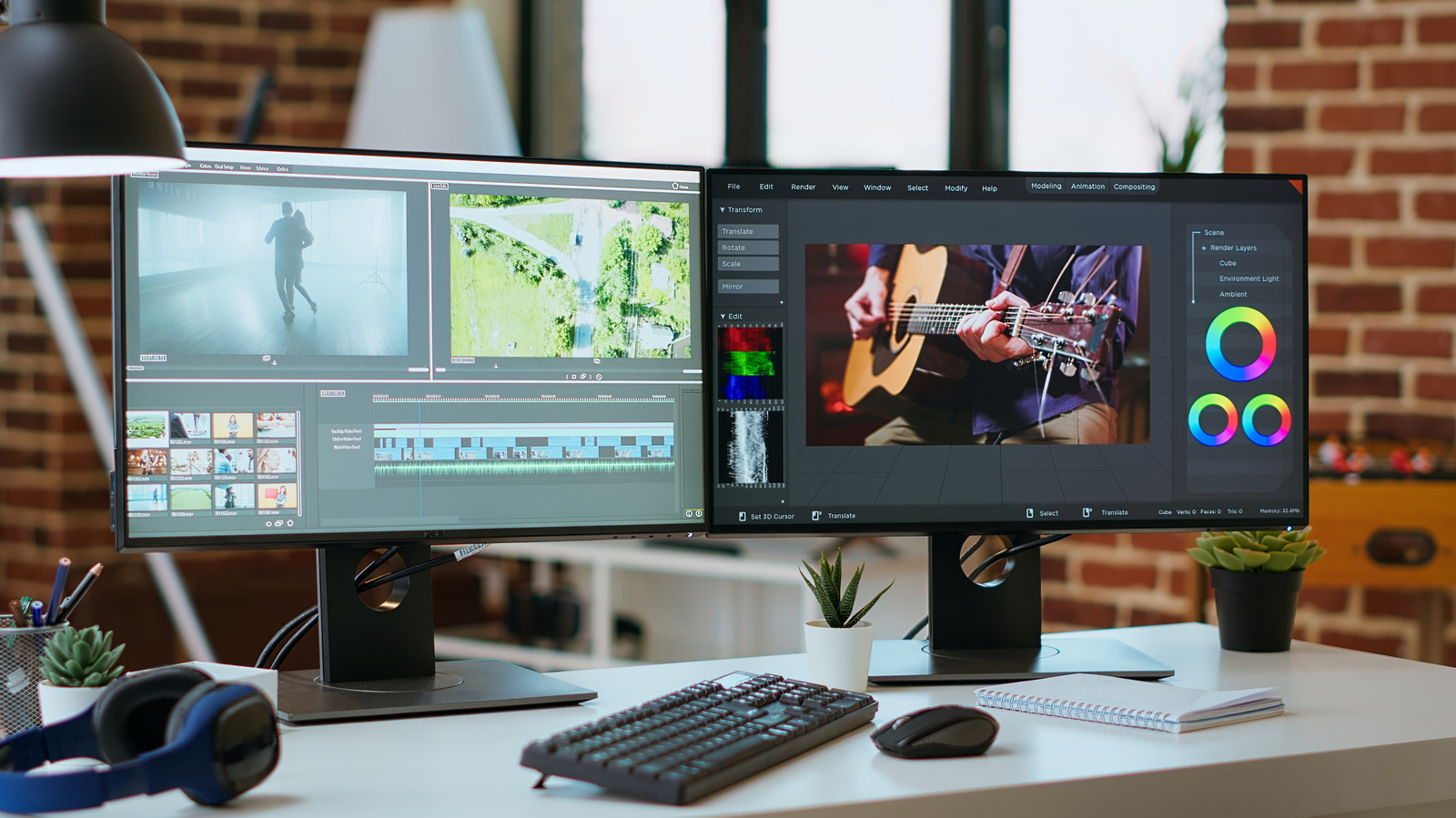
Two screens means more real estate to run apps without having to switch between them all the time.


DC Studio/Shutterstock

Upgrading to dual monitors is the best workflow upgrade you can make, with some studies indicating that it can boost productivity and satisfaction. Whether it’s for multitasking, to expand a split-screen view, gaming or everyday office tasks, there’s a lot of value in this setup.

YOU MAY ALSO LIKE

OpenAI and Cisco Releases Shirudo: An Open-Source Linux Runtime Allowing Agents to Defend Systems Without Downtime

Exein Launches Ray AI Agent to Prioritize Firmware Security Fixes – Unite.AI

While you might think dual screens are mostly for gamers or those who work in computer-intensive fields like music and video production or accounting, that’s not the case. My best friend works in insurance and uses a dual-monitor setup so she can copy and paste information from one document to another instead of switching tabs, or put her Teams chat on one monitor while working on the other. She added that “Dragging and dropping documents is so easy.” Bottom line: there are plenty of benefits for anyone who regularly multitasks.

Usability advantages of a second monitor
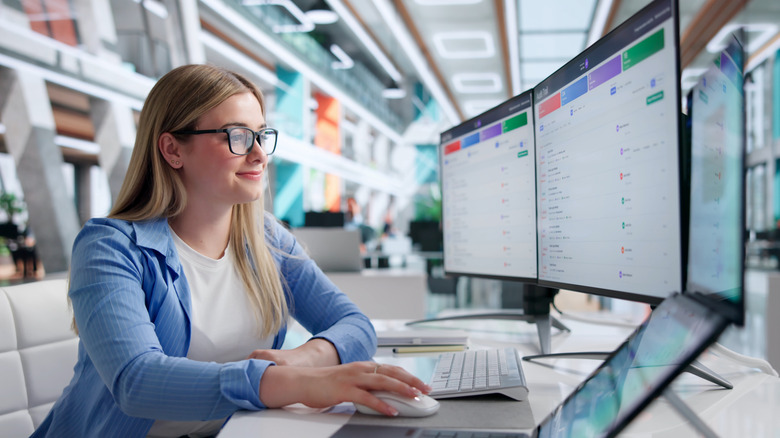

A woman smiling at her desk while using two monitors.
Andreypopov/Getty Images

The most obvious reason to set up two of the best monitors is being able to spread your work across multiple screens. The app I use most on my MacBook is split-screen, so I can write on one half while conducting web research or going through PDF briefs on the other. The benefit of having two full-sized monitors to do this, versus half a screen with small font, is easy to realize. Creative professionals or data analysts, meanwhile, can expand the screen real estate and see more at once. Professions like traders and programmers may benefit from three or even four monitors. But for most people, two is the sweet spot.

It’s worthwhile for any kind of multitasking. I always have tons of tabs open on my computer and consistently use two separate web browsers. You can work on two tasks at the same time, like tweaking your resume on one monitor while hunting through job listings on the other. A second monitor can be home for communication apps or other mostly-static information you want to keep an eye on, like your email inbox.

Beyond text-based documents like word processing and spreadsheets, two monitors are great for gamers. You can play on one screen and use the second to manage game recording, chat with your streaming audience, access Discord and more without having to leave the game. During a video call, you can take notes on one display while looking at your team on the other. Or if you’re making a how-to video, you could have a script open on one monitor while you perform the steps on the second.

Dual monitor organization and tips


A man wearing a headset and smiling at his desk with two monitors visible in the foreground.
Zamrznuti tonovi/Shutterstock

Having a second monitor allows for better organization, both on your desk and the screens. I sometimes print reference documents to view them separately. A second monitor would eliminate the need to do this, saving paper (and clutter). By not relying on a phone or tablet as a second screen, you avoid the risk of getting caught up in mobile distractions.

It’s worth noting that you don’t necessarily need a high-end second monitor. Specs like high refresh rate are more important for the display you’re looking at most of the time. For a second one you use only when necessary, a more affordable monitor is fine. Ideally, you should find a second monitor that is the same size as your first for a seamless look. It should also have the same pixel density to ensure matching text and image scaling. Finally, get mounting hardware to situate them at the same level.

Be aware of how far you should sit from your monitor, as well as the proper eye height, and set them up accordingly. You’ll need to find a tidy way to connect both monitors to your computer, which requires two video outputs and the appropriate cables. Then, adjust display settings like brightness and contrast as needed.

If you’re using a laptop, you might need to configure it to stay running when you close the lid if you aren’t using it as one of your displays. Most modern MacBooks can support at least two monitors, for instance.

A second monitor might not be something you use all the time. But having it there when you need it can be, as my friend noted, a “complete game-changer.” Being able to look at one program while working in another one saves you from constantly switching app windows and lets you keep an eye on what’s most important.

Credit: Source link

ShareTweetSendSharePin

Related Posts

OpenAI and Cisco Releases Shirudo: An Open-Source Linux Runtime Allowing Agents to Defend Systems Without Downtime
AI & Technology

OpenAI and Cisco Releases Shirudo: An Open-Source Linux Runtime Allowing Agents to Defend Systems Without Downtime

November 24, 2026
Exein Launches Ray AI Agent to Prioritize Firmware Security Fixes – Unite.AI
AI & Technology

Exein Launches Ray AI Agent to Prioritize Firmware Security Fixes – Unite.AI

November 24, 2026
ASRock Industrial Launches RBK-100 Physical AI Development Kit – Unite.AI
AI & Technology

ASRock Industrial Launches RBK-100 Physical AI Development Kit – Unite.AI

November 24, 2026
OpenAI Employee Who Secretly Recorded Meetings Allegedly Affiliated With The Saudi Government
AI & Technology

OpenAI Employee Who Secretly Recorded Meetings Allegedly Affiliated With The Saudi Government

November 24, 2026
Next Post
MULL: Wait For The Pullback Before Leveraging Micron's Growth

MULL: Wait For The Pullback Before Leveraging Micron's Growth

Leave a Reply Cancel reply

Your email address will not be published. Required fields are marked *

Search

No Result
View All Result
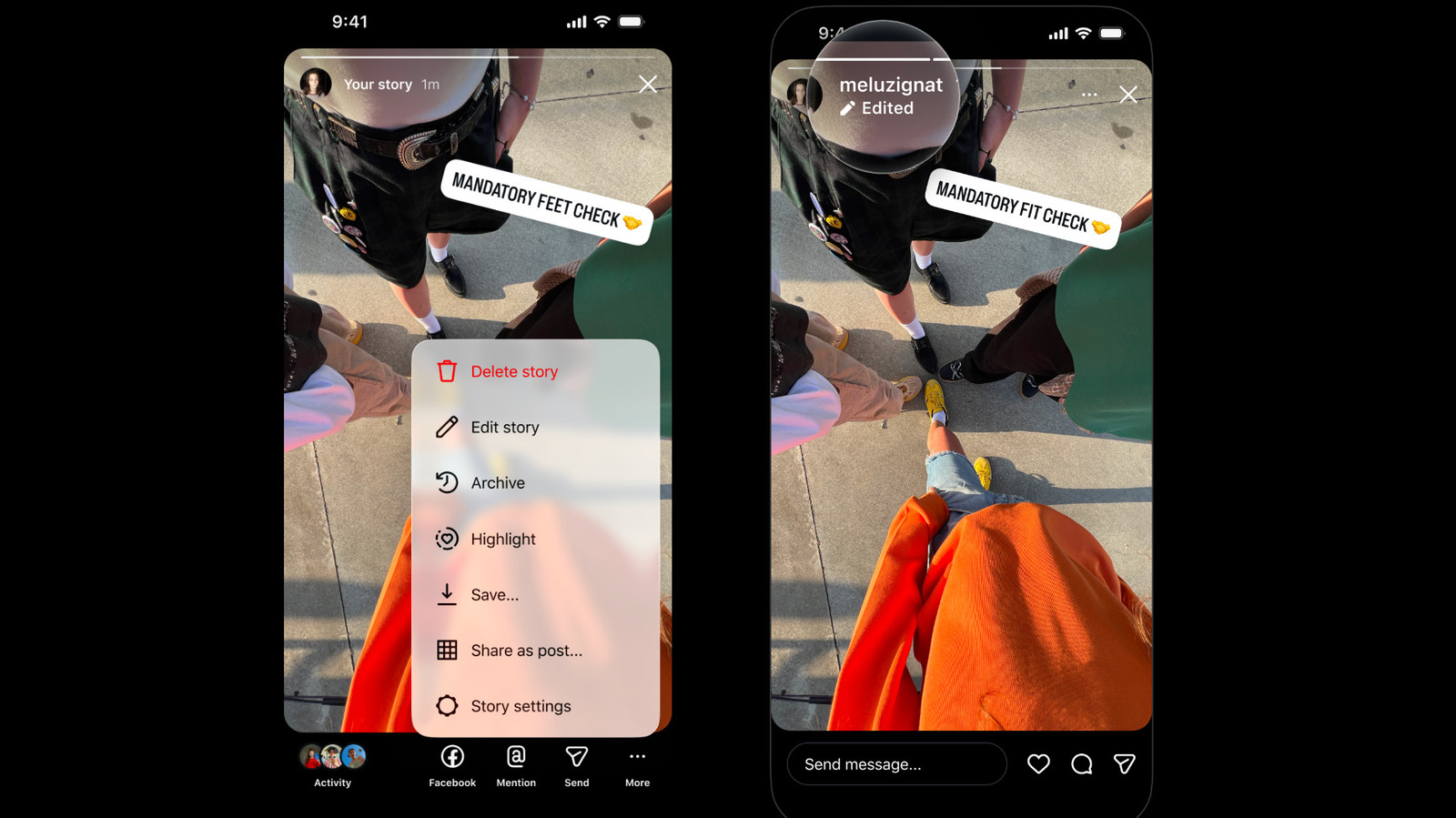
You Can Finally Edit An Instagram Story Without Deleting It

You Can Finally Edit An Instagram Story Without Deleting It

November 18, 2026
SOXS: Time To Use A Scalpel For 3X Gains On Semiconductor Sector Declines (NYSEARCA:SOXS)

SOXS: Time To Use A Scalpel For 3X Gains On Semiconductor Sector Declines (NYSEARCA:SOXS)

November 21, 2026
NBC Nightly News with Tom Llamas Full Episode – Nov. 23

NBC Nightly News with Tom Llamas Full Episode – Nov. 23

November 24, 2026

About

Learn more

Our Services

Legal

Privacy Policy

Terms of Use

Bloggers

Learn more

Article Links

Contact

Advertise

Ask us anything

©2020- TradePoint.io - All rights reserved!

Tradepoint.io, being just a publishing and technology platform, is not a registered broker-dealer or investment adviser. So we do not provide investment advice. Rather, brokerage services are provided to clients of Tradepoint.io by independent SEC-registered broker-dealers and members of FINRA/SIPC. Every form of investing carries some risk and past performance is not a guarantee of future results. “Tradepoint.io“, “Instant Investing” and “My Trading Tools” are registered trademarks of Apperbuild, LLC.

This website is operated by Apperbuild, LLC. We have no link to any brokerage firm and we do not provide investment advice. Every information and resource we provide is solely for the education of our readers. © 2020 Apperbuild, LLC. All rights reserved.

No Result
View All Result
  • Main
  • AI & Technology
  • Stock Charts
  • Market & News
  • Business
  • Finance Tips
  • Trade Tube
  • Blog
  • Shop

© 2023 - TradePoint.io - All Rights Reserved!