
• bitcoinBitcoin(BTC)$86,128.000.40%
  • ethereumEthereum(ETH)$2,736.940.05%
  • tetherTether(USDT)$1.000.01%
  • binancecoinBNB(BNB)$785.44-1.43%
  • rippleXRP(XRP)$1.564.28%
  • usd-coinUSDC(USDC)$1.000.01%
  • solanaSolana(SOL)$116.73-1.02%
  • tronTRON(TRX)$0.341405-1.01%
  • zcashZcash(ZEC)$1,533.060.67%
  • Figure HelocFigure Heloc(FIGR_HELOC)$1.020.06%
  • HyperliquidHyperliquid(HYPE)$94.530.59%
  • dogecoinDogecoin(DOGE)$0.0996625.18%
  • moneroMonero(XMR)$573.69-0.39%
  • whitebitWhiteBIT Coin(WBT)$86.510.33%
  • chainlinkChainlink(LINK)$12.92-0.53%
  • USDSUSDS(USDS)$1.000.00%
  • RainRain(RAIN)$0.013411-4.89%
  • cardanoCardano(ADA)$0.2496032.30%
  • leo-tokenLEO Token(LEO)$8.97-0.16%
  • stellarStellar(XLM)$0.2124610.99%
  • bitcoin-cashBitcoin Cash(BCH)$317.0019.92%
  • nearNEAR Protocol(NEAR)$4.365.66%
  • uniswapUniswap(UNI)$8.951.02%
  • Ethena USDeEthena USDe(USDE)$1.00-0.03%
  • avalanche-2Avalanche(AVAX)$11.01-1.53%
  • litecoinLitecoin(LTC)$61.31-2.33%
  • daiDai(DAI)$1.000.00%
  • CantonCanton(CC)$0.1156980.32%
  • USD1USD1(USD1)$1.00-0.02%
  • hedera-hashgraphHedera(HBAR)$0.0962625.30%
  • suiSui(SUI)$1.00-3.42%
  • the-open-networkGram (prev. Toncoin)(GRAM)$1.43-0.49%
  • BittensorBittensor(TAO)$315.7710.77%
  • shiba-inuShiba Inu(SHIB)$0.0000062.55%
  • crypto-com-chainCronos(CRO)$0.0663833.35%
  • Global DollarGlobal Dollar(USDG)$1.000.01%
  • MemeCoreMemeCore(M)$1.31-12.82%
  • paypal-usdPayPal USD(PYUSD)$1.000.00%
  • tether-goldTether Gold(XAUT)$4,326.65-0.29%
  • okbOKB(OKB)$121.43-1.11%
  • Circle USYCCircle USYC(USYC)$1.140.01%
  • Ripple USDRipple USD(RLUSD)$1.000.01%
  • BitwayBitway(BTW)$0.88-2.28%
  • BlackRock USD Institutional Digital Liquidity FundBlackRock USD Institutional Digital Liquidity Fund(BUIDL)$1.000.00%
  • Ondo US Dollar YieldOndo US Dollar Yield(USDY)$1.14-0.22%
  • aaveAave(AAVE)$142.37-1.90%
  • mantleMantle(MNT)$0.663.05%
  • EthenaEthena(ENA)$0.207808-6.76%
  • OndoOndo(ONDO)$0.427447-4.41%
  • Pump.funPump.fun(PUMP)$0.0044110.60%
TradePoint.io
  • Main
  • AI & Technology
  • Stock Charts
  • Market & News
  • Business
  • Finance Tips
  • Trade Tube
  • Blog
  • Shop
No Result
View All Result
TradePoint.io
No Result
View All Result

How To Enter VR Mode On Steam

September 22, 2026
in AI & Technology
Reading Time: 4 mins read
A A
How To Enter VR Mode On Steam
ShareShareShareShareShare

It only takes a few minutes to get things ready.


Sadie Rodriguez/Shutterstock

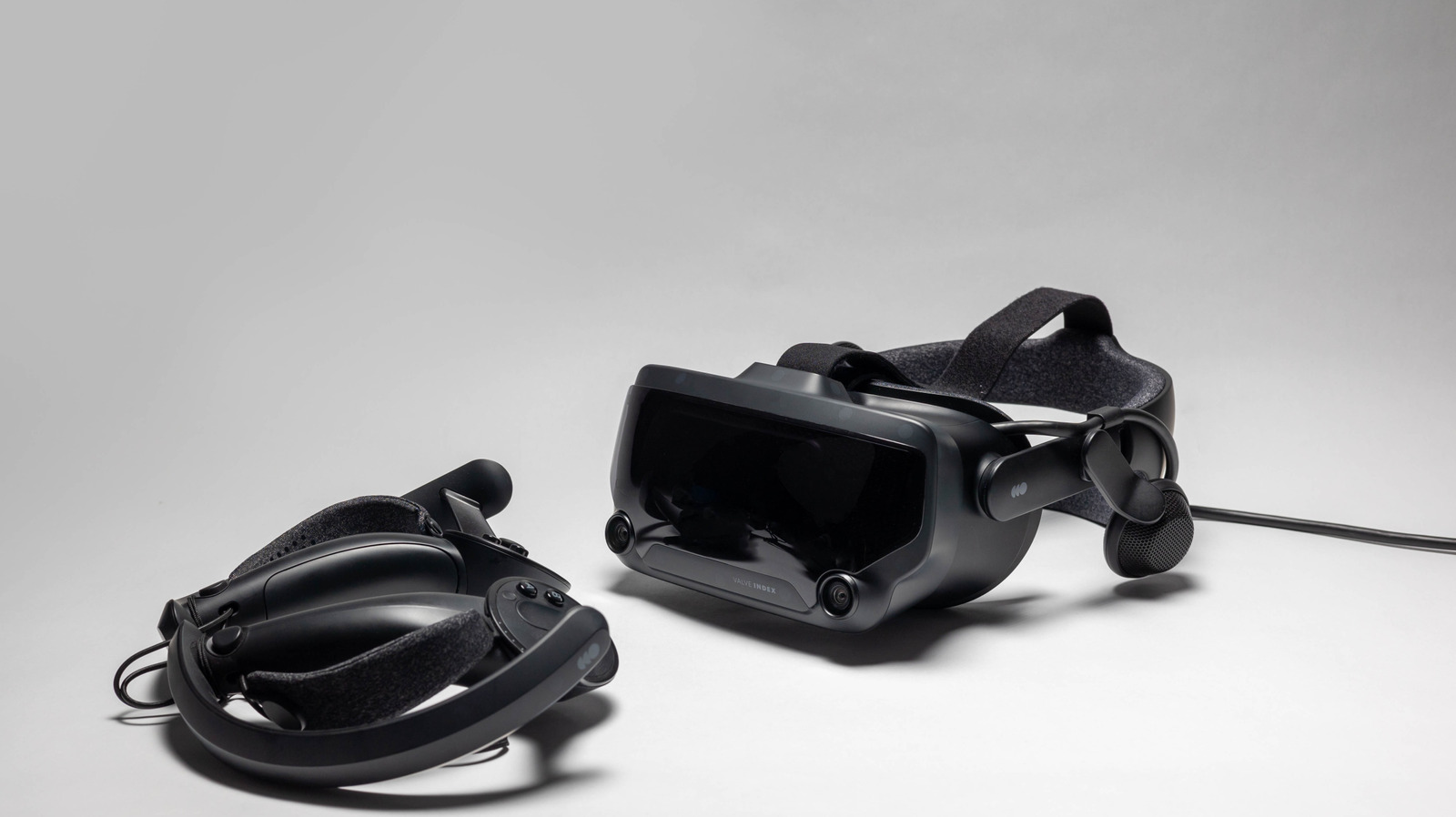
Valve’s Steam Frame VR headset is finally making its way to fans, albeit very slowly. Similar to its pre-order rollout for the Steam Machine, the company is once again opening pre-orders via a reservation lottery to reduce scalping. However, those who don’t want to wait for the $1000 Steam Frame can access VR on Steam right now — with the right hardware, of course.

YOU MAY ALSO LIKE

Peloton Has Made A Foldable (Treadmill)

OpenAI Faces Lawsuit From British Columbia Over Tumbler Ridge Shooting

Steam allows you to play VR games through its launcher via SteamVR, the app Steam uses to link up with VR headsets. This platform supports most headsets — including offerings from Valve, HTC, Meta/Oculus and many more.

It allows you to interface with VR games through the Steam launcher, as well as grant you access to both SteamVR Home and all the nifty settings inside the app’s dashboard. Getting all of this started up only requires a few simple steps, and you can follow a few more to take your VR experience to the next level.

Booting up SteamVR
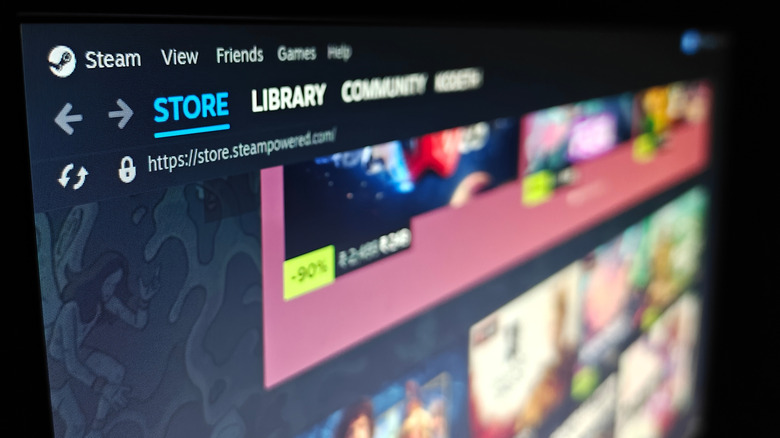

Steam front page dashboard.
Nwz/Shutterstock

If you have a Steam account, you’ll be able to simply search for SteamVR within Steam and install it for free. Once the application is installed, you can boot it right up and log into your Steam account if you’re not logged in already (unless you’re using the application offline). 

To get the ball rolling from here, you’ll need to make sure your headset, controllers, and any other required sensors are all plugged into your PC. If you want to use a wireless connection, you’ll need to outfit your device with the Steam Link app — which is compatible with Meta Quest 2, Quest 3, and Quest Pro, as well as the HTC Vive Focus and PICO headsets.

If you’re starting fresh, there’ll be a little diagnostic work to complete before SteamVR can render your games and desktop in virtual reality. SteamVR will have you choose between Room-Scale or Standing Only space settings. It’ll have you prepare the space (about 6.5 by 5 feet), if you choose the former,before running you through headset and controller tracking to make sure everything is connected and ready to go. To keep an eye on the space available to you, you may also want to turn on the Chaperone system from within the Play Area tab in Settings.

SteamVR’s Home hub and VR settings


Group of children using VR headsets.
SeventyFour/Shutterstock

Before you boot anything up, you’ll notice that you’re within SteamVR Home, a digital hub where you can invite friends to chat and interact through avatars. You can also decorate the space with items purchased on Steam or unlocked through certain Steam achievements. 

With a quick tap of the menu or system button on your controller, you’ll be able to pull up the dashboard. Here, you can browse Steam and choose VR-compatible titles to play from your library or new titles in the store, as well as fiddle with your VR settings. You can also pull up your computer desktop within virtual reality from this area.

Whether or not you’re rocking one of the best VR headsets available in 2026, SteamVR will allow you to keep tabs on all of your tech through its settings, some of which can get pretty advanced. By pushing the cog icon in the right corner of the dashboard (or by accessing settings via the Desktop button in the left corner), you can tweak things to your liking and open up not only the aforementioned Chaperone system, but all manner of brightness, resolution, and graphics toggles. 

Here, you can also play around with more advanced settings, which include Motion Smoothing (moderating a game’s frame rate to reduce motion sickness), Controller Bindings, and Advanced Frame Timings (which shows you how individual VR apps perform).

Credit: Source link

ShareTweetSendSharePin

Related Posts

Peloton Has Made A Foldable (Treadmill)
AI & Technology

Peloton Has Made A Foldable (Treadmill)

September 22, 2026
OpenAI Faces Lawsuit From British Columbia Over Tumbler Ridge Shooting
AI & Technology

OpenAI Faces Lawsuit From British Columbia Over Tumbler Ridge Shooting

September 22, 2026
NVIDIA Introduces SoL-Pi: Auto-Research Loops That Cut Coding Agent Token Traffic by Up to 49%
AI & Technology

NVIDIA Introduces SoL-Pi: Auto-Research Loops That Cut Coding Agent Token Traffic by Up to 49%

September 22, 2026
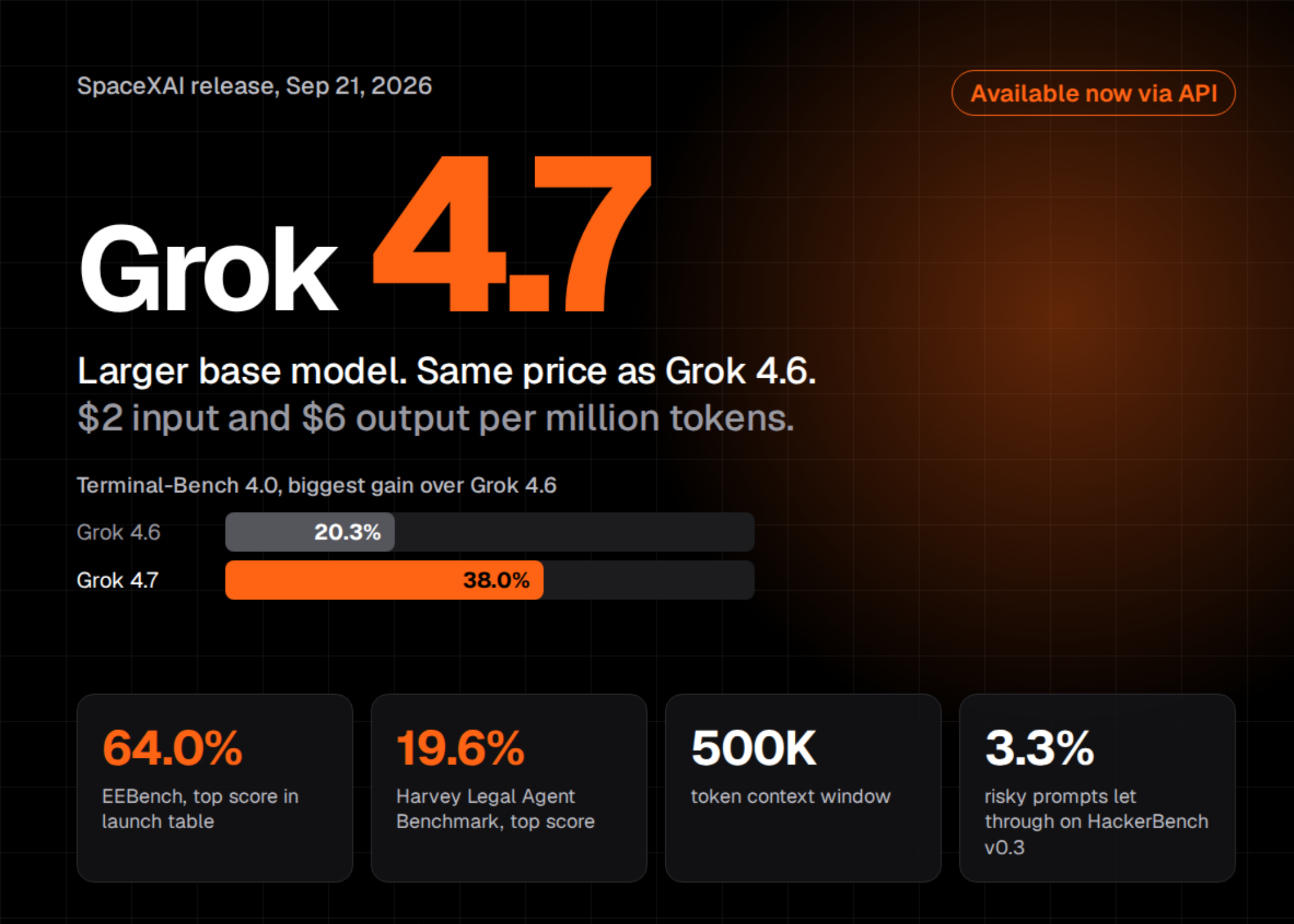
SpaceXAI Releases Grok 4.7: A Larger Base Model at the Same / Price as Grok 4.6
AI & Technology

SpaceXAI Releases Grok 4.7: A Larger Base Model at the Same $2/$6 Price as Grok 4.6

September 22, 2026
Next Post
Gemini: Crypto Boost Ignored

Gemini: Crypto Boost Ignored

Leave a Reply Cancel reply

Your email address will not be published. Required fields are marked *

Search

No Result
View All Result
Trump wants to rename New Mexico to ‘New America’

Trump wants to rename New Mexico to ‘New America’

September 16, 2026
Gemini AI guessed passwords, accessed protected systems of 3 companies

Gemini AI guessed passwords, accessed protected systems of 3 companies

September 19, 2026
Inside NVIDIA’s cuDNN Graph API: Fusion, Autotuning, and Plan Reuse with cuDNN Frontend

Inside NVIDIA’s cuDNN Graph API: Fusion, Autotuning, and Plan Reuse with cuDNN Frontend

September 15, 2026

About

Learn more

Our Services

Legal

Privacy Policy

Terms of Use

Bloggers

Learn more

Article Links

Contact

Advertise

Ask us anything

©2020- TradePoint.io - All rights reserved!

Tradepoint.io, being just a publishing and technology platform, is not a registered broker-dealer or investment adviser. So we do not provide investment advice. Rather, brokerage services are provided to clients of Tradepoint.io by independent SEC-registered broker-dealers and members of FINRA/SIPC. Every form of investing carries some risk and past performance is not a guarantee of future results. “Tradepoint.io“, “Instant Investing” and “My Trading Tools” are registered trademarks of Apperbuild, LLC.

This website is operated by Apperbuild, LLC. We have no link to any brokerage firm and we do not provide investment advice. Every information and resource we provide is solely for the education of our readers. © 2020 Apperbuild, LLC. All rights reserved.

No Result
View All Result
  • Main
  • AI & Technology
  • Stock Charts
  • Market & News
  • Business
  • Finance Tips
  • Trade Tube
  • Blog
  • Shop

© 2023 - TradePoint.io - All Rights Reserved!