





• bitcoinBitcoin(BTC)$81,425.000.53%
  • ethereumEthereum(ETH)$2,639.020.76%
  • tetherTether(USDT)$1.000.01%
  • binancecoinBNB(BNB)$763.81-0.20%
  • rippleXRP(XRP)$1.432.87%
  • usd-coinUSDC(USDC)$1.000.00%
  • solanaSolana(SOL)$111.21-1.20%
  • tronTRON(TRX)$0.3388650.19%
  • zcashZcash(ZEC)$1,474.050.76%
  • Figure HelocFigure Heloc(FIGR_HELOC)$1.00-2.79%
  • HyperliquidHyperliquid(HYPE)$92.451.33%
  • dogecoinDogecoin(DOGE)$0.0900012.78%
  • moneroMonero(XMR)$554.36-0.38%
  • RainRain(RAIN)$0.0139554.90%
  • whitebitWhiteBIT Coin(WBT)$83.10-0.12%
  • USDSUSDS(USDS)$1.00-0.02%
  • chainlinkChainlink(LINK)$12.572.61%
  • cardanoCardano(ADA)$0.2302853.87%
  • leo-tokenLEO Token(LEO)$8.920.35%
  • stellarStellar(XLM)$0.1985553.14%
  • uniswapUniswap(UNI)$8.66-2.35%
  • bitcoin-cashBitcoin Cash(BCH)$254.770.59%
  • Ethena USDeEthena USDe(USDE)$1.000.00%
  • nearNEAR Protocol(NEAR)$3.57-5.87%
  • daiDai(DAI)$1.000.00%
  • litecoinLitecoin(LTC)$57.631.31%
  • CantonCanton(CC)$0.1114681.27%
  • USD1USD1(USD1)$1.000.01%
  • avalanche-2Avalanche(AVAX)$9.7818.52%
  • the-open-networkGram (prev. Toncoin)(GRAM)$1.390.91%
  • hedera-hashgraphHedera(HBAR)$0.0820174.15%
  • suiSui(SUI)$0.877.80%
  • shiba-inuShiba Inu(SHIB)$0.0000062.57%
  • Global DollarGlobal Dollar(USDG)$1.000.00%
  • MemeCoreMemeCore(M)$1.427.19%
  • BittensorBittensor(TAO)$263.955.63%
  • crypto-com-chainCronos(CRO)$0.0597230.38%
  • paypal-usdPayPal USD(PYUSD)$1.00-0.01%
  • tether-goldTether Gold(XAUT)$4,373.88-0.14%
  • Circle USYCCircle USYC(USYC)$1.140.00%
  • okbOKB(OKB)$118.672.00%
  • Ripple USDRipple USD(RLUSD)$1.00-0.01%
  • BlackRock USD Institutional Digital Liquidity FundBlackRock USD Institutional Digital Liquidity Fund(BUIDL)$1.000.00%
  • Ondo US Dollar YieldOndo US Dollar Yield(USDY)$1.150.01%
  • aaveAave(AAVE)$142.302.92%
  • OndoOndo(ONDO)$0.4315318.46%
  • AsterAster(ASTER)$0.772.03%
  • mantleMantle(MNT)$0.631.24%
  • EthenaEthena(ENA)$0.20049420.57%
  • Pump.funPump.fun(PUMP)$0.004170-4.35%
TradePoint.io
  • Main
  • AI & Technology
  • Stock Charts
  • Market & News
  • Business
  • Finance Tips
  • Trade Tube
  • Blog
  • Shop
No Result
View All Result
TradePoint.io
No Result
View All Result

Why Is Your iPad Not Charging (And How To Fix It)

September 19, 2026
in AI & Technology
Reading Time: 6 mins read
A A
Why Is Your iPad Not Charging (And How To Fix It)
ShareShareShareShareShare

If your iPad refuses to charge, it’s likely an issue with the cable or charging block.


ridho try syahpitra/Shutterstock

Having your iPad refuse to charge is a frustrating sight, whether it’s fully drained after a late-night YouTube binge or you’re topping it off before class. Even if you own one of the best iPad models, charging problems can easily crop up. But what’s causing these issues, and how can you solve them?

YOU MAY ALSO LIKE

How To Block And Unblock A Number On Your Android Phone

Google Gemini Also Escaped Its Testing Environment And Hacked Three Companies

If your iPad refuses to charge out of nowhere or starts charging more slowly than usual, you’re looking at either a problem with the cable and charger, or a potentially more serious underlying hardware fault. While a damaged or underpowered charger is often the primary culprit for an iPad that won’t charge, there could also be an issue with your tablet’s charging port. We’ll guide you through why your iPad might have suddenly stopped charging while also providing tips on how to power it up again.

Why has my iPad stopped charging all of a sudden?


A woman holding an iPad in front of a window with white curtains.
Farknot Architect/Shutterstock

First, don’t panic: an iPad not charging doesn’t necessarily mean it’s bricked. The main culprit behind charging woes could be as simple as a faulty charger or cable. When possible, it’s best to use the official first-party charger that came with your iPad or one of the best fast chargers. That way, you know it’s getting enough power.

It’s not a great idea to use cheap third-party chargers, as they may be unreliable or unsafe due to poor quality control. Also, the iPad needs a heavier-duty charger than an iPhone, given its large battery. It’s possible that a weak charger is connected properly, but doesn’t send enough flow to get your tablet going. Ideally, you want a charger that provides at least 10W, not that old Kindle charging block that’s been buried in a drawer for years. Using a high-quality cable that meets the fast charging standards of your charging block is important, too. 

Thus, when you encounter iPad charging problems, switch between multiple cables and adapters to rule out peripheral faults. If certain cables and chargers work but others don’t, that’s a sign the charging accessory is bad, not your iPad. Try various wall outlets too, just to make sure you’ve ruled everything out. 

In the unlikely instance that you’ve left your iPad to gather dust for weeks or even months, its battery is likely fully discharged. Most devices are prone to charging issues if they’ve been left completely drained for extended periods of time. So if you’ve neglected your iPad for months, let it sit on the charger for a good while, as it could take a while before it’ll turn back on (even with an ultra-fast charger).

Extreme temperatures can also wreak havoc with your iPad’s battery. Apple advises that you refrain from charging an iPad in direct sunlight, while overly cold conditions should also be avoided. The company states temperatures between 32°F to 95°F are optimal for safe charging conditions. Veer outside these temps, and iPadOS may start to slow or completely stop charging to protect your iPad’s lithium-ion battery. 

How to tell if your iPad’s charging port is damaged
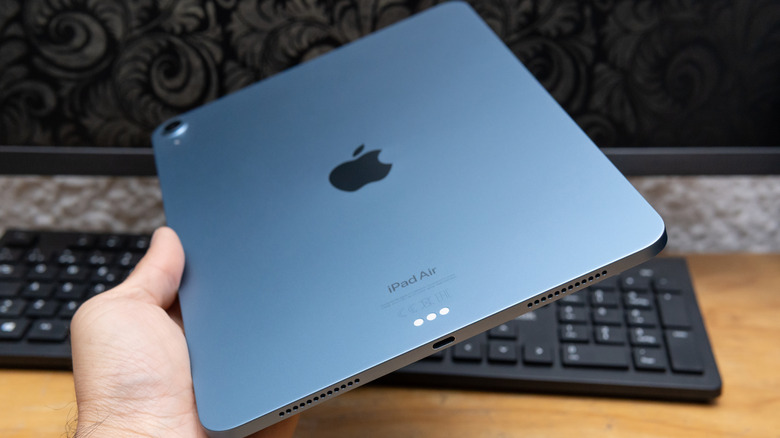

A man holding an iPad Air with the charging port visible.
Nara_money/Shutterstock

The inverse of our earlier test also reveals important info: if you have chargers that work fine with other devices but refuse to juice up your iPad, your tablet’s port is likely damaged. Another signal of port damage or blockage is the charging icon on your iPad’s screen fluctuating on and off.

You should carefully examine your tablet’s charging port. The simplest way to do this is using the flashlight on your phone to peek inside. If you can see scratched or bent pins, or if there’s any sign of discoloration, the port is likely damaged. At this point, you should contact Apple Support to see what your repair options are. Provided your iPad is still in its warranty period, Apple may complete the repairs for free, as long as it deems the problem was from a manufacturing defect and not one caused by accidental damage. If you have AppleCare protection, port damage should be covered (with a deductible). 

Problems with your iPad’s charging port may not be as severe as physical scrapes and scratches; charging problems can often happen from dirt buildup. If you see lint or dust packed into your iPad’s port, this may interfere with the charging cable connection. To safely remove any grime that’s formed inside the port, use the soft bristles of a clean brush. Avoid small metallic objects like paperclips, as they can scratch the port internals. Don’t use cotton swabs either, as they can leave fibers inside the port.

How to reset an iPad that won’t charge
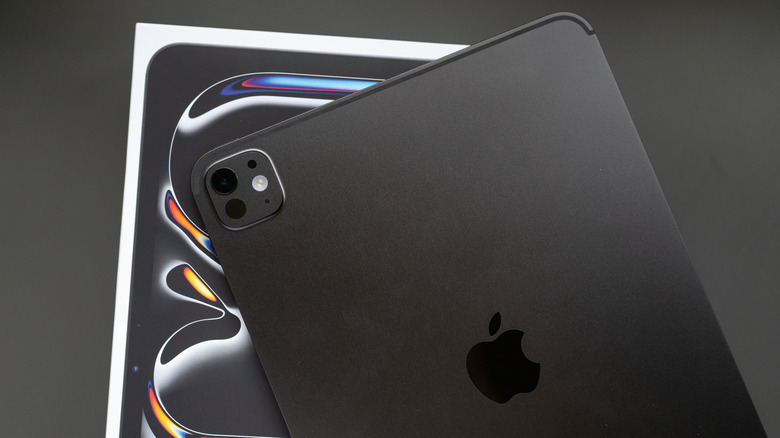

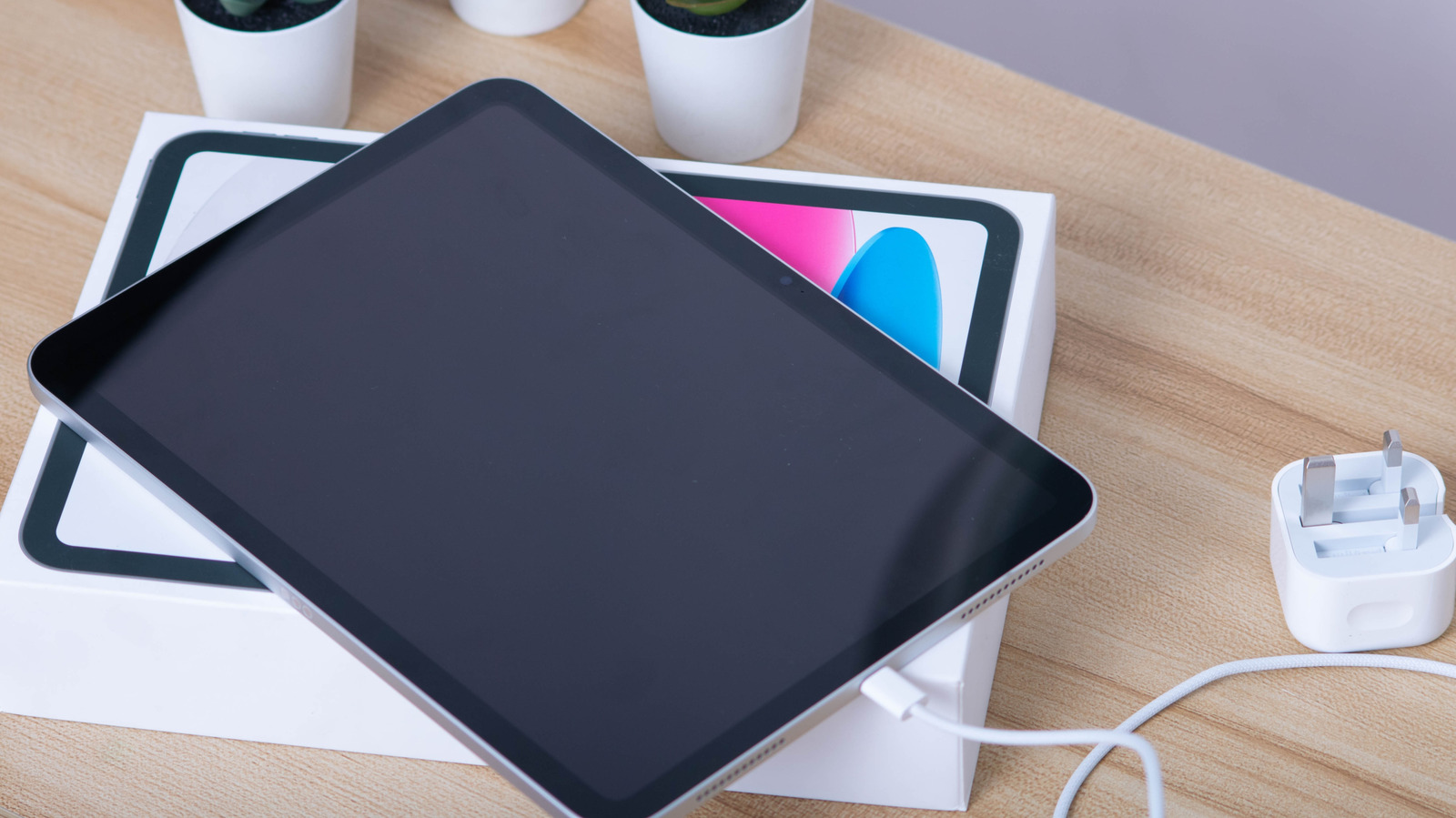
The rear of an iPad Pro M4, above its box.
Wongsakorn 2468/Shutterstock

Once you’re confident that neither your iPad’s charging port nor the cable/charge are the culprits, it’s time to force your tablet into a hard reset. This won’t delete any data; it’s a forced restart akin to pulling the plug on a desktop PC. The process differs slightly depending on the model.

For those with modern iPads that lack a Home button, first press and swiftly release the Volume Up button (the one closer to the Power button), then press and release Volume Down. After this, hold the Power button (located at the top-right with the port at the bottom and the screen facing you). Continue to hold this until the Apple logo appears on your iPad’s screen, which can sometimes take a few seconds.

If your iPad does have a Home button, the process is a little simpler. Just hold the Power and Home buttons together until the Apple logo shows up to complete a force restart. Once your iPad boots normally again, hopefully it will charge as normal. If not, it’s time to get in touch with Apple.

Credit: Source link

ShareTweetSendSharePin

Related Posts

How To Block And Unblock A Number On Your Android Phone
AI & Technology

How To Block And Unblock A Number On Your Android Phone

September 19, 2026
Google Gemini Also Escaped Its Testing Environment And Hacked Three Companies
AI & Technology

Google Gemini Also Escaped Its Testing Environment And Hacked Three Companies

September 19, 2026
What Is AI Agent Memory? Short-Term, Long-Term, Episodic, and Semantic Memory Explained – Unite.AI
AI & Technology

What Is AI Agent Memory? Short-Term, Long-Term, Episodic, and Semantic Memory Explained – Unite.AI

September 19, 2026
Linkup Research Releases SPARSEUP: A 149M-Parameter Open-Source Sparse Embedding Model
AI & Technology

Linkup Research Releases SPARSEUP: A 149M-Parameter Open-Source Sparse Embedding Model

September 19, 2026
Next Post
Markey wins Democratic Massachusetts Senate primary, NBC News projects

Markey wins Democratic Massachusetts Senate primary, NBC News projects

Leave a Reply Cancel reply

Your email address will not be published. Required fields are marked *

Search

No Result
View All Result
Kornacki: Republicans hoping to make New Hampshire’s Senate race a ‘battleground’ in November

Kornacki: Republicans hoping to make New Hampshire’s Senate race a ‘battleground’ in November

September 15, 2026
How NYPD’s counterterrorism unit combats new threats 25 years after 9/11

How NYPD’s counterterrorism unit combats new threats 25 years after 9/11

September 13, 2026
lululemon Stock: A Fall From Grace, But I’m Still Holding On (Downgrade) (NASDAQ:LULU)

lululemon Stock: A Fall From Grace, But I’m Still Holding On (Downgrade) (NASDAQ:LULU)

September 15, 2026

About

Learn more

Our Services

Legal

Privacy Policy

Terms of Use

Bloggers

Learn more

Article Links

Contact

Advertise

Ask us anything

©2020- TradePoint.io - All rights reserved!

Tradepoint.io, being just a publishing and technology platform, is not a registered broker-dealer or investment adviser. So we do not provide investment advice. Rather, brokerage services are provided to clients of Tradepoint.io by independent SEC-registered broker-dealers and members of FINRA/SIPC. Every form of investing carries some risk and past performance is not a guarantee of future results. “Tradepoint.io“, “Instant Investing” and “My Trading Tools” are registered trademarks of Apperbuild, LLC.

This website is operated by Apperbuild, LLC. We have no link to any brokerage firm and we do not provide investment advice. Every information and resource we provide is solely for the education of our readers. © 2020 Apperbuild, LLC. All rights reserved.

No Result
View All Result
  • Main
  • AI & Technology
  • Stock Charts
  • Market & News
  • Business
  • Finance Tips
  • Trade Tube
  • Blog
  • Shop

© 2023 - TradePoint.io - All Rights Reserved!