
• bitcoinBitcoin(BTC)$78,487.00-0.43%
  • ethereumEthereum(ETH)$2,484.120.23%
  • tetherTether(USDT)$1.000.00%
  • binancecoinBNB(BNB)$753.332.28%
  • rippleXRP(XRP)$1.422.34%
  • usd-coinUSDC(USDC)$1.000.01%
  • solanaSolana(SOL)$103.27-0.06%
  • tronTRON(TRX)$0.3386081.32%
  • Figure HelocFigure Heloc(FIGR_HELOC)$1.040.00%
  • zcashZcash(ZEC)$1,175.704.73%
  • HyperliquidHyperliquid(HYPE)$84.77-0.05%
  • dogecoinDogecoin(DOGE)$0.0898600.01%
  • RainRain(RAIN)$0.0162780.04%
  • USDSUSDS(USDS)$1.000.03%
  • whitebitWhiteBIT Coin(WBT)$81.286.57%
  • moneroMonero(XMR)$502.97-2.20%
  • chainlinkChainlink(LINK)$12.51-1.14%
  • leo-tokenLEO Token(LEO)$9.20-0.02%
  • cardanoCardano(ADA)$0.2201201.27%
  • stellarStellar(XLM)$0.188575-1.18%
  • bitcoin-cashBitcoin Cash(BCH)$258.130.75%
  • daiDai(DAI)$1.000.01%
  • Ethena USDeEthena USDe(USDE)$1.000.01%
  • USD1USD1(USD1)$1.000.00%
  • CantonCanton(CC)$0.1075452.27%
  • litecoinLitecoin(LTC)$54.27-1.49%
  • uniswapUniswap(UNI)$6.75-0.51%
  • the-open-networkGram (prev. Toncoin)(GRAM)$1.400.91%
  • hedera-hashgraphHedera(HBAR)$0.079300-2.72%
  • avalanche-2Avalanche(AVAX)$7.98-0.95%
  • suiSui(SUI)$0.810.30%
  • Global DollarGlobal Dollar(USDG)$1.00-0.01%
  • shiba-inuShiba Inu(SHIB)$0.0000050.14%
  • nearNEAR Protocol(NEAR)$2.321.40%
  • crypto-com-chainCronos(CRO)$0.0590324.47%
  • paypal-usdPayPal USD(PYUSD)$1.000.02%
  • BlackRock USD Institutional Digital Liquidity FundBlackRock USD Institutional Digital Liquidity Fund(BUIDL)$1.000.00%
  • MemeCoreMemeCore(M)$1.226.07%
  • tether-goldTether Gold(XAUT)$4,354.11-1.17%
  • Circle USYCCircle USYC(USYC)$1.140.01%
  • BittensorBittensor(TAO)$258.210.77%
  • Ripple USDRipple USD(RLUSD)$1.000.01%
  • okbOKB(OKB)$113.69-1.82%
  • Ondo US Dollar YieldOndo US Dollar Yield(USDY)$1.150.26%
  • polkadotPolkadot(DOT)$1.2519.61%
  • mantleMantle(MNT)$0.632.42%
  • AsterAster(ASTER)$0.75-2.24%
  • aaveAave(AAVE)$129.21-1.11%
  • pax-goldPAX Gold(PAXG)$4,355.89-1.19%
  • OndoOndo(ONDO)$0.375087-1.24%
TradePoint.io
  • Main
  • AI & Technology
  • Stock Charts
  • Market & News
  • Business
  • Finance Tips
  • Trade Tube
  • Blog
  • Shop
No Result
View All Result
TradePoint.io
No Result
View All Result

What Is Roku’s Secret Menu And How Do You Unlock It?

September 8, 2026
in AI & Technology
Reading Time: 2 mins read
A A
What Is Roku’s Secret Menu And How Do You Unlock It?
ShareShareShareShareShare

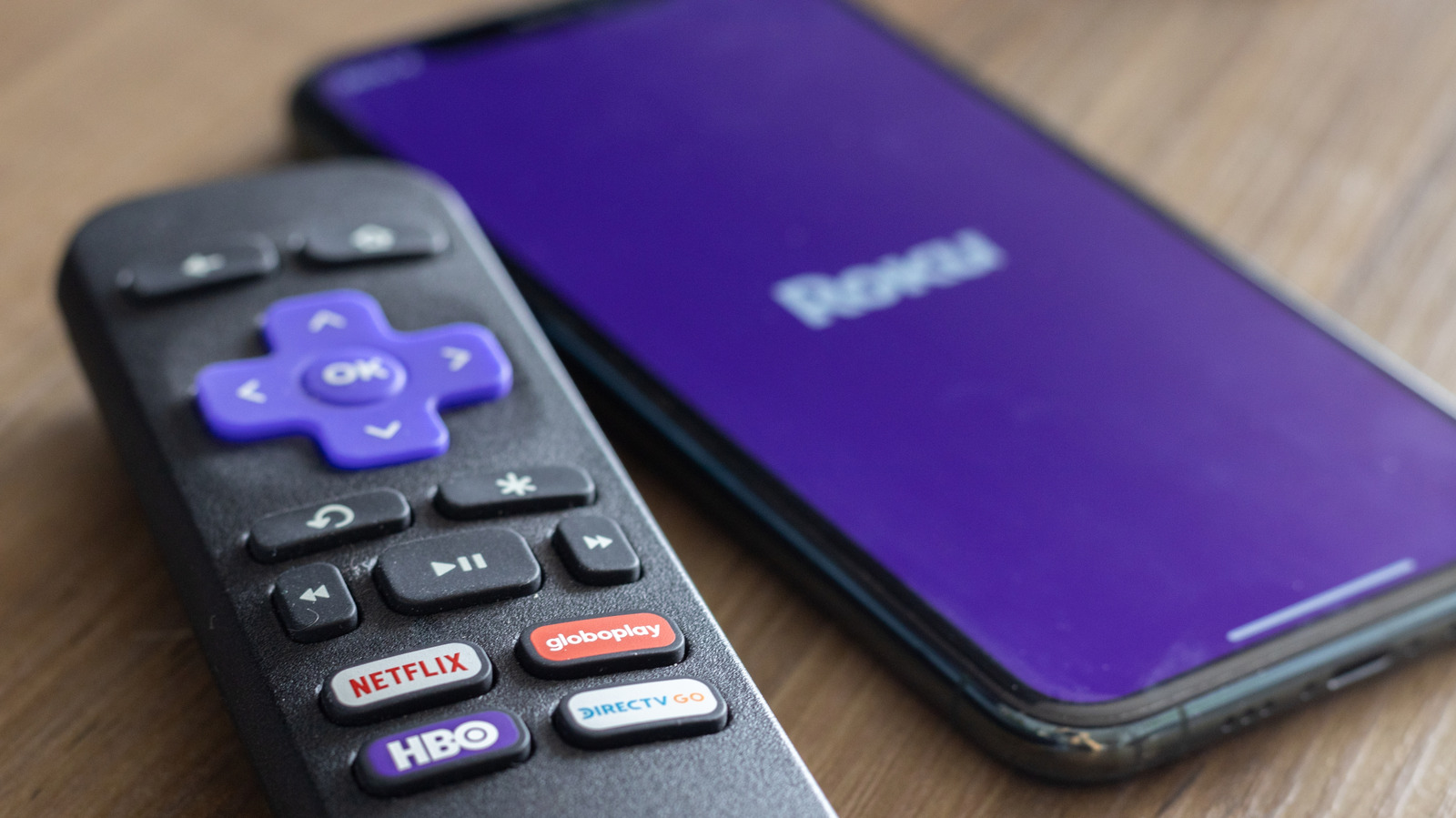
The most useful of Roku’s secret menus is its developer menu, which allows you to tap into your device’s Developer Settings menu. Here, you can access your Roku’s developer installer and manage your developer account. In doing so, you can also sideload custom applications and explore the testing environment. To access your developer menu, press Home × 3 > Up × 2 > Right > Left > Right > Left > Right. 

YOU MAY ALSO LIKE

NVIDIA Announces CUDA Rust with cuda-oxide (SIMT) and cutile-rs (Tile) for Compile-Time-Safe GPU Kernels

NVIDIA’s DLSS 5 Adds Subtle Details To NBA 2K27, But Demands A Lot More Power

You can use a similar shortcut to access your Network Settings, where you can check your connection, enter bandwidth saver mode and find your IP and MAC addresses. To do so, hit Home × 5 > Right > Left > Right > Left > Right. Now, if you want to dive deeper into your wireless connection, you can access your Wireless Secret Screen. Here, you can check your signal strength and glitch rate, run speed tests, and reset your network. So if you  start to experience a lagging connection, check your connection by pressing Home × 5 > Up > Down > Up > Down > Up.

Roku allows you to adjust your ad experience via its Secret Screen 2 menu. Here, you can cycle through your Roku’s image service, screenshot output format and ad channels. This is also where you can adjust your screenshot output settings. Accessing your Secret Screen 2 is easy. Just press Home × 5 > Up > Right > Down > Left > Up. Critically, you may need to restart your device for ad preferences to change.

Another helpful menu is your Platform Secret Screen, which shows more granular operational information, ranging from your memory usage and remote battery levels to your device’s temperature. Here, you can also find advanced diagnostics, like your IPv6 settings, your remote button usage and your RF remote diagnostics. You can access your platform menu by pressing Home x 5 > Fast Forward > Down > Rewind > Down > Fast Forward. 

Similarly, you can go into the weeds of your Roku’s HDMI Settings, where you can adjust inputs, double-check the refresh rate and keep tabs on resolution performance. You can check out this HDMI screen by pressing Home x 5> Down > Left > Up > Up > Up. 

To see what versions of applications like Netflix or Kanopy your Roku is running, visit the Channel Info Menu. This menu is also helpful if you need to troubleshoot, uninstall or reboot one of your Roku apps. To visit the Channel Info menu, simply hit Home x 3 > Up x 2 > Left > Right > Left > Right > Left.

While most of these screens help you tap into your Roku’s settings, the most important may be your device’s reset and update screen. By pressing Home x 5 > Fast Forward x 3 > Rewind x 2, you can access a secret screen that allows you to initiate a factory reset of your Roku device. Such resets are particularly useful if your streaming apps consistently crash, your startup screen freezes or you begin experiencing software glitches. Moreover, you can also initiate software updates and test your USB port. If you’d rather initiate a restart more directly, simply press Home × 5 > Up > Rewind × 2 > Fast Forward × 2 to immediately reboot your device.

Credit: Source link

ShareTweetSendSharePin

Related Posts

NVIDIA Announces CUDA Rust with cuda-oxide (SIMT) and cutile-rs (Tile) for Compile-Time-Safe GPU Kernels
AI & Technology

NVIDIA Announces CUDA Rust with cuda-oxide (SIMT) and cutile-rs (Tile) for Compile-Time-Safe GPU Kernels

September 8, 2026
NVIDIA’s DLSS 5 Adds Subtle Details To NBA 2K27, But Demands A Lot More Power
AI & Technology

NVIDIA’s DLSS 5 Adds Subtle Details To NBA 2K27, But Demands A Lot More Power

September 8, 2026
Cognition Raises Over B Series E at B Valuation to Scale Devin Agents – Unite.AI
AI & Technology

Cognition Raises Over $2B Series E at $48B Valuation to Scale Devin Agents – Unite.AI

September 8, 2026
What Is The Purpose Of LiDAR On Your iPhone And How Do You Use It?
AI & Technology

What Is The Purpose Of LiDAR On Your iPhone And How Do You Use It?

September 8, 2026
Next Post
Viral video ‘lunatic’ jumps in front of Tesla Cybercab, forcing brakes and raising safety questions

Viral video 'lunatic' jumps in front of Tesla Cybercab, forcing brakes and raising safety questions

Leave a Reply Cancel reply

Your email address will not be published. Required fields are marked *

Search

No Result
View All Result
Midstream Scales Up Natural Gas Infrastructure

Midstream Scales Up Natural Gas Infrastructure

September 2, 2026
U.S. woman seen on on video before disappearing in Grenada

U.S. woman seen on on video before disappearing in Grenada

September 3, 2026
JapanFold Keeps Open-Source Drug Discovery Computations Inside Japan – Unite.AI

JapanFold Keeps Open-Source Drug Discovery Computations Inside Japan – Unite.AI

September 3, 2026

About

Learn more

Our Services

Legal

Privacy Policy

Terms of Use

Bloggers

Learn more

Article Links

Contact

Advertise

Ask us anything

©2020- TradePoint.io - All rights reserved!

Tradepoint.io, being just a publishing and technology platform, is not a registered broker-dealer or investment adviser. So we do not provide investment advice. Rather, brokerage services are provided to clients of Tradepoint.io by independent SEC-registered broker-dealers and members of FINRA/SIPC. Every form of investing carries some risk and past performance is not a guarantee of future results. “Tradepoint.io“, “Instant Investing” and “My Trading Tools” are registered trademarks of Apperbuild, LLC.

This website is operated by Apperbuild, LLC. We have no link to any brokerage firm and we do not provide investment advice. Every information and resource we provide is solely for the education of our readers. © 2020 Apperbuild, LLC. All rights reserved.

No Result
View All Result
  • Main
  • AI & Technology
  • Stock Charts
  • Market & News
  • Business
  • Finance Tips
  • Trade Tube
  • Blog
  • Shop

© 2023 - TradePoint.io - All Rights Reserved!