
• bitcoinBitcoin(BTC)$80,213.00-0.32%
  • ethereumEthereum(ETH)$2,326.45-1.44%
  • tetherTether(USDT)$1.000.00%
  • binancecoinBNB(BNB)$736.240.73%
  • rippleXRP(XRP)$1.291.22%
  • usd-coinUSDC(USDC)$1.00-0.01%
  • solanaSolana(SOL)$100.77-0.43%
  • tronTRON(TRX)$0.328838-0.21%
  • Figure HelocFigure Heloc(FIGR_HELOC)$1.060.00%
  • zcashZcash(ZEC)$1,184.603.31%
  • HyperliquidHyperliquid(HYPE)$75.730.60%
  • dogecoinDogecoin(DOGE)$0.076352-0.85%
  • moneroMonero(XMR)$603.433.26%
  • USDSUSDS(USDS)$1.00-0.01%
  • whitebitWhiteBIT Coin(WBT)$77.25-1.06%
  • chainlinkChainlink(LINK)$11.31-1.87%
  • leo-tokenLEO Token(LEO)$9.040.30%
  • cardanoCardano(ADA)$0.203439-1.66%
  • stellarStellar(XLM)$0.168555-0.17%
  • nearNEAR Protocol(NEAR)$4.39-1.02%
  • RainRain(RAIN)$0.007759-3.96%
  • bitcoin-cashBitcoin Cash(BCH)$271.87-0.89%
  • Ethena USDeEthena USDe(USDE)$1.000.00%
  • daiDai(DAI)$1.000.00%
  • litecoinLitecoin(LTC)$56.12-0.22%
  • uniswapUniswap(UNI)$6.70-1.50%
  • CantonCanton(CC)$0.099865-2.39%
  • USD1USD1(USD1)$1.000.00%
  • avalanche-2Avalanche(AVAX)$8.79-0.54%
  • suiSui(SUI)$0.91-3.23%
  • the-open-networkGram (prev. Toncoin)(GRAM)$1.24-0.21%
  • hedera-hashgraphHedera(HBAR)$0.0769620.96%
  • tether-goldTether Gold(XAUT)$3,987.44-0.01%
  • Global DollarGlobal Dollar(USDG)$1.000.00%
  • paypal-usdPayPal USD(PYUSD)$1.00-0.02%
  • shiba-inuShiba Inu(SHIB)$0.000005-0.74%
  • BittensorBittensor(TAO)$247.06-0.08%
  • crypto-com-chainCronos(CRO)$0.054459-0.31%
  • quant-networkQuant(QNT)$180.401.14%
  • BitwayBitway(BTW)$1.720.39%
  • EthenaEthena(ENA)$0.1897880.10%
  • Ripple USDRipple USD(RLUSD)$1.000.01%
  • Circle USYCCircle USYC(USYC)$1.140.00%
  • Ondo US Dollar YieldOndo US Dollar Yield(USDY)$1.150.03%
  • okbOKB(OKB)$106.30-2.08%
  • BlackRock USD Institutional Digital Liquidity FundBlackRock USD Institutional Digital Liquidity Fund(BUIDL)$1.000.00%
  • MemeCoreMemeCore(M)$0.93-12.62%
  • aaveAave(AAVE)$135.99-2.88%
  • OndoOndo(ONDO)$0.399352-1.51%
  • Pump.funPump.fun(PUMP)$0.0042020.36%
TradePoint.io
  • Main
  • AI & Technology
  • Stock Charts
  • Market & News
  • Business
  • Finance Tips
  • Trade Tube
  • Blog
  • Shop
No Result
View All Result
TradePoint.io
No Result
View All Result

Pros And Cons Of Using A Chromebook As Your Everyday PC

September 8, 2026
in AI & Technology
Reading Time: 4 mins read
A A
Pros And Cons Of Using A Chromebook As Your Everyday PC
ShareShareShareShareShare

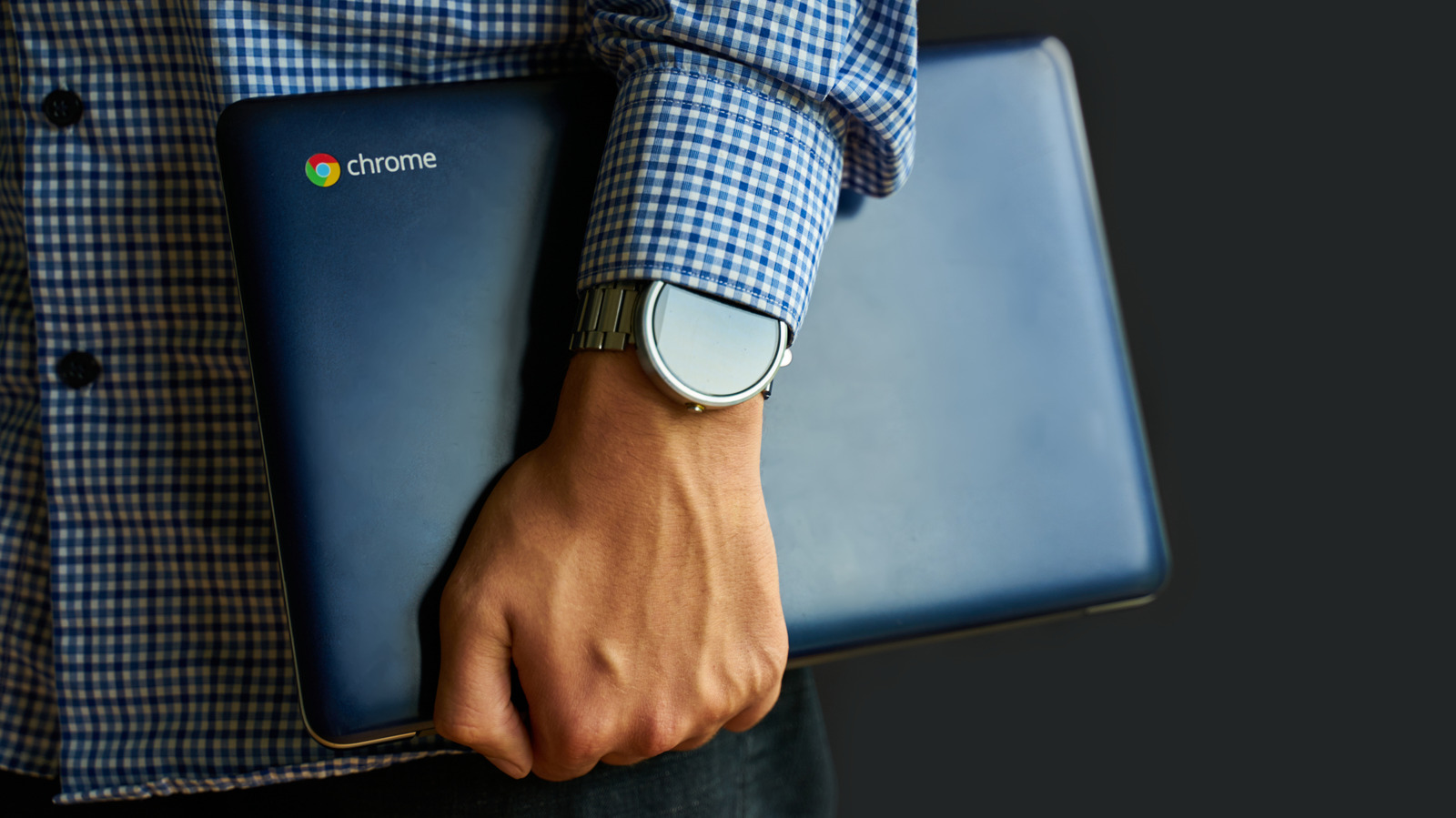
Chromebooks offer some great advantages, but there are limitations to know before you start using one every day.


Savusia Konstantin/Getty Images

Chromebooks have come a long way since their initial release in 2011, and the future promises more interesting devices with the upcoming Googlebooks, which aim to harmonize Android and ChromeOS into a single package. If you’re considering switching from Windows or Mac into something more minimalist, a Chromebook can certainly be a good alternative. These machines have their quirks, though, and have proved divisive in tech communities over the years.

YOU MAY ALSO LIKE

OpenAI Sets Target Valuation of $1.25 Trillion

SpaceX-Tesla Merger? | Zuckerberg’s Deal | The Rundown

If you’re someone who wants a machine that’s lightweight, efficient and secure, and you largely work within office applications like emails and spreadsheets, it’s definitely worth looking into a Chromebook. However, there are a few drawbacks to be aware of before you take the plunge.

Pros of using a Chromebook

One of the best qualities of a Chromebook is its simplicity, both physically and digitally. They’re generally much lighter than a typical laptop, while simultaneously being more durable. They also boast enviable battery life, with many models lasting upwards of 10 hours on a single charge. 

This battery life is largely due to the simplicity of ChromeOS. Modeled after the Chrome browser, it’s an interface most people are familiar with already, with much less learning needed to use it efficiently. This streamlined approach also means Chromebooks boot within a few seconds.

The OS is much more secure than a typical PC’s by default, thanks to a few different approaches. For one, it’s a read-only OS; because you can only make changes to your own files and cloud storage, it’s much harder for malicious programs to wreck system files. A verified boot system double-checks for suspicious changes each time the Chromebook starts, automatically reverting to a previous version if it detects something’s off. And a process called sandboxing — where every webpage and application runs in its own environment — ensures any issues that do arise don’t contaminate other areas. 

Chromebooks aren’t completely immune to security threats, as they can still fall prey to attacks like malicious extensions or Play Store apps. And no matter what device you’re using, you can still fall for a phishing email or have your weak password guessed. But in general, Chromebooks offer fewer points of attack than a Windows machine. 

If you want more control and don’t mind losing most of these security features, you can enable Developer Mode on your Chromebook to get full access to the system. This allows you to install Linux and access a full terminal.

Perhaps the biggest selling point for a Chromebook is its pricing. There are higher-end models that get closer to the prices of standard laptops, retailing upwards of $700, but the average Chromebook is much cheaper. Engadget’s Chromebook pick for 2026, the Acer Chromebook Plus 514, is only $400 (depending on where you find it). Many other Chromebooks fall into a similar price range.

Cons of using a Chromebook
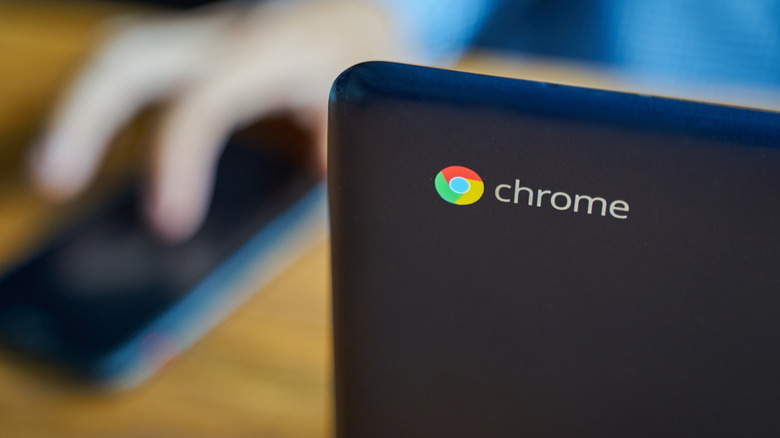

A Chromebook with the logo facing the camera as someone uses a phone on a table in the background.
Savusia Konstantin/Getty Images

Back when the Chromebook line was introduced, they were essentially useless when you didn’t have internet access. Fortunately, there have been several improvements in this area over the years — much of Google Workspace (like Docs and Sheets) will work offline, as will Gmail. Other apps like Netflix and YouTube offer video downloading for offline use. While the offline situation is better now, a Chromebook is still a cloud-dependent device, so you’ll find your options limited without internet. Gaming is streaming-focused on ChromeOS, so unless you’re looking to play downloaded Android games, you’re out of luck.

This streaming-heavy gaming landscape, which largely relies on services like Nvidia GeForce Now and Xbox Cloud Gaming to play non-Google Play Store games, is a symptom of a larger Chromebook problem: software incompatibility. Not only do programs like Steam not run on ChromeOS, but a myriad of professional tools like Adobe Creative Cloud and legacy enterprise software used in fields like healthcare won’t work either. If you need any of these programs for work, ChromeOS is a non-starter. Speaking of compatibility, ever since Google Cloud Print was discontinued in 2020, not all printers work with ChromeOS. While most modern Wi-Fi printers should work, checking Google’s page on Chromebook printers is a wise idea.

Even the best equivalents to missing software can struggle with heavier rendering and processing due to the typical Chromebook’s weaker hardware. Because the OS is much simpler and so cloud-reliant, Chromebooks usually offer far lower specs in key areas like RAM, CPU and storage. There are always exceptions, but higher-spec Chromebooks come with much heftier price tags. If you’re worried about the best specs for the money, you should probably buy one of the best standard laptops instead.

Credit: Source link

ShareTweetSendSharePin

Related Posts

OpenAI Sets Target Valuation of .25 Trillion
AI & Technology

OpenAI Sets Target Valuation of $1.25 Trillion

October 25, 2026
SpaceX-Tesla Merger? | Zuckerberg’s Deal | The Rundown
AI & Technology

SpaceX-Tesla Merger? | Zuckerberg’s Deal | The Rundown

October 25, 2026
Apple’s Most Exciting Phone in Years Has Growing Pains
AI & Technology

Apple’s Most Exciting Phone in Years Has Growing Pains

October 25, 2026
Power On: Apple’s iPhone Duo Is Here — But Good Luck Finding One
AI & Technology

Power On: Apple’s iPhone Duo Is Here — But Good Luck Finding One

October 25, 2026
Next Post
How AI Is Eroding the First Rung of the Tech Job Ladder

How AI Is Eroding the First Rung of the Tech Job Ladder

Leave a Reply Cancel reply

Your email address will not be published. Required fields are marked *

Search

No Result
View All Result
American Express to slash 5% of workforce in latest AI-driven layoffs

American Express to slash 5% of workforce in latest AI-driven layoffs

October 23, 2026
Power On: Exclusive News About Apple’s October Launch Event

Power On: Exclusive News About Apple’s October Launch Event

October 21, 2026
Election Dispatches: Vast Sums Flood Races as Republicans Try Fending Off Democratic Charge – The New York Times

Election Dispatches: Vast Sums Flood Races as Republicans Try Fending Off Democratic Charge – The New York Times

October 21, 2026

About

Learn more

Our Services

Legal

Privacy Policy

Terms of Use

Bloggers

Learn more

Article Links

Contact

Advertise

Ask us anything

©2020- TradePoint.io - All rights reserved!

Tradepoint.io, being just a publishing and technology platform, is not a registered broker-dealer or investment adviser. So we do not provide investment advice. Rather, brokerage services are provided to clients of Tradepoint.io by independent SEC-registered broker-dealers and members of FINRA/SIPC. Every form of investing carries some risk and past performance is not a guarantee of future results. “Tradepoint.io“, “Instant Investing” and “My Trading Tools” are registered trademarks of Apperbuild, LLC.

This website is operated by Apperbuild, LLC. We have no link to any brokerage firm and we do not provide investment advice. Every information and resource we provide is solely for the education of our readers. © 2020 Apperbuild, LLC. All rights reserved.

No Result
View All Result
  • Main
  • AI & Technology
  • Stock Charts
  • Market & News
  • Business
  • Finance Tips
  • Trade Tube
  • Blog
  • Shop

© 2023 - TradePoint.io - All Rights Reserved!