
Take time to enable these features today before you need them; they could help save your life in an emergency.
Setting up the suite of emergency features on your iPhone isn’t the most fun you’ll have with the device, but doing so is highly important. In a crisis, these won’t be usable if you haven’t taken the time to configure them beforehand. The functionality ranges from contacts that will be automatically notified when something happens to a medical profile that first responders can use to properly help you.
Since Apple added these features to iOS in 2014, medical professionals know to look for them. They may even replace carrying such information in your wallet, since you have your phone on you all the time. To stay prepared yourself, you should also memorize the relevant shortcuts to handle any scenario that develops.
In case you’ve never set up these features, taking a few minutes now could make a huge difference later. Even if you configured your emergency profile a while ago, some details might have changed so it’s a good idea to double check them regularly.
Set up your Medical ID

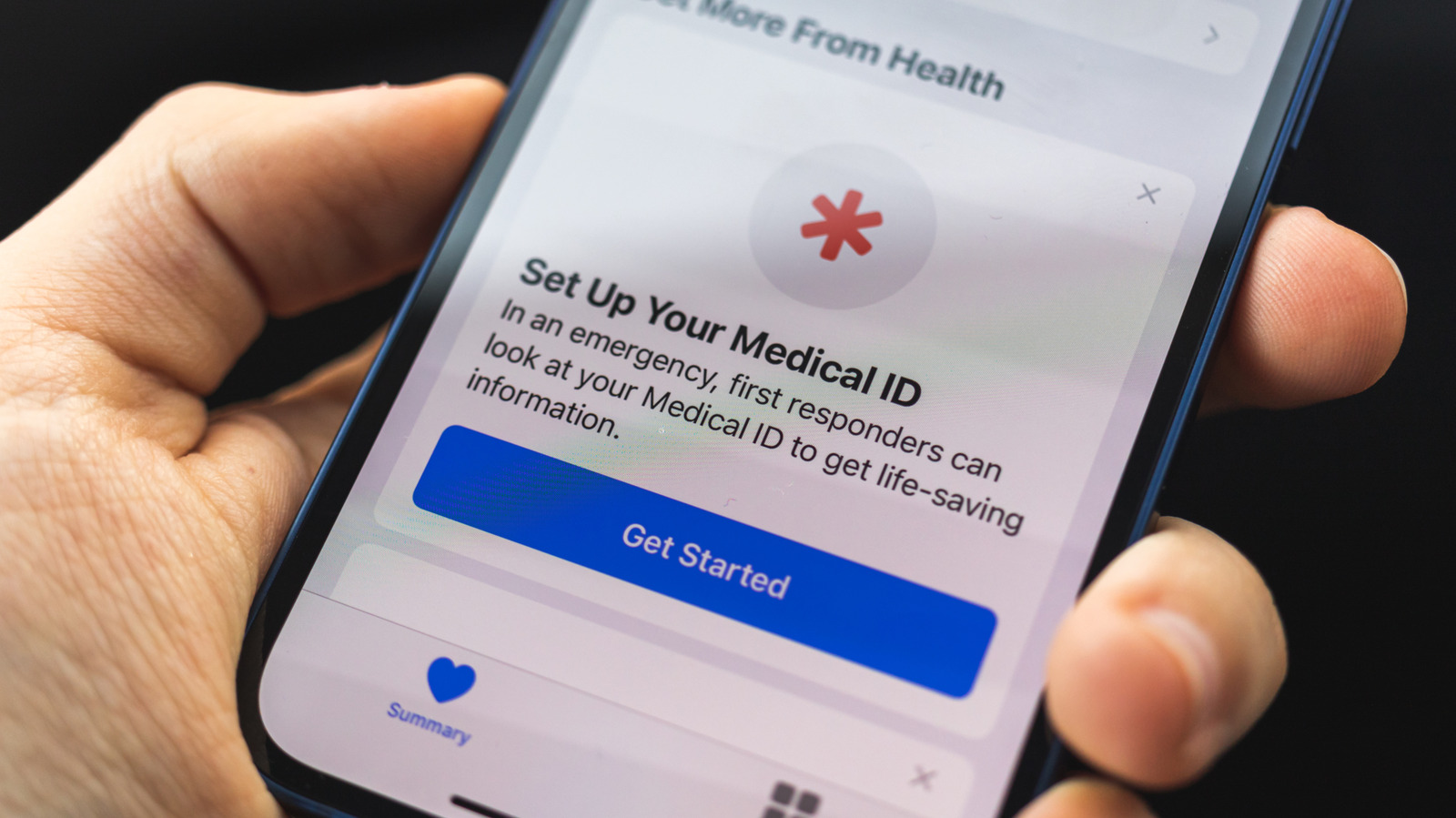
To create or edit your Medical ID on iPhone, open the Health app, select your profile picture at the top-right, and choose Medical ID from the list.
You’ll see two sliders that control the visibility of the info you enter below. With Show When Locked enabled, anyone can tap Emergency > Medical ID on the passcode entry screen to view your details. Share During Emergency Call is self-explanatory, letting 911 know of crucial details without you having to share them. You should enable these since having this information locked in your phone defeats the purpose.
As you scroll through, you’ll see fields with basic medical info like your age, medications you’re currently taking, allergies, and health conditions. If you like, record your height, weight, and blood type in Additional Information. There’s also a spot for Notes if you have other concerns that don’t fit anywhere else. All this data gives paramedics better info to determine what kind of help you need.
Adding emergency contacts

Also on this page is your Emergency Contacts list. Here, designate people who should be alerted in an extreme situation. Hit Add Emergency Contact to pick from your existing list, then choose a relationship label. It’s wise to add multiple people, just in case a particular person isn’t available when the worst happens. You can always edit this list later.
These contacts are used in two ways. First, along with everything else mentioned above, the list is available to medical professionals or anyone else who finds your phone. They’re able to reach out to those folks to let them know what’s happening with you. Second, these people will be alerted and given your location when you use the Emergency SOS feature (which is different from your phone being stuck in SOS mode with no service). To review the options for this, open Settings and select Emergency SOS from the list.
Using Emergency SOS

By default, Emergency SOS uses the same button combination as turning off your iPhone: the Side button and either Volume button. However, you need to keep holding the buttons for several seconds longer than you do to turn off your device. Doing this begins a countdown with a loud sound, which alerts you that a call to 911 is about to happen. Enabling Call with 5 Button Presses adds a shortcut for pressing the Side button (on the right side) multiple times quickly. While this gesture is easier to perform, it’s also easier to activate by mistake.
The alarm signals the outgoing call so you don’t contact 911 in error. Enabling Call Quietly disables this, which makes it easier to miss an accidental activation. If you don’t cancel via either method, the call goes through. In case you do call by mistake, it’s best to stay on the line and explain what happened.
Even with both of these options disabled, you can still use the Emergency Call slider that appears on your phone’s power-off screen. Additionally, having Call After Severe Crash can get you help when you’re hurt in an accident and can’t call yourself. Emergency SOS is not available via the Action Button (on the left side, above the volume buttons), however.
Other emergency features to know

Although it isn’t grouped with the rest of the Medical ID features, Emergency Bypass is a related tool you shouldn’t miss. With this enabled, the ringtone and/or text tone will play for a given person even when your phone is silenced or in a Focus mode. Use it sparingly with people you trust to only call you when something is seriously wrong, since it could wake you up or make a scene if used at the wrong time.
Open the Contacts app, choose an entry, tap Edit on their page, and then choose Ringtone or Text Tone as desired. Enable Emergency Bypass for either or both. Unfortunately, there’s no way to turn this on for all your emergency contacts at once. While you’re on this page, use Add to Emergency Contacts at the bottom for anyone you forgot to include earlier.
In some areas of the US, texting 911 is an alternative option. Check out Text to 911 to see if this is available where you are. Calling is better than messaging since you can provide more info, but if talking would put you at risk or you can’t speak, then texting might be a backup method. In some localities, 911 operators can request to see video feed from your phone’s camera.
Finally, with an iPhone 14 and newer, it’s also possible to send emergency messages via satellite or make a call when no service is available. To test this, open Control Center by swiping down from the top-right, tap the connection cluster of toggles, and choose Satellite.
Credit: Source link