
• bitcoinBitcoin(BTC)$64,118.00-0.07%
  • ethereumEthereum(ETH)$1,819.370.08%
  • tetherTether(USDT)$1.000.01%
  • binancecoinBNB(BNB)$579.24-0.09%
  • usd-coinUSDC(USDC)$1.000.00%
  • rippleXRP(XRP)$1.10-1.03%
  • solanaSolana(SOL)$77.44-0.56%
  • tronTRON(TRX)$0.3310630.10%
  • Figure HelocFigure Heloc(FIGR_HELOC)$1.040.78%
  • HyperliquidHyperliquid(HYPE)$68.041.34%
  • dogecoinDogecoin(DOGE)$0.073517-2.10%
  • USDSUSDS(USDS)$1.000.00%
  • RainRain(RAIN)$0.0145221.38%
  • zcashZcash(ZEC)$544.227.58%
  • leo-tokenLEO Token(LEO)$9.56-0.31%
  • whitebitWhiteBIT Coin(WBT)$56.23-0.10%
  • stellarStellar(XLM)$0.189055-0.93%
  • moneroMonero(XMR)$328.752.34%
  • cardanoCardano(ADA)$0.164485-3.53%
  • chainlinkChainlink(LINK)$8.05-0.14%
  • CantonCanton(CC)$0.1363640.37%
  • bitcoin-cashBitcoin Cash(BCH)$244.28-1.37%
  • daiDai(DAI)$1.000.00%
  • the-open-networkGram (prev. Toncoin)(GRAM)$1.64-2.16%
  • USD1USD1(USD1)$1.000.00%
  • Ethena USDeEthena USDe(USDE)$1.00-0.01%
  • litecoinLitecoin(LTC)$44.73-0.79%
  • Global DollarGlobal Dollar(USDG)$1.000.00%
  • Circle USYCCircle USYC(USYC)$1.130.00%
  • suiSui(SUI)$0.74-0.21%
  • hedera-hashgraphHedera(HBAR)$0.067523-2.84%
  • BlackRock USD Institutional Digital Liquidity FundBlackRock USD Institutional Digital Liquidity Fund(BUIDL)$1.000.00%
  • paypal-usdPayPal USD(PYUSD)$1.000.00%
  • avalanche-2Avalanche(AVAX)$6.42-4.81%
  • crypto-com-chainCronos(CRO)$0.055937-1.20%
  • shiba-inuShiba Inu(SHIB)$0.000004-2.66%
  • tether-goldTether Gold(XAUT)$4,092.31-0.22%
  • nearNEAR Protocol(NEAR)$1.900.20%
  • uniswapUniswap(UNI)$3.66-0.90%
  • dexeDeXe(DEXE)$47.3624.77%
  • Ondo US Dollar YieldOndo US Dollar Yield(USDY)$1.14-0.66%
  • BittensorBittensor(TAO)$212.54-0.46%
  • pax-goldPAX Gold(PAXG)$4,095.99-0.22%
  • World Liberty FinancialWorld Liberty Financial(WLFI)$0.057806-0.35%
  • okbOKB(OKB)$80.64-0.02%
  • AsterAster(ASTER)$0.62-0.95%
  • HTX DAOHTX DAO(HTX)$0.0000020.27%
  • OndoOndo(ONDO)$0.327906-1.64%
  • usddUSDD(USDD)$1.000.00%
  • MemeCoreMemeCore(M)$1.19-5.88%
TradePoint.io
  • Main
  • AI & Technology
  • Stock Charts
  • Market & News
  • Business
  • Finance Tips
  • Trade Tube
  • Blog
  • Shop
No Result
View All Result
TradePoint.io
No Result
View All Result

The Correct Way To Position Your Router’s Antennas Depends On Your Home

July 12, 2026
in AI & Technology
Reading Time: 5 mins read
A A
The Correct Way To Position Your Router’s Antennas Depends On Your Home
ShareShareShareShareShare

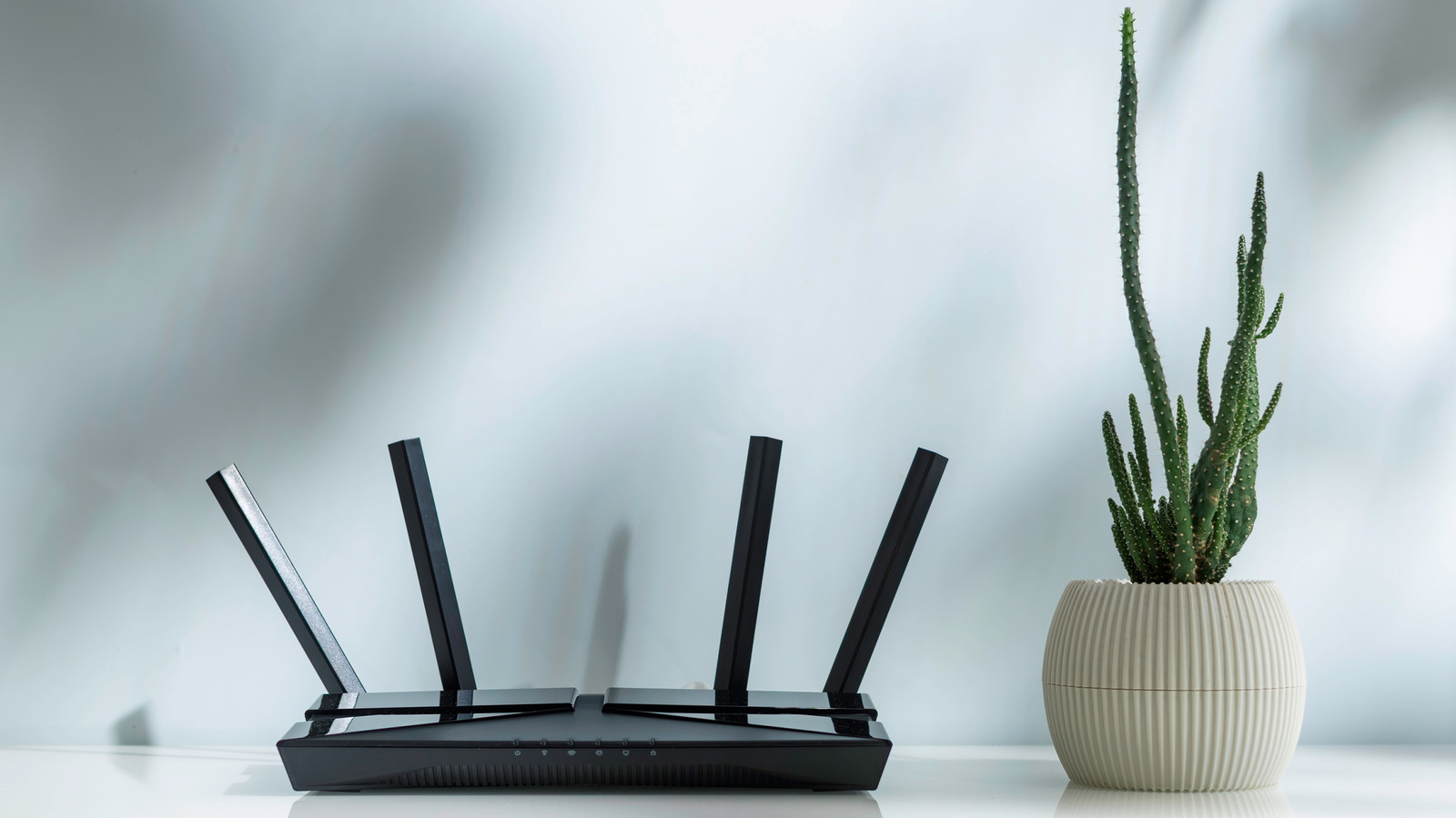
Know where to place your router and how to position its antennas should get you better coverage.

SOLDATOOFF/Shutterstock

Let’s be honest here: have you ever actually read your router’s instruction manual to know how to position it properly? How about learning how the antennas should be placed too? I know I haven’t browsed beyond the technical setup pages or paid much attention to the rest of the booklet. Well, it turns out there’s actually a correct way to position both the router and the antennas.

YOU MAY ALSO LIKE

Why Xiaomi Phones Aren’t Banned, But Are Rarely Sold In The US

Mira Murati’s Thinking Machines Lab Makes The Technical Case For Human-Centered AI Built On Customizable Model Weights

The router’s antenna position directly affects Wi-Fi signal strength, coverage range, and dead zones throughout the home. Most people (yours truly included) plug in the router, leave it in a corner, and only think about it again when the internet is down. And most of the time, that’s fine — but if your Wi-Fi slows down in some rooms or starts stuttering during video streaming, for instance, the problem may not be your internet provider. It might just be you.

Thankfully, a few small adjustments can make a genuine difference. Fix the antenna direction, place the router in the right place and at the right height, and you’ll see quite the difference.

How do Wi-Fi antenna signals actually work?

White router on table with pink and blue lights shining on it Pexels: Jakub Zerdzicki

Most router antennas are omnidirectional, which means they broadcast in all directions at the same time. The signal is strongest perpendicular to the antenna, not along it, which makes sense because it’s not a lightsaber. Therefore, a vertical antenna that points straight up radiates signal outward horizontally, covering the floor you’re on.

A horizontal antenna does the opposite, pushing the signal upward and downward, which is useful if you have multiple floors. That’s why the way you set your antenna direction has actual, real consequences.

Modern dual-band routers broadcast on two frequencies simultaneously. First is 2.4 GHz, which provides slower speeds, but longer range and better wall penetration. 5 GHz, on the other hand, hits better speeds but is more susceptible to physical obstructions, while also covering a smaller area. Even newer tri-band routers also provide 6 GHz, which is a massive speed boost with near-zero interference. However, because it operates at a higher frequency, its signal doesn’t travel as far and struggles more to go through solid walls compared to 2.4 GHz or 5 GHz.

How should you position router antennas for different home layouts?

If you live in a single-floor home or an apartment, point all antennas straight up. Vertical positioning causes signals to radiate horizontally, hitting your entire home.

For homes with more than one floor, pointing all antennas straight up leaves other levels underserved. The solution, according to TP-Link, is to angle at least one antenna at around 30 degrees. The tilt is enough to spread the signal both sideways and vertically. Depending on how many antennas your router has, you could get a bit creative about which ones you place one way or the other.

The principle behind all this is the same — mixing antenna orientations fills in the gaps that a single direction leaves behind. As long as you match your antenna setup to the shape of your home, you’ll notice fewer dead zones.

Where should you place your router for the best coverage?

A woman is working from home and a white router is on the table nearby Trumzz/Getty Images

We can’t discuss antenna positioning for proper coverage without also discussing router placement. You’ll only get the best results if you get both of these right. When it comes to where you should put your router, there are three factors to consider: how central the location is, how high off the ground the router sits, and what’s sitting nearby that could disrupt the signal.

A router needs a central location. If you’re placing it against an exterior wall, it wastes half its signal broadcasting outward into the open air. The height you’re placing it at is also important. TP-Link recommends placing your router about 1 to 1.5 feet off the ground, aligning the signal with most of your devices.

There are also several common household items you should not have near your router. Everything from microwave ovens to fish tanks, Bluetooth devices, metal objects and thick concrete walls can interfere with your Wi-Fi signal.

Obviously, you can’t have the router floating in the middle of the living room, but you’ll have to take at least some of these things into consideration when finding its home. Combine this with being extra careful about the position of its antennas and you’ll make the most out of the speed your internet plan provides.

Credit: Source link

ShareTweetSendSharePin

Related Posts

Why Xiaomi Phones Aren’t Banned, But Are Rarely Sold In The US
AI & Technology

Why Xiaomi Phones Aren’t Banned, But Are Rarely Sold In The US

July 12, 2026
Mira Murati’s Thinking Machines Lab Makes The Technical Case For Human-Centered AI Built On Customizable Model Weights
AI & Technology

Mira Murati’s Thinking Machines Lab Makes The Technical Case For Human-Centered AI Built On Customizable Model Weights

July 12, 2026
A Coding Guide to NVIDIA’s Tile-Based GPU Programming: From cuTile and Triton Kernels to Flash Attention
AI & Technology

A Coding Guide to NVIDIA’s Tile-Based GPU Programming: From cuTile and Triton Kernels to Flash Attention

July 12, 2026
Phoebe Gates’ AI Shopping App Phia Reportedly Claimed Unearned Affiliate Sales Through Fake Clicks
AI & Technology

Phoebe Gates’ AI Shopping App Phia Reportedly Claimed Unearned Affiliate Sales Through Fake Clicks

July 11, 2026
Next Post
Survivors of Iranian attack that killed 6 U.S. troops say generals ignored warnings – The Washington Post

Survivors of Iranian attack that killed 6 U.S. troops say generals ignored warnings - The Washington Post

Leave a Reply Cancel reply

Your email address will not be published. Required fields are marked *

Search

No Result
View All Result
Nick Saban testifies at Senate hearing on college sports

Nick Saban testifies at Senate hearing on college sports

July 9, 2026
Illinois representative talks bill that would regulate AI companies

Illinois representative talks bill that would regulate AI companies

July 12, 2026
Google plans mosquito releases to reduce disease

Google plans mosquito releases to reduce disease

July 9, 2026

About

Learn more

Our Services

Legal

Privacy Policy

Terms of Use

Bloggers

Learn more

Article Links

Contact

Advertise

Ask us anything

©2020- TradePoint.io - All rights reserved!

Tradepoint.io, being just a publishing and technology platform, is not a registered broker-dealer or investment adviser. So we do not provide investment advice. Rather, brokerage services are provided to clients of Tradepoint.io by independent SEC-registered broker-dealers and members of FINRA/SIPC. Every form of investing carries some risk and past performance is not a guarantee of future results. “Tradepoint.io“, “Instant Investing” and “My Trading Tools” are registered trademarks of Apperbuild, LLC.

This website is operated by Apperbuild, LLC. We have no link to any brokerage firm and we do not provide investment advice. Every information and resource we provide is solely for the education of our readers. © 2020 Apperbuild, LLC. All rights reserved.

No Result
View All Result
  • Main
  • AI & Technology
  • Stock Charts
  • Market & News
  • Business
  • Finance Tips
  • Trade Tube
  • Blog
  • Shop

© 2023 - TradePoint.io - All Rights Reserved!