• bitcoinBitcoin(BTC)$84,254.000.12%
  • ethereumEthereum(ETH)$2,681.20-0.25%
  • tetherTether(USDT)$1.000.00%
  • binancecoinBNB(BNB)$774.740.18%
  • rippleXRP(XRP)$1.531.29%
  • usd-coinUSDC(USDC)$1.000.00%
  • solanaSolana(SOL)$116.481.14%
  • tronTRON(TRX)$0.338692-1.34%
  • zcashZcash(ZEC)$1,549.072.03%
  • Figure HelocFigure Heloc(FIGR_HELOC)$1.03-0.75%
  • HyperliquidHyperliquid(HYPE)$91.89-0.91%
  • dogecoinDogecoin(DOGE)$0.0950590.69%
  • moneroMonero(XMR)$563.621.81%
  • chainlinkChainlink(LINK)$13.458.32%
  • whitebitWhiteBIT Coin(WBT)$84.00-0.62%
  • USDSUSDS(USDS)$1.00-0.02%
  • cardanoCardano(ADA)$0.2475632.82%
  • RainRain(RAIN)$0.011975-1.79%
  • leo-tokenLEO Token(LEO)$8.79-1.86%
  • stellarStellar(XLM)$0.2197118.01%
  • bitcoin-cashBitcoin Cash(BCH)$333.62-2.05%
  • nearNEAR Protocol(NEAR)$4.502.46%
  • uniswapUniswap(UNI)$9.14-1.60%
  • litecoinLitecoin(LTC)$71.094.99%
  • Ethena USDeEthena USDe(USDE)$1.000.02%
  • daiDai(DAI)$1.000.00%
  • CantonCanton(CC)$0.1154845.64%
  • avalanche-2Avalanche(AVAX)$10.21-0.55%
  • USD1USD1(USD1)$1.00-0.02%
  • suiSui(SUI)$1.025.17%
  • hedera-hashgraphHedera(HBAR)$0.0923110.85%
  • the-open-networkGram (prev. Toncoin)(GRAM)$1.41-0.88%
  • shiba-inuShiba Inu(SHIB)$0.0000060.73%
  • BittensorBittensor(TAO)$298.583.34%
  • Global DollarGlobal Dollar(USDG)$1.000.00%
  • crypto-com-chainCronos(CRO)$0.0647133.79%
  • MemeCoreMemeCore(M)$1.22-4.02%
  • paypal-usdPayPal USD(PYUSD)$1.00-0.01%
  • tether-goldTether Gold(XAUT)$4,269.20-0.29%
  • OndoOndo(ONDO)$0.5323.61%
  • okbOKB(OKB)$119.78-0.15%
  • BitwayBitway(BTW)$0.92-14.51%
  • Circle USYCCircle USYC(USYC)$1.140.01%
  • Ripple USDRipple USD(RLUSD)$1.000.01%
  • BlackRock USD Institutional Digital Liquidity FundBlackRock USD Institutional Digital Liquidity Fund(BUIDL)$1.000.00%
  • Ondo US Dollar YieldOndo US Dollar Yield(USDY)$1.150.01%
  • aaveAave(AAVE)$145.374.12%
  • EthenaEthena(ENA)$0.2221285.24%
  • mantleMantle(MNT)$0.681.67%
  • MorphoMorpho(MORPHO)$2.824.57%
TradePoint.io
  • Main
  • AI & Technology
  • Stock Charts
  • Market & News
  • Business
  • Finance Tips
  • Trade Tube
  • Blog
  • Shop
No Result
View All Result
TradePoint.io
No Result
View All Result

How to find lost AirPods

December 26, 2025
in AI & Technology
Reading Time: 5 mins read
A A
How to find lost AirPods
ShareShareShareShareShare

Losing AirPods happens to the best of us. They’re small, they slide into couch cushions and they love disappearing into bags or pockets when you least expect it. Luckily, Apple’s Find My system makes it easy to track down misplaced AirPods, whether you dropped the case somewhere or can’t find one of the individual earbuds. With the right settings enabled, your iPhone can show the last place they were connected, play a sound to help you hunt them down or even guide you with on-screen directions. Here’s how to use Find My to locate lost AirPods and how to track down the left or right earbud if only one has gone missing.

How to use Find My to locate AirPods

If your AirPods are paired with an Apple device linked to your Apple ID, they automatically appear in the Find My app. You don’t need to enable this manually, but you do need Bluetooth turned on during regular use so the system can refresh their location.

YOU MAY ALSO LIKE

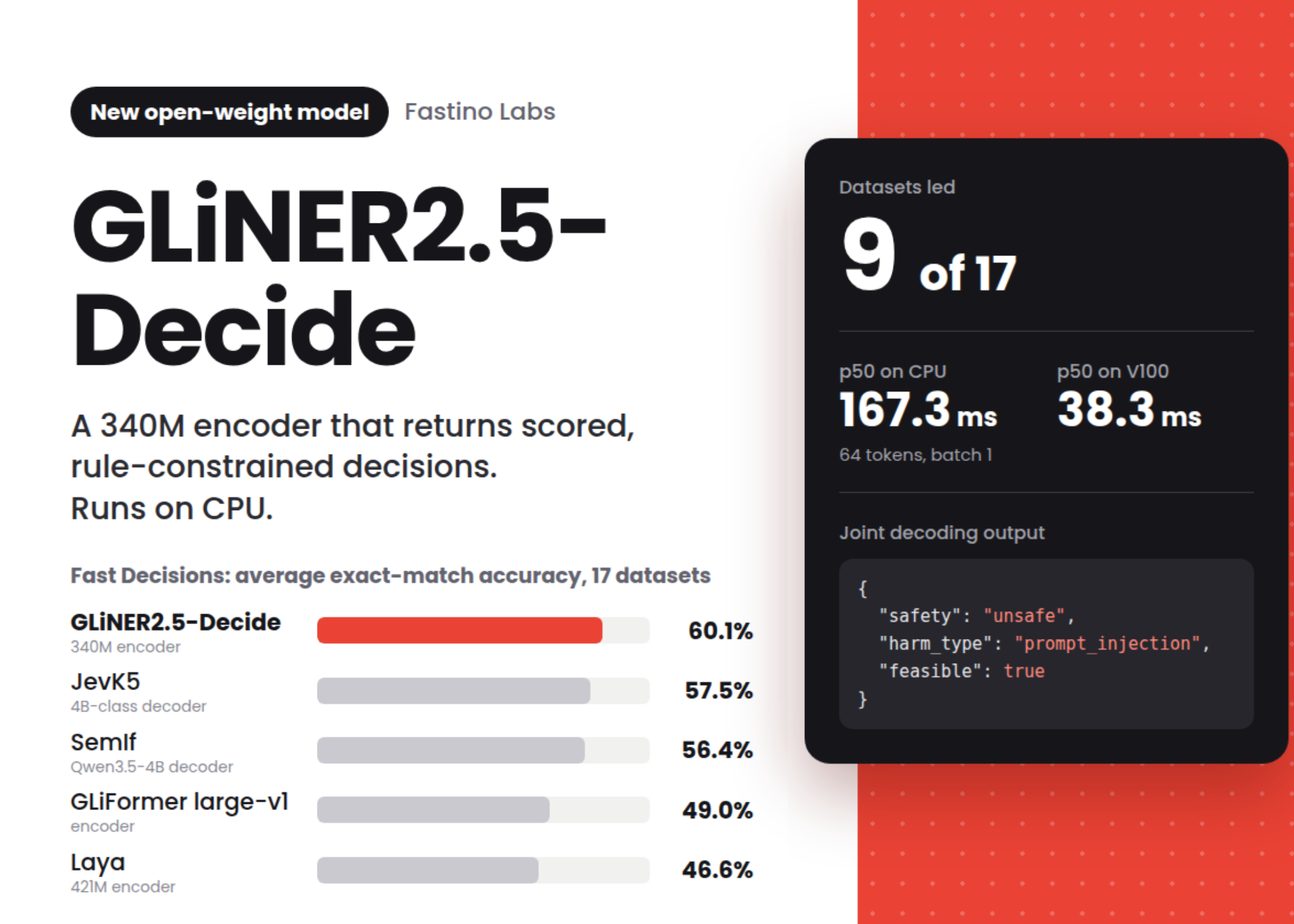
Fastino Releases GLiNER2.5-Decide: A 340M Open-Weight Decision Model That Runs on CPU

Warzone Is Adding A Button To Hide All The Goofy Skins

Open the Find My app on your iPhone, iPad or Mac and go to the Devices tab. Your AirPods should appear in the list. If they’re online or recently connected to your device, Find My will show their current location on a map. If they’re offline, the app will show the last place they were detected, which can help narrow down where to start searching.

For many people, this alone is enough to jog a memory. Find My might show your gym, a friend’s house or the bus stop where they slipped out of your pocket. If the location seems familiar, head there first and refresh the app once you arrive so it can update if the AirPods reconnect.

If Find My says your AirPods are nearby but you still can’t see them, you can make them play a locating sound. Tap Play Sound in the device menu and the earbuds will emit a rising chirp that gets louder over a few seconds. This is especially helpful for finding AirPods hiding under blankets, inside bags or behind furniture.

Keep in mind that AirPods need enough battery to make noise, and the charging case itself cannot play sound unless you have AirPods 4 (ANC), AirPods Pro 2, or AirPods Pro 3 that support that feature. If nothing plays, try refreshing the app or checking the last location again.

AirPods models, like the AirPods Pro (2nd gen) and AirPods Pro (3rd gen) with MagSafe charging cases support Precision Finding. This feature uses the U1 chip inside your iPhone to show a directional arrow, distance estimate and haptic feedback as you get closer. Not all models have this feature, but if yours do, the Find My app will display a Find Nearby button.

Follow the on-screen prompts and slowly rotate your phone. The iPhone will show when you’re walking in the right direction and tell you when you’re close enough to start looking under cushions or inside drawers.

How to locate individual AirPods

AirPods have a habit of separating from each other, and losing only the left or right earbud may happen as frequently as misplacing the entire case. One of the most useful features in Find My is the ability to track each earbud individually. Here’s how to do it:

  • Locate your AirPods in the Find My app and select the option to locate the Left or Right earbud.

  • Select the earbud that’s missing. The map will update to show its location.

  • If the missing bud has nearby location support, you can use Find Nearby to get directional guidance. If not, you can still use Play Sound, as long as it has enough battery.

If Find My shows your lost earbud as Offline, you’ll still see its last known location. This can be enough to help you retrace your steps. Once you get within Bluetooth range again, the status may change to Online and let you use Play Sound.

If you think the earbud is still somewhere in your home, try refreshing Find My while walking slowly from room to room. The device may reconnect once you get close enough.

How to find a missing AirPods case

Finding the AirPods case is a little trickier because only newer models have support for sound playback or Precision Finding. If your case supports Find My, you’ll see options similar to locating the earbuds themselves. If it doesn’t, the app will only show the last place the case was connected.

If your earbuds are in the case but the case is not supported by Find My, you may not be able to play sound until you open it or pull one of the earbuds out.

Find My is a powerful tool for tracking down misplaced AirPods, and knowing how to use all of its features makes the search much easier. Whether you’re trying to find the entire set, one stray earbud or a case that wandered off, the app can lead you back to them with sound alerts, location markers and even directional guidance on supported models. With a few minutes of searching, you’ll usually have your AirPods back in your ears and your music playing again.

Credit: Source link

ShareTweetSendSharePin

Related Posts

Fastino Releases GLiNER2.5-Decide: A 340M Open-Weight Decision Model That Runs on CPU
AI & Technology

Fastino Releases GLiNER2.5-Decide: A 340M Open-Weight Decision Model That Runs on CPU

September 25, 2026
Warzone Is Adding A Button To Hide All The Goofy Skins
AI & Technology

Warzone Is Adding A Button To Hide All The Goofy Skins

September 24, 2026
How These AI Glasses Compare
AI & Technology

How These AI Glasses Compare

September 24, 2026
Nintendo Wins .5 Million From Lawsuit Over Pirated Switch Games
AI & Technology

Nintendo Wins $4.5 Million From Lawsuit Over Pirated Switch Games

September 24, 2026
Next Post
Tamiflu isn’t the only recommended flu treatment in the US. These are the others. – CNN

Tamiflu isn’t the only recommended flu treatment in the US. These are the others. - CNN

Leave a Reply Cancel reply

Your email address will not be published. Required fields are marked *

Search

No Result
View All Result
Great Americans: A conversation with Gary Sinise

Great Americans: A conversation with Gary Sinise

September 21, 2026
Upgrade Her Car For A Dog?

Upgrade Her Car For A Dog?

September 19, 2026
Officer charged in shooting death of college student

Officer charged in shooting death of college student

September 19, 2026

About

Learn more

Our Services

Legal

Privacy Policy

Terms of Use

Bloggers

Learn more

Article Links

Contact

Advertise

Ask us anything

©2020- TradePoint.io - All rights reserved!

Tradepoint.io, being just a publishing and technology platform, is not a registered broker-dealer or investment adviser. So we do not provide investment advice. Rather, brokerage services are provided to clients of Tradepoint.io by independent SEC-registered broker-dealers and members of FINRA/SIPC. Every form of investing carries some risk and past performance is not a guarantee of future results. “Tradepoint.io“, “Instant Investing” and “My Trading Tools” are registered trademarks of Apperbuild, LLC.

This website is operated by Apperbuild, LLC. We have no link to any brokerage firm and we do not provide investment advice. Every information and resource we provide is solely for the education of our readers. © 2020 Apperbuild, LLC. All rights reserved.

No Result
View All Result
  • Main
  • AI & Technology
  • Stock Charts
  • Market & News
  • Business
  • Finance Tips
  • Trade Tube
  • Blog
  • Shop

© 2023 - TradePoint.io - All Rights Reserved!