• bitcoinBitcoin(BTC)$83,968.00-0.58%
  • ethereumEthereum(ETH)$2,692.870.23%
  • tetherTether(USDT)$1.000.01%
  • binancecoinBNB(BNB)$774.37-1.03%
  • rippleXRP(XRP)$1.583.75%
  • usd-coinUSDC(USDC)$1.000.01%
  • solanaSolana(SOL)$121.493.99%
  • tronTRON(TRX)$0.336142-1.30%
  • zcashZcash(ZEC)$1,551.991.69%
  • Figure HelocFigure Heloc(FIGR_HELOC)$1.03-1.19%
  • HyperliquidHyperliquid(HYPE)$91.41-2.31%
  • dogecoinDogecoin(DOGE)$0.0981171.84%
  • moneroMonero(XMR)$557.661.52%
  • chainlinkChainlink(LINK)$13.898.12%
  • whitebitWhiteBIT Coin(WBT)$83.86-0.73%
  • USDSUSDS(USDS)$1.000.00%
  • cardanoCardano(ADA)$0.2562252.86%
  • RainRain(RAIN)$0.011858-1.81%
  • leo-tokenLEO Token(LEO)$8.83-0.68%
  • stellarStellar(XLM)$0.2186363.22%
  • bitcoin-cashBitcoin Cash(BCH)$338.68-0.12%
  • nearNEAR Protocol(NEAR)$5.1710.63%
  • uniswapUniswap(UNI)$9.593.51%
  • litecoinLitecoin(LTC)$69.96-5.38%
  • CantonCanton(CC)$0.12459910.31%
  • Ethena USDeEthena USDe(USDE)$1.000.01%
  • avalanche-2Avalanche(AVAX)$10.450.20%
  • suiSui(SUI)$1.1210.93%
  • daiDai(DAI)$1.000.02%
  • USD1USD1(USD1)$1.000.02%
  • hedera-hashgraphHedera(HBAR)$0.0940081.30%
  • the-open-networkGram (prev. Toncoin)(GRAM)$1.43-0.68%
  • BittensorBittensor(TAO)$306.094.48%
  • shiba-inuShiba Inu(SHIB)$0.0000060.75%
  • BitwayBitway(BTW)$1.2413.06%
  • crypto-com-chainCronos(CRO)$0.0660365.16%
  • Global DollarGlobal Dollar(USDG)$1.000.00%
  • paypal-usdPayPal USD(PYUSD)$1.000.02%
  • MemeCoreMemeCore(M)$1.17-5.33%
  • tether-goldTether Gold(XAUT)$4,286.510.30%
  • EthenaEthena(ENA)$0.26256218.44%
  • OndoOndo(ONDO)$0.544.30%
  • okbOKB(OKB)$120.590.42%
  • Circle USYCCircle USYC(USYC)$1.140.03%
  • aaveAave(AAVE)$154.686.89%
  • Ripple USDRipple USD(RLUSD)$1.000.01%
  • BlackRock USD Institutional Digital Liquidity FundBlackRock USD Institutional Digital Liquidity Fund(BUIDL)$1.000.00%
  • Ondo US Dollar YieldOndo US Dollar Yield(USDY)$1.140.10%
  • mantleMantle(MNT)$0.66-1.43%
  • polkadotPolkadot(DOT)$1.191.90%
TradePoint.io
  • Main
  • AI & Technology
  • Stock Charts
  • Market & News
  • Business
  • Finance Tips
  • Trade Tube
  • Blog
  • Shop
No Result
View All Result
TradePoint.io
No Result
View All Result

How to cancel or pause your YouTube TV subscription

October 31, 2025
in AI & Technology
Reading Time: 3 mins read
A A
How to cancel or pause your YouTube TV subscription
ShareShareShareShareShare

While YouTube TV is Engadget’s pick for the best live TV streaming service, it isn’t for everyone, especially right now. Google and Disney’s ongoing carriage dispute means subscribers don’t have access to channels like ABC and ESPN, and recent price hikes means paying for YouTube TV now costs a minimum of $83 a month.

Whether you’ve switched to another service to hold on to your favorite channels or just want to save some money, there’s ample reasons to cancel or pause your subscription right now. Here’s what you should know about cancelling or pausing your YouTube TV subscription.

How to cancel your subscription on mobile and web

The process for canceling your YouTube TV subscription is the same whether you’re doing it inside the YouTube TV app or from a web or mobile browser, provided you’re paying Google directly for access.

  1. Open the YouTube TV website or app.

  2. Tap or click on your profile photo.

  3. Select Settings (represented by the gear icon).

  4. Then select Cancel membership, and then Cancel to confirm your cancellation.

Your subscription is now cancelled and you’ll be able to enjoy access to live TV until the end of your current payment period. Any shows or movies you’ve recorded will be saved in your account for 21 days, after which they’ll be deleted. In a support article, Google says it’ll also save your preferences in case you want to resubscribe and start recording content again. The company “may store limited info (such as your home zip code)” for fraud prevention purposes, as well.

If you got your YouTube TV subscription through your mobile carrier or internet provider, the process will vary, but in that case, you’ll have to cancel through them rather than Google.

How to pause your subscription on mobile and web

If you’d prefer to just take a break from paying for YouTube TV, you can also pause your subscription for anywhere from four weeks to six months.

  1. Open the YouTube TV website or app.

  2. Tap or click on your profile photo.

  3. Select Settings (represented by the gear icon).

  4. Use the on-screen slider to choose how long you want to pause payments for.

Once you’ve paused your subscription, you’ll be able to access YouTube TV until the end of your current billing period, after which you’ll lose access and won’t be charged until the pause is over. Once your chosen amount of time has passed, your subscription will renew automatically. At any point during your pause you can resume using YouTube TV again, provided you’re willing to pay. While there’s no way to extend a pause, you do have the option to pause again once your billing restarts.

YOU MAY ALSO LIKE

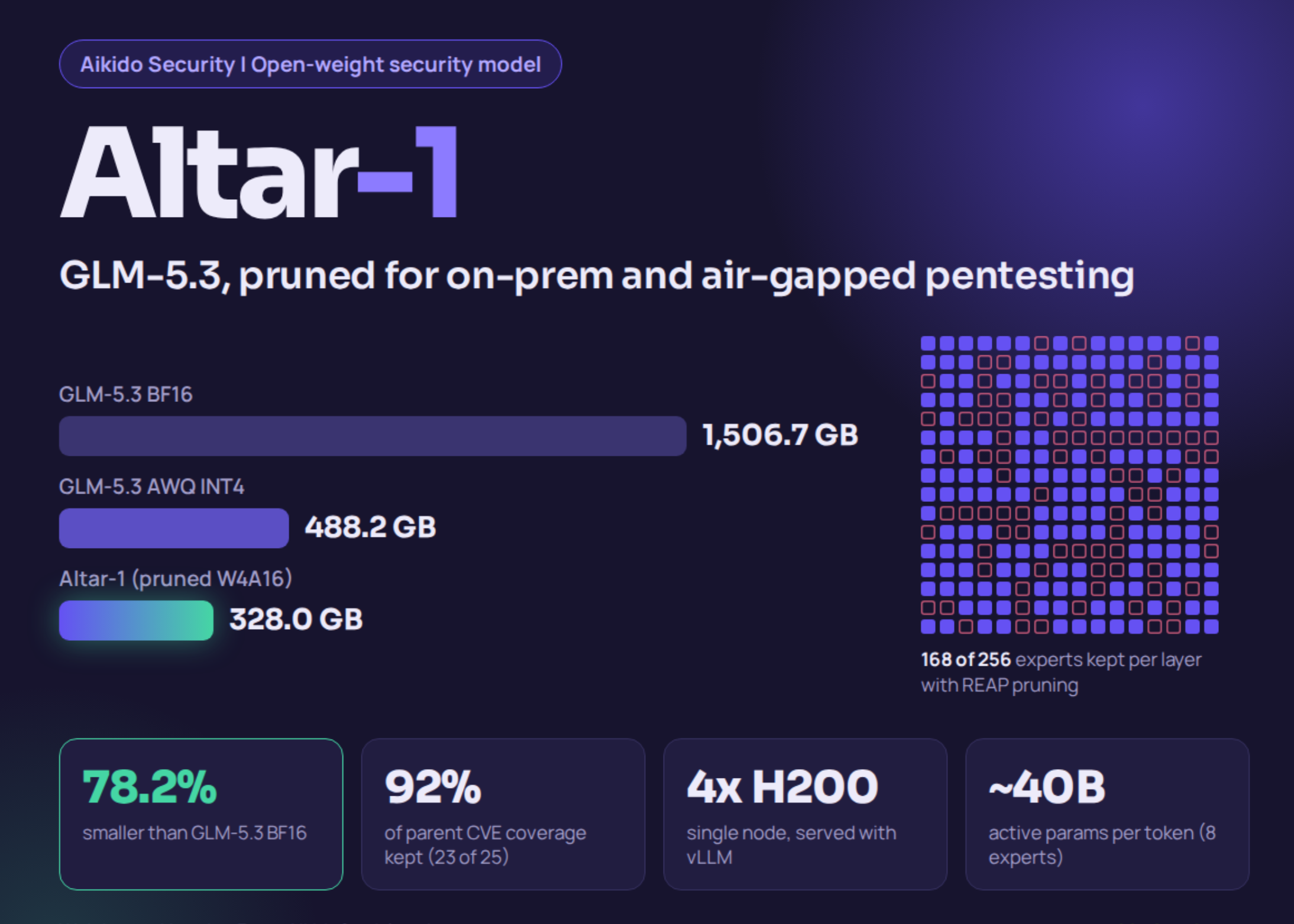
Aikido Security Releases Altar-1: An Open-Weight Security Model Pruned From GLM-5.3 to 328 GB

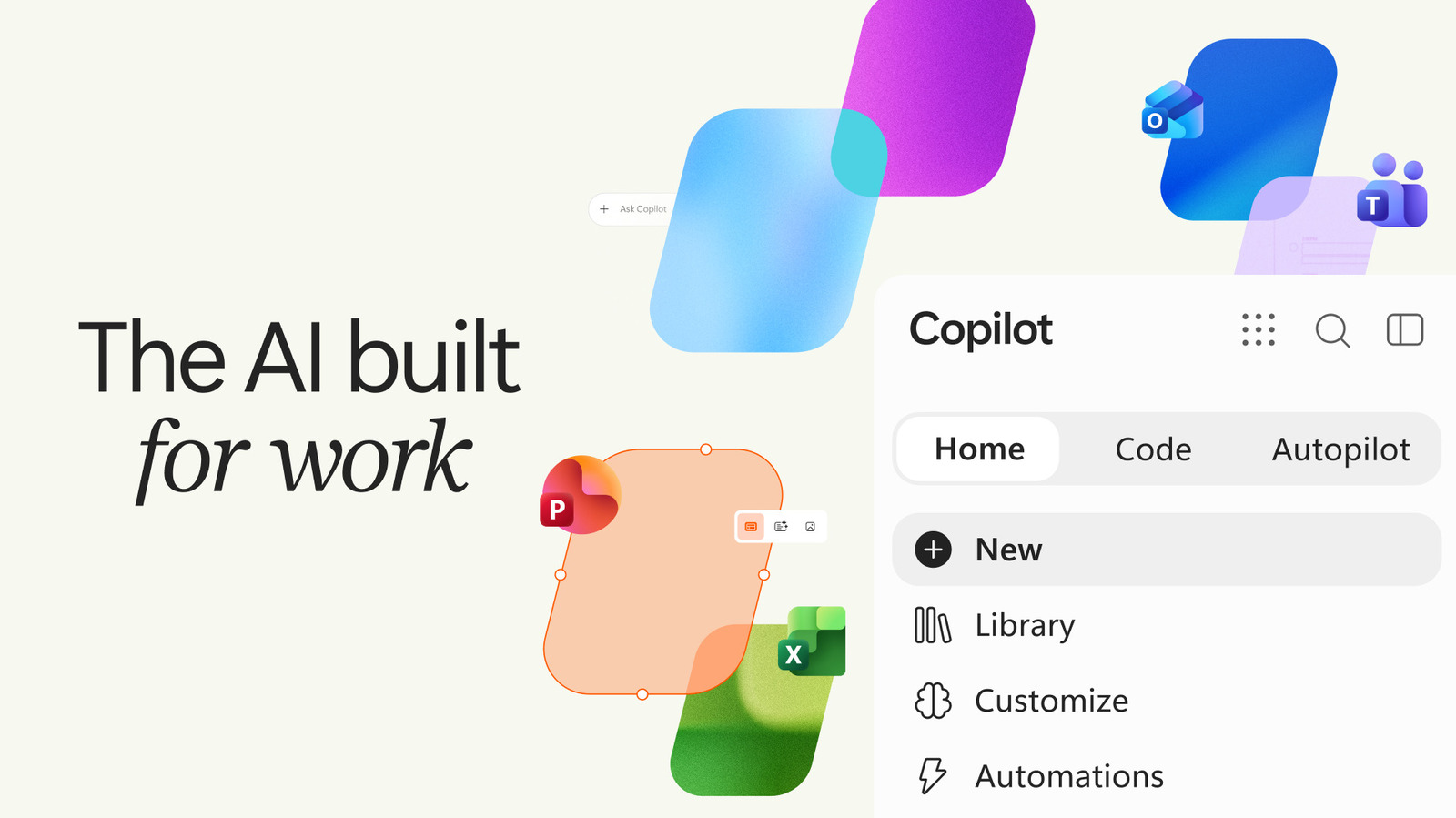
Microsoft’s Copilot App Adds Office, Natural Coding And Automation

Credit: Source link

ShareTweetSendSharePin

Related Posts

Aikido Security Releases Altar-1: An Open-Weight Security Model Pruned From GLM-5.3 to 328 GB
AI & Technology

Aikido Security Releases Altar-1: An Open-Weight Security Model Pruned From GLM-5.3 to 328 GB

September 25, 2026
Microsoft’s Copilot App Adds Office, Natural Coding And Automation
AI & Technology

Microsoft’s Copilot App Adds Office, Natural Coding And Automation

September 25, 2026
SpaceX Starship’s First Orbital Flight Test On Track After Successful Launch Rehearsal
AI & Technology

SpaceX Starship’s First Orbital Flight Test On Track After Successful Launch Rehearsal

September 25, 2026
Google Adds Creepy Avatars To Gemini 3.8 Live’s Agents
AI & Technology

Google Adds Creepy Avatars To Gemini 3.8 Live’s Agents

September 25, 2026
Next Post
Gemini features in Google Home won’t just appear, here’s how to sign up for early access – 9to5Google

Gemini features in Google Home won’t just appear, here’s how to sign up for early access - 9to5Google

Leave a Reply Cancel reply

Your email address will not be published. Required fields are marked *

Search

No Result
View All Result
D4vd abruptly parts ways with legal team in murder case

D4vd abruptly parts ways with legal team in murder case

September 20, 2026
President Trump attends Freedom250 Grand Prix

President Trump attends Freedom250 Grand Prix

September 25, 2026
Patient battles insurance over coverage for tumor removal

Patient battles insurance over coverage for tumor removal

September 22, 2026

About

Learn more

Our Services

Legal

Privacy Policy

Terms of Use

Bloggers

Learn more

Article Links

Contact

Advertise

Ask us anything

©2020- TradePoint.io - All rights reserved!

Tradepoint.io, being just a publishing and technology platform, is not a registered broker-dealer or investment adviser. So we do not provide investment advice. Rather, brokerage services are provided to clients of Tradepoint.io by independent SEC-registered broker-dealers and members of FINRA/SIPC. Every form of investing carries some risk and past performance is not a guarantee of future results. “Tradepoint.io“, “Instant Investing” and “My Trading Tools” are registered trademarks of Apperbuild, LLC.

This website is operated by Apperbuild, LLC. We have no link to any brokerage firm and we do not provide investment advice. Every information and resource we provide is solely for the education of our readers. © 2020 Apperbuild, LLC. All rights reserved.

No Result
View All Result
  • Main
  • AI & Technology
  • Stock Charts
  • Market & News
  • Business
  • Finance Tips
  • Trade Tube
  • Blog
  • Shop

© 2023 - TradePoint.io - All Rights Reserved!