
We begin this tutorial by showing how we can combine MLE-Agent with Ollama to create a fully local, API-free machine learning workflow. We set up a reproducible environment in Google Colab, generate a small synthetic dataset, and then guide the agent to draft a training script. To make it robust, we sanitize common mistakes, ensure correct imports, and add a guaranteed fallback script. This way, we keep the workflow smooth while still benefiting from automation. Check out the FULL CODES here.
import os, re, time, textwrap, subprocess, sys
from pathlib import Path


def sh(cmd, check=True, env=None, cwd=None):
   print(f"$ {cmd}")
   p = subprocess.run(cmd, shell=True, env={**os.environ, **(env or {})} if env else None,
                      cwd=cwd, stdout=subprocess.PIPE, stderr=subprocess.STDOUT, text=True)
   print(p.stdout)
   if check and p.returncode!=0: raise RuntimeError(p.stdout)
   return p.stdout
We define a helper function sh that we use to run shell commands. We print the command, capture its output, and raise an error if it fails so that we can monitor execution in real time. Check out the FULL CODES here.
WORK=Path("/content/mle_colab_demo"); WORK.mkdir(parents=True, exist_ok=True)
PROJ=WORK/"proj"; PROJ.mkdir(exist_ok=True)
DATA=WORK/"data.csv"; MODEL=WORK/"model.joblib"; PREDS=WORK/"preds.csv"
SAFE=WORK/"train_safe.py"; RAW=WORK/"agent_train_raw.py"; FINAL=WORK/"train.py"
MODEL_NAME=os.environ.get("OLLAMA_MODEL","llama3.2:1b")


sh("pip -q install --upgrade pip")
sh("pip -q install mle-agent==0.4.* scikit-learn pandas numpy joblib")


sh("curl -fsSL https://ollama.com/install.sh | sh")
sv = subprocess.Popen("ollama serve", shell=True)
time.sleep(4); sh(f"ollama pull {MODEL_NAME}")
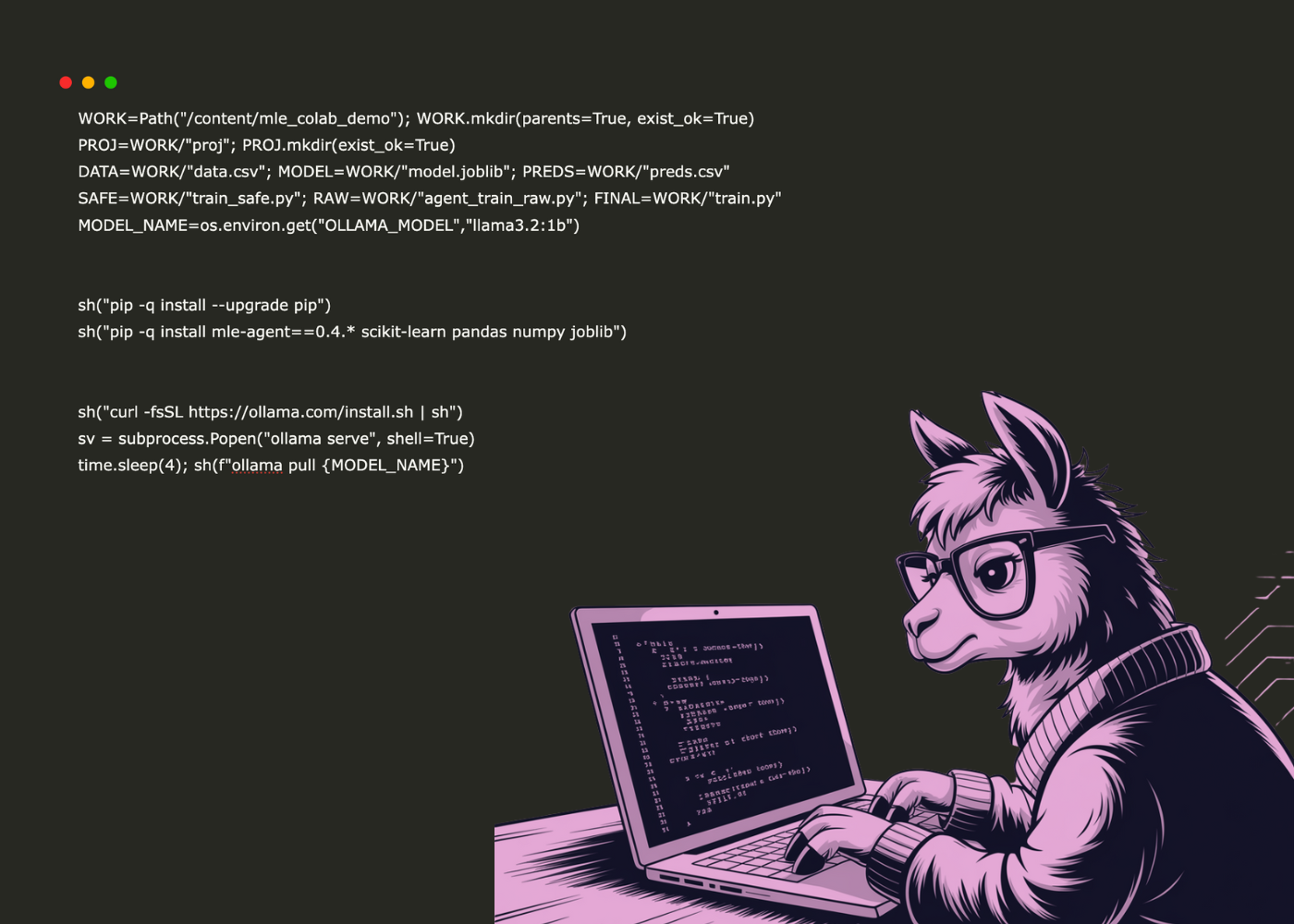
We set up our Colab workspace paths and filenames, then install the exact Python dependencies we need. We install and launch Ollama locally, pull the chosen model, and keep the server running so we can generate code without any external API keys. Check out the FULL CODES here.
import numpy as np, pandas as pd
np.random.seed(0)
n=500; X=np.random.rand(n,4); y=([email protected]([0.4,-0.2,0.1,0.5])+0.15*np.random.randn(n)>0.55).astype(int)
pd.DataFrame(np.c_[X,y], columns=["f1","f2","f3","f4","target"]).to_csv(DATA, index=False)


env = {"OPENAI_API_KEY":"", "ANTHROPIC_API_KEY":"", "GEMINI_API_KEY":"",
      "OLLAMA_HOST":"http://127.0.0.1:11434", "MLE_LLM_ENGINE":"ollama","MLE_MODEL":MODEL_NAME}
prompt=f"""Return ONE fenced python code block only.
Write train.py that reads {DATA}; 80/20 split (random_state=42, stratify);
Pipeline: SimpleImputer + StandardScaler + LogisticRegression(class_weight="balanced", max_iter=1000, random_state=42);
Print ROC-AUC & F1; print sorted coefficient magnitudes; save model to {MODEL} and preds to {PREDS};
Use only sklearn, pandas, numpy, joblib; no extra text."""
def extract(txt:str)->str|None:
   txt=re.sub(r"x1B[[0-?]*[ -/]*[@-~]", "", txt)
   m=re.search(r"```(?:python)?s*([sS]*?)```", txt, re.I)
   if m: return m.group(1).strip()
   if txt.strip().lower().startswith("python"): return txt.strip()[6:].strip()
   m=re.search(r"(?:^|n)(froms+[^n]+|imports+[^n]+)([sS]*)", txt);
   return (m.group(1)+m.group(2)).strip() if m else None


out = sh(f'printf %s "{prompt}" | mle chat', check=False, cwd=str(PROJ), env=env)
code = extract(out) or sh(f'printf %s "{prompt}" | ollama run {MODEL_NAME}', check=False, env=env)
code = extract(code) if code and not isinstance(code, str) else (code or "")
(Path(RAW)).write_text(code or "", encoding="utf-8")
We generate a tiny labeled dataset and set environment variables so we can drive MLE-Agent through Ollama locally. We craft a strict prompt for train.py and define an extract helper that pulls only the fenced Python code. We then ask MLE-Agent (falling back to ollama run if needed) and save the raw generated script to disk for sanitization. Check out the FULL CODES here.
def sanitize(src:str)->str:
   if not src: return ""
   s = src
   s = re.sub(r"r","",s)
   s = re.sub(r"^pythonb","",s.strip(), flags=re.I).strip()
   fixes = {
       r"froms+sklearn.pipelines+imports+SimpleImputer": "from sklearn.impute import SimpleImputer",
       r"froms+sklearn.preprocessings+imports+SimpleImputer": "from sklearn.impute import SimpleImputer",
       r"froms+sklearn.pipelines+imports+StandardScaler": "from sklearn.preprocessing import StandardScaler",
       r"froms+sklearn.preprocessings+imports+ColumnTransformer": "from sklearn.compose import ColumnTransformer",
       r"froms+sklearn.pipelines+imports+ColumnTransformer": "from sklearn.compose import ColumnTransformer",
   }
   for pat,rep in fixes.items(): s = re.sub(pat, rep, s)
   if "SimpleImputer" in s and "from sklearn.impute import SimpleImputer" not in s:
       s = "from sklearn.impute import SimpleImputern"+s
   if "StandardScaler" in s and "from sklearn.preprocessing import StandardScaler" not in s:
       s = "from sklearn.preprocessing import StandardScalern"+s
   if "ColumnTransformer" in s and "from sklearn.compose import ColumnTransformer" not in s:
       s = "from sklearn.compose import ColumnTransformern"+s
   if "train_test_split" in s and "from sklearn.model_selection import train_test_split" not in s:
       s = "from sklearn.model_selection import train_test_splitn"+s
   if "joblib" in s and "import joblib" not in s: s = "import joblibn"+s
   return s


san = sanitize(code)


safe = textwrap.dedent(f"""
import pandas as pd, numpy as np, joblib
from pathlib import Path
from sklearn.model_selection import train_test_split
from sklearn.pipeline import Pipeline
from sklearn.impute import SimpleImputer
from sklearn.preprocessing import StandardScaler
from sklearn.linear_model import LogisticRegression
from sklearn.metrics import roc_auc_score, f1_score
from sklearn.compose import ColumnTransformer


DATA=Path("{DATA}"); MODEL=Path("{MODEL}"); PREDS=Path("{PREDS}")
df=pd.read_csv(DATA); X=df.drop(columns=["target"]); y=df["target"].astype(int)
num=X.columns.tolist()
pre=ColumnTransformer([("num",Pipeline([("imp",SimpleImputer()),("sc",StandardScaler())]),num)])
clf=LogisticRegression(class_weight="balanced", max_iter=1000, random_state=42)
pipe=Pipeline([("pre",pre),("clf",clf)])
Xtr,Xte,ytr,yte=train_test_split(X,y,test_size=0.2,random_state=42,stratify=y)
pipe.fit(Xtr,ytr)
proba=pipe.predict_proba(Xte)[:,1]; pred=(proba>=0.5).astype(int)
print("ROC-AUC:",round(roc_auc_score(yte,proba),4)); print("F1:",round(f1_score(yte,pred),4))
import pandas as pd
coef=pd.Series(pipe.named_steps["clf"].coef_.ravel(), index=num).abs().sort_values(ascending=False)
print("Top coefficients by |magnitude|:\n", coef.to_string())
joblib.dump(pipe,MODEL)
pd.DataFrame({{"y_true":yte.reset_index(drop=True),"y_prob":proba,"y_pred":pred}}).to_csv(PREDS,index=False)
print("Saved:",MODEL,PREDS)
""").strip()
We sanitize the agent-generated script by stripping stray prefixes and auto-fixing common scikit-learn import mistakes, then we prepend any missing essential imports so it runs cleanly. We also prepare a safe, fully deterministic fallback train.py that we can run even if the agent’s code is imperfect, ensuring we always train, evaluate, and persist artifacts reliably. Check out the FULL CODES here.
chosen = san if ("import " in san and "sklearn" in san and "read_csv" in san) else safe
Path(SAFE).write_text(safe, encoding="utf-8")
Path(FINAL).write_text(chosen, encoding="utf-8")
print("n=== Using train.py (first 800 chars) ===n", chosen[:800], "n...")


sh(f"python {FINAL}")
print("nArtifacts:", [str(p) for p in WORK.glob('*')])
print("✅ Done — outputs in", WORK)
We decide whether to run the sanitized agent code or fall back to the safe script, then save both for reference. We execute the chosen train.py, print a preview of its contents, and then list all generated artifacts to confirm the workflow completes successfully.
We conclude by running the sanitized or safe version of the training script, evaluating ROC-AUC and F1, printing coefficient magnitudes, and saving all artifacts. Through this process, we demonstrate how we can integrate local LLMs with traditional ML pipelines while preserving reliability and safety. The result is a hands-on framework that enables us to control execution, avoid external keys, and still leverage automation for real-world model training.
Check out the FULL CODES here. Feel free to check out our GitHub Page for Tutorials, Codes and Notebooks. Also, feel free to follow us on Twitter and don’t forget to join our 100k+ ML SubReddit and Subscribe to our Newsletter.
Asif Razzaq is the CEO of Marktechpost Media Inc.. As a visionary entrepreneur and engineer, Asif is committed to harnessing the potential of Artificial Intelligence for social good. His most recent endeavor is the launch of an Artificial Intelligence Media Platform, Marktechpost, which stands out for its in-depth coverage of machine learning and deep learning news that is both technically sound and easily understandable by a wide audience. The platform boasts of over 2 million monthly views, illustrating its popularity among audiences.
Credit: Source link