• bitcoinBitcoin(BTC)$83,734.00-0.84%
  • ethereumEthereum(ETH)$2,660.05-0.48%
  • tetherTether(USDT)$1.000.00%
  • binancecoinBNB(BNB)$777.351.33%
  • rippleXRP(XRP)$1.50-1.80%
  • usd-coinUSDC(USDC)$1.000.00%
  • solanaSolana(SOL)$114.79-0.09%
  • tronTRON(TRX)$0.339631-0.15%
  • zcashZcash(ZEC)$1,497.99-6.84%
  • Figure HelocFigure Heloc(FIGR_HELOC)$1.040.54%
  • HyperliquidHyperliquid(HYPE)$91.85-3.05%
  • dogecoinDogecoin(DOGE)$0.094248-0.63%
  • moneroMonero(XMR)$546.74-0.84%
  • whitebitWhiteBIT Coin(WBT)$83.87-0.94%
  • USDSUSDS(USDS)$1.00-0.01%
  • chainlinkChainlink(LINK)$12.471.07%
  • cardanoCardano(ADA)$0.2454962.35%
  • RainRain(RAIN)$0.012052-3.68%
  • leo-tokenLEO Token(LEO)$8.90-0.67%
  • stellarStellar(XLM)$0.205471-0.24%
  • bitcoin-cashBitcoin Cash(BCH)$336.36-1.35%
  • nearNEAR Protocol(NEAR)$4.51-2.75%
  • uniswapUniswap(UNI)$9.10-3.64%
  • litecoinLitecoin(LTC)$72.3719.32%
  • Ethena USDeEthena USDe(USDE)$1.000.02%
  • daiDai(DAI)$1.000.02%
  • avalanche-2Avalanche(AVAX)$10.24-1.77%
  • USD1USD1(USD1)$1.00-0.01%
  • CantonCanton(CC)$0.1087320.08%
  • hedera-hashgraphHedera(HBAR)$0.0926591.13%
  • suiSui(SUI)$0.991.22%
  • the-open-networkGram (prev. Toncoin)(GRAM)$1.41-0.01%
  • shiba-inuShiba Inu(SHIB)$0.0000060.07%
  • Global DollarGlobal Dollar(USDG)$1.00-0.01%
  • BittensorBittensor(TAO)$286.51-5.11%
  • crypto-com-chainCronos(CRO)$0.061997-0.40%
  • BitwayBitway(BTW)$1.038.58%
  • MemeCoreMemeCore(M)$1.221.51%
  • paypal-usdPayPal USD(PYUSD)$1.000.00%
  • tether-goldTether Gold(XAUT)$4,260.20-0.84%
  • okbOKB(OKB)$119.040.23%
  • Circle USYCCircle USYC(USYC)$1.140.01%
  • OndoOndo(ONDO)$0.49166017.49%
  • Ripple USDRipple USD(RLUSD)$1.000.00%
  • BlackRock USD Institutional Digital Liquidity FundBlackRock USD Institutional Digital Liquidity Fund(BUIDL)$1.000.00%
  • Ondo US Dollar YieldOndo US Dollar Yield(USDY)$1.150.02%
  • mantleMantle(MNT)$0.672.58%
  • aaveAave(AAVE)$141.750.08%
  • EthenaEthena(ENA)$0.2155704.75%
  • MorphoMorpho(MORPHO)$2.828.76%
TradePoint.io
  • Main
  • AI & Technology
  • Stock Charts
  • Market & News
  • Business
  • Finance Tips
  • Trade Tube
  • Blog
  • Shop
No Result
View All Result
TradePoint.io
No Result
View All Result

A Beginners Guide to Using Visual Studio Code for Python

March 29, 2025
in AI & Technology
Reading Time: 8 mins read
A A
A Beginners Guide to Using Visual Studio Code for Python
ShareShareShareShareShare


Visual Studio Code (VSCode) is a powerful, free source-code editor that makes it easy to write and run Python code. This guide will walk you through setting up VSCode for Python development, step by step.

Prerequisites

Before we begin, make sure you have:

YOU MAY ALSO LIKE

How To Get Your Cut Of Apple’s $250 Million Siri Settlement

Revolut Is Piloting Facial Recognition At Store Checkouts In The UK

  • Python installed on your computer
  • An internet connection
  • Basic familiarity with your computer’s operating system

Step 1: Download and Install Visual Studio Code

Windows, macOS, and Linux

  1. Go to the official VSCode website: https://code.visualstudio.com/
  2. Click the “Download” button for your operating system
  3. Run the installer and follow the installation instructions
  4. Launch VSCode after installation

Step 2: Install Python Extension

  1. Open VSCode
  2. Click on the Extensions view icon on the left sidebar (or press Ctrl+Shift+X)
  3. Search for “Python” in the extension marketplace
  4. Look for the official Microsoft Python extension
  5. Click “Install”

Step 3: Configure Python Interpreter

  1. Open the Command Palette (Ctrl+Shift+P or Cmd+Shift+P on macOS)
  2. Type “Python: Select Interpreter”
  3. Choose the Python version you want to use
    • If you don’t see your Python installation, you may need to add it to your system PATH

Step 4: Create Your First Python Project

  1. Create a new folder for your project
  2. Open the folder in VSCode (File > Open Folder)
  3. Create a new file with a .py extension (e.g., hello.py)
  4. Write your first Python code:

Step 5: Running Python Code

Method 1: Using the Run Button

  1. Open your Python file
  2. Click the “Run” triangle button in the top-right corner of the editor
  3. See the output in the integrated terminal

Method 2: Using the Integrated Terminal

  1. Open the integrated terminal (View > Terminal or Ctrl+`)
  2. Run your script by typing:

Step 6: Debugging Python Code

  1. Set a breakpoint by clicking the red dot in the gutter (left of the line numbers)
  2. Go to the Run view (Ctrl+Shift+D)
  3. Click “Run and Debug”
  4. Select “Python File” configuration
  5. The debugger will stop at your breakpoint, allowing you to inspect variables

Recommended VSCode Settings for Python

Code Formatting

  1. Install the “Black Formatter” extension
  2. Open VSCode settings (File > Preferences > Settings)
  3. Search for “format on save”
  4. Check the “Format on Save” option

Linting

  1. The Python extension includes PyLint by default
  2. Configure linting rules in settings to improve code quality

Useful Extensions for Python Development

  • Pylance: Enhanced language support
  • Python Docstring Generator
  • IntelliCode: AI-assisted development
  • GitLens: Git integration

Troubleshooting Common Issues

Python Not Recognized

  • Ensure Python is installed correctly
  • Add Python to your system’s PATH
  • Restart VSCode after installation

Extension Not Working

  • Reload VSCode
  • Reinstall the Python extension
  • Check your Python interpreter settings

Tips for Productive Python Development

  • Use virtual environments
  • Learn keyboard shortcuts
  • Explore IntelliSense for code completion
  • Use Git for version control

Conclusion

In this tutorial, we explored how to set up VSCode for Python development from scratch. We began by installing VSCode and the Python extension, selecting the appropriate Python interpreter, and creating our first Python script. We learned how to run and debug Python code using both the Run button and the integrated terminal, and saw how breakpoints and the debugger help identify issues in our code. The guide also covered recommended settings such as code formatting with Black, linting with PyLint, and introduced helpful extensions like Pylance and GitLens. Lastly, we addressed common setup issues and shared productivity tips such as using virtual environments and mastering keyboard shortcuts. By the end of this guide, you should be comfortable using VSCode as a powerful and flexible environment for Python programming.


Nikhil is an intern consultant at Marktechpost. He is pursuing an integrated dual degree in Materials at the Indian Institute of Technology, Kharagpur. Nikhil is an AI/ML enthusiast who is always researching applications in fields like biomaterials and biomedical science. With a strong background in Material Science, he is exploring new advancements and creating opportunities to contribute.


Previous articleEfficient Inference-Time Scaling for Flow Models: Enhancing Sampling Diversity and Compute Allocation
Next articleThis AI Paper Propose the UI-R1 Framework that Extends Rule-based Reinforcement Learning to GUI Action Prediction Tasks


Credit: Source link

ShareTweetSendSharePin

Related Posts

How To Get Your Cut Of Apple’s 0 Million Siri Settlement
AI & Technology

How To Get Your Cut Of Apple’s $250 Million Siri Settlement

September 24, 2026
Revolut Is Piloting Facial Recognition At Store Checkouts In The UK
AI & Technology

Revolut Is Piloting Facial Recognition At Store Checkouts In The UK

September 24, 2026
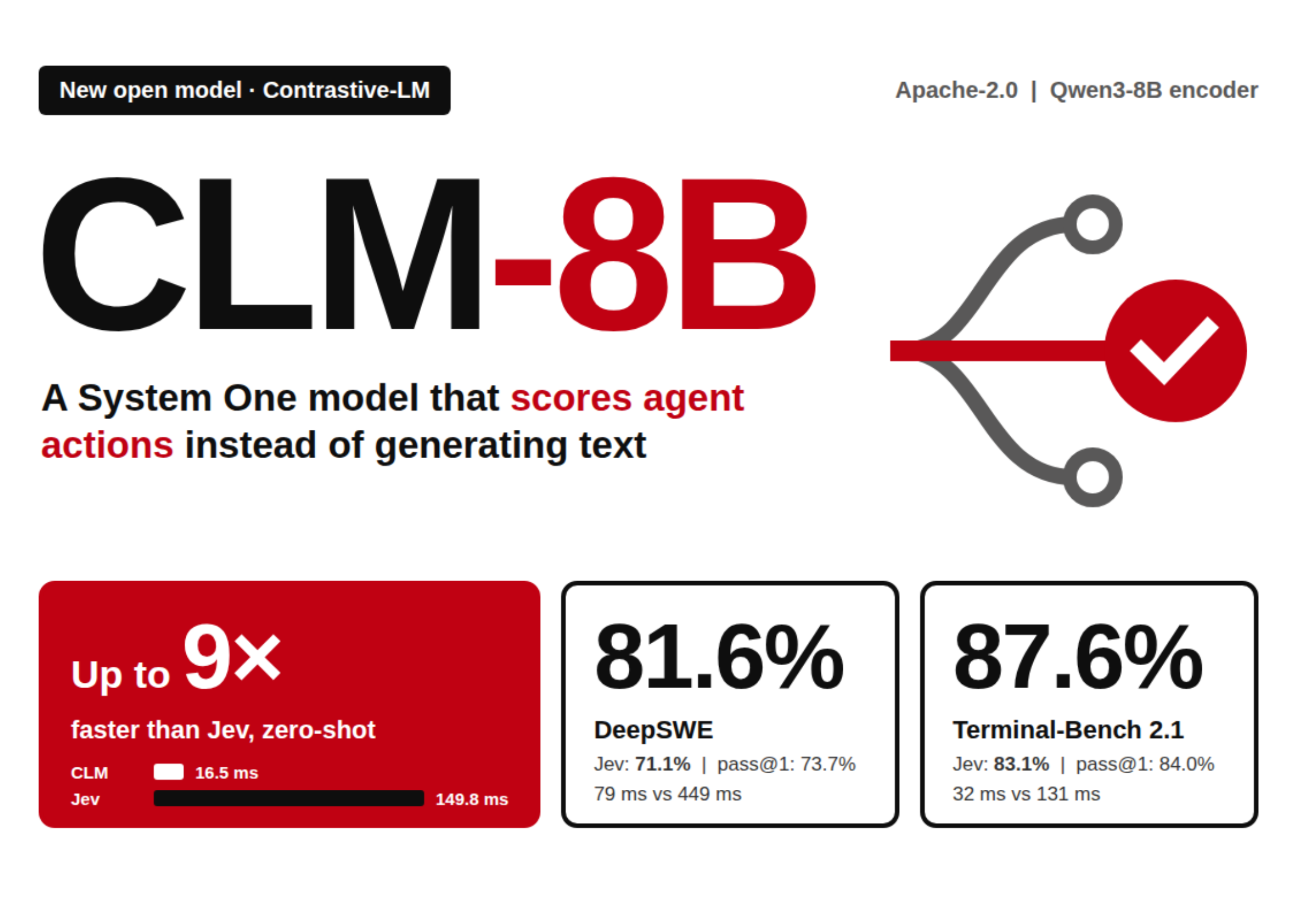
Contrastive-LM Releases CLM-8B: An Open System One Model That Scores Agent Actions Up to 9× Faster Than Jev
AI & Technology

Contrastive-LM Releases CLM-8B: An Open System One Model That Scores Agent Actions Up to 9× Faster Than Jev

September 24, 2026
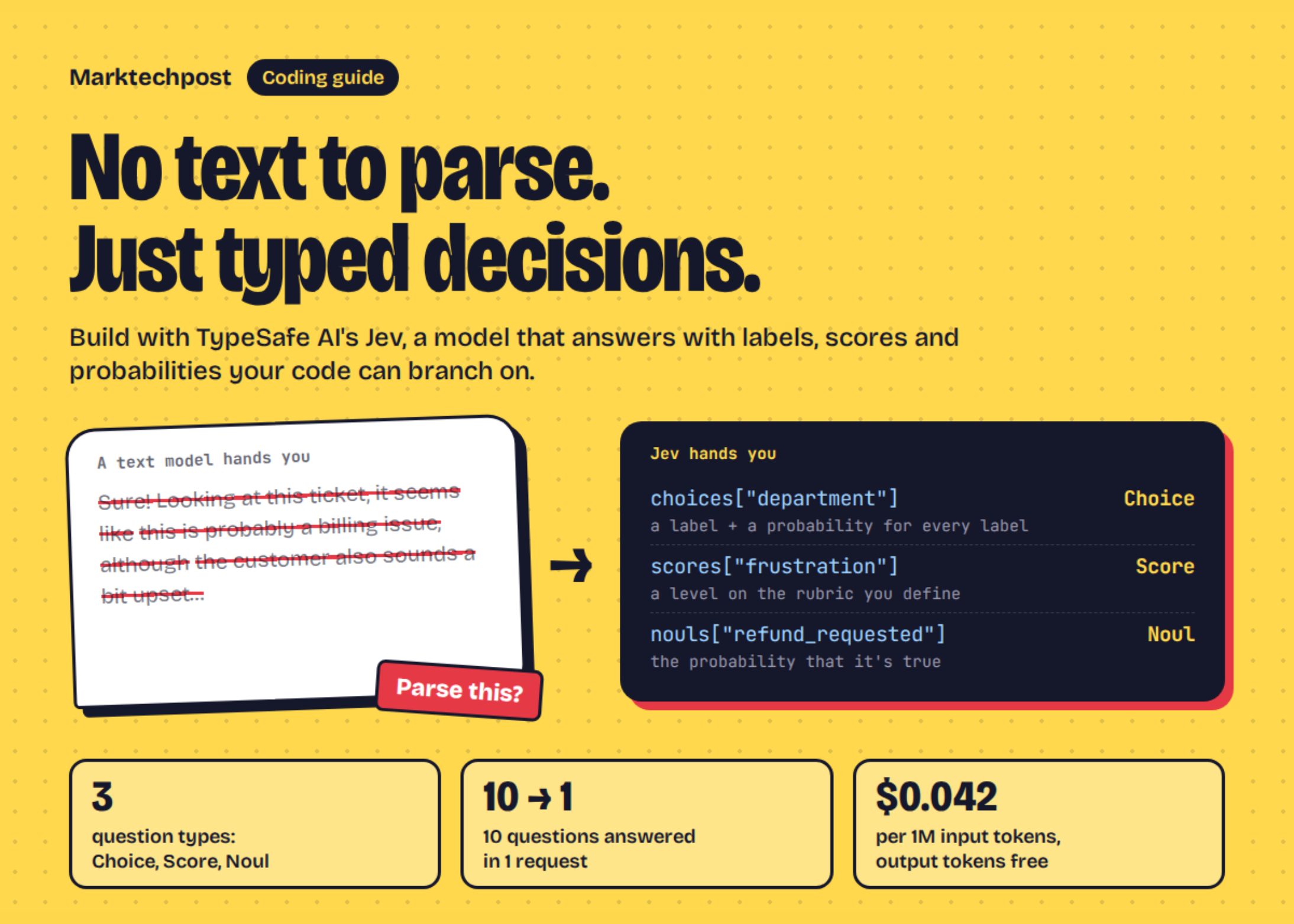
A Coding Guide to TypeSafe AI Jev: Typed Decisions, Calibrated Confidence, and Speculative Fan-Out with a System One Model
AI & Technology

A Coding Guide to TypeSafe AI Jev: Typed Decisions, Calibrated Confidence, and Speculative Fan-Out with a System One Model

September 24, 2026
Next Post
This AI Paper Propose the UI-R1 Framework that Extends Rule-based Reinforcement Learning to GUI Action Prediction Tasks

This AI Paper Propose the UI-R1 Framework that Extends Rule-based Reinforcement Learning to GUI Action Prediction Tasks

Leave a Reply Cancel reply

Your email address will not be published. Required fields are marked *

Search

No Result
View All Result
American tourists among hundreds missing after deadly floods in Nepal

American tourists among hundreds missing after deadly floods in Nepal

September 23, 2026
Can President Trump rename Lake Ontario to ‘Lake America’?

Can President Trump rename Lake Ontario to ‘Lake America’?

September 22, 2026
Bain Capital Ventures Bets .6 Billion on AI’s Next Act

Bain Capital Ventures Bets $1.6 Billion on AI’s Next Act

September 20, 2026

About

Learn more

Our Services

Legal

Privacy Policy

Terms of Use

Bloggers

Learn more

Article Links

Contact

Advertise

Ask us anything

©2020- TradePoint.io - All rights reserved!

Tradepoint.io, being just a publishing and technology platform, is not a registered broker-dealer or investment adviser. So we do not provide investment advice. Rather, brokerage services are provided to clients of Tradepoint.io by independent SEC-registered broker-dealers and members of FINRA/SIPC. Every form of investing carries some risk and past performance is not a guarantee of future results. “Tradepoint.io“, “Instant Investing” and “My Trading Tools” are registered trademarks of Apperbuild, LLC.

This website is operated by Apperbuild, LLC. We have no link to any brokerage firm and we do not provide investment advice. Every information and resource we provide is solely for the education of our readers. © 2020 Apperbuild, LLC. All rights reserved.

No Result
View All Result
  • Main
  • AI & Technology
  • Stock Charts
  • Market & News
  • Business
  • Finance Tips
  • Trade Tube
  • Blog
  • Shop

© 2023 - TradePoint.io - All Rights Reserved!