• bitcoinBitcoin(BTC)$84,464.000.30%
  • ethereumEthereum(ETH)$2,683.530.13%
  • tetherTether(USDT)$1.00-0.01%
  • binancecoinBNB(BNB)$775.630.63%
  • rippleXRP(XRP)$1.532.26%
  • usd-coinUSDC(USDC)$1.00-0.01%
  • solanaSolana(SOL)$117.482.23%
  • tronTRON(TRX)$0.339963-0.85%
  • zcashZcash(ZEC)$1,540.981.73%
  • Figure HelocFigure Heloc(FIGR_HELOC)$1.03-0.74%
  • HyperliquidHyperliquid(HYPE)$91.37-1.25%
  • dogecoinDogecoin(DOGE)$0.0953502.15%
  • moneroMonero(XMR)$563.591.44%
  • whitebitWhiteBIT Coin(WBT)$84.17-0.50%
  • chainlinkChainlink(LINK)$13.318.02%
  • USDSUSDS(USDS)$1.00-0.01%
  • cardanoCardano(ADA)$0.2480334.02%
  • RainRain(RAIN)$0.011994-1.77%
  • leo-tokenLEO Token(LEO)$8.86-1.43%
  • stellarStellar(XLM)$0.2194719.03%
  • bitcoin-cashBitcoin Cash(BCH)$338.40-0.90%
  • nearNEAR Protocol(NEAR)$4.493.23%
  • uniswapUniswap(UNI)$9.13-2.94%
  • litecoinLitecoin(LTC)$70.6610.65%
  • Ethena USDeEthena USDe(USDE)$1.000.01%
  • daiDai(DAI)$1.00-0.02%
  • CantonCanton(CC)$0.1149655.04%
  • avalanche-2Avalanche(AVAX)$10.21-0.33%
  • USD1USD1(USD1)$1.00-0.02%
  • suiSui(SUI)$1.015.29%
  • hedera-hashgraphHedera(HBAR)$0.0930152.98%
  • the-open-networkGram (prev. Toncoin)(GRAM)$1.41-0.17%
  • shiba-inuShiba Inu(SHIB)$0.0000061.92%
  • BittensorBittensor(TAO)$293.342.52%
  • crypto-com-chainCronos(CRO)$0.0657567.72%
  • Global DollarGlobal Dollar(USDG)$1.000.01%
  • MemeCoreMemeCore(M)$1.23-0.46%
  • paypal-usdPayPal USD(PYUSD)$1.00-0.01%
  • tether-goldTether Gold(XAUT)$4,280.72-0.28%
  • OndoOndo(ONDO)$0.5328.65%
  • BitwayBitway(BTW)$0.95-9.77%
  • okbOKB(OKB)$119.860.81%
  • Circle USYCCircle USYC(USYC)$1.140.01%
  • Ripple USDRipple USD(RLUSD)$1.000.01%
  • BlackRock USD Institutional Digital Liquidity FundBlackRock USD Institutional Digital Liquidity Fund(BUIDL)$1.000.00%
  • EthenaEthena(ENA)$0.2266639.19%
  • Ondo US Dollar YieldOndo US Dollar Yield(USDY)$1.15-0.13%
  • aaveAave(AAVE)$145.555.12%
  • mantleMantle(MNT)$0.683.21%
  • MorphoMorpho(MORPHO)$2.797.42%
TradePoint.io
  • Main
  • AI & Technology
  • Stock Charts
  • Market & News
  • Business
  • Finance Tips
  • Trade Tube
  • Blog
  • Shop
No Result
View All Result
TradePoint.io
No Result
View All Result

How to schedule messages on Instagram

December 20, 2024
in AI & Technology
Reading Time: 3 mins read
A A
How to schedule messages on Instagram
ShareShareShareShareShare

Instagram is still thought of as a feed of algorithmically-suggested photos first and foremost, but the app is also pretty popular for messaging, too. If you want to take some of the stress out of remembering to send a birthday message to a friend, as part of a recent update, you can now schedule Instagram messages in advance. Scheduled messages can’t contain media like GIFs, photos or videos, but you can schedule them up to 29 days in advance on both the Android and iOS versions of the app.

What are Instagram DMs?

If you’ve stuck to using Instagram as a repository for your smartphone photos, you might have missed out on the introduction of Instagram Direct back in 2013, a direct messaging system integrated right in the Instagram app for sharing photos and videos with friends and family.

YOU MAY ALSO LIKE

Warzone Is Adding A Button To Hide All The Goofy Skins

How These AI Glasses Compare

Meta has changed the look, location, and features of Instagram DMs over the years, hooking it up with Messenger in 2020, and more recently adding location-sharing abilities in November 2024. Adding scheduled messages brings Instagram more line with messaging tools like iMessage and Gmail.

How to schedule an Instagram message

You can access DMs by tapping on the arrow or chat bubble icon in the top right corner of your feed. To schedule a message, choose an existing chat or create a new message by tapping on the new message icon in the top right corner. Then fill out the text box with whatever you want to say, and tap and hold on the blue arrow icon to the right of the text box.

Instagram will then pull up a series of dials you can use to set the date and time you want your message to be sent. Once you’re happy, tap the blue send button at the bottom of the menu and the message will be scheduled.

An Instagram chat, a menu showing the scheduled messages, and the contextual menu that pops up when you long-press on a message.

Ian Carlos Campbell for Engadget

How to delete a scheduled Instagram message

If you change your mind about a scheduled message, you can delete them directly from your chat. From inside a chat, tap on the small text that says “scheduled messages” above the text box. Then tap and hold on the message you want to delete. From the dropdown menu that appears, tap on “Delete” to remove the message.

How to edit a scheduled Instagram message

If you want to edit your message instead of deleting it, things get more complicated. It became possible to edit normal Instagram messages in March 2024, but editing a scheduled message currently isn’t possible. There is a way to achieve the same effect if you’re willing to do some extra work, though.

First, open the chat were the scheduled message you want to edit is. Then tap on “scheduled messages” near the bottom of the screen above the text box. Find the message you want to edit, then tap and hold on it. Tap on “Copy” from the menu that menu to copy the text to your clipboard, then repeat the process and tap on “Delete.”

With your copied message in hand, paste it into the text box of your existing chat or a new message. Edit it however you see fit, then tap and hold on the blue arrow to the right of the text box to schedule it again for your desire date and time. Tap on the send button at the bottom of the menu, and it will be scheduled.

Credit: Source link

ShareTweetSendSharePin

Related Posts

Warzone Is Adding A Button To Hide All The Goofy Skins
AI & Technology

Warzone Is Adding A Button To Hide All The Goofy Skins

September 24, 2026
How These AI Glasses Compare
AI & Technology

How These AI Glasses Compare

September 24, 2026
Nintendo Wins .5 Million From Lawsuit Over Pirated Switch Games
AI & Technology

Nintendo Wins $4.5 Million From Lawsuit Over Pirated Switch Games

September 24, 2026
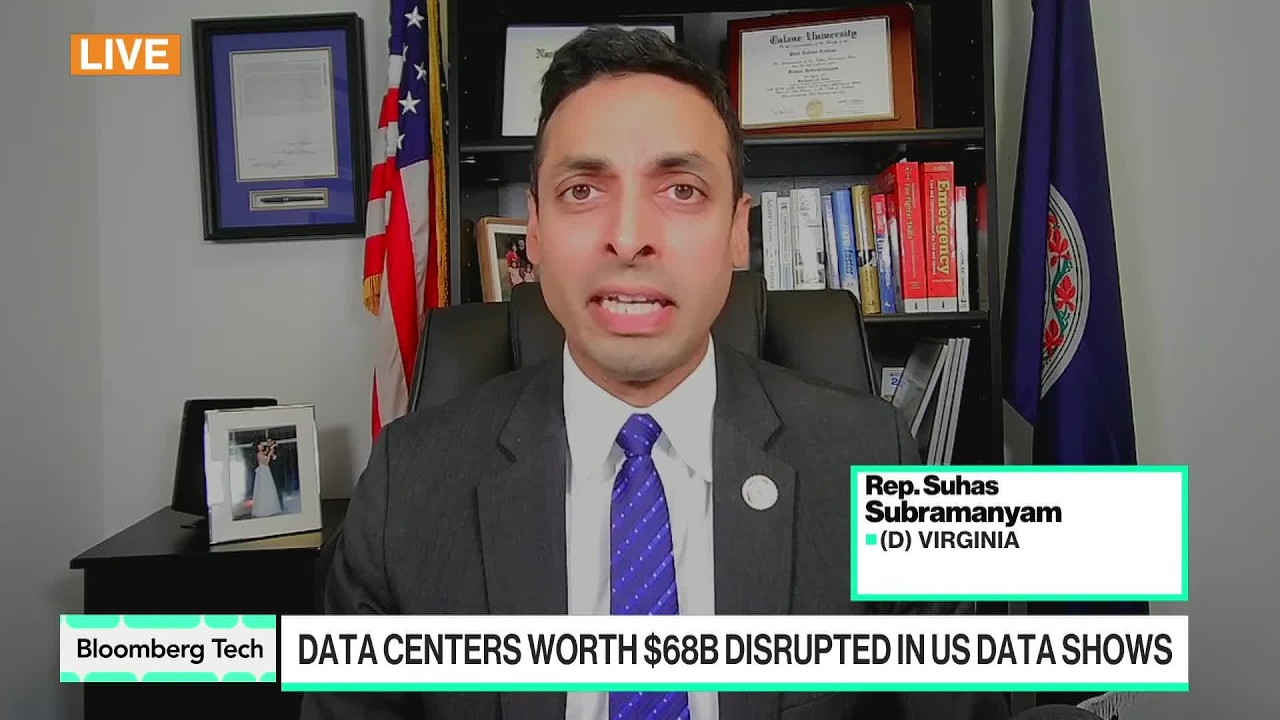
Congressman Calls for National Data Center Strategy
AI & Technology

Congressman Calls for National Data Center Strategy

September 24, 2026
Next Post
Google’s Gemini Deep Research tool is now available globally

Google's Gemini Deep Research tool is now available globally

Leave a Reply Cancel reply

Your email address will not be published. Required fields are marked *

Search

No Result
View All Result
Alibaba Unveils AI Chip to Drive 20GW of Data Centers by 2032 – Bloomberg.com

Alibaba Unveils AI Chip to Drive 20GW of Data Centers by 2032 – Bloomberg.com

September 22, 2026
At least two dead as rescuers search for missing in Grand Canyon

At least two dead as rescuers search for missing in Grand Canyon

September 20, 2026
Stay Tuned NOW Streaming Behind The Scenes! – Aug 26

Stay Tuned NOW Streaming Behind The Scenes! – Aug 26

September 22, 2026

About

Learn more

Our Services

Legal

Privacy Policy

Terms of Use

Bloggers

Learn more

Article Links

Contact

Advertise

Ask us anything

©2020- TradePoint.io - All rights reserved!

Tradepoint.io, being just a publishing and technology platform, is not a registered broker-dealer or investment adviser. So we do not provide investment advice. Rather, brokerage services are provided to clients of Tradepoint.io by independent SEC-registered broker-dealers and members of FINRA/SIPC. Every form of investing carries some risk and past performance is not a guarantee of future results. “Tradepoint.io“, “Instant Investing” and “My Trading Tools” are registered trademarks of Apperbuild, LLC.

This website is operated by Apperbuild, LLC. We have no link to any brokerage firm and we do not provide investment advice. Every information and resource we provide is solely for the education of our readers. © 2020 Apperbuild, LLC. All rights reserved.

No Result
View All Result
  • Main
  • AI & Technology
  • Stock Charts
  • Market & News
  • Business
  • Finance Tips
  • Trade Tube
  • Blog
  • Shop

© 2023 - TradePoint.io - All Rights Reserved!