• bitcoinBitcoin(BTC)$80,325.00-0.97%
  • ethereumEthereum(ETH)$2,582.64-1.44%
  • tetherTether(USDT)$1.00-0.01%
  • binancecoinBNB(BNB)$749.47-1.32%
  • rippleXRP(XRP)$1.38-2.42%
  • usd-coinUSDC(USDC)$1.00-0.01%
  • solanaSolana(SOL)$108.28-4.44%
  • tronTRON(TRX)$0.3397000.27%
  • zcashZcash(ZEC)$1,454.85-5.50%
  • Figure HelocFigure Heloc(FIGR_HELOC)$1.02-1.50%
  • HyperliquidHyperliquid(HYPE)$90.70-3.40%
  • dogecoinDogecoin(DOGE)$0.085553-2.69%
  • moneroMonero(XMR)$527.18-7.20%
  • whitebitWhiteBIT Coin(WBT)$81.80-1.66%
  • RainRain(RAIN)$0.0136281.70%
  • USDSUSDS(USDS)$1.00-0.01%
  • chainlinkChainlink(LINK)$12.04-2.67%
  • cardanoCardano(ADA)$0.221637-4.76%
  • leo-tokenLEO Token(LEO)$8.90-0.12%
  • stellarStellar(XLM)$0.190275-1.99%
  • uniswapUniswap(UNI)$8.66-3.98%
  • bitcoin-cashBitcoin Cash(BCH)$245.21-2.99%
  • Ethena USDeEthena USDe(USDE)$1.00-0.01%
  • daiDai(DAI)$1.00-0.01%
  • nearNEAR Protocol(NEAR)$3.52-7.59%
  • litecoinLitecoin(LTC)$57.10-2.70%
  • USD1USD1(USD1)$1.00-0.01%
  • avalanche-2Avalanche(AVAX)$9.5512.73%
  • CantonCanton(CC)$0.105768-6.50%
  • the-open-networkGram (prev. Toncoin)(GRAM)$1.37-0.16%
  • MemeCoreMemeCore(M)$1.6326.23%
  • hedera-hashgraphHedera(HBAR)$0.0800310.70%
  • suiSui(SUI)$0.82-0.22%
  • Global DollarGlobal Dollar(USDG)$1.000.00%
  • shiba-inuShiba Inu(SHIB)$0.000005-1.74%
  • crypto-com-chainCronos(CRO)$0.058504-1.59%
  • BittensorBittensor(TAO)$252.77-2.11%
  • paypal-usdPayPal USD(PYUSD)$1.00-0.02%
  • tether-goldTether Gold(XAUT)$4,367.02-0.17%
  • Circle USYCCircle USYC(USYC)$1.140.00%
  • okbOKB(OKB)$115.74-0.93%
  • Ripple USDRipple USD(RLUSD)$1.00-0.01%
  • BlackRock USD Institutional Digital Liquidity FundBlackRock USD Institutional Digital Liquidity Fund(BUIDL)$1.000.00%
  • Ondo US Dollar YieldOndo US Dollar Yield(USDY)$1.14-0.61%
  • aaveAave(AAVE)$136.80-4.90%
  • AsterAster(ASTER)$0.74-5.44%
  • mantleMantle(MNT)$0.60-2.64%
  • OndoOndo(ONDO)$0.404878-0.37%
  • EthenaEthena(ENA)$0.1933687.13%
  • pax-goldPAX Gold(PAXG)$4,359.90-0.16%
TradePoint.io
  • Main
  • AI & Technology
  • Stock Charts
  • Market & News
  • Business
  • Finance Tips
  • Trade Tube
  • Blog
  • Shop
No Result
View All Result
TradePoint.io
No Result
View All Result

How to Use ChatGPT to Make Engaging Technical Presentations

July 2, 2024
in AI & Technology
Reading Time: 7 mins read
A A
How to Use ChatGPT to Make Engaging Technical Presentations
ShareShareShareShareShare

Making an engaging PowerPoint presentation is a talent that may set you apart from your colleagues at work and classmates at school or university. You can be a working professional, student, or business owner; learning the art of presenting can open up new opportunities. Yes! Both the creation of a presentation and learning how to present it are a form of art. The more engaging you are, the better your audience will listen. With ChatGPT, you can create top-class presentations and learn new skills.

Here’s how to use ChatGPT to make eye-catching PowerPoint presentations:

Getting Started with ChatGPT

To use ChatGPT for creating PowerPoint presentations, follow these steps:

YOU MAY ALSO LIKE

How Long Can You Expect Your Old Cassette Tapes To Last?

How To Record Audio On Your iPhone

  1. Create an Account: Create a ChatGPT account, although you can access it without an account. Creating an account will provide you with more features.
  1. Recognize Your Audience: Understand who your audience is, as that will help you customize your content to meet their needs and preferences.
  2. Define Your Purpose: Clearly state the purpose and aim of your presentation. Knowing your exact goal can help you create material that will educate, convince, or entertain.

Brainstorming Ideas with ChatGPT

ChatGPT is excellent for generating ideas. Here’s how to get the best out of it:

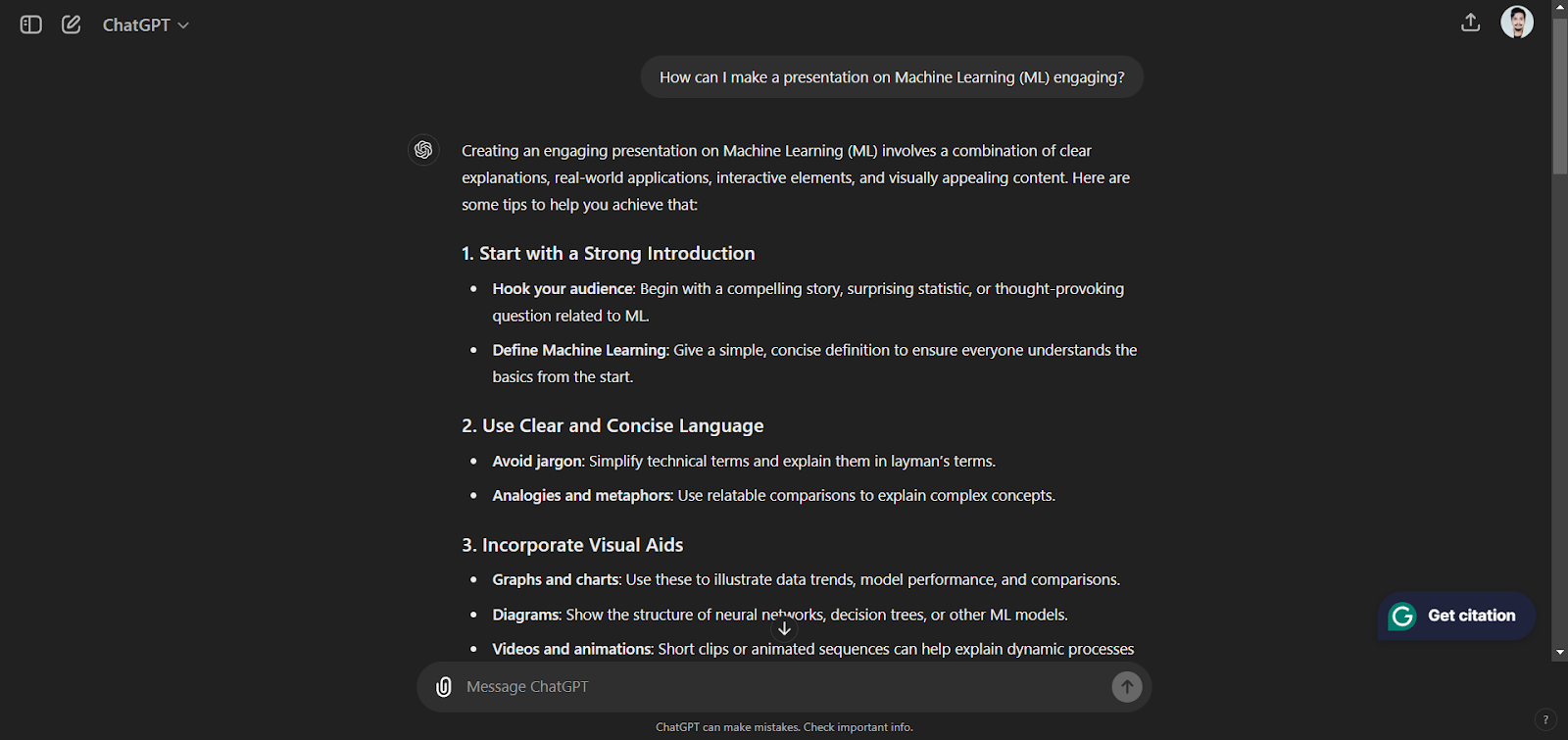
  1. Prompt Examples: Use prompts like “What are some innovative ideas for a presentation on Artificial intelligence (AI)?” or “How can I make a presentation on Machine Learning (ML) engaging?”
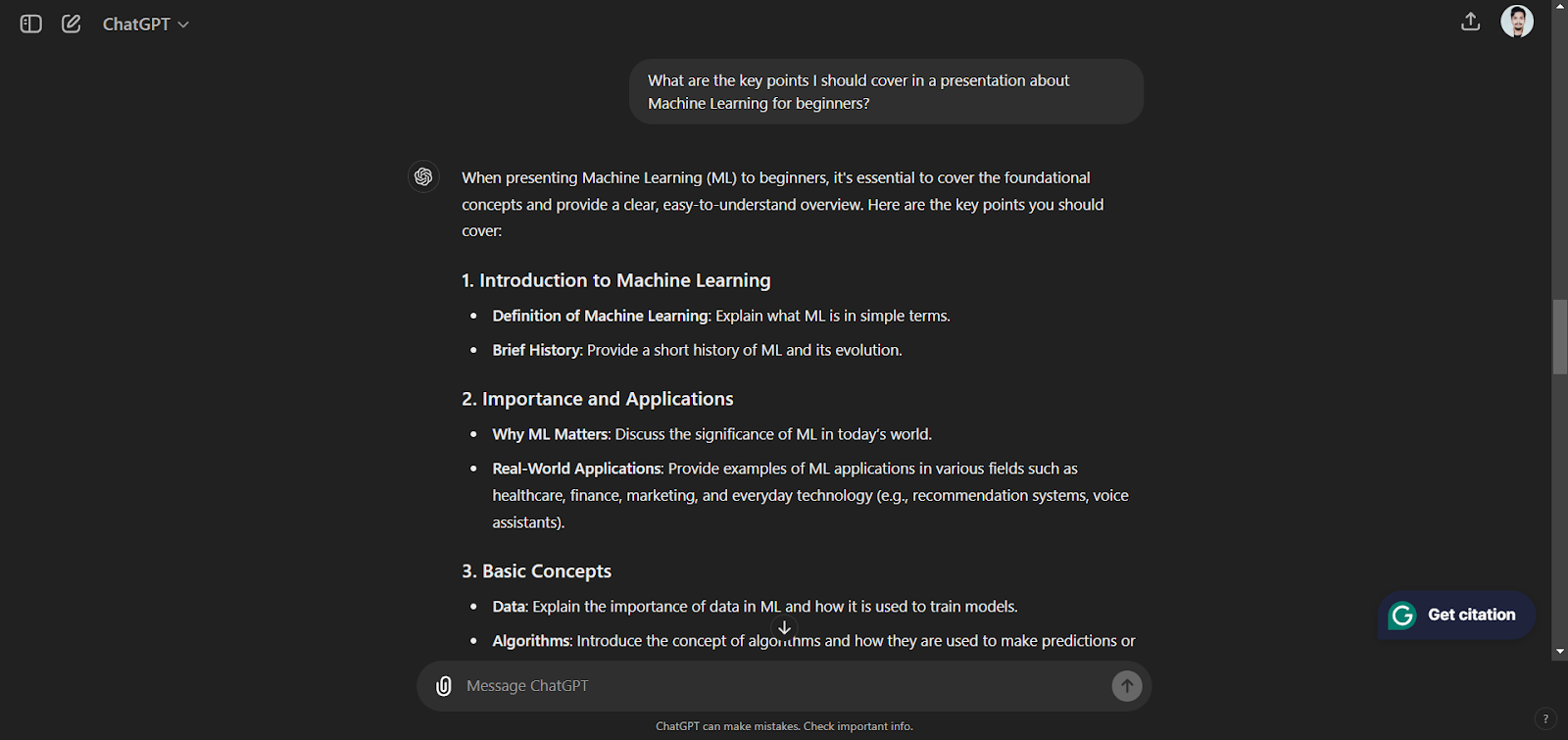
  1. Topic Refinement: Ask ChatGPT to narrow down broad topics. For example, “What are the key points I should cover in a presentation about Machine Learning for beginners?”
Structuring Your Presentation

A well-structured presentation is crucial for maintaining audience engagement. Use ChatGPT to outline your presentation:

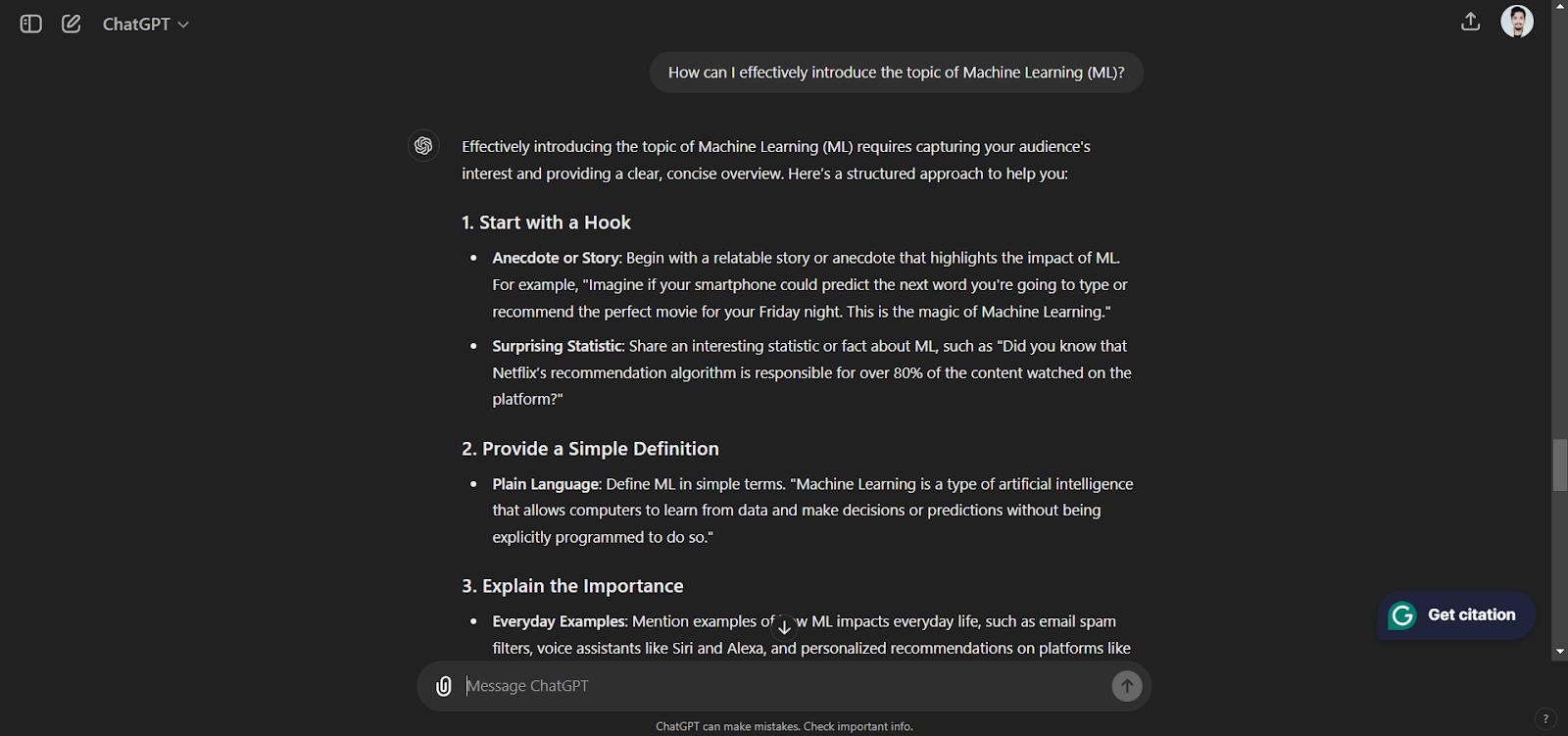
  1. Beginning: Request ChatGPT to write an engaging opening paragraph. For instance: “How can I effectively introduce the topic of Machine Learning (ML)?”
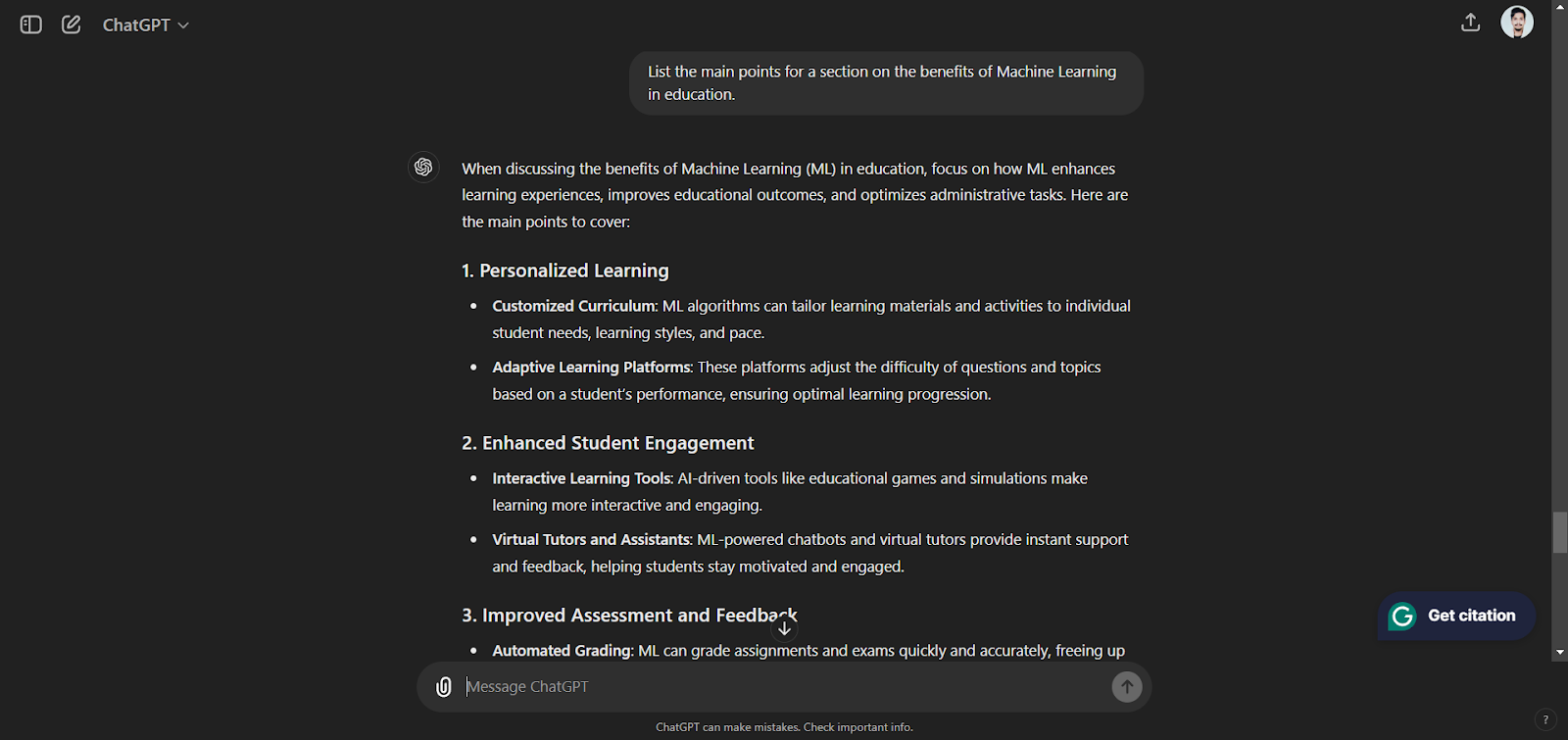
  1. Main Content: Divide your text into manageable chunks. Use prompts such as “List the main points for a section on the benefits of Machine Learning in education.”
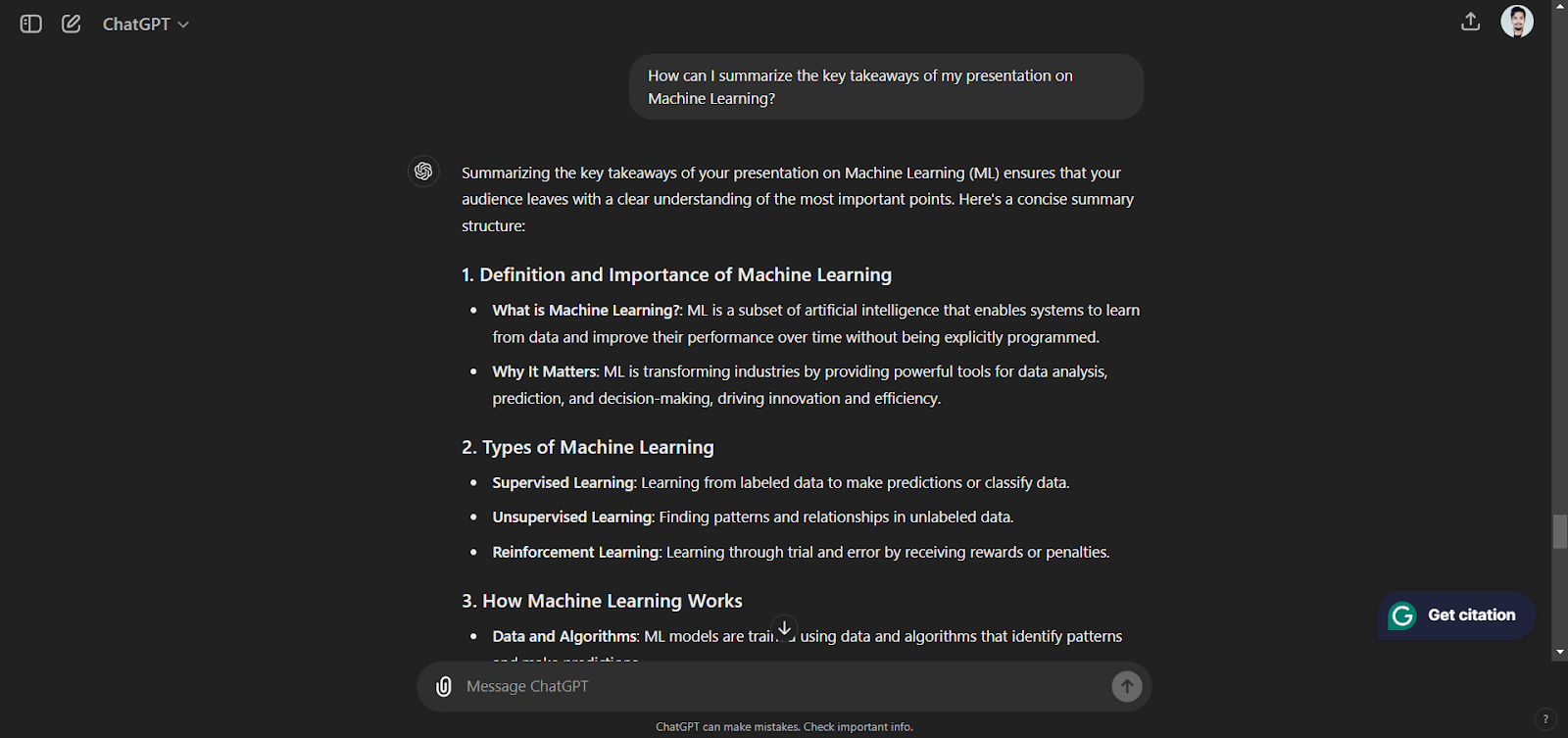
  1. Conclusion: Conclude with a powerful statement. For instance: “How can I summarize the key takeaways of my presentation on Machine Learning?”
Creating Slide Content

Once you have the structure, it’s time to fill in the details. ChatGPT can help you prepare the content for each slide:

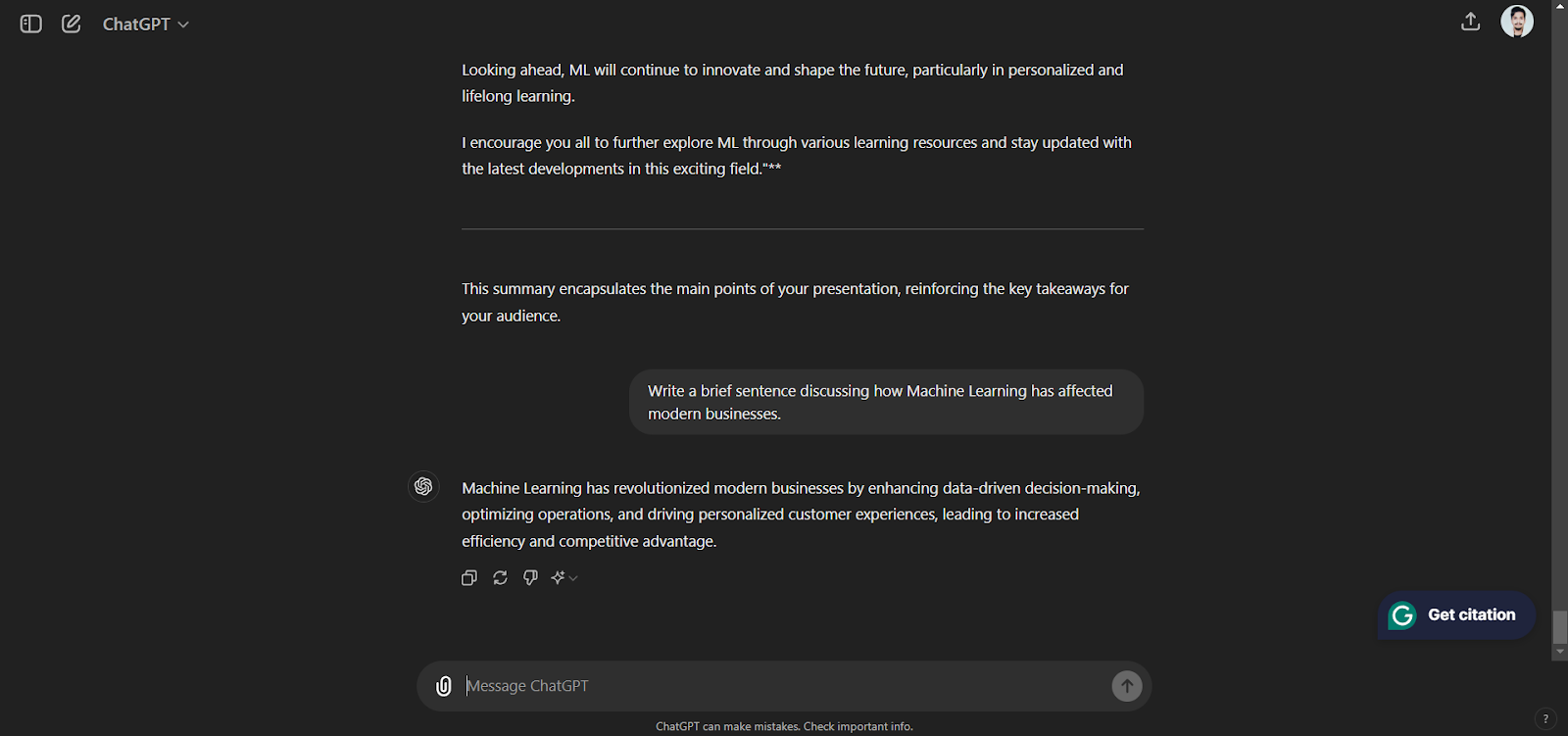
  1. Text Content: Use writing exercises like “Write a brief sentence discussing how Machine Learning has affected modern businesses.”
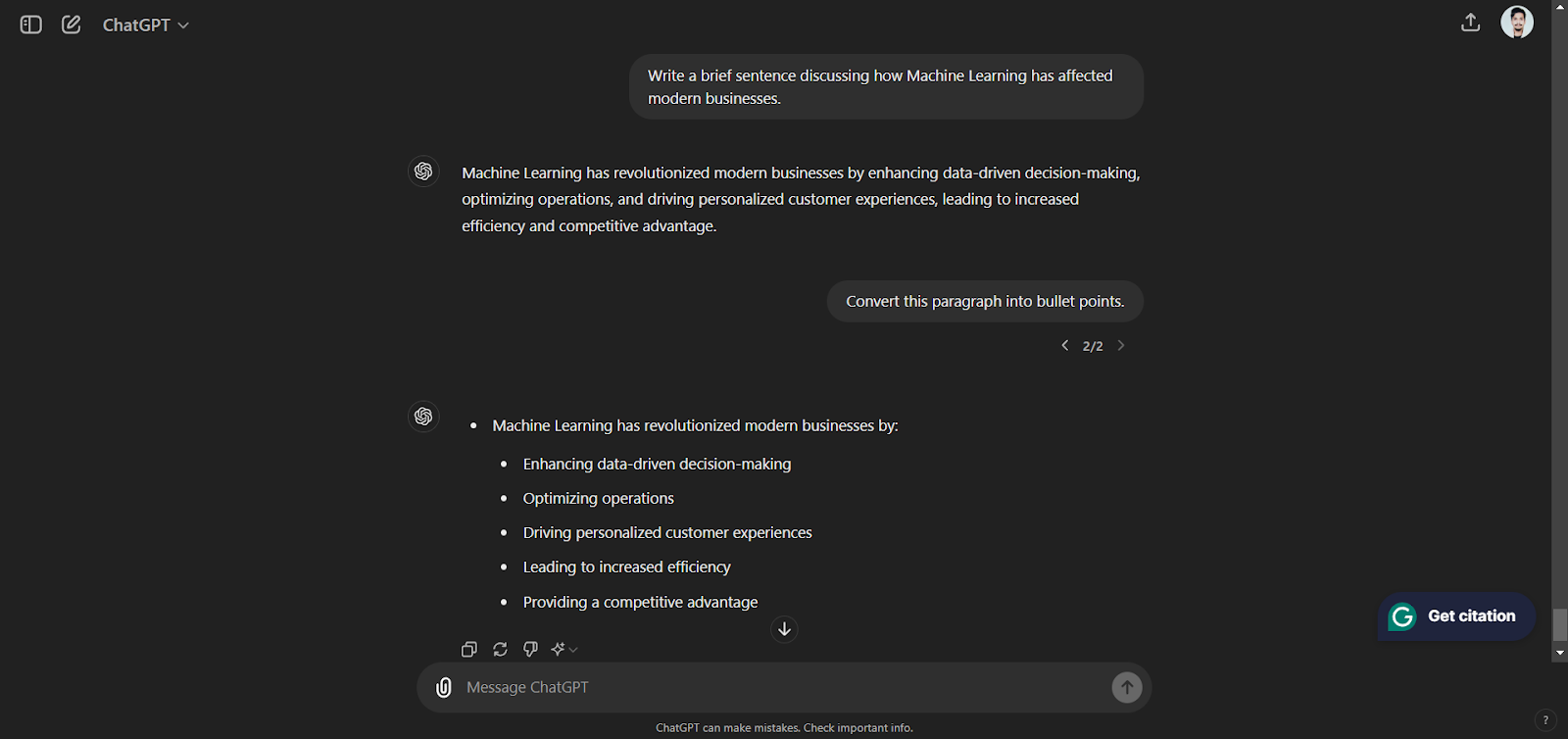
  1. Bullet Points: Highlight important details in bullet points. For example: “Convert this paragraph into bullet points.”
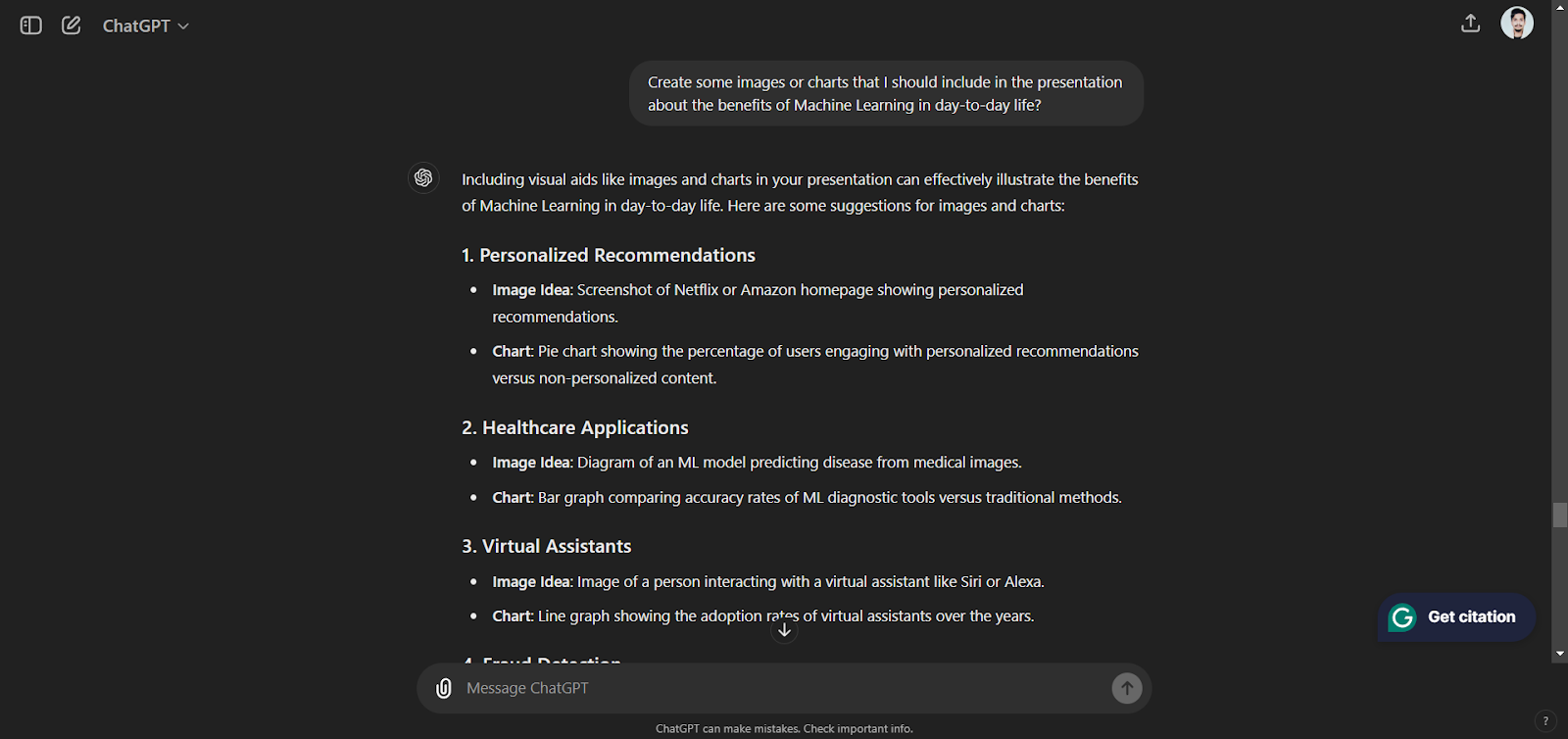
  1. Visual Suggestions: Ask ChatGPT for suggestions on images. For example: “Create some images or charts that I should include in the presentation about the benefits of Machine Learning in day-to-day life?”
Designing the Presentation

While ChatGPT can’t design slides directly, it can offer valuable advice:

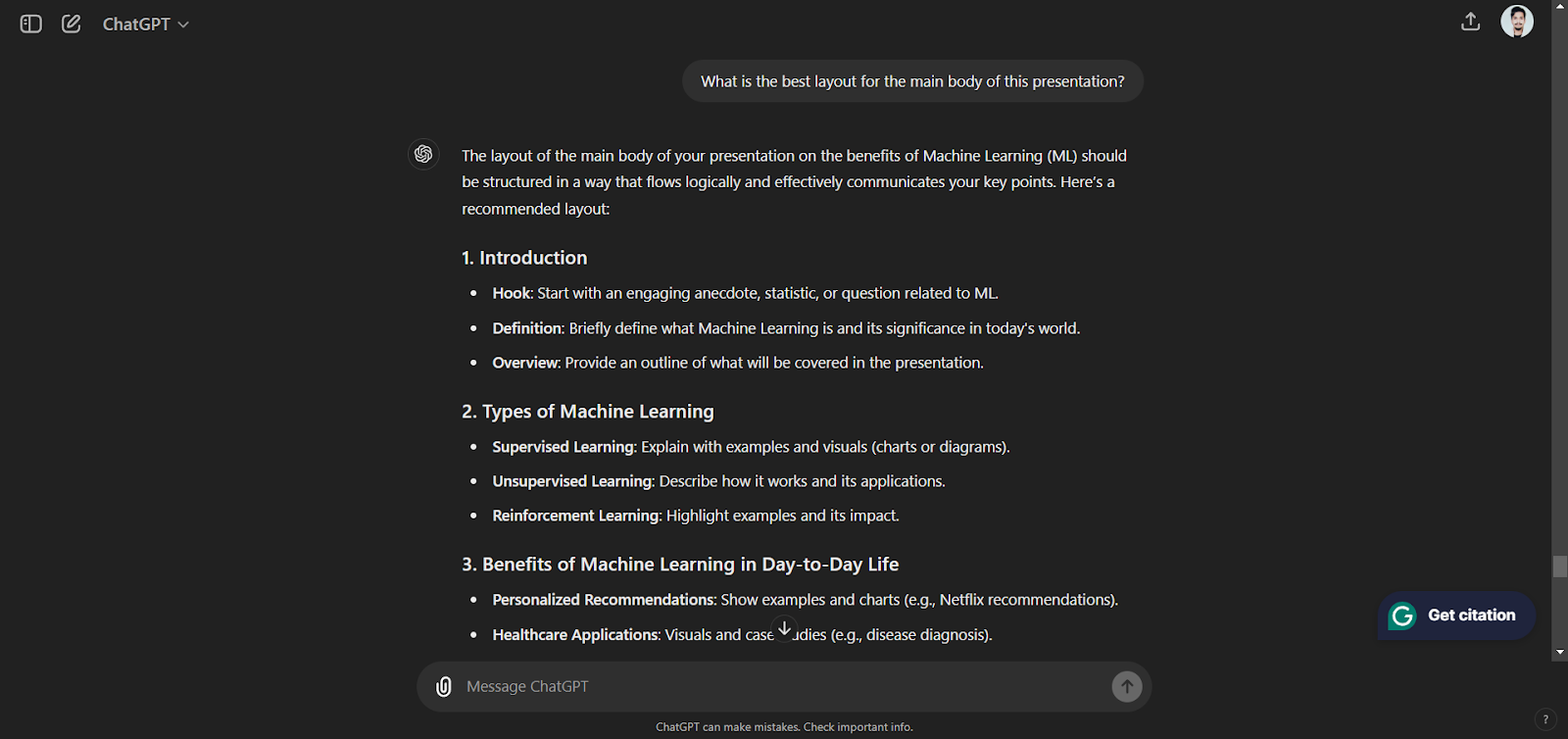
  1. Slide Layouts: Request advice on how to organize your slides. For instance: “What is the best layout for the main body of this presentation?”
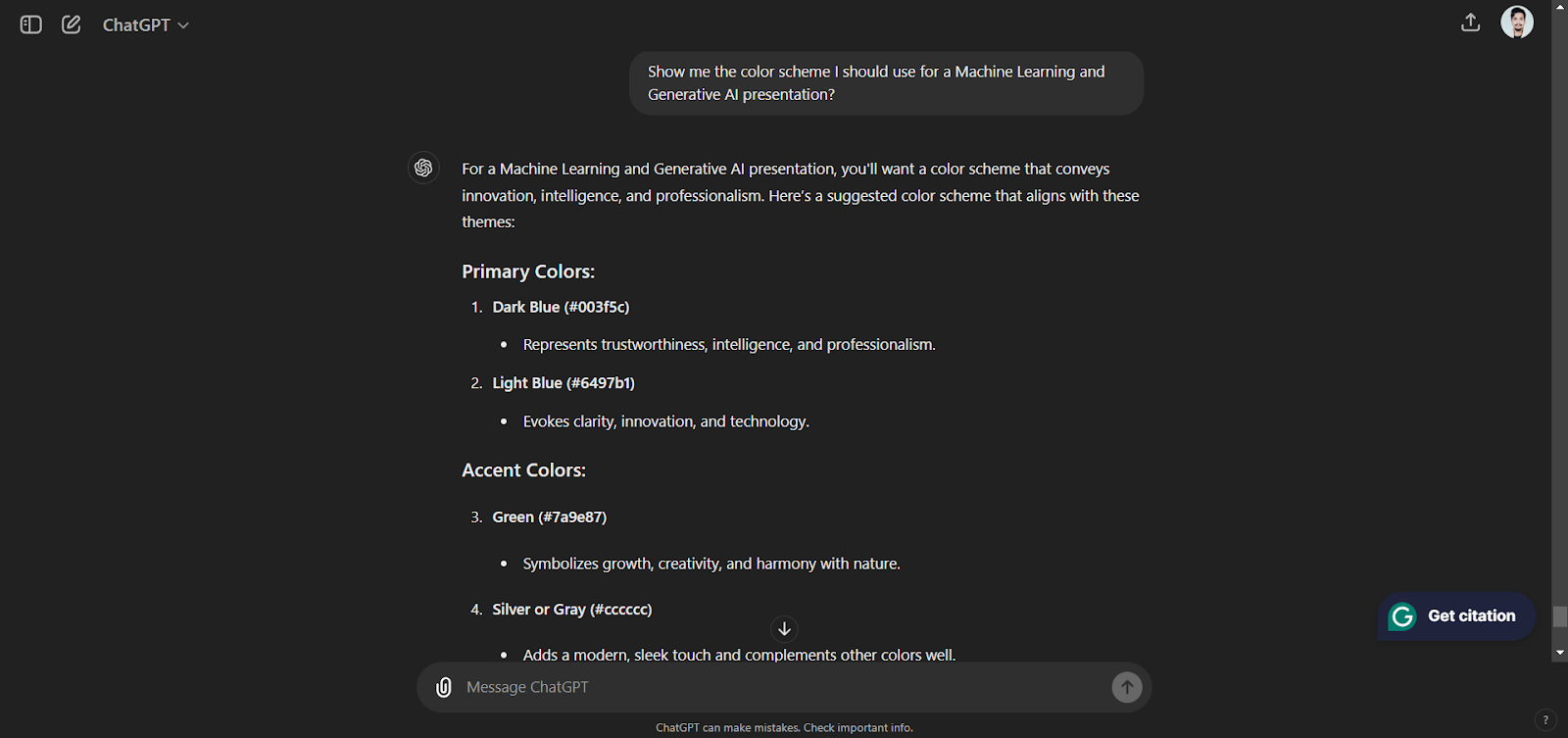
  1. Color Schemes: Find color schemes that work well for your subject. For instance: “Show me the color scheme I should use for a Machine Learning and Generative AI presentation?”
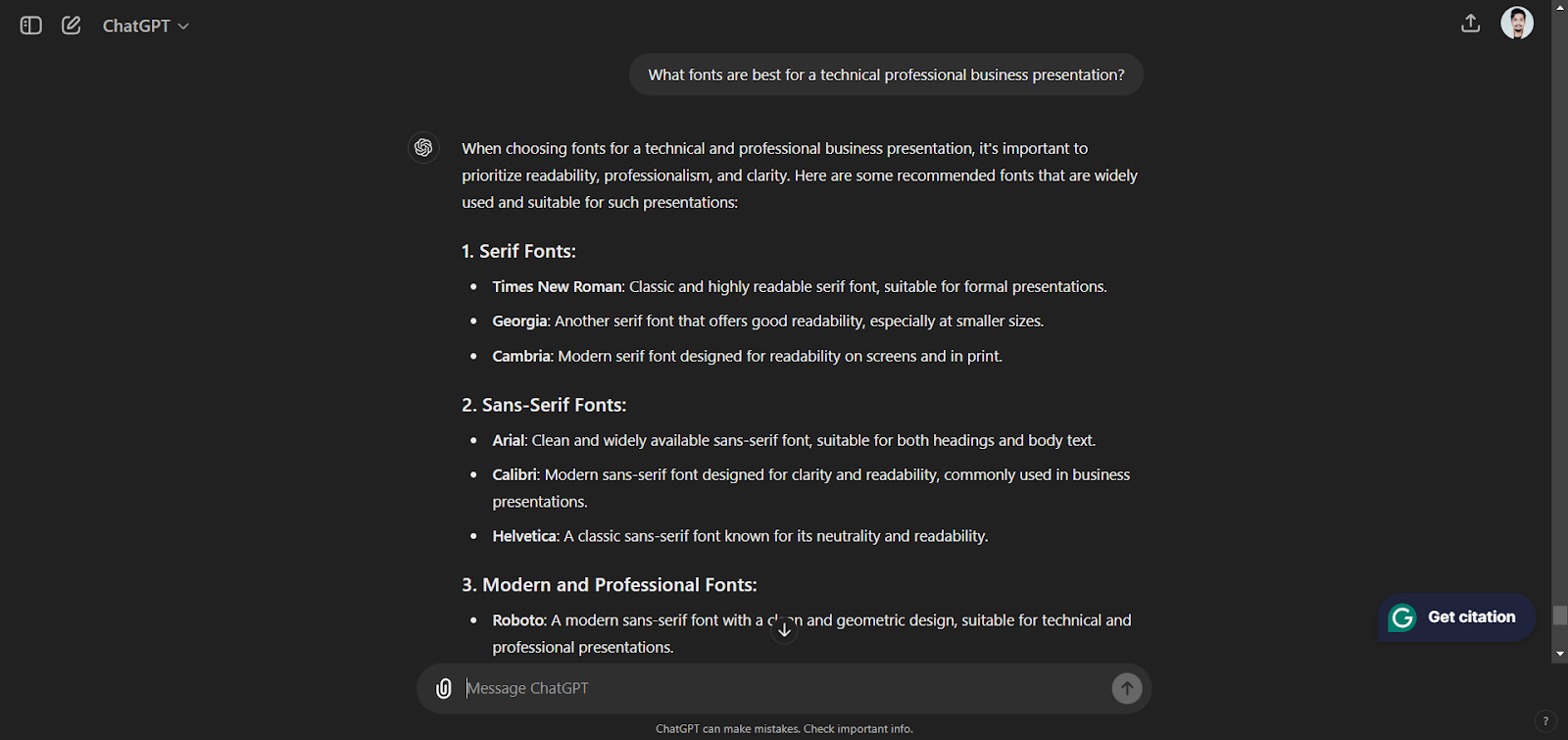
  1. Font Choices: You should always select a readable font. For instance, “What fonts are best for a technical professional business presentation?”
Practicing Your Presentation

ChatGPT can even help you practice your delivery:

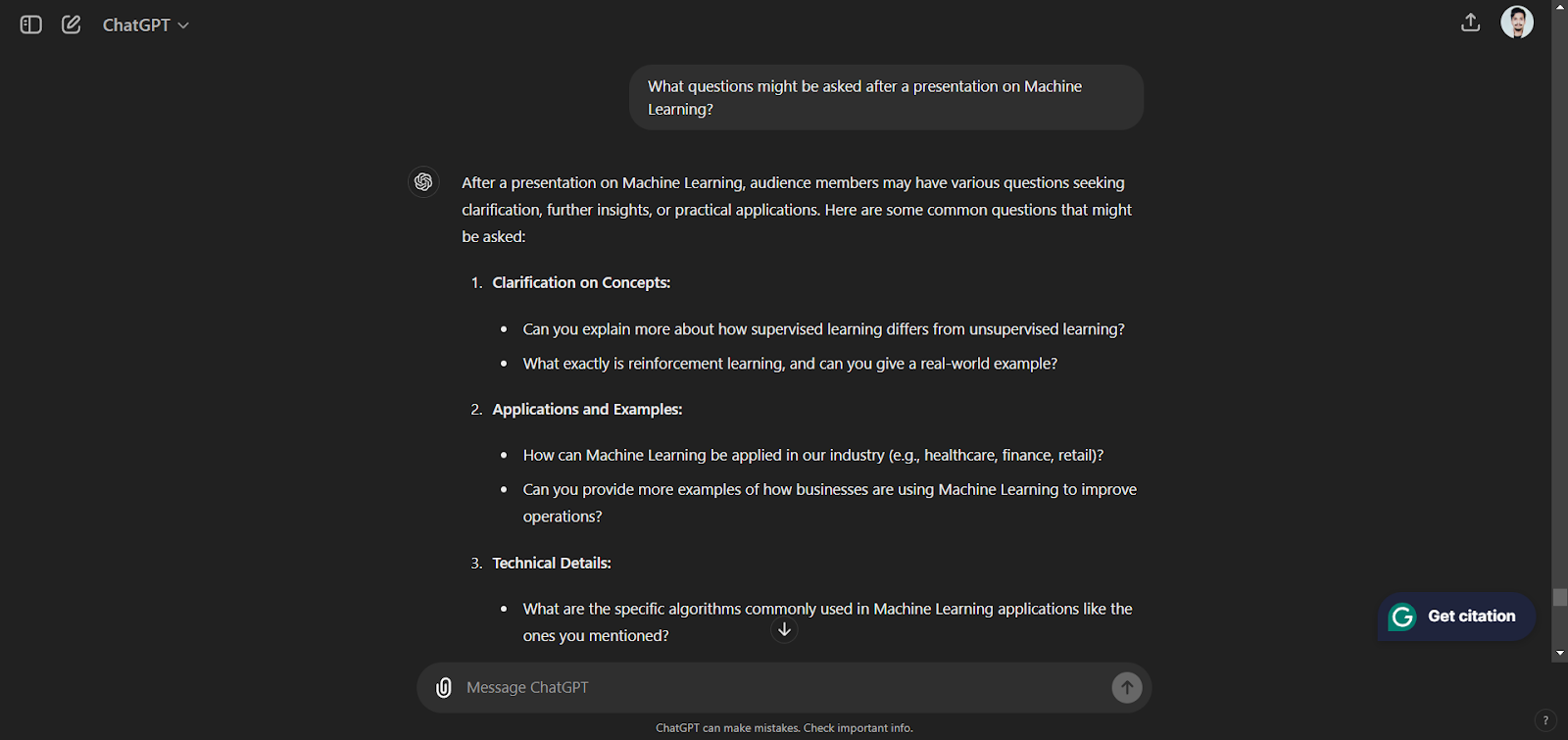
  1. Q&A Preparation: Prepare for audience questions during the Q&A period. For example: “What questions might be asked after a presentation on Machine Learning?”
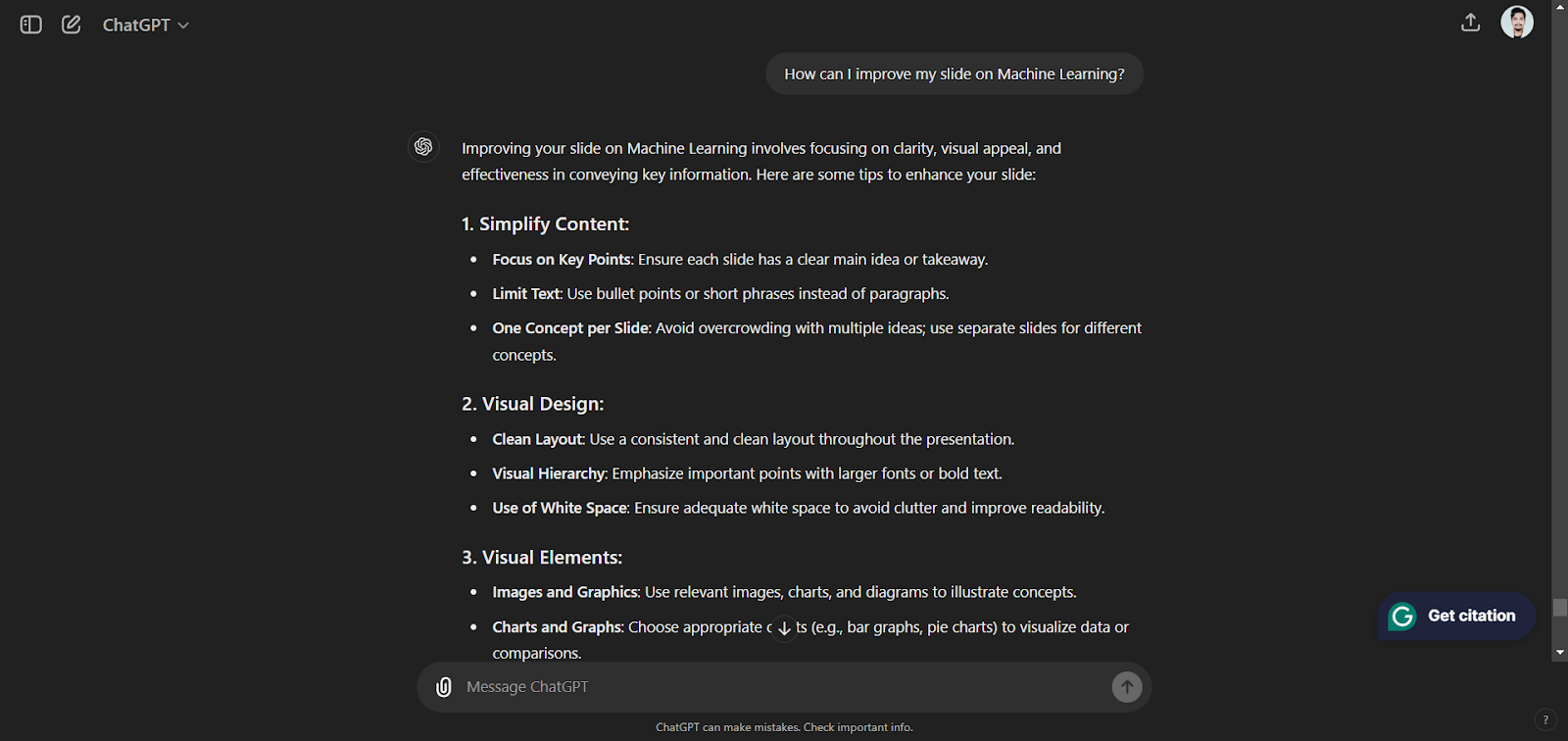
  1. Feedback and Enhancement: To improve your content, simulate feedback from the audience with ChatGPT. For example: “How can I improve my slide on Machine Learning?”
In Conclusion:

Using ChatGPT to create PowerPoint presentations can greatly improve your content, design, and way of delivery. You can take advantage of its capabilities to create engaging and polished presentations that grab your audience’s attention. Whether you’re presenting in a business meeting, academic setting, or public event, ChatGPT can be your valuable assistant in creating outstanding presentations.


Nishant, the Product Growth Manager at Marktechpost, is interested in learning about artificial intelligence (AI), what it can do, and its development. His passion for trying something new and giving it a creative twist helps him intersect marketing with tech. He is assisting the company in leading toward growth and market recognition.

🐝 Join the Fastest Growing AI Research Newsletter Read by Researchers from Google + NVIDIA + Meta + Stanford + MIT + Microsoft and many others…

Credit: Source link

ShareTweetSendSharePin

Related Posts

How Long Can You Expect Your Old Cassette Tapes To Last?
AI & Technology

How Long Can You Expect Your Old Cassette Tapes To Last?

September 20, 2026
How To Record Audio On Your iPhone
AI & Technology

How To Record Audio On Your iPhone

September 20, 2026
OpenClaw Releases 2026.9.5 With Atomic Updates, Plugin Hot Reload, Conversation Sharing, and Expanded GPT Live
AI & Technology

OpenClaw Releases 2026.9.5 With Atomic Updates, Plugin Hot Reload, Conversation Sharing, and Expanded GPT Live

September 19, 2026
Trump Proposes Renaming Artificial Intelligence, Announces AI Force – Unite.AI
AI & Technology

Trump Proposes Renaming Artificial Intelligence, Announces AI Force – Unite.AI

September 19, 2026
Next Post
Hurricane Beryl charges toward Jamaica as record-breaking Category 5 storm after leaving Caribbean islands in ruins

Hurricane Beryl charges toward Jamaica as record-breaking Category 5 storm after leaving Caribbean islands in ruins

Leave a Reply Cancel reply

Your email address will not be published. Required fields are marked *

Search

No Result
View All Result
xAI Releases Grok Voice Transcribe 2.0 Speech-to-Text Model – Unite.AI

xAI Releases Grok Voice Transcribe 2.0 Speech-to-Text Model – Unite.AI

September 18, 2026
GDMN: Gold And Gold Miners Finally Set Up Well Into Q4 (Rating Upgrade)

GDMN: Gold And Gold Miners Finally Set Up Well Into Q4 (Rating Upgrade)

September 13, 2026
AI Agents Will Turn Prompting Into a Management Skill – Unite.AI

AI Agents Will Turn Prompting Into a Management Skill – Unite.AI

September 14, 2026

About

Learn more

Our Services

Legal

Privacy Policy

Terms of Use

Bloggers

Learn more

Article Links

Contact

Advertise

Ask us anything

©2020- TradePoint.io - All rights reserved!

Tradepoint.io, being just a publishing and technology platform, is not a registered broker-dealer or investment adviser. So we do not provide investment advice. Rather, brokerage services are provided to clients of Tradepoint.io by independent SEC-registered broker-dealers and members of FINRA/SIPC. Every form of investing carries some risk and past performance is not a guarantee of future results. “Tradepoint.io“, “Instant Investing” and “My Trading Tools” are registered trademarks of Apperbuild, LLC.

This website is operated by Apperbuild, LLC. We have no link to any brokerage firm and we do not provide investment advice. Every information and resource we provide is solely for the education of our readers. © 2020 Apperbuild, LLC. All rights reserved.

No Result
View All Result
  • Main
  • AI & Technology
  • Stock Charts
  • Market & News
  • Business
  • Finance Tips
  • Trade Tube
  • Blog
  • Shop

© 2023 - TradePoint.io - All Rights Reserved!