















• bitcoinBitcoin(BTC)$80,480.004.64%
  • ethereumEthereum(ETH)$2,418.006.84%
  • tetherTether(USDT)$1.000.05%
  • binancecoinBNB(BNB)$716.703.34%
  • rippleXRP(XRP)$1.303.72%
  • usd-coinUSDC(USDC)$1.000.02%
  • solanaSolana(SOL)$95.704.12%
  • tronTRON(TRX)$0.319338-0.91%
  • Figure HelocFigure Heloc(FIGR_HELOC)$1.051.53%
  • zcashZcash(ZEC)$1,289.456.92%
  • HyperliquidHyperliquid(HYPE)$84.160.91%
  • dogecoinDogecoin(DOGE)$0.0768783.66%
  • moneroMonero(XMR)$637.682.10%
  • USDSUSDS(USDS)$1.000.04%
  • whitebitWhiteBIT Coin(WBT)$77.835.27%
  • chainlinkChainlink(LINK)$11.395.12%
  • leo-tokenLEO Token(LEO)$9.340.39%
  • cardanoCardano(ADA)$0.1965225.09%
  • stellarStellar(XLM)$0.1674304.61%
  • bitcoin-cashBitcoin Cash(BCH)$280.633.43%
  • nearNEAR Protocol(NEAR)$4.005.95%
  • uniswapUniswap(UNI)$7.667.61%
  • daiDai(DAI)$1.000.03%
  • Ethena USDeEthena USDe(USDE)$1.000.07%
  • litecoinLitecoin(LTC)$56.135.17%
  • RainRain(RAIN)$0.005966-9.32%
  • CantonCanton(CC)$0.0992413.45%
  • avalanche-2Avalanche(AVAX)$8.734.22%
  • suiSui(SUI)$0.935.52%
  • USD1USD1(USD1)$1.000.06%
  • the-open-networkGram (prev. Toncoin)(GRAM)$1.170.89%
  • tether-goldTether Gold(XAUT)$4,070.783.79%
  • hedera-hashgraphHedera(HBAR)$0.0725055.55%
  • quant-networkQuant(QNT)$202.026.54%
  • Global DollarGlobal Dollar(USDG)$1.000.02%
  • shiba-inuShiba Inu(SHIB)$0.0000053.78%
  • BittensorBittensor(TAO)$235.525.92%
  • paypal-usdPayPal USD(PYUSD)$1.000.04%
  • crypto-com-chainCronos(CRO)$0.0520354.74%
  • Ripple USDRipple USD(RLUSD)$1.000.03%
  • EthenaEthena(ENA)$0.1807206.20%
  • Ondo US Dollar YieldOndo US Dollar Yield(USDY)$1.150.06%
  • okbOKB(OKB)$110.803.45%
  • Circle USYCCircle USYC(USYC)$1.140.01%
  • pepePepe(PEPE)$0.0000053.47%
  • aaveAave(AAVE)$131.685.10%
  • OndoOndo(ONDO)$0.4077156.46%
  • Pump.funPump.fun(PUMP)$0.0042790.36%
  • MemeCoreMemeCore(M)$0.84-2.41%
  • BlackRock USD Institutional Digital Liquidity FundBlackRock USD Institutional Digital Liquidity Fund(BUIDL)$1.000.00%
TradePoint.io
  • Main
  • AI & Technology
  • Stock Charts
  • Market & News
  • Business
  • Finance Tips
  • Trade Tube
  • Blog
  • Shop
No Result
View All Result
TradePoint.io
No Result
View All Result

How to use StandBy mode on your lock screen in iOS 17

September 24, 2023
in AI & Technology
Reading Time: 3 mins read
A A
How to use StandBy mode on your lock screen in iOS 17
ShareShareShareShareShare

Now that consumers are getting hands-on time with many just-released iPhone features. One of the neater inclusions is the This toolset transforms your lock screen into a myriad of useful widgets, like alarm clocks, picture frames and more.

What is StandBy?

StandBy is a new feature that It lets you change up your lock screen to access a number of widgets. This can be highly useful when the phone’s tethered to a charging dock or when you just want to take a quick glance at something without having to unlock your sparkly iPhone. There are a number of available widgets for this mode, including alarm clocks, picture frames, Siri, windows for incoming calls and large notification boxes. Third-party apps have been quick to offer support for StandBy, so tomorrow likely brings a host of new options.

YOU MAY ALSO LIKE

Snap Has More Than 30 Million Paid Subscribers Across Snapchat+ And Other Plans

Atmospheric AI Secures $10M Seed for Procurement Modeling Push – Unite.AI

How to use StandBy

Getting started with StandBy is extremely simple. Connect your iPhone to a charger and set it down on its side, as the widgets are designed to take advantage of this orientation. Keep the phone stationary and press the side button to activate StandBy. Once activated, swipe left and right to switch between the various widgets, photos, clocks and other display options. Once you choose your favorite, scroll up or down to access adjustment options. For instance, swiping up when the alarm clock is on the screen will change the design.

Apple

If your phone has an always-on display, your StandBy widgets will run without interruption. For older phones, you’ll have to tap the screen when you want to see what’s going on. The iPhone 14 Pro, iPhone 14 Pro Max, iPhone 15 Pro and iPhone 15 Pro Max all boast an always-on screen. If you’re worried about the bright screen interrupting your sleep, just turn on Night Mode and the display will automatically adjust to low ambient light, covering everything in a non-intrusive red tint.

How to turn off StandBy

Done staring lovingly at an alarm clock? Turn StandBy off by heading to settings and then look for StandBy as an option. Once you open that, just click it to the off position like you would Bluetooth or WiFi.

How to customize available widgets

The default widget when you first launch StandBy is the alarm clock, and there are several more first-party options available by swiping left and right. However, there’s a simple way to customize the available widgets, allowing you to delete some from the stack and add others.

An image showing how to delete and add widgets.

Apple

To start this process, just long press on any widget while StandBy mode is activated. Once the phone unlocks via Face ID, you’ll see the entire stack of widgets in the center of the screen in a jiggle mode reminiscent of when you delete apps. Look for the “+” icon in the top left of the screen to add widgets. Each widget will have a “-” attached to the thumbnail icon. Click on that to delete the widget from your stack.

Credit: Source link

ShareTweetSendSharePin

Related Posts

Snap Has More Than 30 Million Paid Subscribers Across Snapchat+ And Other Plans
AI & Technology

Snap Has More Than 30 Million Paid Subscribers Across Snapchat+ And Other Plans

November 4, 2026
Atmospheric AI Secures M Seed for Procurement Modeling Push – Unite.AI
AI & Technology

Atmospheric AI Secures $10M Seed for Procurement Modeling Push – Unite.AI

November 4, 2026
Perplexity Adds Live Web Grounding to Its Decisions API – Unite.AI
AI & Technology

Perplexity Adds Live Web Grounding to Its Decisions API – Unite.AI

November 4, 2026
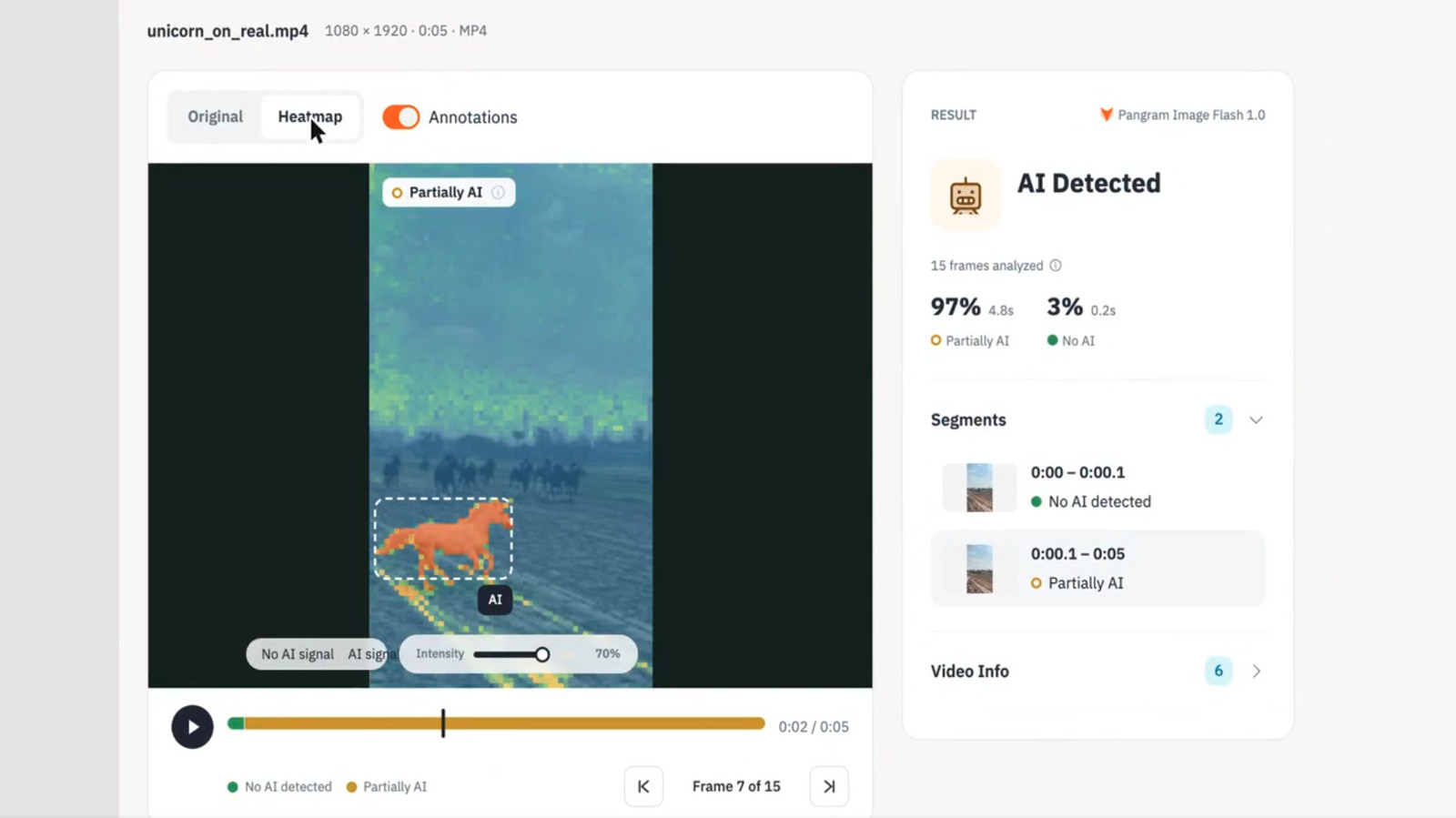
Pangram Expands Its AI Detection Tools To Video And Images
AI & Technology

Pangram Expands Its AI Detection Tools To Video And Images

November 4, 2026
Next Post
Cramer: I Like Hess

Cramer: I Like Hess

Leave a Reply Cancel reply

Your email address will not be published. Required fields are marked *

Search

No Result
View All Result
U.S. military carries out limited strikes on Iran’s Qeshm Island, U.S. officials say – NBC News

U.S. military carries out limited strikes on Iran’s Qeshm Island, U.S. officials say – NBC News

November 3, 2026
What Trump’s new executive order on diesel means

What Trump’s new executive order on diesel means

October 31, 2026
Sapan Pandya, Senior Software Engineer and IEEE Senior Member – Interview Series – Unite.AI

Sapan Pandya, Senior Software Engineer and IEEE Senior Member – Interview Series – Unite.AI

October 30, 2026

About

Learn more

Our Services

Legal

Privacy Policy

Terms of Use

Bloggers

Learn more

Article Links

Contact

Advertise

Ask us anything

©2020- TradePoint.io - All rights reserved!

Tradepoint.io, being just a publishing and technology platform, is not a registered broker-dealer or investment adviser. So we do not provide investment advice. Rather, brokerage services are provided to clients of Tradepoint.io by independent SEC-registered broker-dealers and members of FINRA/SIPC. Every form of investing carries some risk and past performance is not a guarantee of future results. “Tradepoint.io“, “Instant Investing” and “My Trading Tools” are registered trademarks of Apperbuild, LLC.

This website is operated by Apperbuild, LLC. We have no link to any brokerage firm and we do not provide investment advice. Every information and resource we provide is solely for the education of our readers. © 2020 Apperbuild, LLC. All rights reserved.

No Result
View All Result
  • Main
  • AI & Technology
  • Stock Charts
  • Market & News
  • Business
  • Finance Tips
  • Trade Tube
  • Blog
  • Shop

© 2023 - TradePoint.io - All Rights Reserved!